Games like IT201-450 Project 2
Looking for games like IT201-450 Project 2? Here are top action recommendations, selected from player-similarity data — start with IT201-450 Project 1, Rana Khan IT 201-001 Project 4 or Joel Collado - IT201-450 - Project-4.


- View Game
I created a versatile application designed to enhance user interaction with a 3D environment by enabling object spawning, mouse coordinate display, color changing, and scale adjustment through intuitive UI controls. By leveraging mouse input and user interface elements, the project offers a dynamic and engaging experience. Users can spawn 3D cubes at specific locations on a ground plane with a sim… If you enjoyed this game, see our list of games similar to IT201-450 Project 1.
- View Game
Fixes for this project: 1.) Made the Clock have user input using key input from keyboard. 2.) Organization was a little messy. So, I placed everything in sequence. 3.) Size of the clock was hard to read so I made it larger and changed to color for clarity. Old Features From Project 3: Feature 1: Animation Clip Swap What It Does: enables the user to alternate between an object's various ani… If you enjoyed this game, see our list of games similar to Rana Khan IT 201-001 Project 4.
- View Game
Brief Description: For my Unity Project 4 I combine all my projects into one here and apply updates based on the comments and notes that address any issues. Here are all the features in my range based shooter: Place your own targets using the right mouse button and the left mouse button to create projectiles that shoot towards a target. There is also a feature for a button that enables or disa… If you enjoyed this game, see our list of games similar to Joel Collado - IT201-450 - Project-4.
Description: This app is a basic Unity project that lets the user mess around with 3D boxes that spin. There are a few buttons and a slider that let you spawn different kinds of boxes, change how they spin, remove them, and even control how fast they rotate. The idea was just to get used to using UI elements and interacting with objects in Unity through C# scripts. Original Features: Featur… If you enjoyed this game, see our list of games similar to IT201_Sprint3_Shival_Panchal.
View Game
- View Game
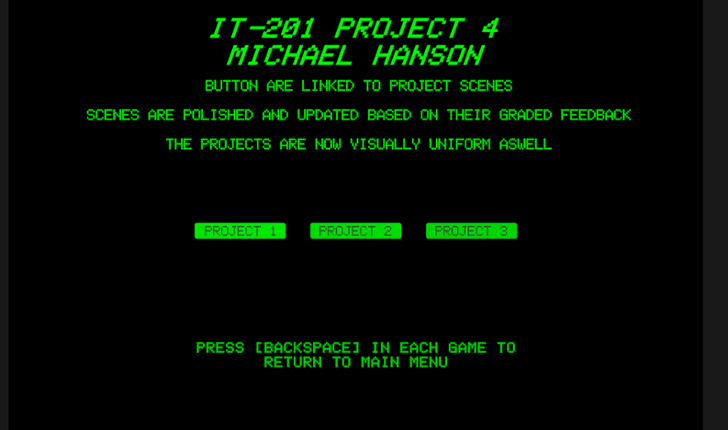
IT-201 PROJECT 4 MICHAEL HANSON POLISHED INTERACTIVE UNITY APPLICATIONS This project combines and polishes three previous Unity applications, addressing all instructor feedback with significant improvements and fixes. WHAT'S INCLUDED: ✓ Project 1: 3D Object Spawner (FIXED & ENHANCED) ✓ Project 2: Interactive Click-A-Cube (POLISHED) ✓ Project 3: Animation Demo (FIXED & ENHANCED) … If you enjoyed this game, see our list of games similar to IT 201 Project 4.
- View Game
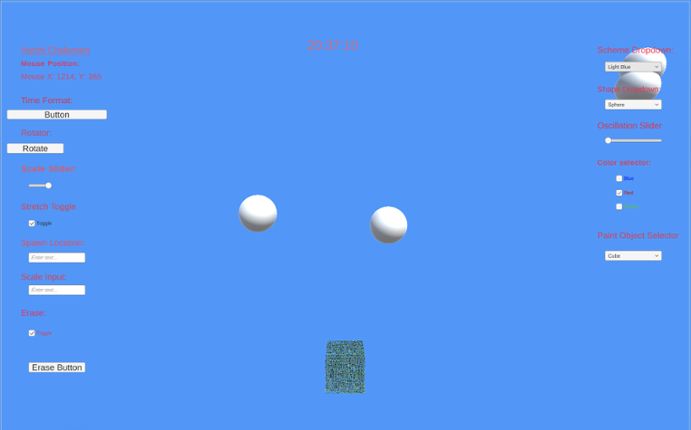
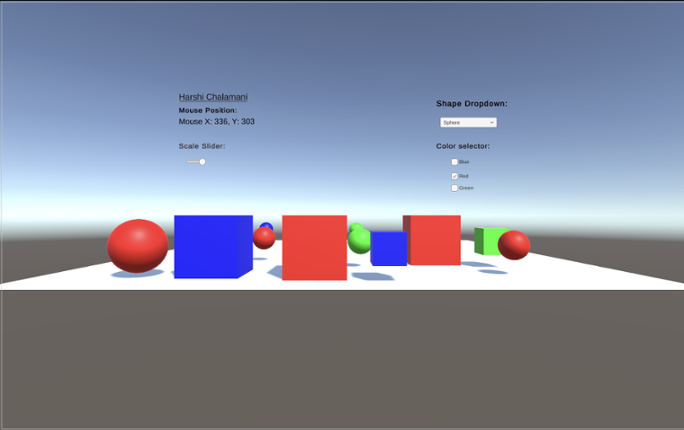
Project 2 Features:Feature 1: Rotator Button Input: Button click Process: Rotates selected object(s) tagged as "SpawnedObject" using a script like RandomRotator Output: Object spins or rotates visibly in the scene Difference: Adds motion through user input, which wasn’t present in the static placements of Project 1Feature 2: Time Format Button (12/24 Hour Toggle) Input: Button click Process:… If you enjoyed this game, see our list of games similar to IT201-Project 2-Harshi-Chalamani.
Feature 1: UI_Draw Title: UI_Draw: Interactive Drawing and Shape Creation Description: Allows users to create shapes with customized colors and materials and manage created objects within a Unity scene. Input: User interaction via mouse clicks Dropdown selections for color, shape, and material Slider adjustments for RGB values Button clicks for applying materials and clearing the scen… If you enjoyed this game, see our list of games similar to IT201_450_Sprint3 Anass Quaye.
View Game
- View Game
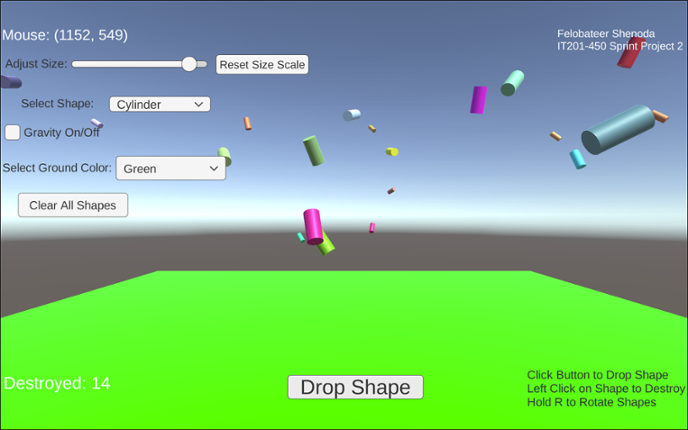
Project 1 Features: 1. Feature 1: Display Mouse Position Input: Mouse moving anywhere on the screen Process: The script reads mouse X and Y coordinates Output: Text updates live showing the mouse position on the screen 2. Feature 2: Spawn Shape on Button Click Input: User clicks the “Drop Shape” button Process: The script converts mouse screen position to wo… If you enjoyed this game, see our list of games similar to IT201_Project4_Felobateer_Shenoda.
- 50%Game Brain Score50% User Score 1 reviews
Previous Features: Display Mouse Position: Input: Captures the mouse's X and Y position on the screen using Input.mousePosition. Process: Updates a UI Text element to reflect the current mouse position every frame. Output: The text updates in real-time, showing the user's mouse location on the lower-left corner of the screen. Create/Destroy 3D Objects: Input: Detects a left mouse cli… If you enjoyed this game, see our list of games similar to Rana Khan IT 201 Project 2.
View Game
- View Game
Project 1 Features: Feature 1: Display Mouse movement Input: Mouse locationProcess: Continuously assign the mouse X and Y positions to a UI text objectOutput: The current mouse coordinates are shown on screen in real-timeDifference: This feature is different from the class project in that it provides dynamic, real-time mouse position updates rather than static object placement Feature 2: Spaw… If you enjoyed this game, see our list of games similar to Project 1-IT201-Harshi Chalamani.
- View Game
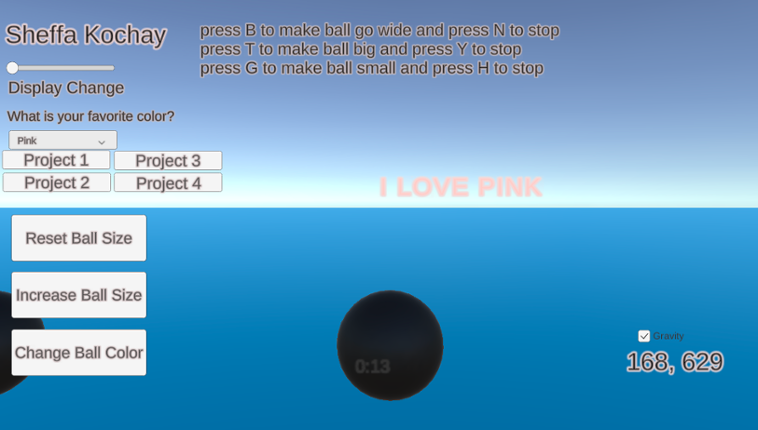
My application generates spheres on the screen when the user clicks the left mouse button within the scene. The user can manipulate the scene using both the left mouse button and on-screen UI buttons to adjust the spawned spheres. Additionally, certain keyboard buttons allow the user to trigger specific animations for the spheres. Additional features that I have implemented include a gravity toggl… If you enjoyed this game, see our list of games similar to IT 201_Sprint04_Sheffa_Kochay.
- View Game
Brief Description: This iteration now includes setting time limits, adjusting target size, dynamic score tracking, and starting the game via a start button. It also retains animation-focused enhancements like choosing which animations to see via a dropdown, adjusting animation speed via slider, reversing animations, allowing for simultaneous animations, and toggling the visibility of UI elements f… If you enjoyed this game, see our list of games similar to IT201_Project04_Anthony_Rodier.
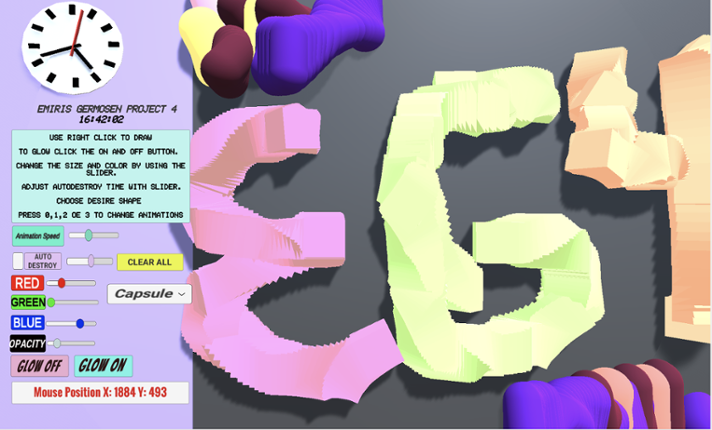
Game Description: This project allows the user to create a 3D object when right-clicking. When the user right clicks an object will get spawned. The user can change shapes between a Cube, Cylinder, Capsule, and an Alien (prefab). The user also can make the object transparency change, make the object bigger or smaller by changing its size, change colors via sliders and is also able to select how q… If you enjoyed this game, see our list of games similar to Project4_IT201_EmirisGermosen.
View Game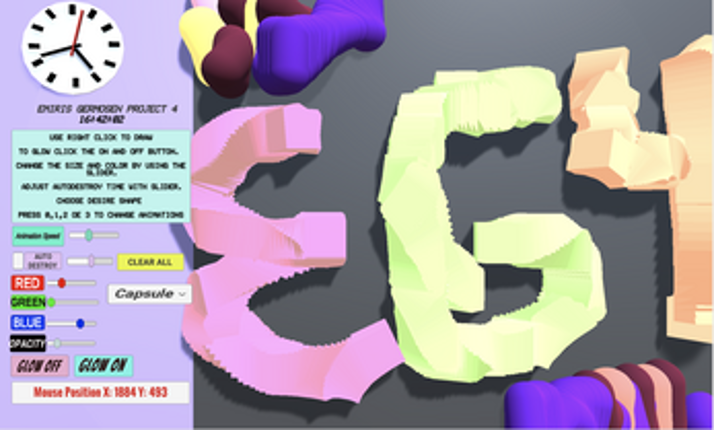
Description Draw on a 2D canvas with 3D shapes. Click or drag over the white canvas to begin spawning objects. These objects will spawn with random rotation, relative size, and color to give a more enjoyable experience. Configure several settings that allow you to change the appearance of you pen such as color, size, shape, and animation. Features Creating and Deleting Objects with the mouse:… If you enjoyed this game, see our list of games similar to IT Project 4.
View Game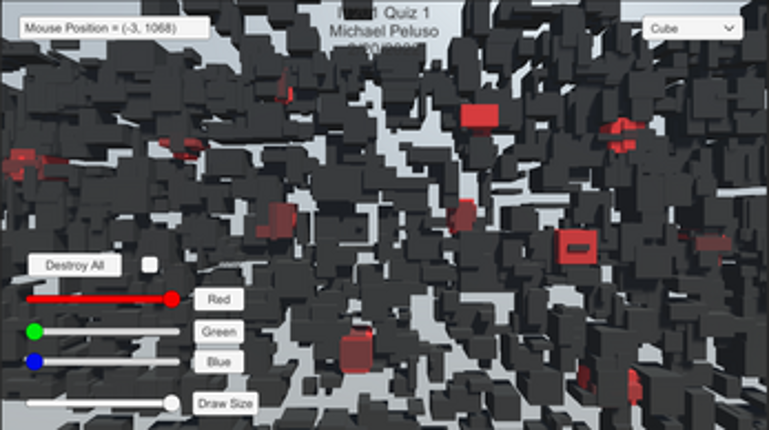
15 View Game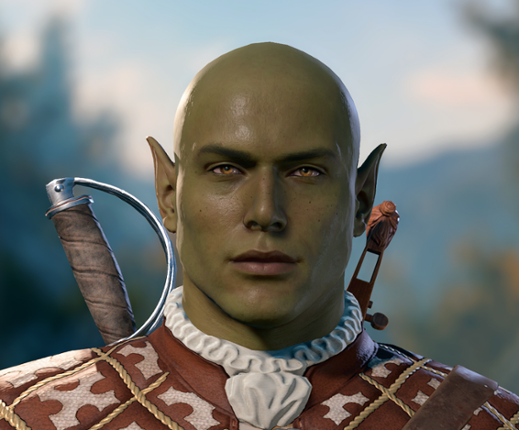 View Game
Feature 1: Display Mouse position Input: Mouse movement Process: keep the coordinate text on the mouse position and offset it for aesthetic and real-time update the coordinate as the mouse moves or doesn't move. Output: Text is displayed in the lower left corner showing X and Y of the mouse. Feature 2: Create Trees and Rocks by Left Mouse Click Input: Mouse Left Click Process… If you enjoyed this game, see our list of games similar to Pabal's Games | IT201-021 Project 4.
- View Game
New Features: Feature 1 – Gravity Toggle Input: Checkbox (Toggle UI element) Process: When the toggle is checked or unchecked, the script loops through all spawned shapes in the scene and sets their Rigidbody.useGravity to true or false. Output: Shapes immediately start falling with gravity or float in place, depending on toggle. Feature 2 – Clear All Shapes Button Input: Button clic… If you enjoyed this game, see our list of games similar to IT201_Sprint2_Felobateer_Shenoda.
17 View GameView GameNew Added Features:Feature 1: Theme Selector (Environment Change) Input: Mouse Click on Dropdown Menu - “Theme Type” (Winter | Desert | Mountain) Process: Changes skybox, ambient lighting, sun color, and ground material based on selected theme. Output: The entire scene environment updates visually to match the chosen setting. Feature 2: Target Marking System Input: Mouse Left Click … If you enjoyed this game, see our list of games similar to IT201_018_Project2_Ashutosh_Chalise.
18 View Game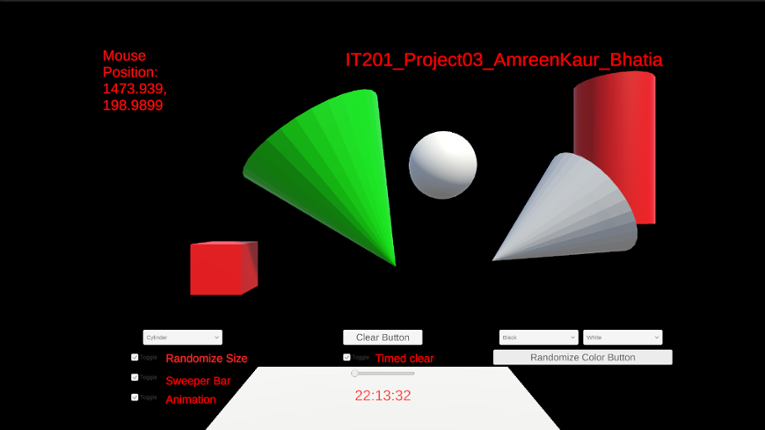 View Game
Uploading my project here again changed some text alignment on its own, it was all fine when I checked in unity.a) Feature 1:- Display Mouse Position Input: Mouse Location Output:- Text is displayed in the top left corner showing the X and Y coordinates of the mouse. Description:- On the top left corner of the screen there is a display which shows the x and y coordinate position of the mous… If you enjoyed this game, see our list of games similar to IT201_Project04_AmreenKaur_Bhatia.
19 View Game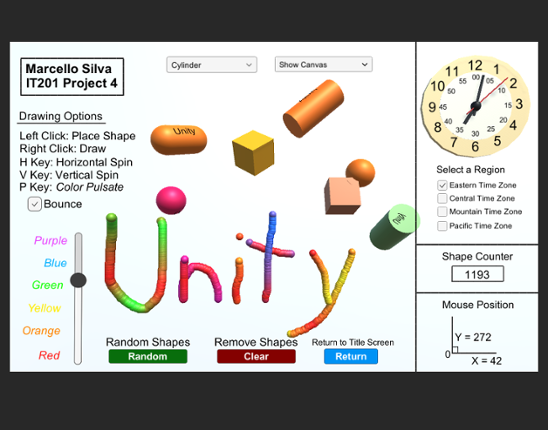 View Game50%Game Brain Score50% User Score 1 reviews
Labeled as Project 4, this is the finalized application of the ongoing drawing project I have developed for IT201 Information Design Techniques. You will open up the game to see a cover page with buttons that will direct you to every version of the game during it's building process, from the complete Project 4 game all the way to the first Project 1 game. Listed below are all the features include… If you enjoyed this game, see our list of games similar to Marcello Silva - IT201-450 - Project 4.
- View Game
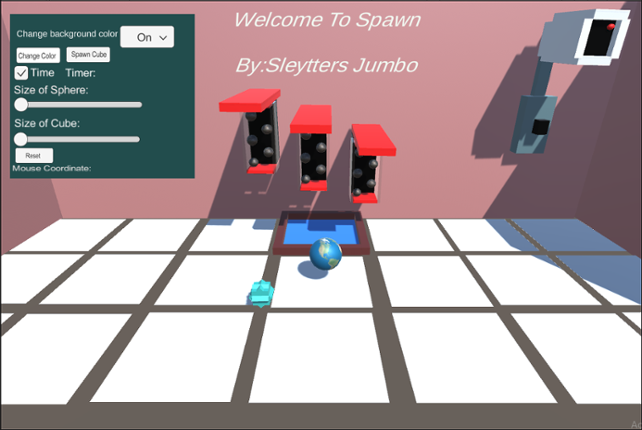
Spawn Green Ball This feature allows you to spawn green balls all over the floor or walls, anywhere you choose. To be able to spawn this gameObject you need to left-click on the mouse. You can do one click and spawn the object or you can hold left-click and spawn instantaneously. The input is left-clicking and the output is spawning a green ball. You can't spawn objects on the gray part of the flo… If you enjoyed this game, see our list of games similar to Welcome to Spawn 4.
Jungle Survival is a first person exploration and survival game set in a dynamic jungle environment. Players navigate the terrain, collect and manage items through an intuitive inventory system, and interact with the world using real-time UI controls. The game features core survival mechanics such as health, hunger, and stamina, where players must eat to survive, manage energy while sprinting, and… If you enjoyed this game, see our list of games similar to Project 4.
View Game
- View Game
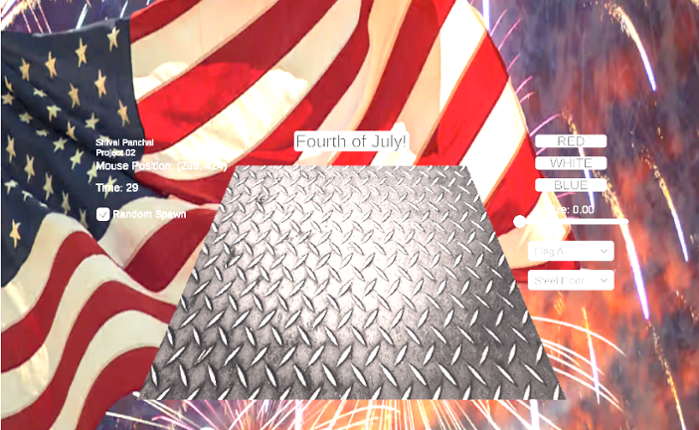
This Unity application is an interactive 3D scene where users can spawn cubes onto a ground surface using mouse clicks. Users can customize cube color, size, and ground texture through UI dropdowns and a slider. A special Fourth of July mode allows for festive spawning of red, white, and blue cubes in bursts. There's a toggle to switch between mouse-based and random-position cube spawning. The app… If you enjoyed this game, see our list of games similar to IT_201_Sprint2_Shival_Panchal.
- View Game
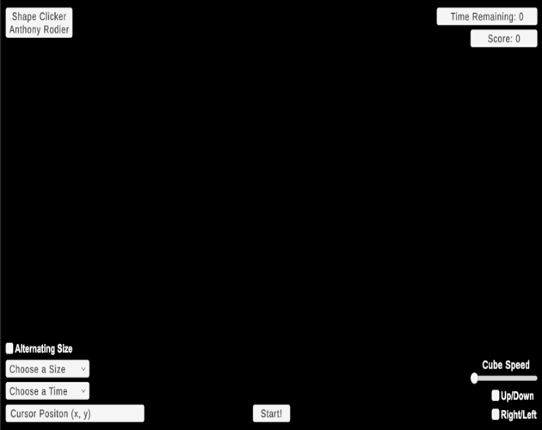
For this project, I created a game called Shape Clicker. The user initiates the gameplay by clicking the "Start" button at the bottom of the screen. The objective of Shape Clicker is to click as many cubes as possible before the allotted time runs out. The previous iteration of this game only offered the player a display for the cursor position, a dropdown to change the time limit, a dropdown to a… If you enjoyed this game, see our list of games similar to IT201_Sprint2_Anthony_Rodier.
- View Game
This project is an amalgamation of the previous 3 sprints. It includes a main menu to switch between the 3 different projects.Below is the updated list of features:1. Feature 1: 3D Object Spawneri. Description: A GameObject is initialized to create a 3D primitive object in the shape of a capsule, depending on where the user right-clicks on the screen ii. Input: Th… If you enjoyed this game, see our list of games similar to IT201-006-Jasmin-Lim-Project4.
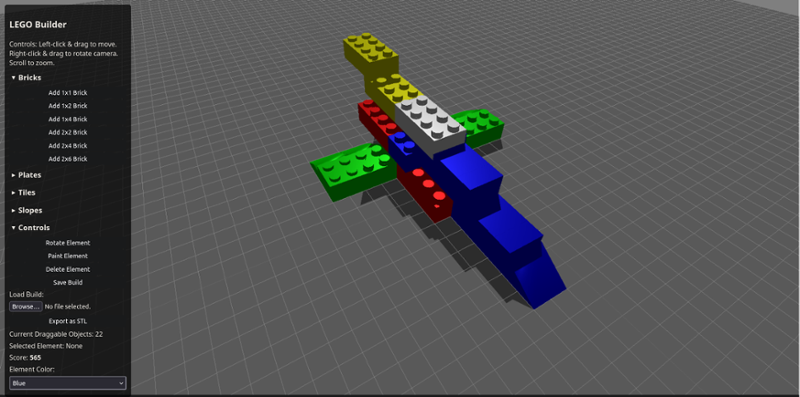
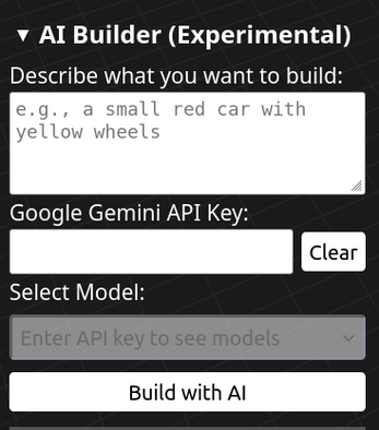
LEGO Builder is an immersive 3D building game where you can unleash your creativity by constructing virtual LEGO structures. Powered by Three.js, this web-based application lets you place, rotate, paint, and stack various LEGO elements like bricks, plates, tiles, and slopes in a fully interactive environment. Key Features: Intuitive Controls: Left-click and drag to move elements, right-cli… If you enjoyed this game, see our list of games similar to AI LEGO Builder.
View Game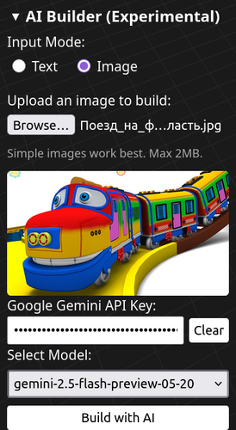
- View Game
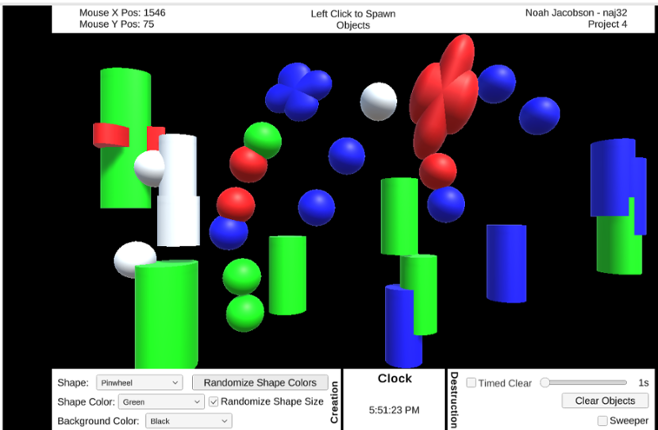
Features: Feature 1: GameObject creation with left mouse click. Input: Left mouse button Output: Created game objects Description: If the left mouse button is pressed while the cursor is in the black play area, an object is placed at the cursor’s current location. If the button is held, objects are repeatedly placed with a 100ms delay between them. This lets the user “draw” with objects. Feature 2… If you enjoyed this game, see our list of games similar to IT201 Project 4.
- View Game
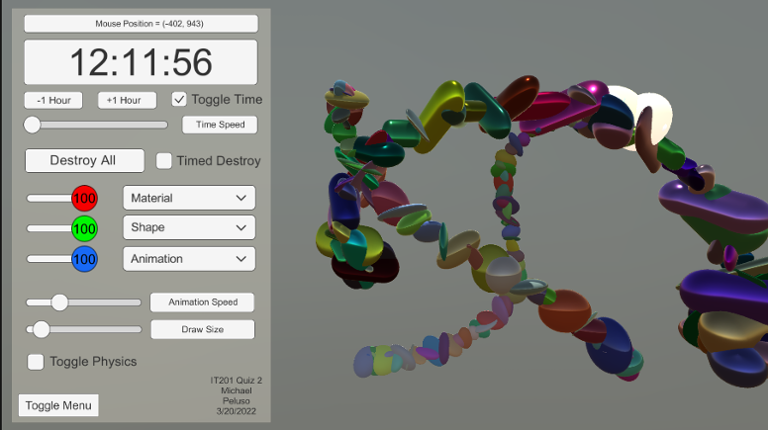
This Unity application allows users to draw shapes in a 3D environment, customize their appearance (color, shape, material), and interact with UI elements to control these features dynamically. Additionally, a real-time clock is displayed on the UI, showing the current time in a selected time zone, which can be changed using a dropdown menu. The app also includes options to apply random rotations … If you enjoyed this game, see our list of games similar to IT201_Sprint2_ Anass Quaye.
- View Game
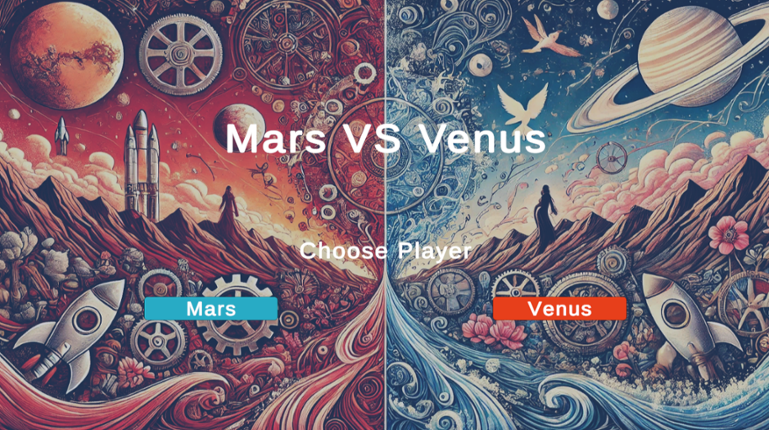
Mars vs Venus: The Battle of Minds github link: https://github.com/TwoBitCode/Mars_VS_Venus (for Assignment4: I think our implementation for the senerios is something worth noticing) "Can you truly understand the other side?" Discover the core formal elements of Mars vs Venus and detailed game insights on our Wiki page. Features Two Perspectives : Choose to play as … If you enjoyed this game, see our list of games similar to Mars_VS_Venus.
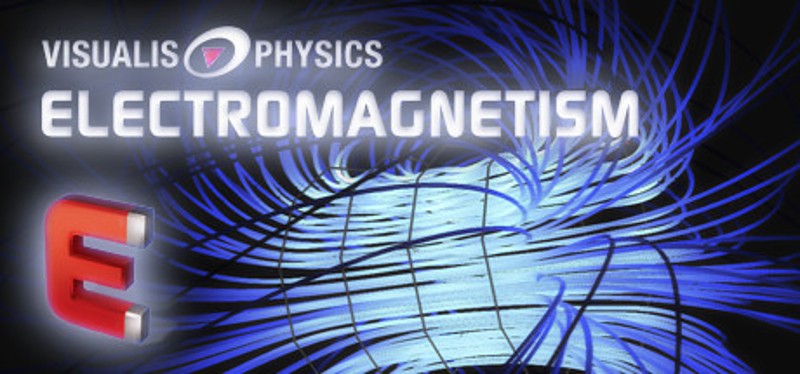
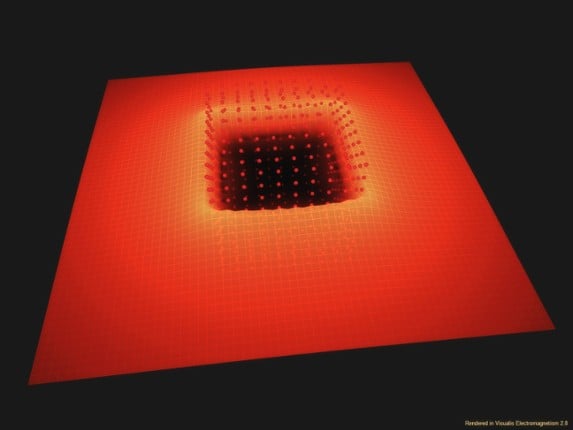
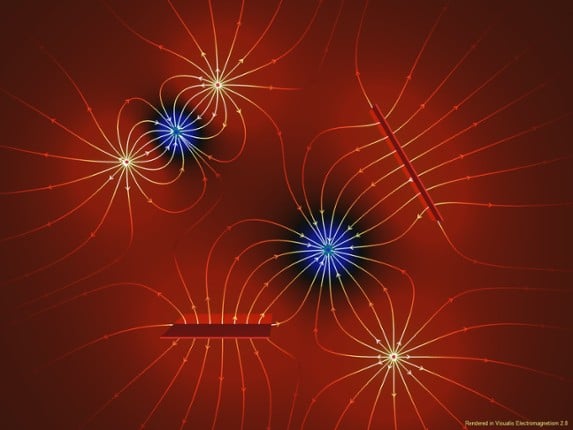
Educational software offering clear and interactive views of many electromagnetism phenomena. Simulation of electric/magnetic fields, and particle trajectories. Dynamic display, possibility to move single field line or equipotential surface to visualize their construction. Available objects : positive and negative charges, positron and electron emitter, linear charges, charged plates, capacitor,… If you enjoyed this game, see our list of games similar to Visualis Electromagnetism.
View Game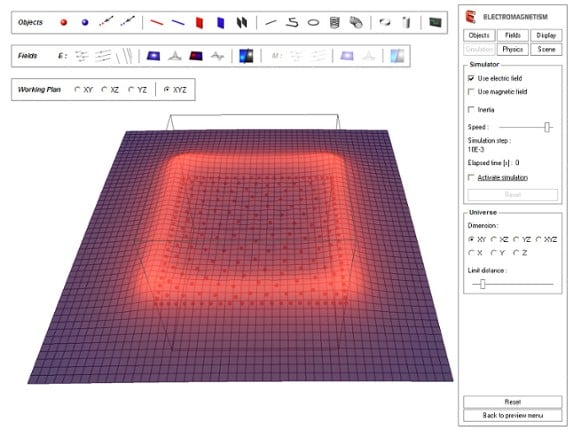
- View Game
Project 1 Features Feature 1: Spawn Prefabs at Mouse Click Description: Clicking on the pond spawns the currently selected prefab at the mouse position. Input: Mouse Left Click Output: A koi fish, lotus flower, or lily pad prefab appears at the clicked location. Feature 2: Display Mouse Position Description: The mouse’s X and Y coordinates are continuously displayed on screen. Input: Mous… If you enjoyed this game, see our list of games similar to IT 201 Project 4 Final.
- View Game
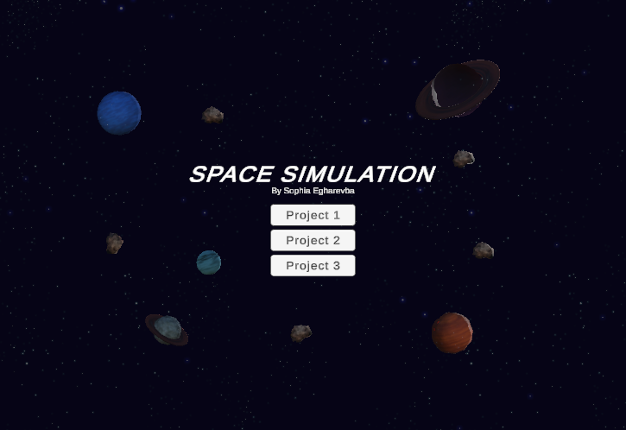
(Project 1)Features: Feature 1: Display Mouse Position Input: Mouse location Process: Capture the mouse's X and Y coordinates and display them on the screen. Output: Text showing the X and Y position of the mouse appears on the screen. Feature 2: Display Planet Mass When It's Clicked Input: Mouse click on a planet Process: Detect when a planet is clicked, and display the mass on the U… If you enjoyed this game, see our list of games similar to IT201_Sprint04_SophiaEgharevba.
32 View GameView GameFeature 1: Display Mouse position Input: Mouse location Process: assign mouse X, Y, Z position to text object Output: Text is displayed in the lower left corner showing X, Y and Z of the mouse. Difference: This feature is different from class project because it shows the Z axis. Feature 2: Create & Destroy Objects Input: Mouse Left Click or Mouse Right Click Process: Raycast fro… If you enjoyed this game, see our list of games similar to IT201_Project3_David_BodeDisu.
- View Game
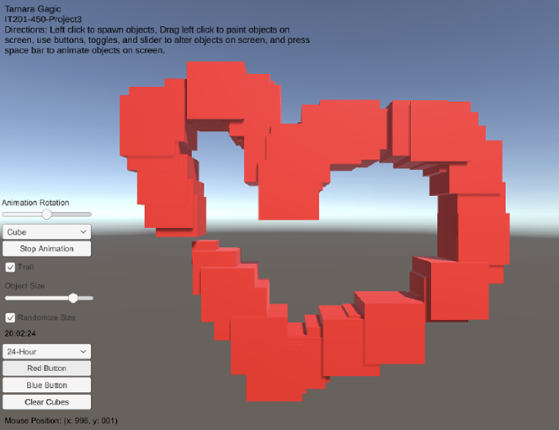
My project 3 builds upon my previous submissions and allows users to spawn and manipulate cubes. Upon launching the app, users are presented with a user-friendly interface that displays information such as the mouse's current position on the screen and a digital clock in the bottom right corner. Instructions for navigating and utilizing the app's features are placed in the top left corner to guide… If you enjoyed this game, see our list of games similar to Tamara Gagic-IT201-450-Project 3.
- View Game
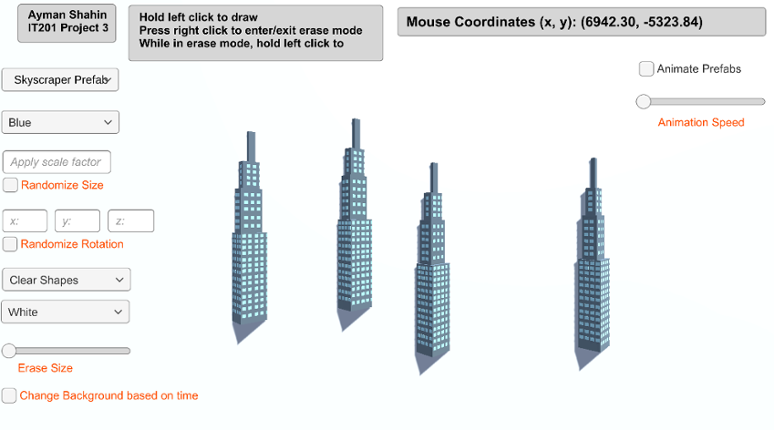
Feature 1: Display Mouse Position Input: Current mouse location Output: Text object in the top right of the screen that displays the user’s current mouse position. How is it different: This feature is mandatory, so it could not be made different from instructor’s. Feature 2: Create Game Object Input: Hold left click Output: The specified game object is spawned at the user’s current mouse posi… If you enjoyed this game, see our list of games similar to AymanShahin_IT201_Project4.
35 View Game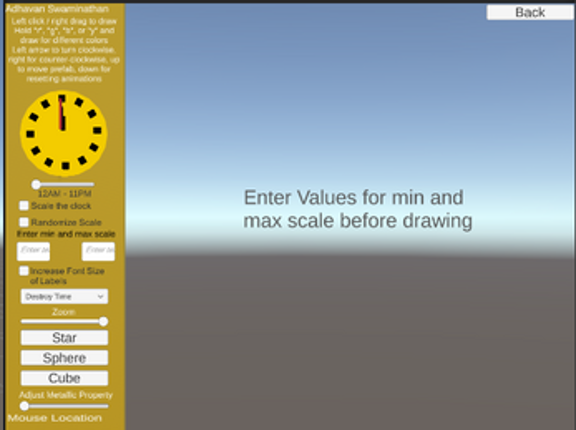
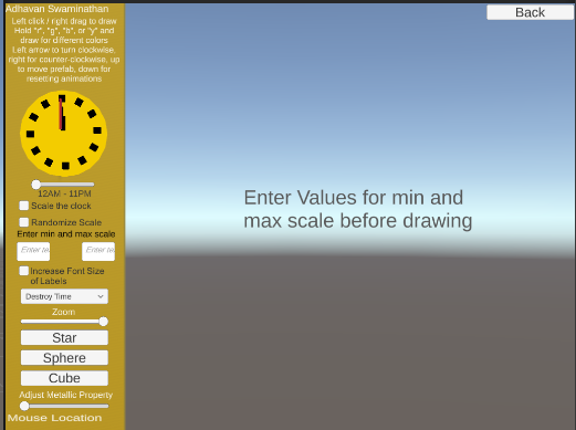
ALL Features: 12 features in total Feature 1: Display Mouse Location Description: Text label in the bottom left corner of the screen that shows the x and y location of the mouse Input: Mouse location Output: Text on the lower left corner of the screen shows the mouse’s X and Y location Feature 2: Create Object Description: Left-clicking or drag right-clicking the mouse will draw objects (usu… If you enjoyed this game, see our list of games similar to IT201_Sprint4_Adhavan_Swaminathan.
View Game- 40%Game Brain Score40% User Score 1 reviews
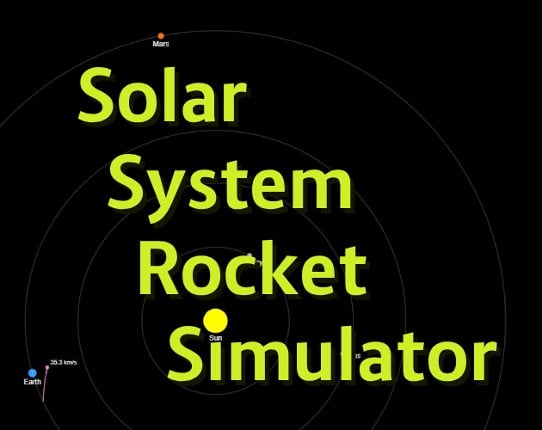
Solar System Rocket Simulator Embark on a customizable journey through a pocket-sized solar system! This interactive simulator lets you launch rockets from Earth and watch them navigate the gravitational pulls of the Sun and planets. More than just a launch-and-watch experience, it's a dynamic physics sandbox where you control the fundamental forces governing your rockets' trajectories. How to P… If you enjoyed this game, see our list of games similar to Solar System Rocket Simulator.
View Game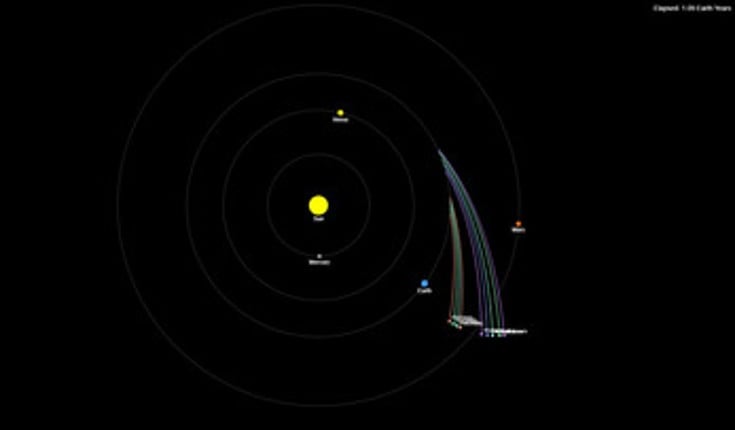
- 87%Game Brain ScoreMost mentioned positive aspects:story, humorMost mentioned negative aspects:gameplay, optimization87% User Score 370 reviews
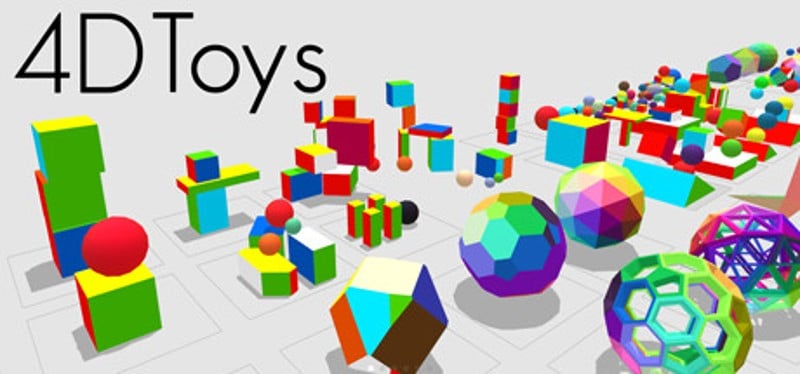
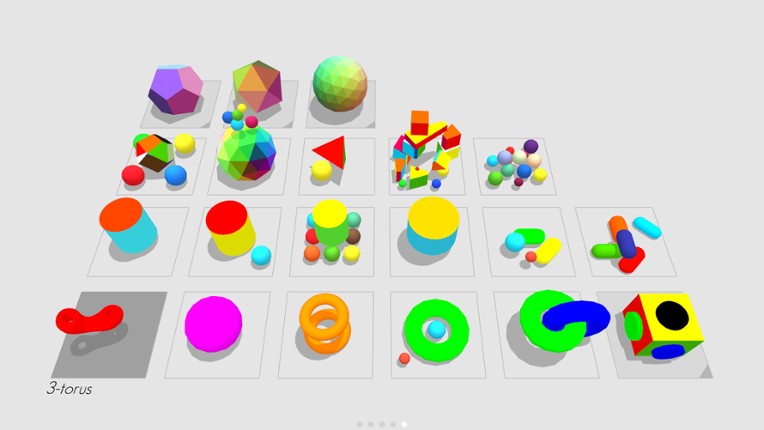
4D Toys: A box of toys from the fourth dimension. If you enjoyed this game, see our list of games similar to 4D Toys.
View Game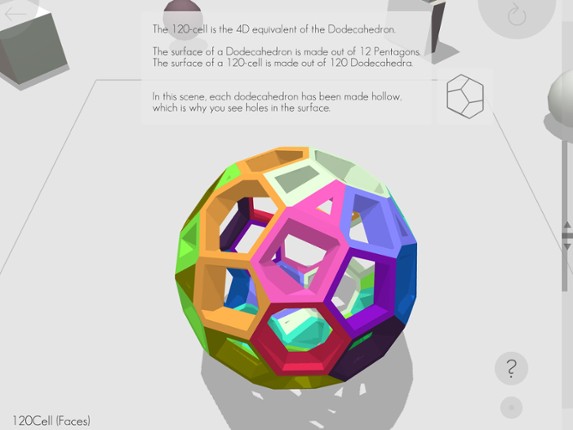

- 49%Game Brain Score49% User Score 3 reviews
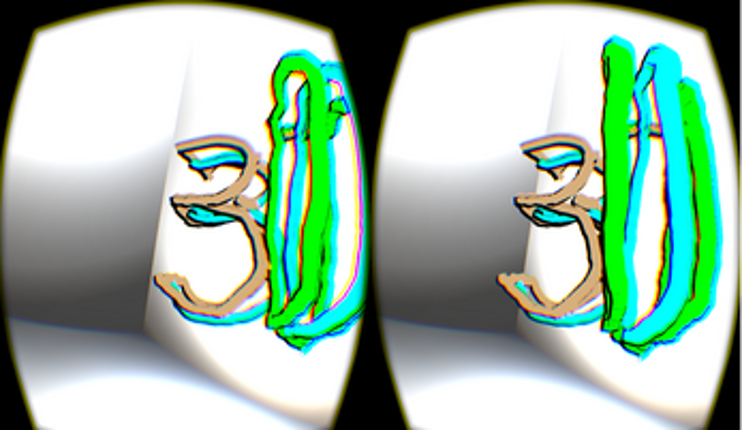
Graffiti 3D is a straightforward application with one purpose: enable you to doodle in 3d space with 3d meshes in colors/materials of your choice. An Oculus Rift and Leap Motion are recommended for the best experience.If you like Graffiti 3D, check out my other VR projects Superstruct (http://jscottk.itch.io/superstruct) and Triangulate (http://jscottk.itch.io/triangulate).A Hovercast (https://git… If you enjoyed this game, see our list of games similar to Graffiti 3D.
View Game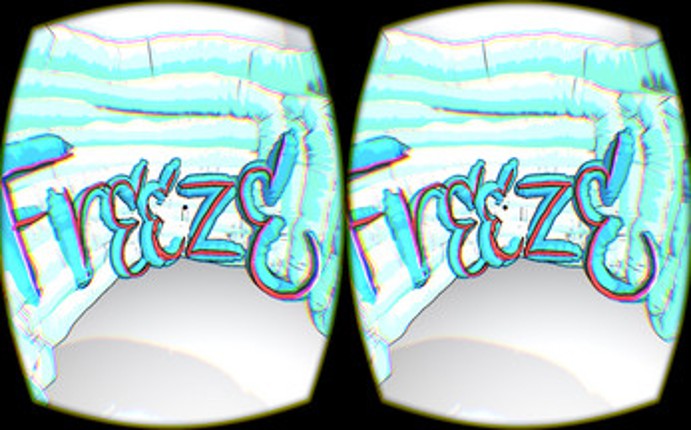

- 70%Game Brain ScoreMost mentioned positive aspects:story, humorMost mentioned negative aspects:graphics, stability70% User Score 261 reviews
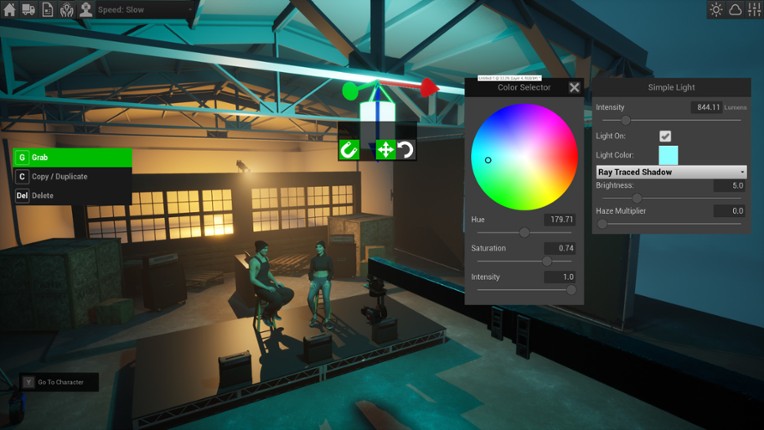
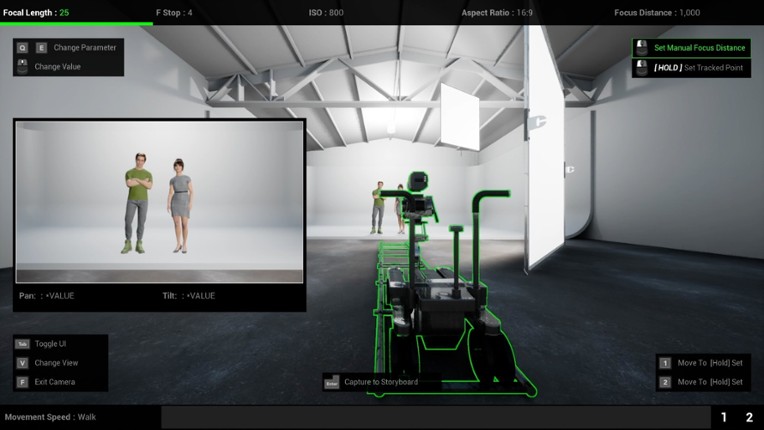
Cine Game is a photo-realistic cinematography trainer and simulator. The player operates real world based cameras, sets up lights, and directs talent/actors in stunning next gen environments created in Unreal Engine 4. If you enjoyed this game, see our list of games similar to Cine Game.
View Game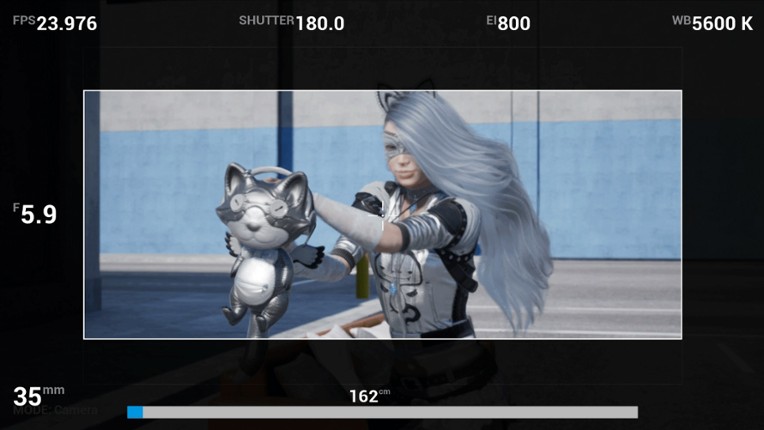
- 75%Game Brain ScoreMost mentioned positive aspects:graphics, optimizationMost mentioned negative aspects:grinding75% User Score 107 reviews
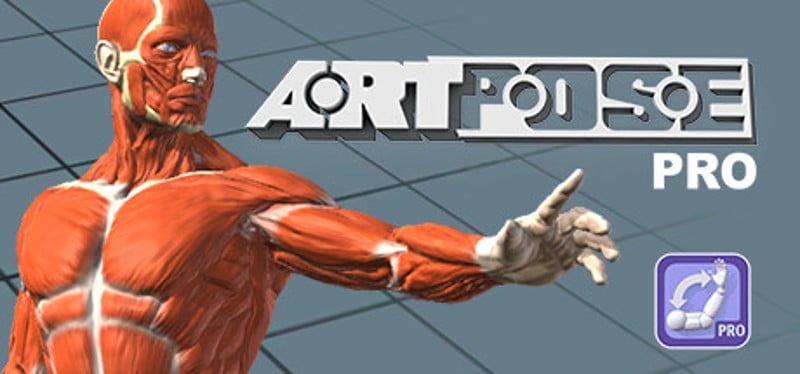
ArtPose Pro is a fun and artistic app for posing the Male and female figure. Create fast and dynamic poses in minutes. Quickly flesh out an ideal pose to use in your favorite art apps. ArtPose Pro lets you Pose two figures together male or female at the same time. Change the size shape of the figures and the lighting to get just the look you want. 240 preset starter poses make getting started a… If you enjoyed this game, see our list of games similar to ArtPose Pro.
View Game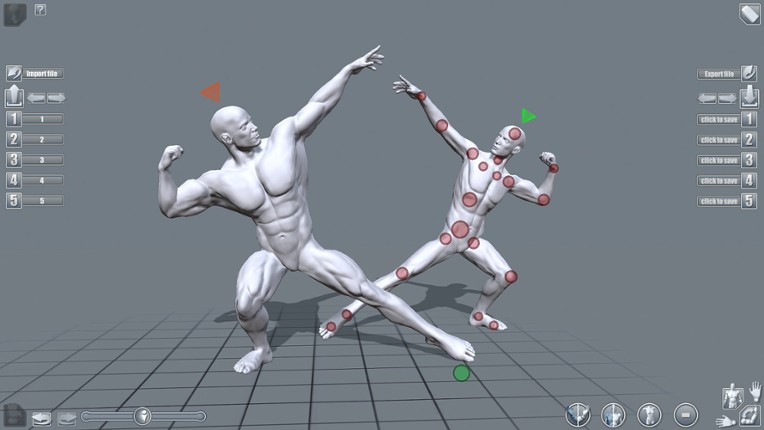
- 74%Game Brain ScoreMost mentioned positive aspects:emotionalMost mentioned negative aspects:optimization, stability74% User Score 50 reviews
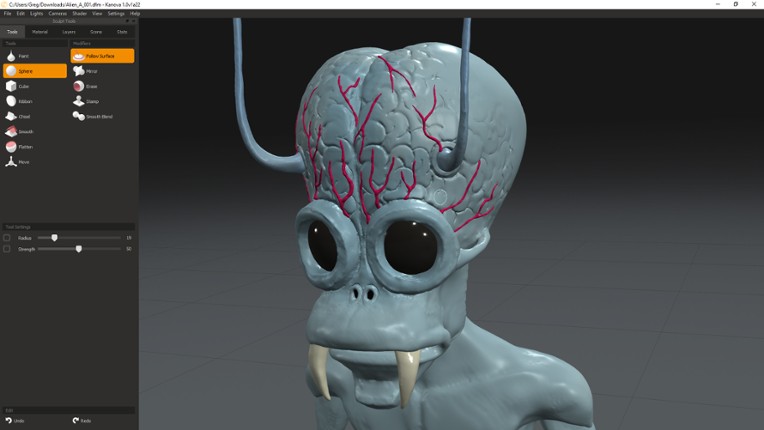
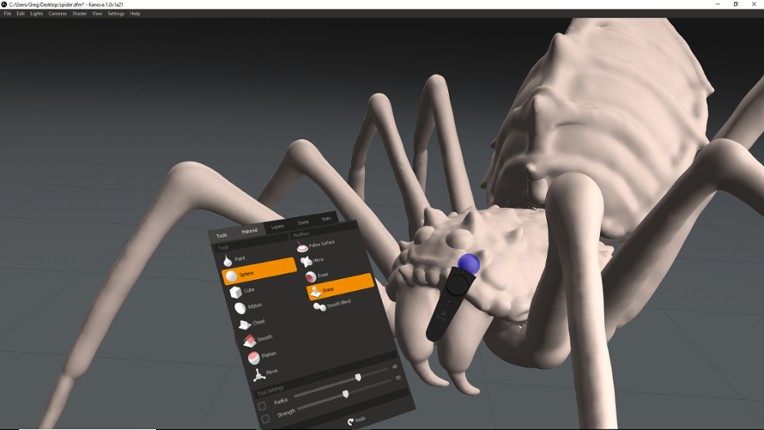
Kanova is a simple, easy to use, VR enabled, 3D sculpting application. It uses the patented 3D Adaptive Distance Field (ADF) technology developed by Foundry. Unlike other tools on the market, Kanova can be used in pure VR form, for creative exploration, or as a hybrid/VR desktop application. Artists can further refine and develop creations by exporting to Foundry's 3D content creation platform, Mo… If you enjoyed this game, see our list of games similar to Kanova.
View Game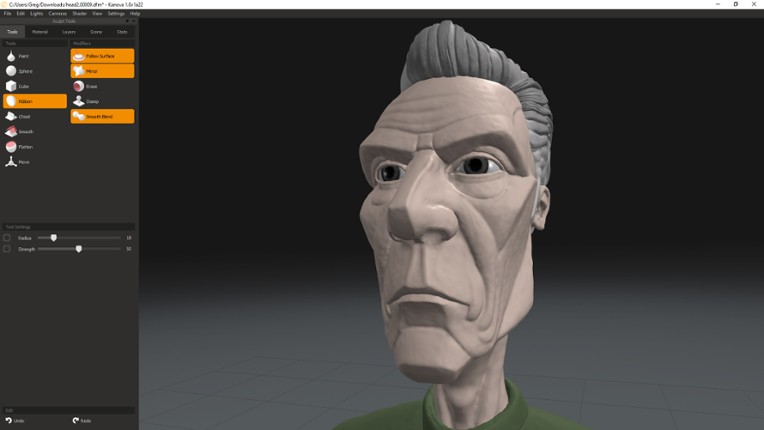
- 74%Game Brain ScoreMost mentioned negative aspects:optimization, stability81% User Score 42 reviews
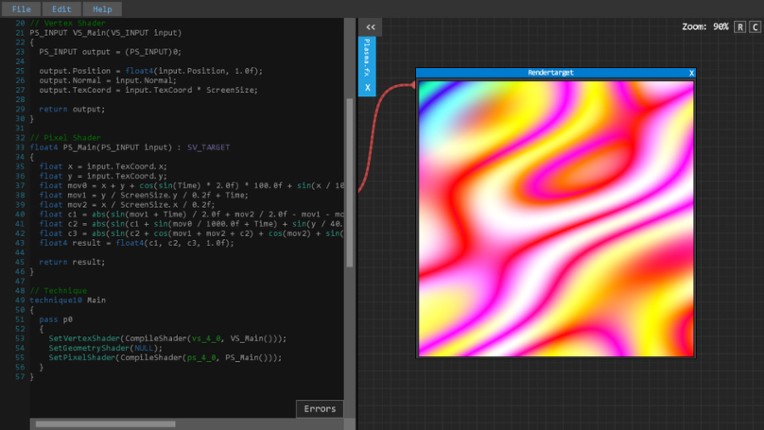
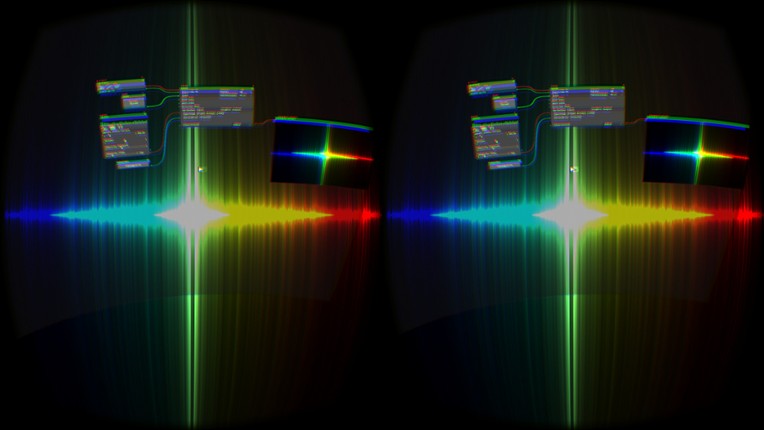
YES - ShaderTool has reached FINAL STATUS! It capsulates a powerful node based system and an easy to use code editor to create shaders of any kind (except compute shader) with full Oculus Rift DK 2 support in addition! ShaderTool provides a flexible and editable node-powered pipeline that allows you to write shaders without also having to have written an engine. Use the integrated code editor to… If you enjoyed this game, see our list of games similar to ShaderTool.
View Game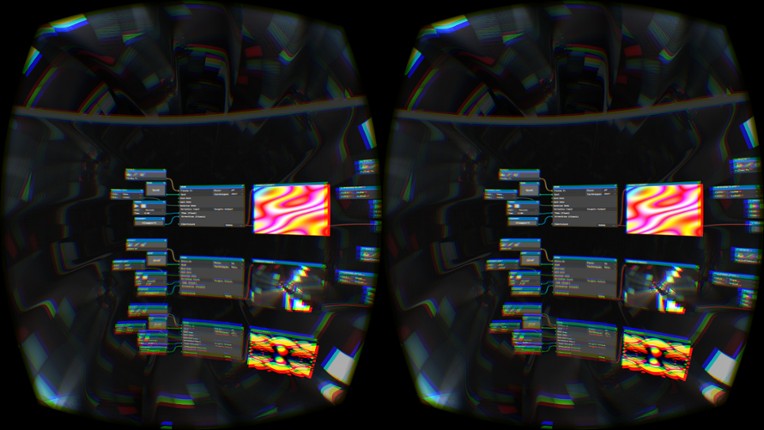
- 51%Game Brain Score51% User Score 2 reviews
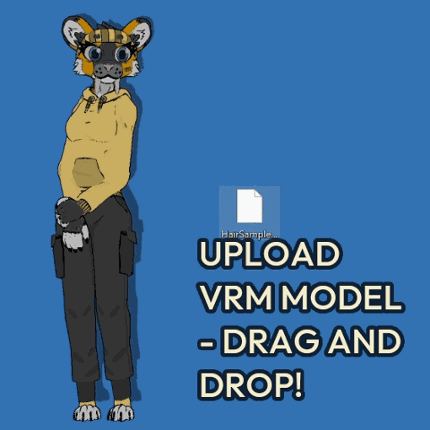
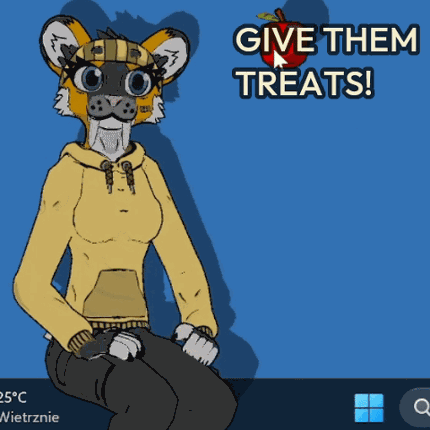
Upload your own custom models (.vrm format), pet, feed, switch and color outfits, play minigames, do self care exercises and more! Upload your favorite VRM model and see if it works! Go to the bottom of the page to download it! Demo available for both Linux and Windows! Dotami-vrm is a virtual pet game with self care exercises, minigames and many fun ways to interact with your buddy! Feed … If you enjoyed this game, see our list of games similar to Dotami-vrm.
View Game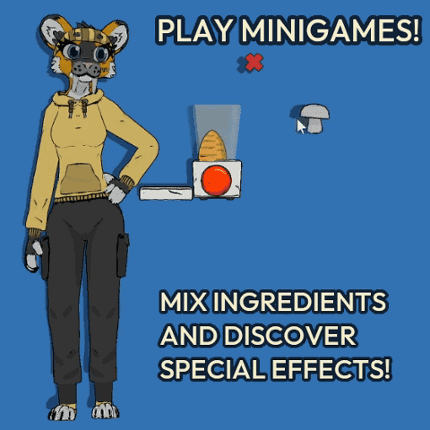
44 View Game View Game
This project combines Project 1, 2, and 3 individually, and makes them all accessible via a main menu. This project also organizes all the files more appropriately per project, as all three projects were included in the Unity file. The primary fixes for this project were the flow diagrams submitted as part of the previous projects' deliverables. All features in Project 4 are as follows: 1. Destr… If you enjoyed this game, see our list of games similar to Daniel Maleski - IT201-H02 Project 04.
- View Game
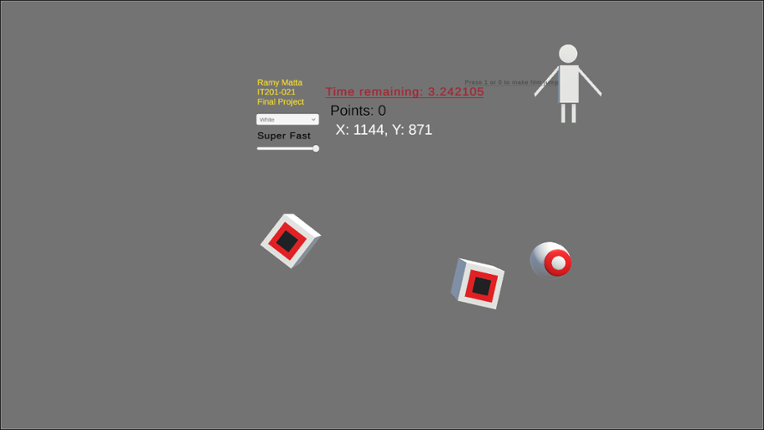
FOR BEST EXPERIENCE GO FULL SCREEN 1. Object Rotator: Input: Player checks the "Object Rotator" checkbox. Output: Objects spawn with varying rotations, adding visual diversity. 2. Random Object Spawning: Input: Game is in progress. Output: Cubes, spheres, and capsules appear randomly on the screen at set intervals. 3. Object Clicking: Input: Player clicks on an object. Output: Pla… If you enjoyed this game, see our list of games similar to ramymatta-project4.
- View Game
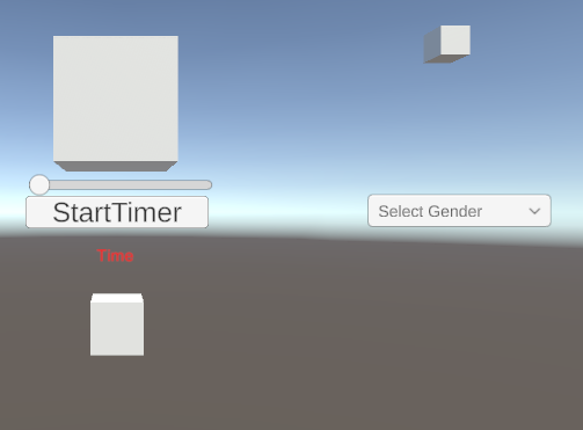
This Unity project is an interactive app showcasing four distinct features, each highlighting a different type of user interaction and visual effect. Users can experiment with a countdown timer, modify the color of a cube using a slider and a toggle, and click to change the cube’s shape. Each feature demonstrates fundamental Unity functions, providing a simple yet engaging way to explore user inte… If you enjoyed this game, see our list of games similar to IT201 PROJECT 2.
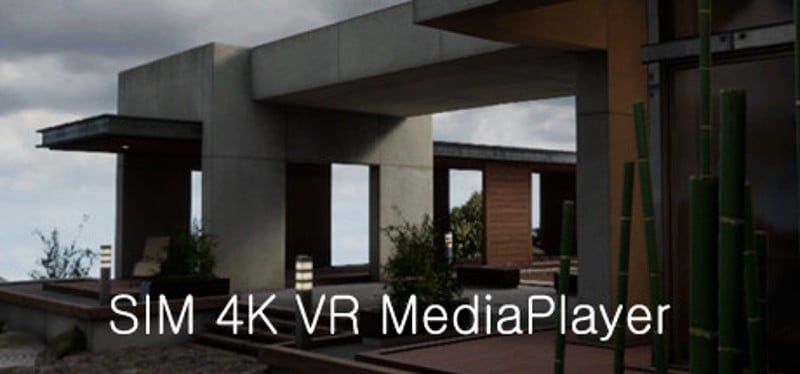
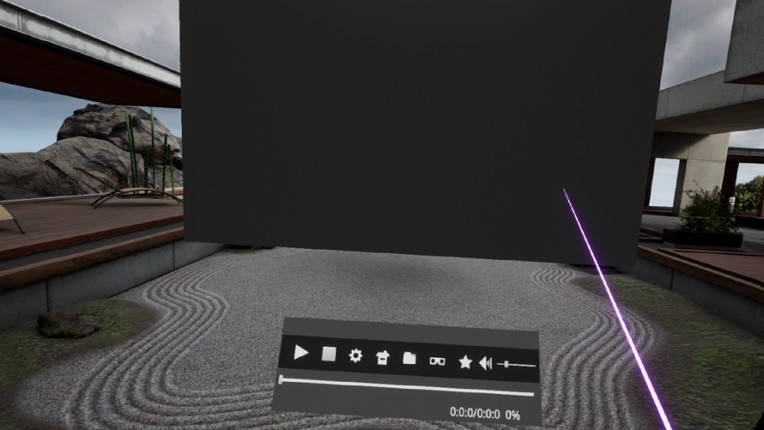
A high-performance VR media player that can play media files greater than 4K. If you have a high-performance GPU, you can play files with a QUHD (7680 × 4320) resolution. I thought a lot about VR for convenient operation. If there's anything uncomfortable, please leave a message on the bulletin board and I'll check it out. Features include: 1. Support for GPU hardware-accelerated video decode (… If you enjoyed this game, see our list of games similar to Sim 4K VR MediaPlayer.
View Game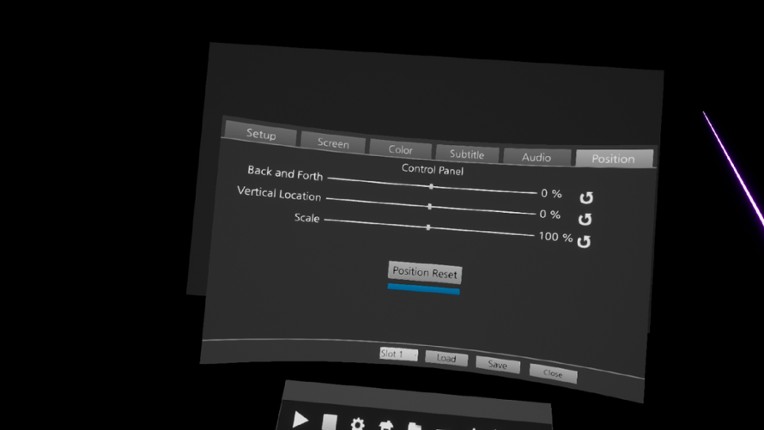
48 View Game
Task Fixer (Record/Play) Powerful automation. (Keyboard, Mouse, Windows) Record and Replay: Record mouse clicks, movements, keyboard inputs, and window focus events. Intelligent Execution: Tasks are played back reliably, waiting for the target application to become active or visible before execution. Task List: Recorded tasks are automatically appended to your task list. ⌨️ Advanced Key Map… If you enjoyed this game, see our list of games similar to Fixer Toolkit – Window & Layout Manager.
View Game


- 47%Game Brain ScoreMost mentioned positive aspects:graphicsMost mentioned negative aspects:optimization64% User Score 25 reviews
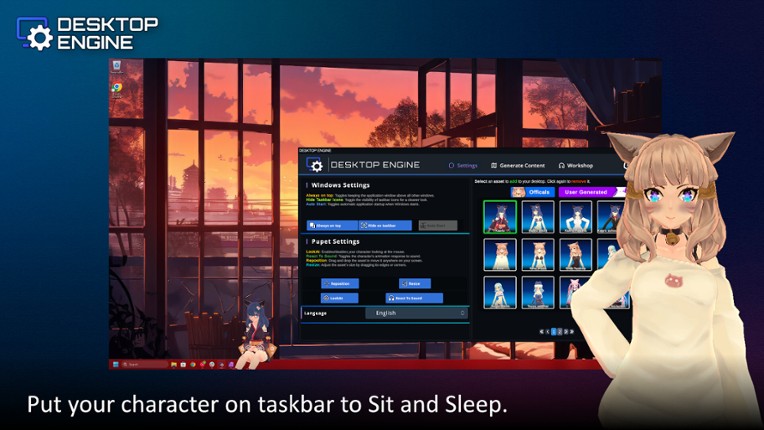
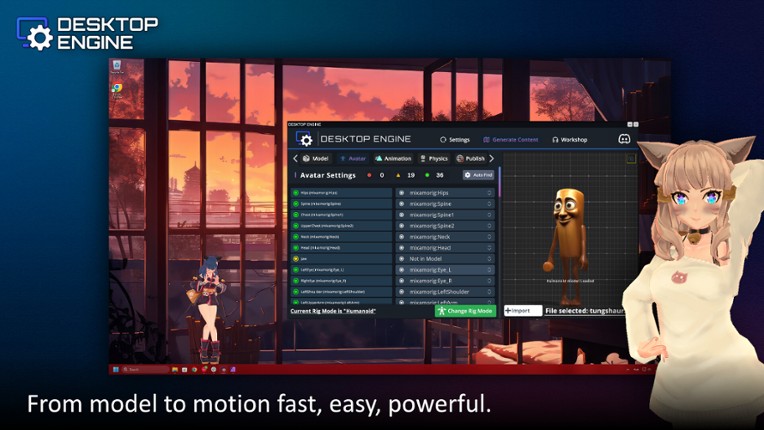
Desktop Engine: Rediscover Your DesktopDesktop Engine is innovative software that transforms static backgrounds into a dynamic and interactive space by bringing 2D and 3D characters, chat boxes, avatar systems, and more to your desktop. Whether you're a streamer, a gamer, or just a user wanting to personalize your desktop; Desktop Engine offers a unique, lively, and fully controllable experience f… If you enjoyed this game, see our list of games similar to Desktop Engine.
View Game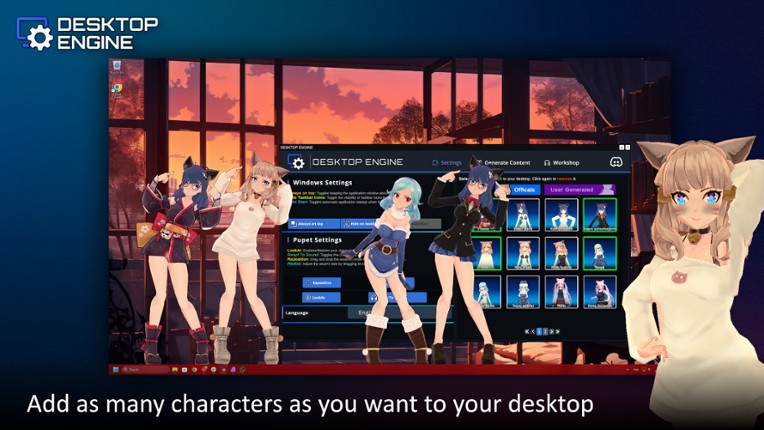
50 View Game
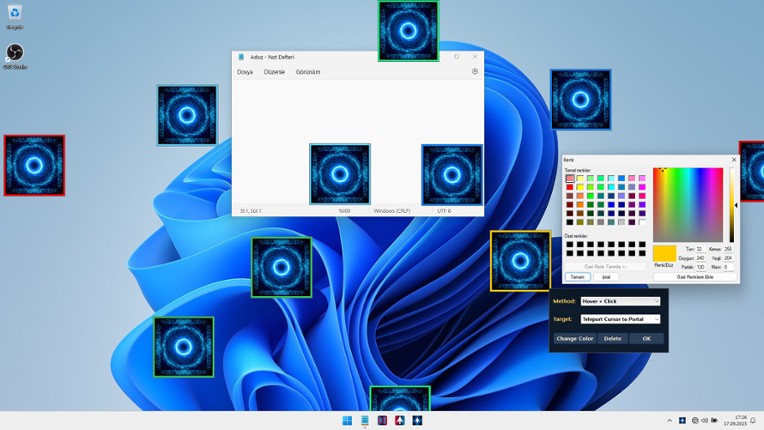
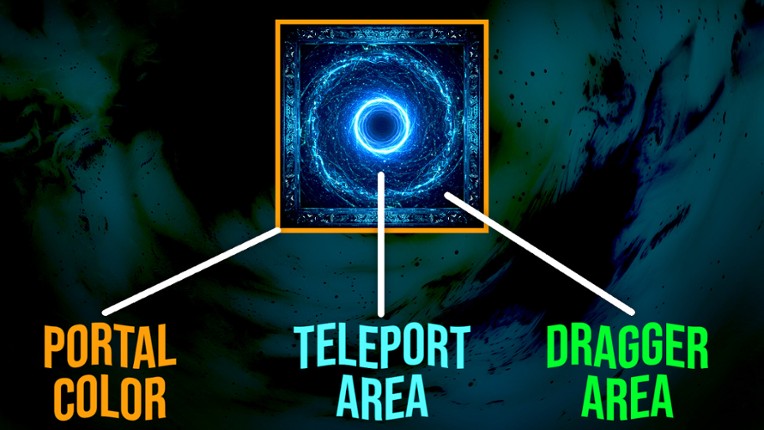
Boost your speed with instant mouse teleportation between portals!Mouse Portal: Teleport Your Cursor lets you place colorful linked squares on your screen that act as instant teleporters for your mouse. Hover, click, or drag — your cursor will jump between portals in a flash. Both fun and surprisingly useful, it’s like giving your mouse a sci-fi upgrade. Core Features Add unlimited Portals Pla… If you enjoyed this game, see our list of games similar to Mouse Portal – Teleport Your Cursor.
View Game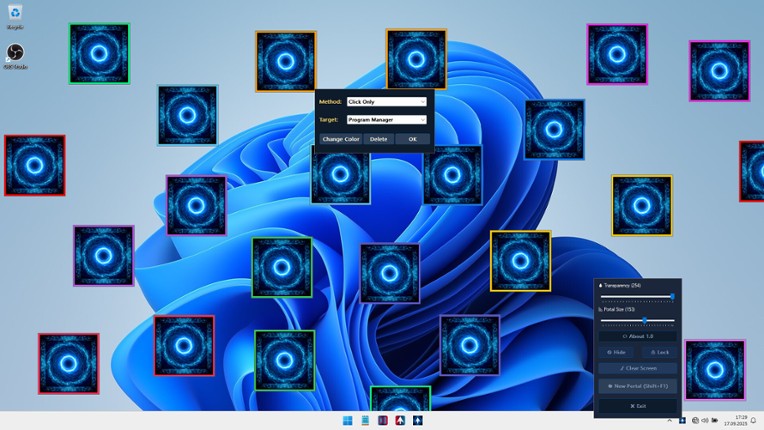


 View Game