Documentation
GameBrain for WordPress
🧩 Game data blocks for your WordPress site
GameBrain for WordPress is a free plugin that adds video game blocks to any post or page: a game info card, a review score summary, a similar-games row and a where-to-buy price list — backed by GameBrain's database of over 800,000 games. No code and no API key required.
The blocks
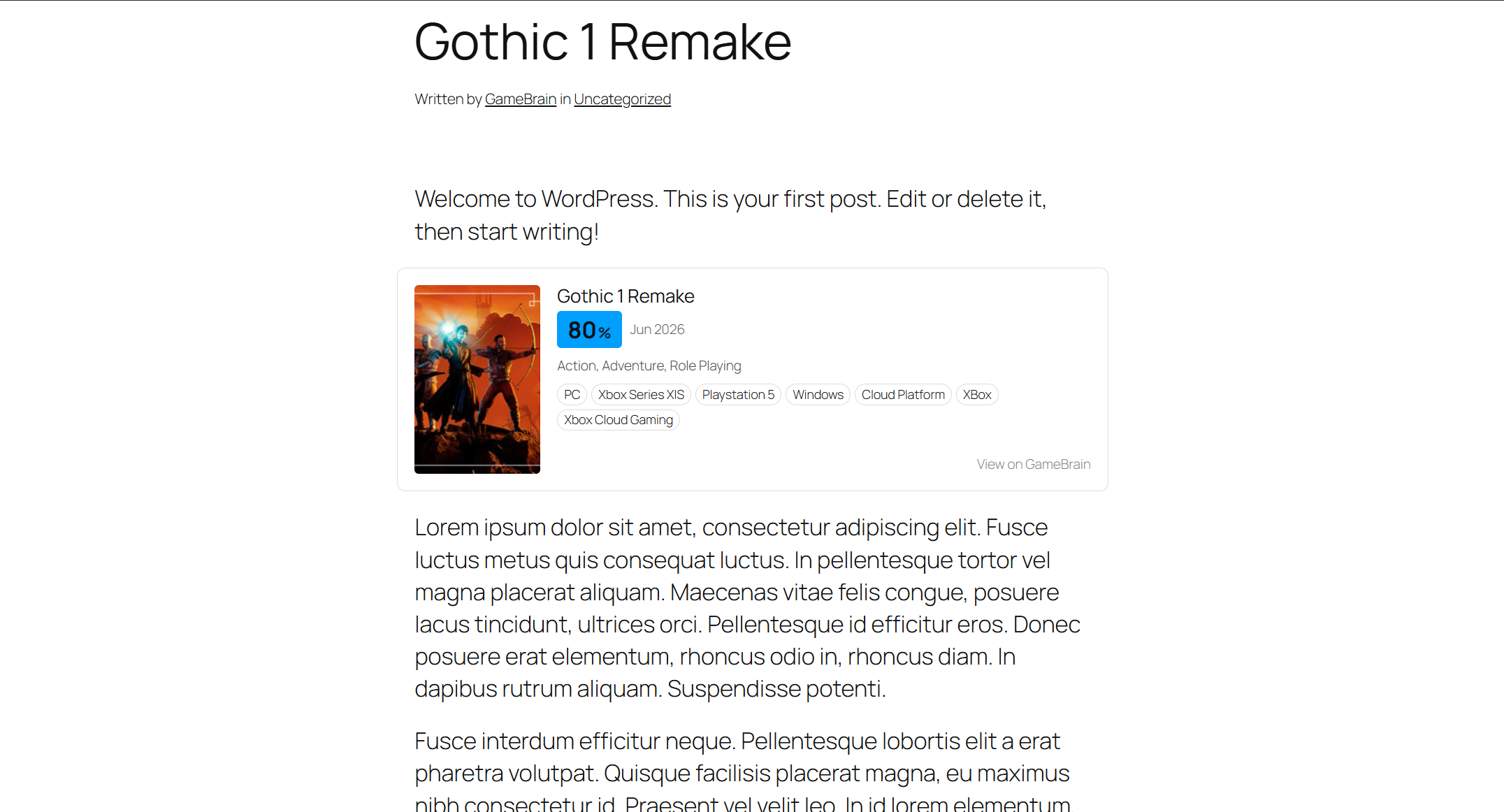
Game Card
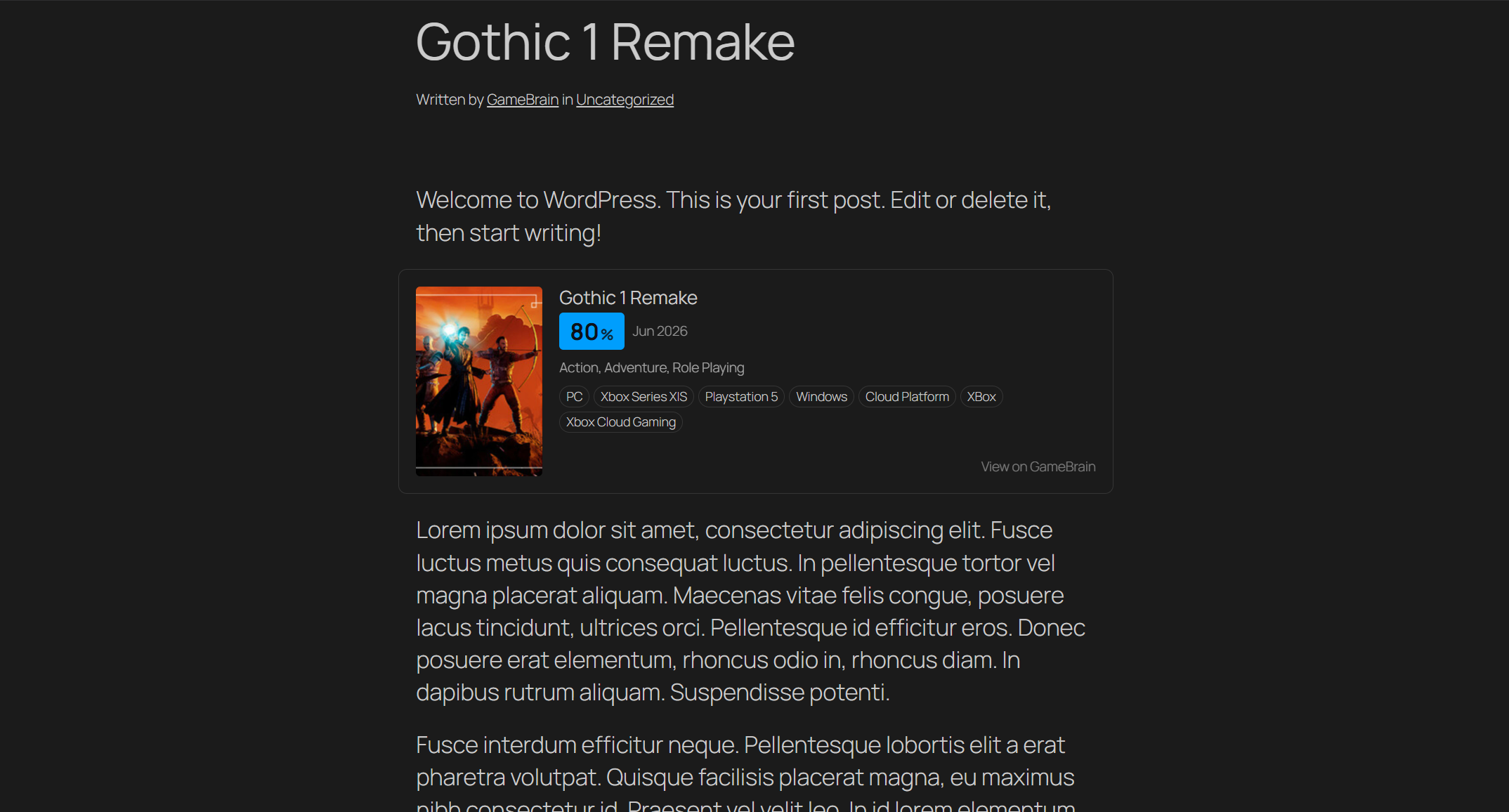
A compact fact card for any game: cover art, GameBrain Score, release date, genres and platforms. Drop it at the top of a review or news post and readers get the essentials at a glance without you maintaining a single fact by hand — release dates and platform lists stay current automatically.
Review Summary
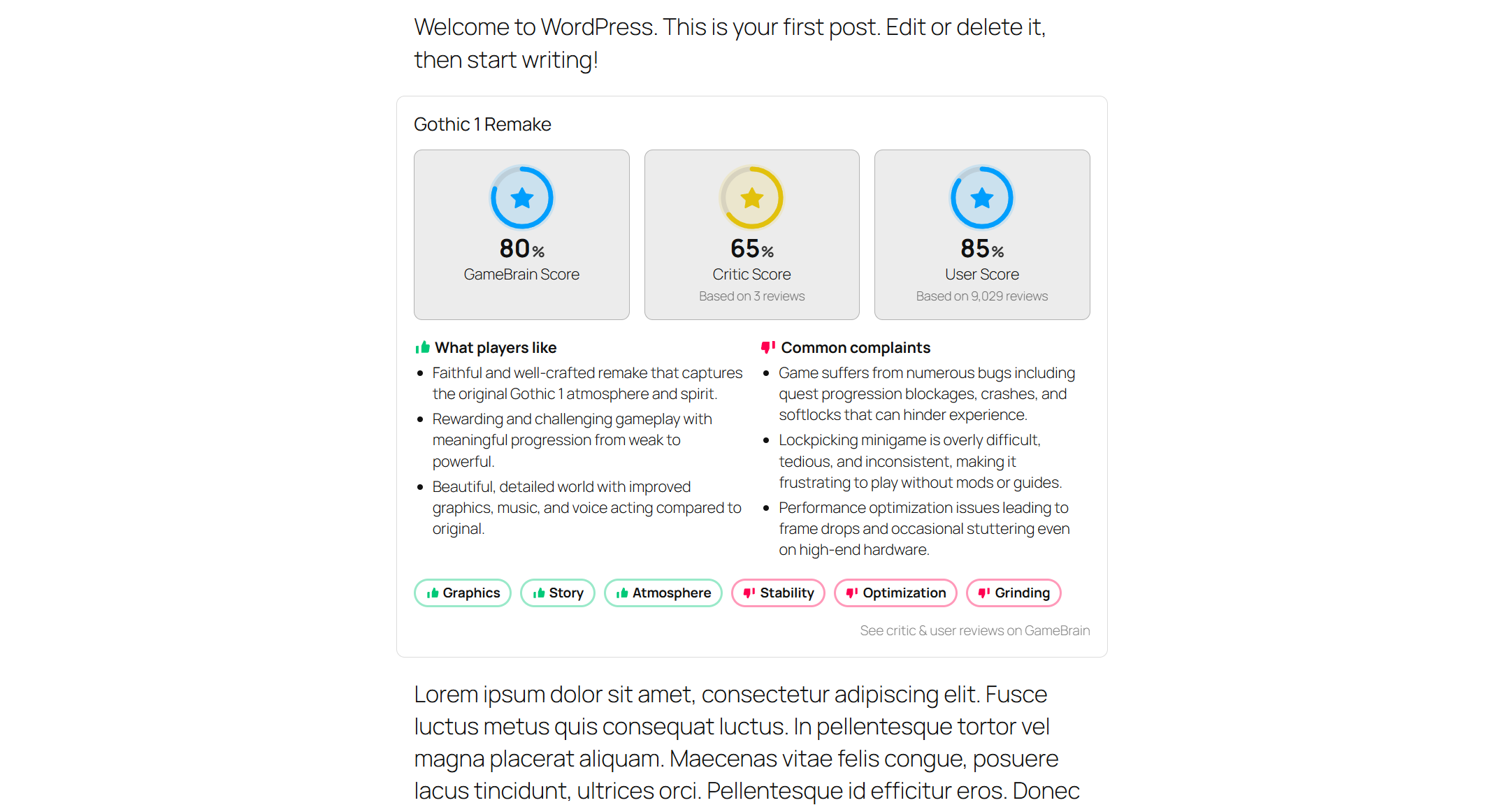
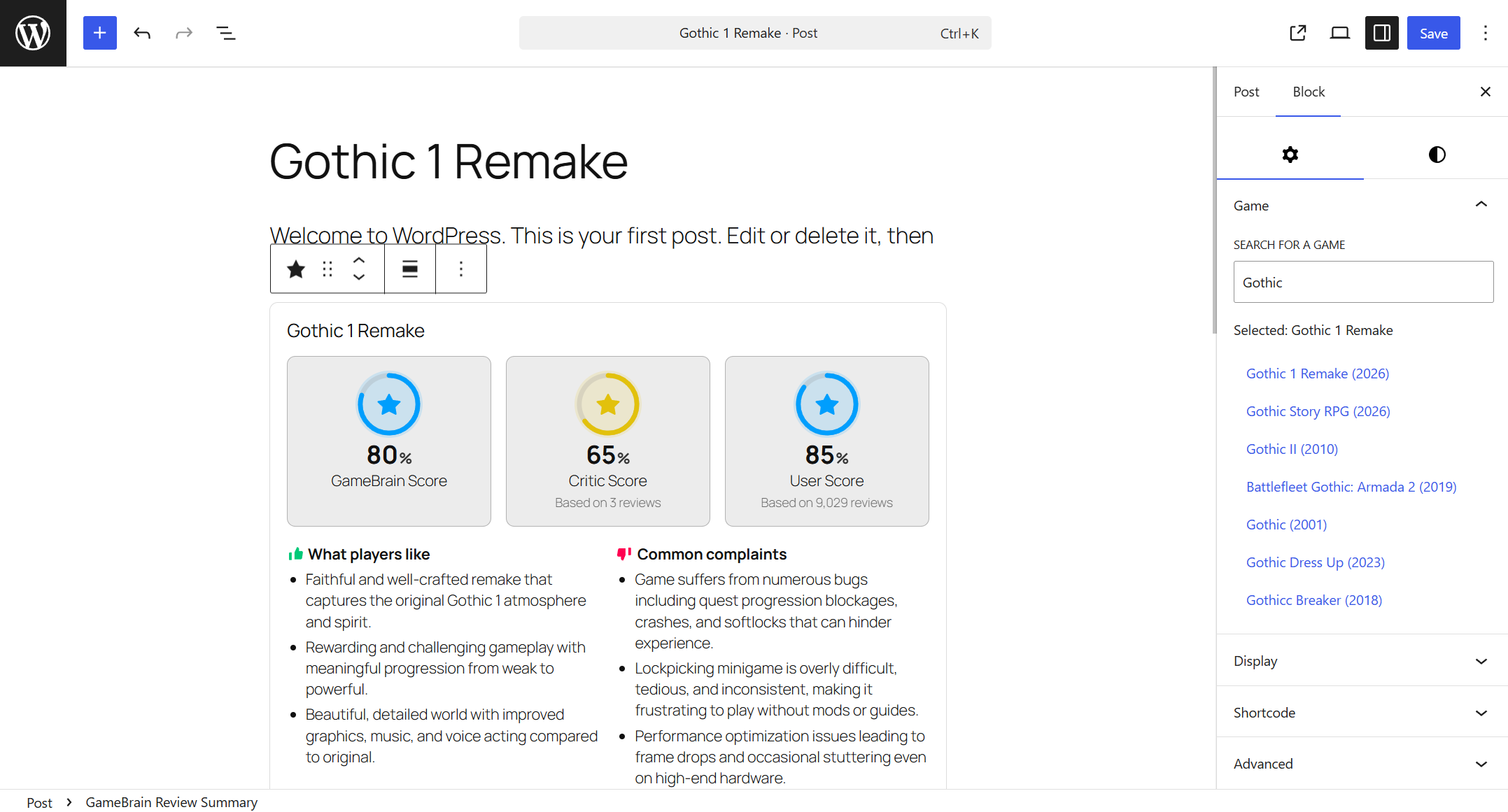
The full verdict in one block: the GameBrain Score alongside separate critic and user scores (each with its review count), plus "what players like" and "common complaints" summarized from real reviews. It complements your own review rather than replacing it — your opinion, backed by the aggregate.
Similar Games
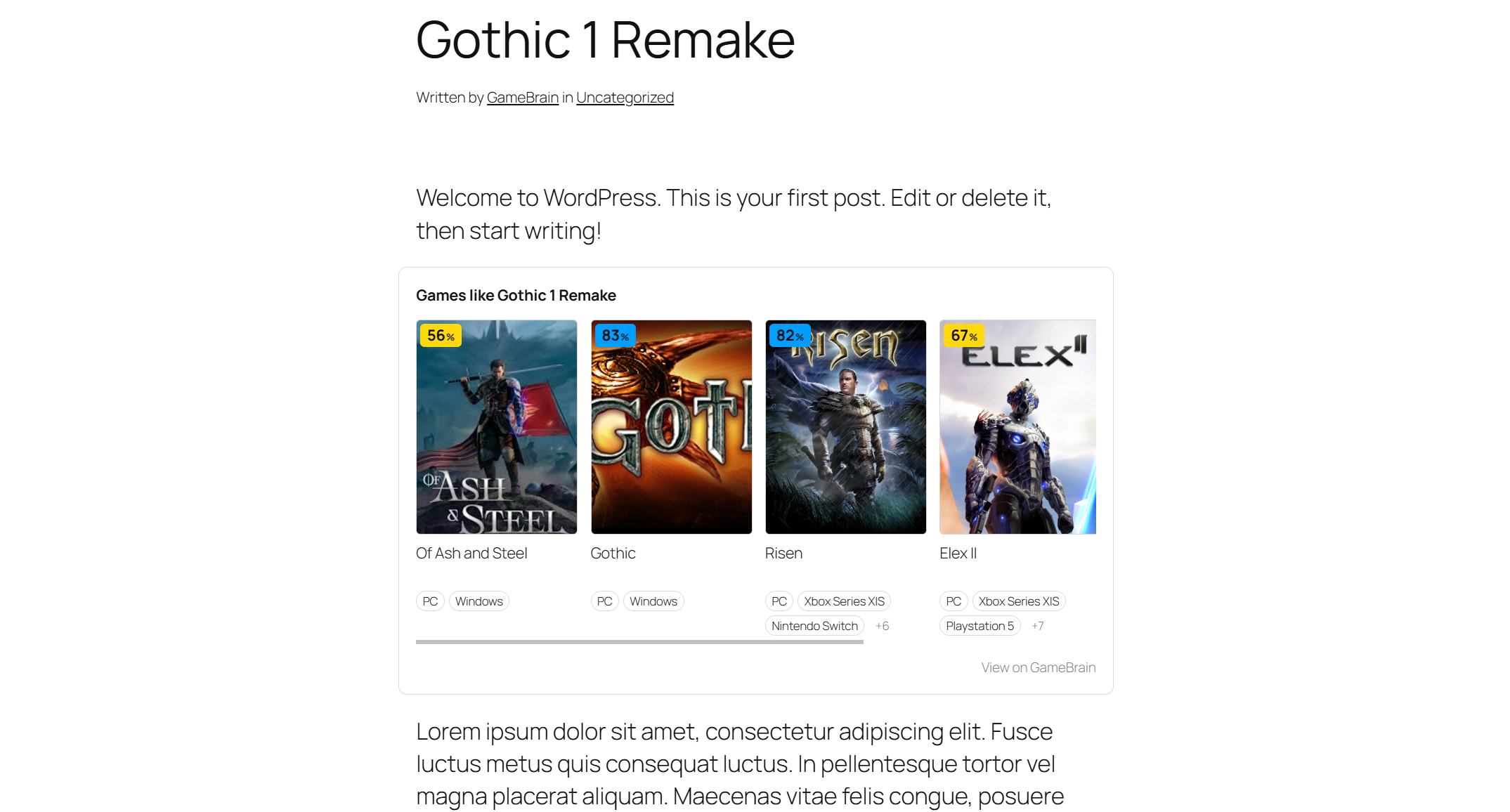
A scrollable row of up to six related titles, each with cover art, a score badge and platforms. It answers the question every reader has at the end of a review — "what should I play next?" — and keeps them on your site instead of bouncing to a search engine.
Where to Buy
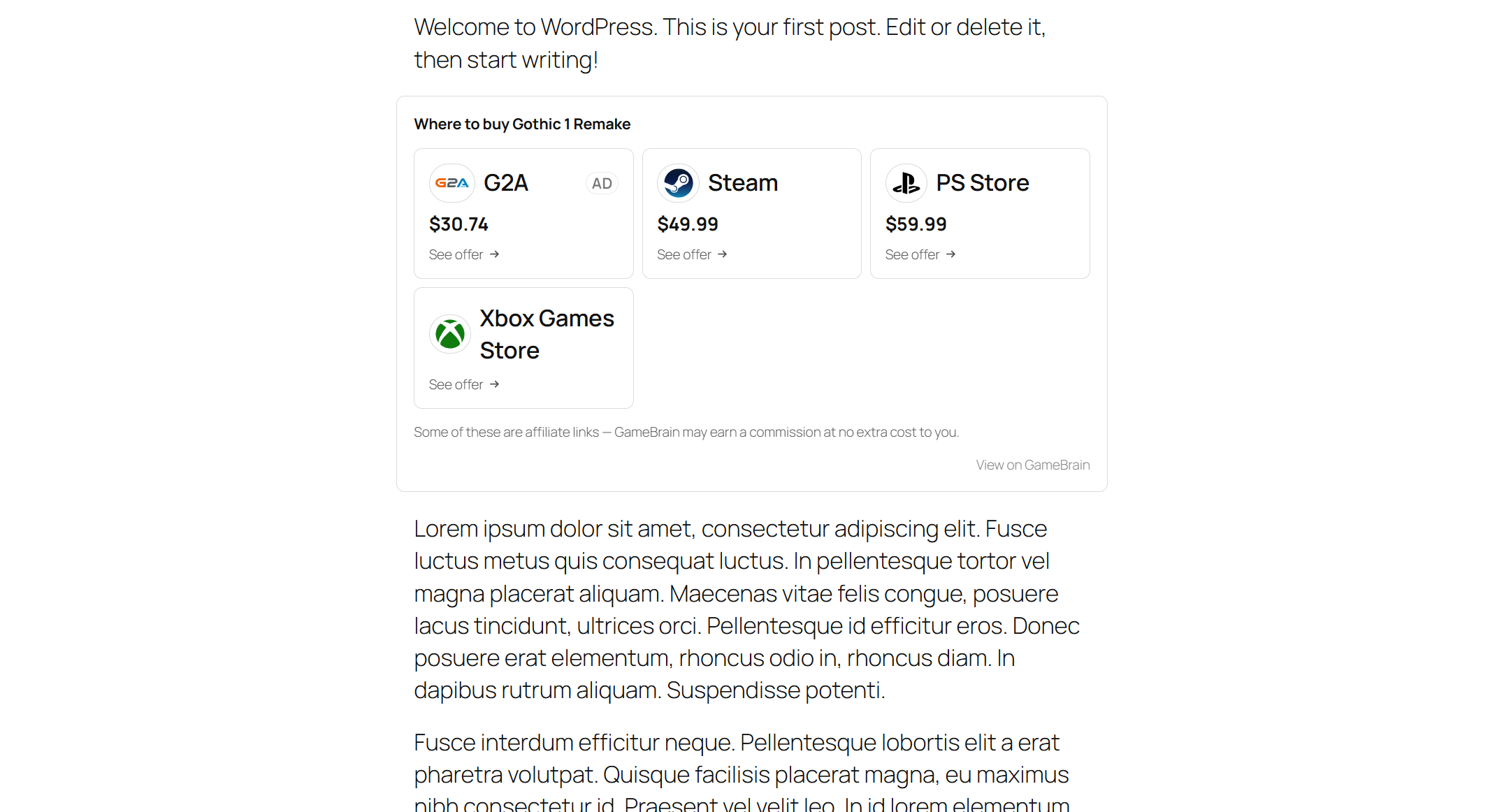
Current store offers with logos and prices, sorted cheapest-first, each linking straight to the store. Prices are refreshed on a short cache so they stay accurate, and affiliate links are clearly marked with a disclosure — no surprises for your readers.
Built for SEO and speed
- Real, crawlable HTML. Everything is rendered server-side with schema.org markup (VideoGame, Offer, ItemList), so your game reviews can qualify for rich results — no empty JavaScript embeds.
- Never blocks your page. Game data is cached on your site and refreshed in the background; rendering never waits on a network request.
- Private by design. No data about your visitors is ever sent to GameBrain.
Native to your theme
The blocks inherit your theme's fonts and colors and adapt to light and dark themes automatically — they look like part of your site, not an embedded ad. Accent color, score-band colors, corner radius, density and more are configurable from the plugin's Appearance settings, and advanced users can override the documented CSS variables from a child theme.
Works in every editor
Each block comes with a game picker and live preview in the block editor. Outside the block editor, every block is also available as a shortcode and a classic widget, so it works in the Classic editor, page builders and text widgets.
Get started
- Install GameBrain from the WordPress plugin directory (Plugins → Add New → search for "GameBrain") and activate it.
- Open the GameBrain menu and click "Connect to GameBrain" — this creates a free, site-scoped connection automatically.
- Add a GameBrain block to any post or page and pick a game.
📚 Resources
- Plugin Terms of Service
- Plugin Privacy Policy
- GameBrain Discord Community — questions and feedback welcome