


Games like IT201_Sprint3_Felobateer_Shenoda
Looking for games like IT201_Sprint3_Felobateer_Shenoda? Here are top action recommendations, selected from player-similarity data — start with IT201_Project4_Felobateer_Shenoda, Bryan Fontanez - IT201-023-Project-3 or Rana Khan IT 201-001 Project 4.
- View Game
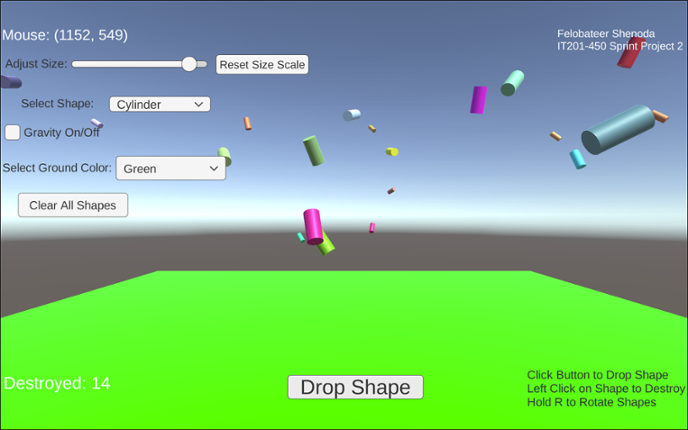
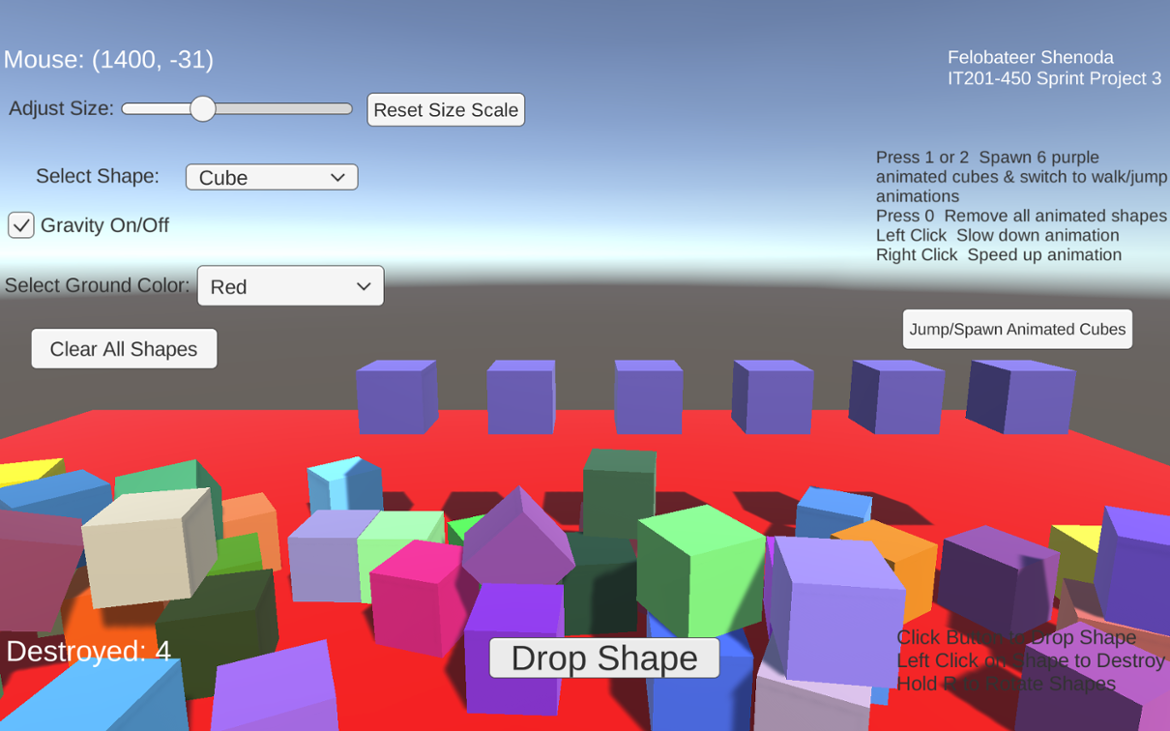
Project 1 Features: 1. Feature 1: Display Mouse Position Input: Mouse moving anywhere on the screen Process: The script reads mouse X and Y coordinates Output: Text updates live showing the mouse position on the screen 2. Feature 2: Spawn Shape on Button Click Input: User clicks the “Drop Shape” button Process: The script converts mouse screen position to wo… If you enjoyed this game, see our list of games similar to IT201_Project4_Felobateer_Shenoda.
- View Game
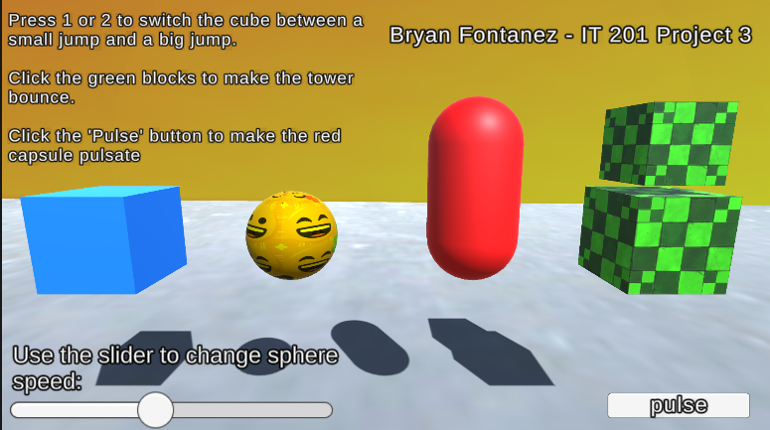
Feature 1: Cube: Change Animation Clips Input: Press 1 on keyboard = Small jump Press 2 on keyboard = Big jump Process: The cube has two animation clips (“SmallBounce” and “BigBounce”). Pressing 1 or 2 changes the Animator’s mode, which switches between these clips through transitions in the Animator. Output: The cube switches between a small jump and a big jump.Feature 2: Sphere – Animation… If you enjoyed this game, see our list of games similar to Bryan Fontanez - IT201-023-Project-3.
- View Game
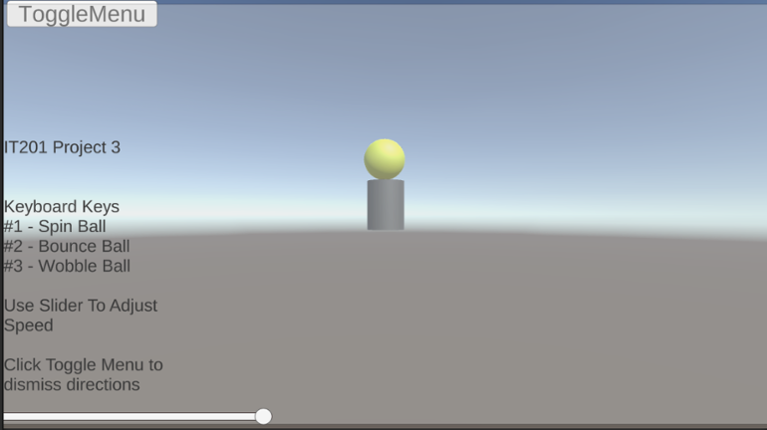
Fixes for this project: 1.) Made the Clock have user input using key input from keyboard. 2.) Organization was a little messy. So, I placed everything in sequence. 3.) Size of the clock was hard to read so I made it larger and changed to color for clarity. Old Features From Project 3: Feature 1: Animation Clip Swap What It Does: enables the user to alternate between an object's various ani… If you enjoyed this game, see our list of games similar to Rana Khan IT 201-001 Project 4.
Jungle Survival is a first person exploration and survival game set in a dynamic jungle environment. Players navigate the terrain, collect and manage items through an intuitive inventory system, and interact with the world using real-time UI controls. The game features core survival mechanics such as health, hunger, and stamina, where players must eat to survive, manage energy while sprinting, and… If you enjoyed this game, see our list of games similar to Project 4.
View Game
- View Game
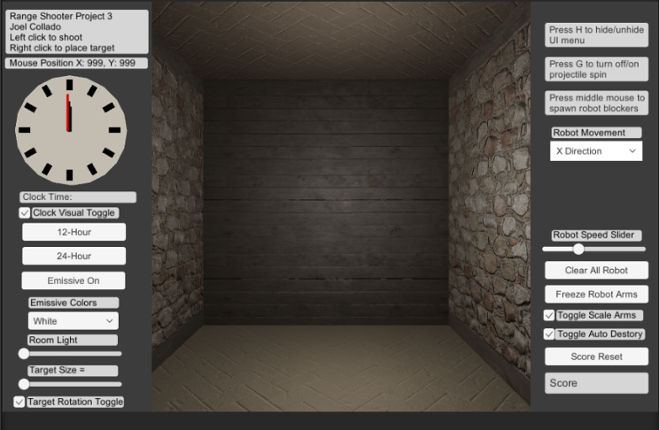
Brief Description: For my Unity Project 3 I continue my range based shooter where there is now the ability to hide the UI menu using H on the Keyboard. Also there is new mouse button input the middle mouse now spawns new animated robot prefabs that acts as guard for the targets. You can change their direction or stop their movement with the Dropdown menu. In addition, you can control their animati… If you enjoyed this game, see our list of games similar to Joel Collado - IT201-450 - Project-3.
- View Game
Brief Description: For my Unity Project 4 I combine all my projects into one here and apply updates based on the comments and notes that address any issues. Here are all the features in my range based shooter: Place your own targets using the right mouse button and the left mouse button to create projectiles that shoot towards a target. There is also a feature for a button that enables or disa… If you enjoyed this game, see our list of games similar to Joel Collado - IT201-450 - Project-4.
- View Game
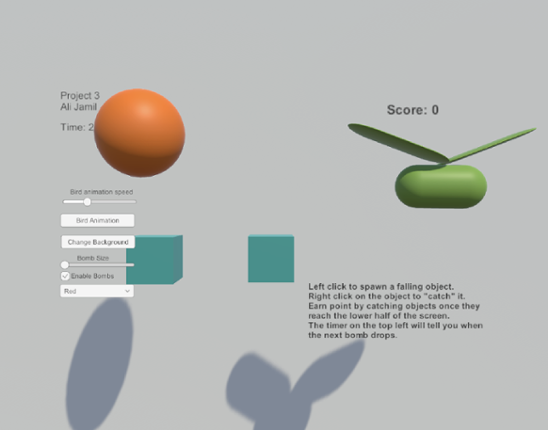
Feature 1: Displays Mouse Position Input: Mouse Location Output: There is text on the lower left side of the screen showing the X,Y position of the mouse. Process: Grab mouse coordinates, convert to string, set text object to string. Feature 2: Spawn falling objects Input: Mouse Left Click Output: A cube is spawned at the location of the left click which will then fall down the s… If you enjoyed this game, see our list of games similar to Ali Jamil-IT201-451-Project3.
Description: This app is a basic Unity project that lets the user mess around with 3D boxes that spin. There are a few buttons and a slider that let you spawn different kinds of boxes, change how they spin, remove them, and even control how fast they rotate. The idea was just to get used to using UI elements and interacting with objects in Unity through C# scripts. Original Features: Featur… If you enjoyed this game, see our list of games similar to IT201_Sprint3_Shival_Panchal.
View Game
- View Game
This project combines Project 1, 2, and 3 individually, and makes them all accessible via a main menu. This project also organizes all the files more appropriately per project, as all three projects were included in the Unity file. The primary fixes for this project were the flow diagrams submitted as part of the previous projects' deliverables. All features in Project 4 are as follows: 1. Destr… If you enjoyed this game, see our list of games similar to Daniel Maleski - IT201-H02 Project 04.
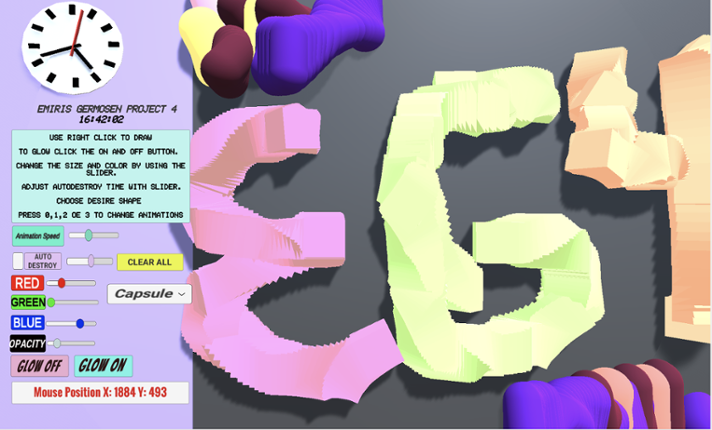
Game Description: This project allows the user to create a 3D object when right-clicking. When the user right clicks an object will get spawned. The user can change shapes between a Cube, Cylinder, Capsule, and an Alien (prefab). The user also can make the object transparency change, make the object bigger or smaller by changing its size, change colors via sliders and is also able to select how q… If you enjoyed this game, see our list of games similar to Project4_IT201_EmirisGermosen.
View Game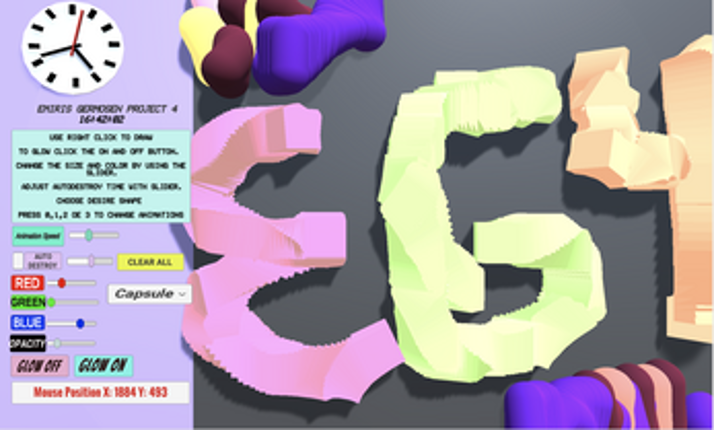
- View Game
Feature 1: Mouse Stacking of Tower Sections Input: Left mouse button click on the ground plane. Process: Raycast from camera to mouse position to detect hit on plane; if hit, calculate stack position based on current stack count; instantiate TowerSection prefab at position; parent to TowerBase; loop through prefab's children (Base and Top) to start default animation state. Output: New color… If you enjoyed this game, see our list of games similar to IT201Project3.
- View Game
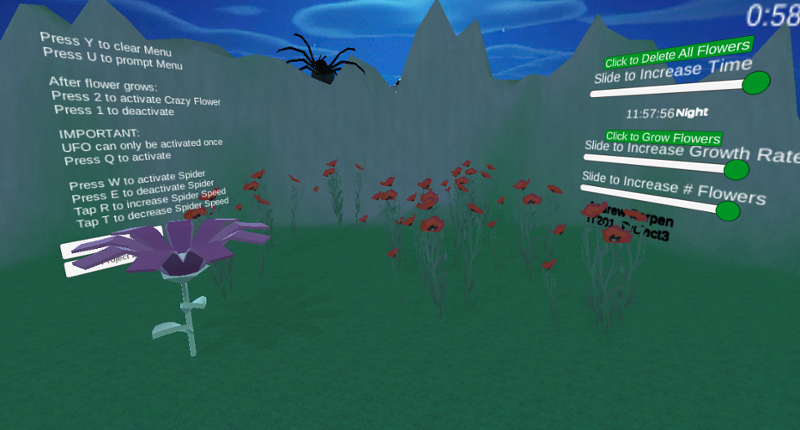
Users gets to experience the different stages of my application where in the first project you are able to spawn in certain flowers and furthermore from building on this project which lets users spawn in a range from 1 to 10 flowers and allow them to grow at a rate of their choice while they experience a day to evening to night cycle and control the speed of the time as well as destroy all flowers… If you enjoyed this game, see our list of games similar to IT201_Sprint04_Andrew_Carpen.
13 View Game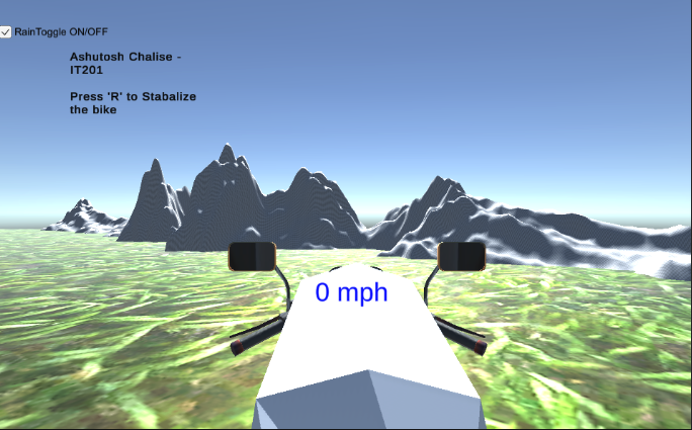 View Game
IT201-450 Ashutosh Chalise Dirt Bike Game All Features: Feature 1: Bike Movement Input: Arrow Keys: ↑ - Move forward ← - Turn left → - Turn Right SpaceBar - Brake Process: The bike moves forward and turns right/left using rigidbody physics, and the spacebar resets motion or stops the bike Output: Realistic dirt bike movement across terrain Feature 2: Camera View … If you enjoyed this game, see our list of games similar to IT201-450-Project4-AshutosChalise.
- View Game
New Features: Feature 1 – Gravity Toggle Input: Checkbox (Toggle UI element) Process: When the toggle is checked or unchecked, the script loops through all spawned shapes in the scene and sets their Rigidbody.useGravity to true or false. Output: Shapes immediately start falling with gravity or float in place, depending on toggle. Feature 2 – Clear All Shapes Button Input: Button clic… If you enjoyed this game, see our list of games similar to IT201_Sprint2_Felobateer_Shenoda.
15 View Game View Game
Feature 1: Display Mouse position Input: Mouse movement Process: keep the coordinate text on the mouse position and offset it for aesthetic and real-time update the coordinate as the mouse moves or doesn't move. Output: Text is displayed in the lower left corner showing X and Y of the mouse. Feature 2: Create Trees and Rocks by Left Mouse Click Input: Mouse Left Click Process… If you enjoyed this game, see our list of games similar to Pabal's Games | IT201-021 Project 4.
Feature 1: First -Person Movement & Shooting Input: First the user spawns and when they left click the can shoot darts and hit targets that are scattered throughout the map and arena. Process: This uses the same functionality as the last dart-shooter that was created but instead is repurposed into the main body of the player as its origin for shooting. If the darts hit a target that … If you enjoyed this game, see our list of games similar to IT201450_PROJECT3_CMP59.
View Game
- View Game
Feature 1: Display Mouse position Input: Mouse location Process: Method is called Output: Text is displayed on the top left corner showing X and Y of the mouse. Feature 2: Create Objects Input: Mouse Click Process: Cue user to right click. Output: an object is drawn where the mouse is clicked.A string of objects are created if it's dragged. Feature 3: Change Color Input: D… If you enjoyed this game, see our list of games similar to Project 4.
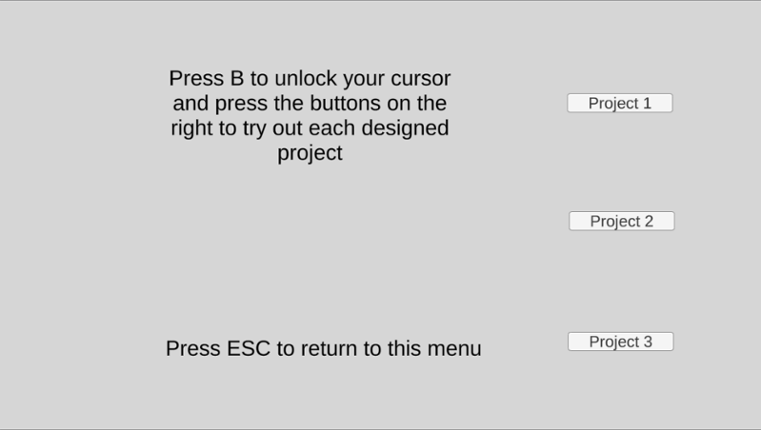
18 View GameView GameDylan DiPalma IT201-018 Project 4 This project adds a menu where a user can choose one of the three projects to play, see a description and thumbnail of each, and return to the menu by pressing ESC in any game. This iteration also cleans up the organization of the assets directory (by putting prefabs in their own folder and separating the scripts for each project) and cleans up code by adding des… If you enjoyed this game, see our list of games similar to Dylan DiPalma IT201-018 Project 4.
- View Game
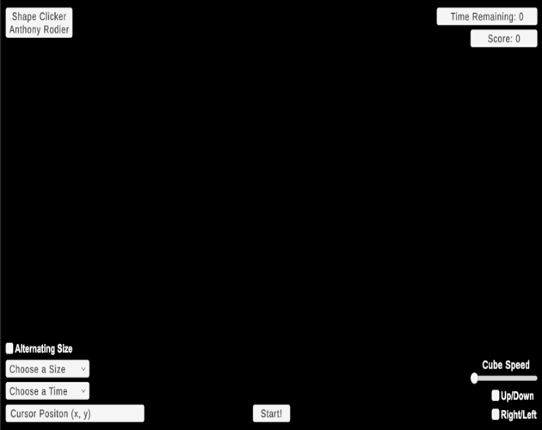
Brief Description: This iteration now includes setting time limits, adjusting target size, dynamic score tracking, and starting the game via a start button. It also retains animation-focused enhancements like choosing which animations to see via a dropdown, adjusting animation speed via slider, reversing animations, allowing for simultaneous animations, and toggling the visibility of UI elements f… If you enjoyed this game, see our list of games similar to IT201_Project04_Anthony_Rodier.
- View Game
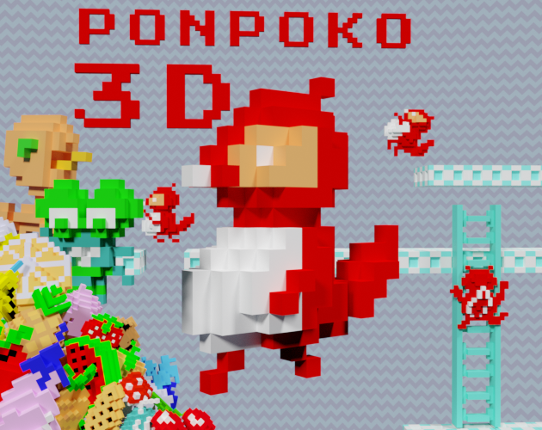
Ponpoko was originally created as an Arcade game by sigma enterprises. Now I am trying to give it a fresh new coat of paint by making a 3D recreation. Controls: WASD for basic movement Space bar to jump X to quit while in a game Ver 1.05 (March 7 2023)Can gain an extra life midlevel instead of only after a level Ver 1.04 (January 29 2023) The enter/return key is now used to leave the leaderboard … If you enjoyed this game, see our list of games similar to Ponpoko 3D.
- View Game
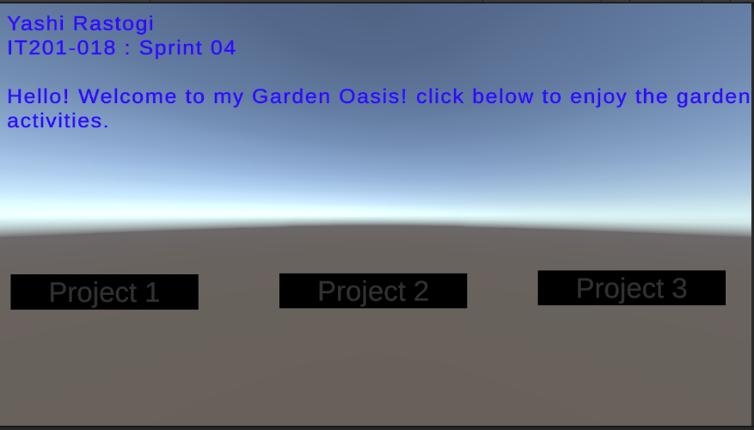
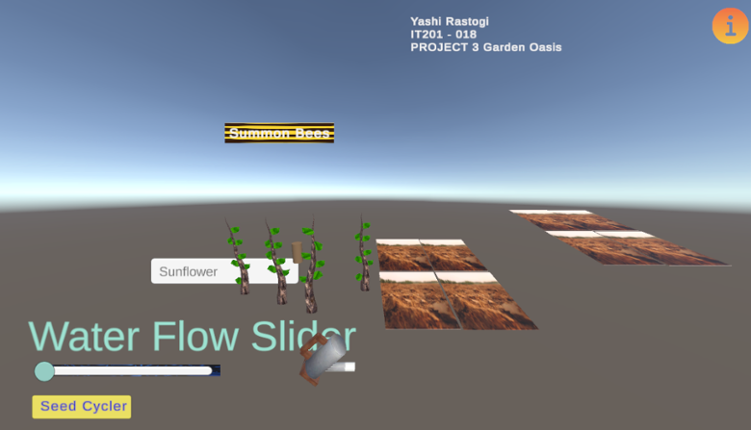
Itemized features: Feature 1: Soil Tilling & Seed Selection i) Description: Clicking on a soil patch changes texture to a tilled state. Pressing a button cycles through available seeds. ii) Input: Mouse Click, Button Press iii) Output: Tilled soil and seed item placed on soil. Feature 2: Watering System i) Description: Clicking on a plant increases its hydration level. The plant sp… If you enjoyed this game, see our list of games similar to IT201-018_YashiRastogi_project4.
- View Game
Simple Block Builder! In this project, you are able to see my previous project as they were, with the mistakes and wrong resolutions; but on Project 4 you are able to see everything fixed! Click on each button to take you to each project.Feature 1: Player movements Input: Press the keys ESDF and the space bar. Press on E - forward Press on D - back Press on S - left Press on F - r… If you enjoyed this game, see our list of games similar to Project 4 IT 201.
This Project has 7 features: Feature 1: Health system and Player Death Input: J key is pressed Process: When the key is pressed, the character's health is reduced by a specific amount. This also is reflected on the health bar. If the health reaches zero or below, The character will Die. A "Player is Dead" message appears on the screen, and a countdown from 5 to 1 begins. During t… If you enjoyed this game, see our list of games similar to Project 3.
View Game
Feature 1: Object Rotation (Input: Toggle Button) My object (e.g., a pill shaped composite shape) rotates clockwise when “A” is pressed and counter clockwise when “S” is pressed. When the toggle is disabled, the rotation stops. Input: A toggle button in the UI and keyboard letters. Output: The object starts/stops + changes direction of rotation based on the toggle state. Feature 2: Sphe… If you enjoyed this game, see our list of games similar to IT201_YashiR_Project3.
View Game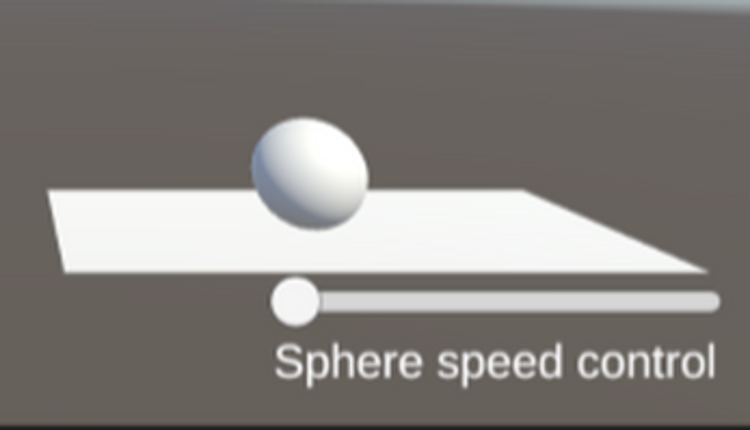
25 View GameView GameFeature 1: Display Mouse position Input: Mouse location Process: assign mouse X, Y, Z position to text object Output: Text is displayed in the lower left corner showing X, Y and Z of the mouse. Difference: This feature is different from class project because it shows the Z axis. Feature 2: Create & Destroy Objects Input: Mouse Left Click or Mouse Right Click Process: Raycast fro… If you enjoyed this game, see our list of games similar to IT201_Project3_David_BodeDisu.
26 View Game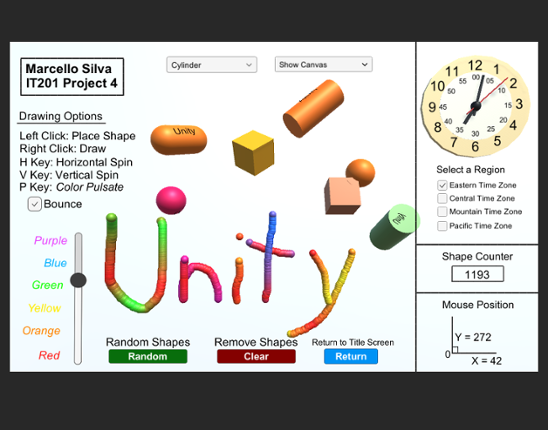 View Game50%Game Brain Score50% User Score 1 reviews
Labeled as Project 4, this is the finalized application of the ongoing drawing project I have developed for IT201 Information Design Techniques. You will open up the game to see a cover page with buttons that will direct you to every version of the game during it's building process, from the complete Project 4 game all the way to the first Project 1 game. Listed below are all the features include… If you enjoyed this game, see our list of games similar to Marcello Silva - IT201-450 - Project 4.
- View Game
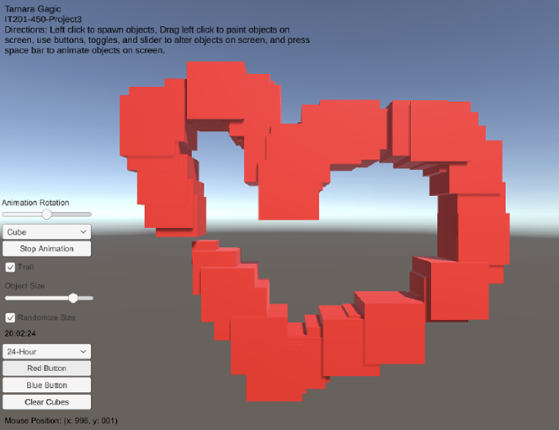
My project 3 builds upon my previous submissions and allows users to spawn and manipulate cubes. Upon launching the app, users are presented with a user-friendly interface that displays information such as the mouse's current position on the screen and a digital clock in the bottom right corner. Instructions for navigating and utilizing the app's features are placed in the top left corner to guide… If you enjoyed this game, see our list of games similar to Tamara Gagic-IT201-450-Project 3.
- View Game51%Game Brain Score51% User Score 2 reviews
This game is a submission for DinoJam3, Thank you for playing! The Game's Story Globor the T-Rex wakes up one morning to find that there is a meteor in the sky. Their boss calls him up on the phone and says “Where are you at? We need to open the Cafe!” Globor: “Isn't it the end of times?” Boss: “Exactly, perfect timing to push our new product Red Rex, it gives you wings” Globor: “What are you tal… If you enjoyed this game, see our list of games similar to Rawrbucks.
- 51%Game Brain Score51% User Score 2 reviews
v0.3.1- Fixed a soft lock that prevented replaying levels in which a new plant was unlocked - Reverted random zombie speed (I disabled it during development for testing and then forgot to revert it) - Fixed a bug that caused the coward mushroom to hide from hypnotized zombies - Fixed a bug that allowed you to get 50 suns from a single sun if you were standing inside the sunflower when it gave… If you enjoyed this game, see our list of games similar to Plants vs Zombies 3D.
View Game
- View Game
Pan-demonium 2! Play as an egg as you fight waves of foods trying to kill you to see who is the best breakfast food! Controls: WASD to move, L-SHIFT to sprint, SPACE to jump, E to interact with chests, Left Mouse to fire Patch Notes: v1.0 - 4/21/25 removed the microwave code and make the enemies go into the microwave removed the tomato from the toaster to the dish rack, made the dish rack j… If you enjoyed this game, see our list of games similar to Pan-demonium 2.
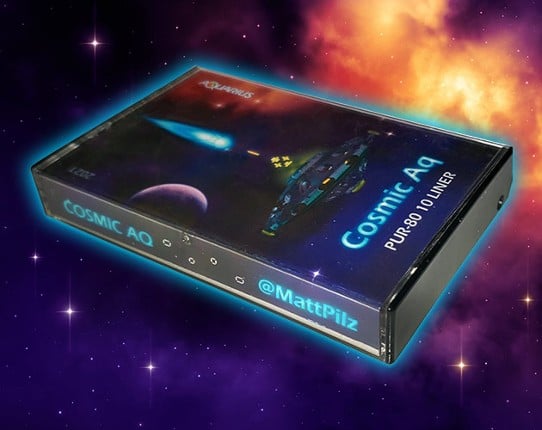
Entry for the PUR-80 category of the 2021 BASIC 10 Liner. (For Mattel Aquarius - MattPilz.com - @MattPilz - YouTube) FOREWARD One of my earliest memories in video gaming history was playing Cosmic Ark for the Atari 2600. The sounds and visuals of that game are still etched in my mind all these decades later. I recently became immersed in the world of Mattel Aquarius, a decidedly underpowered … If you enjoyed this game, see our list of games similar to Cosmic Aq by Matt Pilz.
View Game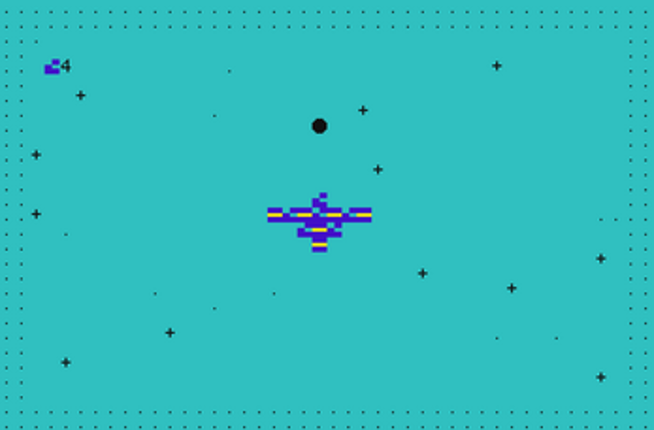
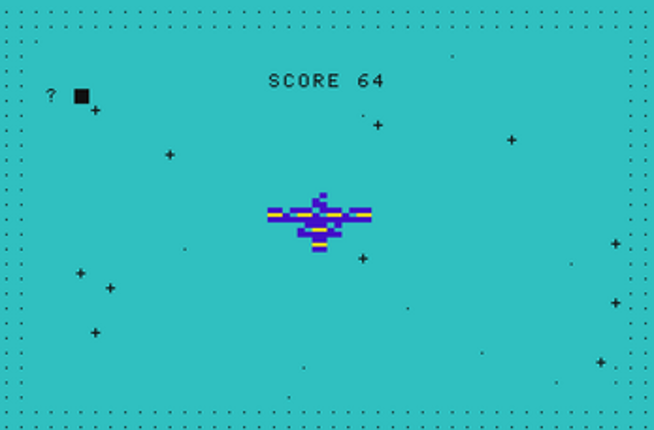
Entry for the PUR-80 category of the 2021 BASIC 10 Liner. (For Mattel Aquarius - MattPilz.com - @MattPilz - YouTube) FOREWARD One of my earliest memories in video gaming history was playing Cosmic Ark for the Atari 2600. The sounds and visuals of that game are still etched in my mind all these decades later. I recently became immersed in the world of Mattel Aquarius, a decidedly underpowered disc… If you enjoyed this game, see our list of games similar to Cosmic Aq.
View Game
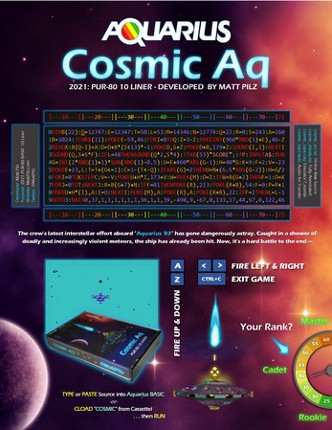
33 View Game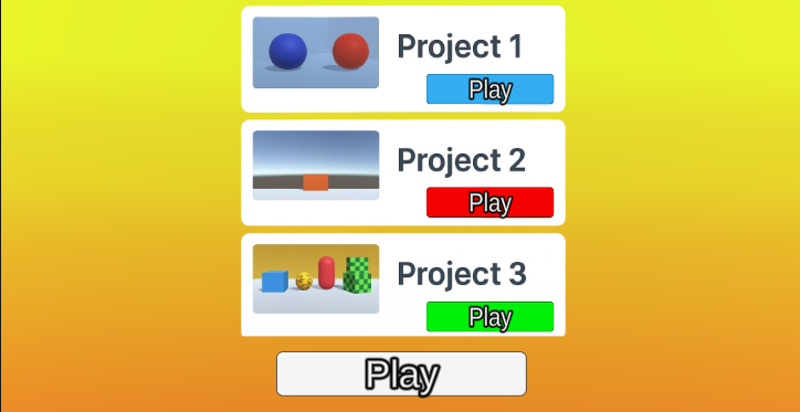 View Game
Project 4 – Features & Controls Feature 1: Game Modes – Catch Mode ↔ Shoot Mode (Keyboard Toggle) Input: Press Tab Process: The GameManager switches a CurrentMode value between Catch and Shoot. When the mode changes, the correct objects/UI are enabled (catch spawner + catch UI vs shooting UI + targets). Output: The game instantly swaps between the catching gameplay and the shooting gameplay. … If you enjoyed this game, see our list of games similar to Bryan Fontanez - IT201-023-Project-4.
- View Game
There are bugs that prevent us from building the latest version, so this version is the latest runnable version. Check the GitHub repo for the efforts we make TAT WashU CSE 4501 - 01 Group HUse A / D to move your character left or right.Press Shift while pressing A / D to perform a Quick Dash in that direction.Press Space to Jump over obstacles.Hold Left Ctrl to Slide under low obstacles.Click t… If you enjoyed this game, see our list of games similar to VG2_Group H Project.
35 View Game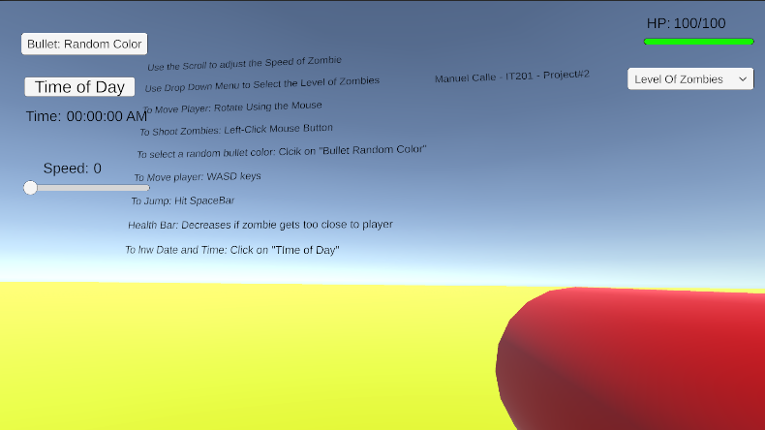 View Game
Project 1 Features: Feature 1: The Player Shoots from a Gun towards Zombies Input: Use the Left-Click Button to Shoot Bullets from Gun Process: When the Left-Click mouse button is shot, zombies will disappear. Using the conditional (if) statement to detect whether the button is pressed. If the bullet touches the zombie, both Game Objects are destroyed. Output: The bullet travels in a sin… If you enjoyed this game, see our list of games similar to Manuel Calle - Project 2 (Update).
- View Game
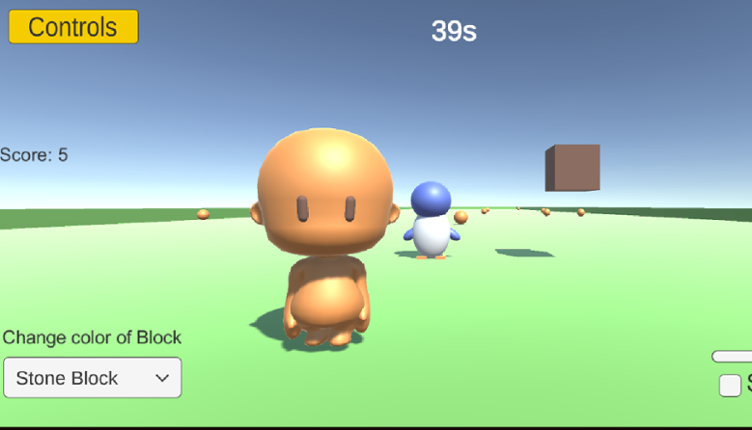
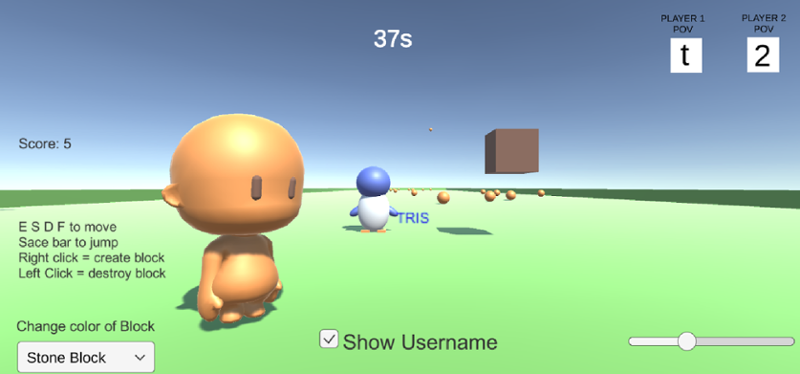
Hi! It seems you have a new . This game can be played by two people. Keyboard: Use ESDF to move and space bar to jump for Player1. Use Arrow Keys to move Player2 and it will animate a walking movement. Layers: Press key "t" to have the Camera follow Player1 (Penguin). Press key "2" to have the Camera follow Player2(Character). Don't fight with your friend on camera usage :D Pointer Hover: … If you enjoyed this game, see our list of games similar to Project 3.
- View Game
Feature 1: Garden Camera Explorer (Uses Layers/Tags) Input: Player uses W/A/S/D keys to move the camera around the garden space. The mouse controls the camera's viewpoint, allowing full 360° rotation. Spacebar moves the camera upward and Left Shift moves it downward for a bird’s-eye view. The camera object is assigned the "GardenCamera" tag, and obstacles like trees and flowerbeds are ass… If you enjoyed this game, see our list of games similar to IT201_018_YashiRastogi_project3.
38 View GameView GameNew Added Features:Feature 1: Theme Selector (Environment Change) Input: Mouse Click on Dropdown Menu - “Theme Type” (Winter | Desert | Mountain) Process: Changes skybox, ambient lighting, sun color, and ground material based on selected theme. Output: The entire scene environment updates visually to match the chosen setting. Feature 2: Target Marking System Input: Mouse Left Click … If you enjoyed this game, see our list of games similar to IT201_018_Project2_Ashutosh_Chalise.
39 View GameView GameFeature 1: Description:Anywhere you click on screen a platform is created Input:Mouse location Out:Put: On screen Platform Feature 2: Description:Once the player moves onto the created platform it will disappear after 6 seconds Input:Keypad input Out:Put: Platform disapears Feature3: Description:Once player cube touches platform is wil change from white to green to yellow … If you enjoyed this game, see our list of games similar to matthewbigio-it201-018-project4-v2.
- View Game
For this project, I created a game called Shape Clicker. The user initiates the gameplay by clicking the "Start" button at the bottom of the screen. The objective of Shape Clicker is to click as many cubes as possible before the allotted time runs out. The previous iteration of this game only offered the player a display for the cursor position, a dropdown to change the time limit, a dropdown to a… If you enjoyed this game, see our list of games similar to IT201_Sprint2_Anthony_Rodier.
41 View Game
Project 1 Paint App I made a painting tool that creates cubes when the user clicks on the screen. The cube will be rotated on the x, y, and z axis using a series of sliders. The program also reads the There is also a dropdown for the user to change the color. 1. Display Mouse Position Input: Mouse placed within the vicinity of the screen Output: X and Y coordinates of the mouse are displayed 2… If you enjoyed this game, see our list of games similar to Patrick Pagfdatoon IT201 Project 4.
View Game42 View Game
TOWER DEFENSE GAME WITH A MAIN MENU DISPLAYING THE OTHER SPRINTSDISCLAIMER - MAKE SURE TO CLICK THE BUTTON TO GO FULLSCREEN Features are as follows: SPRINT 01: Features: Mouse Location: The input would be the user moving their mouse anywhere in the game where the DisplayMousePosition file tracks the coordinates of the mouse location. The output would be the text showing the coord… If you enjoyed this game, see our list of games similar to IT201 - Sprint 4 - Carlos Fuentes.
View GameDescription Draw on a 2D canvas with 3D shapes. Click or drag over the white canvas to begin spawning objects. These objects will spawn with random rotation, relative size, and color to give a more enjoyable experience. Configure several settings that allow you to change the appearance of you pen such as color, size, shape, and animation. Features Creating and Deleting Objects with the mouse:… If you enjoyed this game, see our list of games similar to IT Project 4.
View Game
- View Game
Controls: Always run forward. Use the A or Left Arrow Key to move left and D or Right Arrow Key to move right in an infinitely generated straight line. Press the Spacebar to jump. Click the Left Mouse Button to fire. Press the Escape Key to pause while in-game. Devlog 9/23/2022Basic player and map createdPlayer automatically runs forward, can move left and right, and jumpPlayer can collide with th… If you enjoyed this game, see our list of games similar to Project Grinch.
- View Game
Controls: Click and hold to shoot. Turbo for (limited) speed boost with Space bar. Reach the goal to win. Use 1-9 keys to auto-switch between levels: Normal ControlsBlack HolesMaze and CinemachineBreakable DoorCheckpointsTripwire DoorSticky WallsHoming MissilesWindmillDriving Range Press R to return to main menu at any time, or press N to go to next level at any time. Asset List: ScriptsDescriptio… If you enjoyed this game, see our list of games similar to Exam Golf Game.
- 0%Game Brain ScoreMost mentioned negative aspects:graphics, gameplay0% User Score 1 reviews
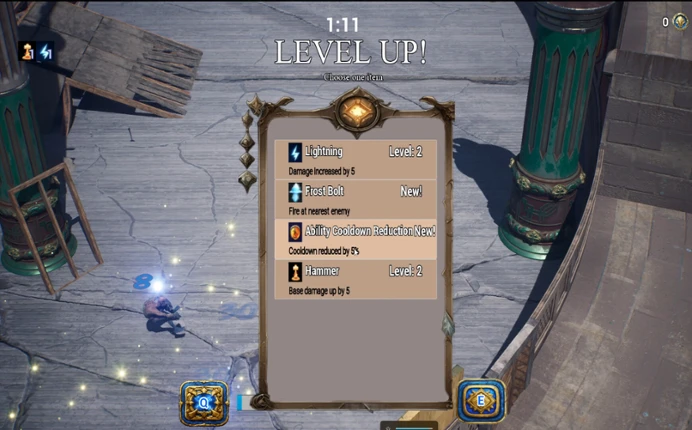
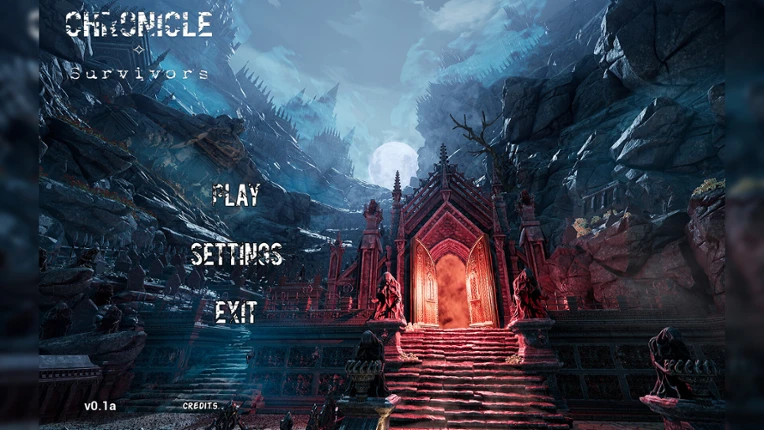
Chronicle Survivors is an Unreal Engine powered gorgeous action roguelike game with difficult, short (5-12 minutes) and meaningful objectives, thoughtful progression, variety of levels, loads of unique mechanic enemies and, of course, grindy epic loot with a continuous development path. If you enjoyed this game, see our list of games similar to Chronicle Survivors.
View Game
47 View Game View Game51%Game Brain ScoreMost mentioned positive aspects:gameplay, humorMost mentioned negative aspects:stability51% User Score 152 reviews
Ultimate Sheep Raccoon is a bike-racing party game where you and your friends build the course together. Add obstacles and dangerous traps, take the lead with power-ups, and race to the finish! If you enjoyed this game, see our list of games similar to Ultimate Sheep Raccoon.
- 81%Game Brain ScoreMost mentioned positive aspects:gameplay, musicMost mentioned negative aspects:replayability, story100% User Score 32 reviews
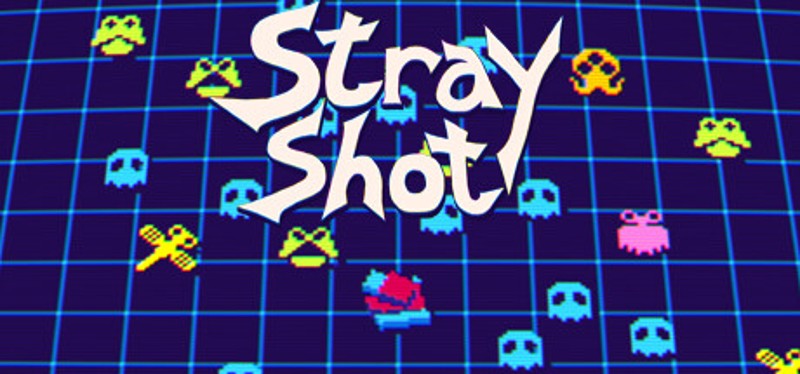
This is a unique twin-stick arena shooter where your own actions define the difficulty. Shoot recklessly at the walls and you will drown in enemies, but shoot too little and you will have a mediocre score. Observe the different monsters's behaviours and be strategic in the way you fight them. The more monsters there are in the arena, the more points you get for each one defeated. Unlock and p… If you enjoyed this game, see our list of games similar to Stray Shot.
View Game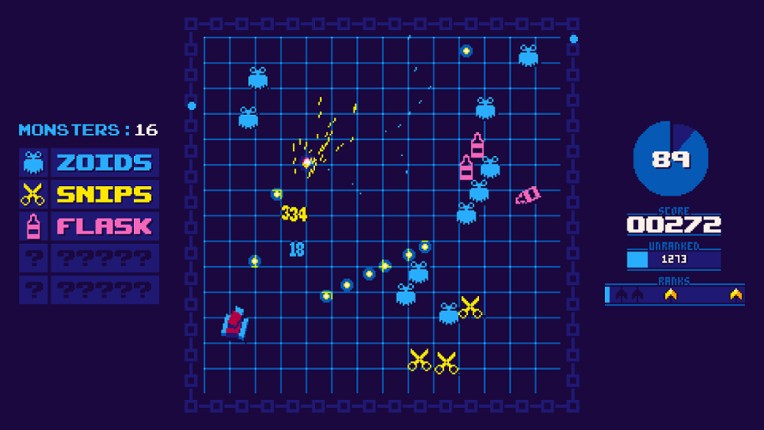
- 45%Game Brain ScoreMost mentioned negative aspects:gameplay, stability67% User Score 18 reviews
"Monster Line of Defense" is a casual shooting game. Players need to control the turret in the screen by moving it left and right. Clicking the left mouse button allows the player to fire and shoot the monsters approaching from the front. If the monsters are not eliminated, they will stack up in front of the turret. The game features a level-based progression, with each subsequent le… If you enjoyed this game, see our list of games similar to Monster Line of Defense.
View Game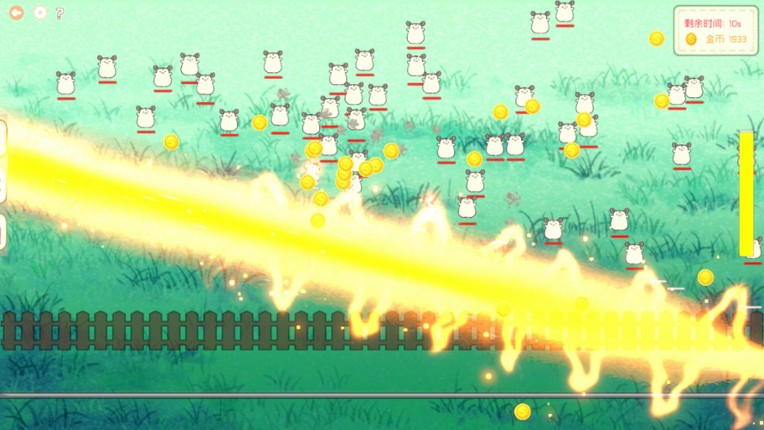


- 69%Game Brain ScoreMost mentioned positive aspects:music, gameplayMost mentioned negative aspects:replayability, grinding78% User Score 202 reviewsCritic Score 59%9 reviews
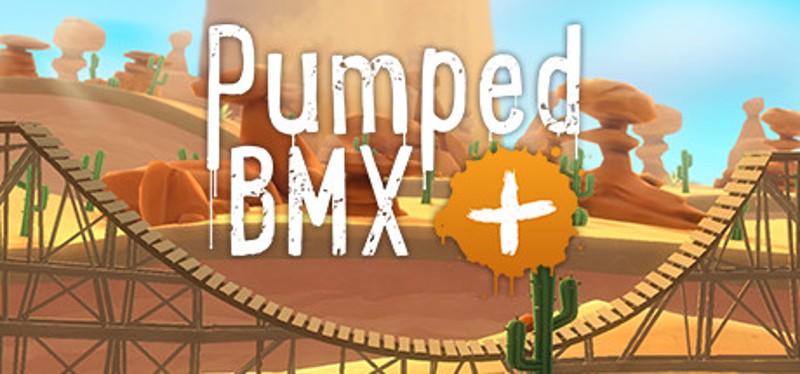
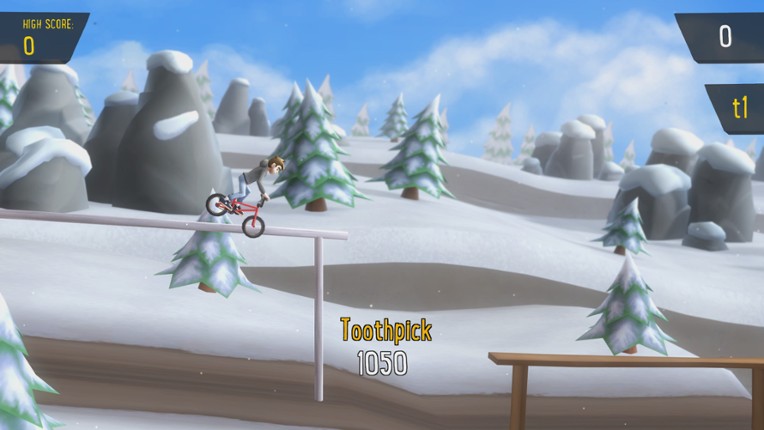
A sidescrolling stunt game, based on Pumped BMX 2 for mobile platforms, Pumped BMX+ is retooled for consoles. If you enjoyed this game, see our list of games similar to Pumped BMX+.
View Game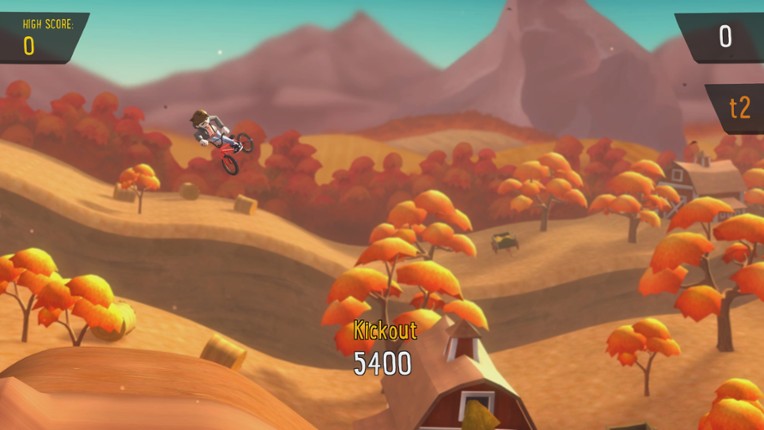


 View Game