


Games like IT 201: Project 4
Looking for games like IT 201: Project 4? Here are top action recommendations, selected from player-similarity data — start with Rana Khan IT 201-001 Project 4, IT Project 4 or Sprint 04 Project.
- View Game
Fixes for this project: 1.) Made the Clock have user input using key input from keyboard. 2.) Organization was a little messy. So, I placed everything in sequence. 3.) Size of the clock was hard to read so I made it larger and changed to color for clarity. Old Features From Project 3: Feature 1: Animation Clip Swap What It Does: enables the user to alternate between an object's various ani… If you enjoyed this game, see our list of games similar to Rana Khan IT 201-001 Project 4.
Description Draw on a 2D canvas with 3D shapes. Click or drag over the white canvas to begin spawning objects. These objects will spawn with random rotation, relative size, and color to give a more enjoyable experience. Configure several settings that allow you to change the appearance of you pen such as color, size, shape, and animation. Features Creating and Deleting Objects with the mouse:… If you enjoyed this game, see our list of games similar to IT Project 4.
View Game
- View Game
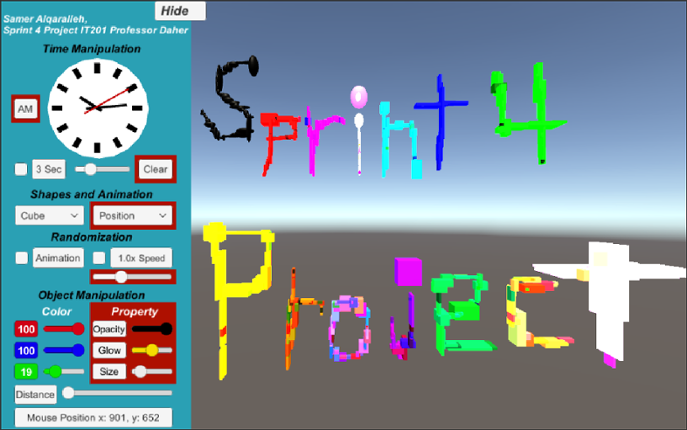
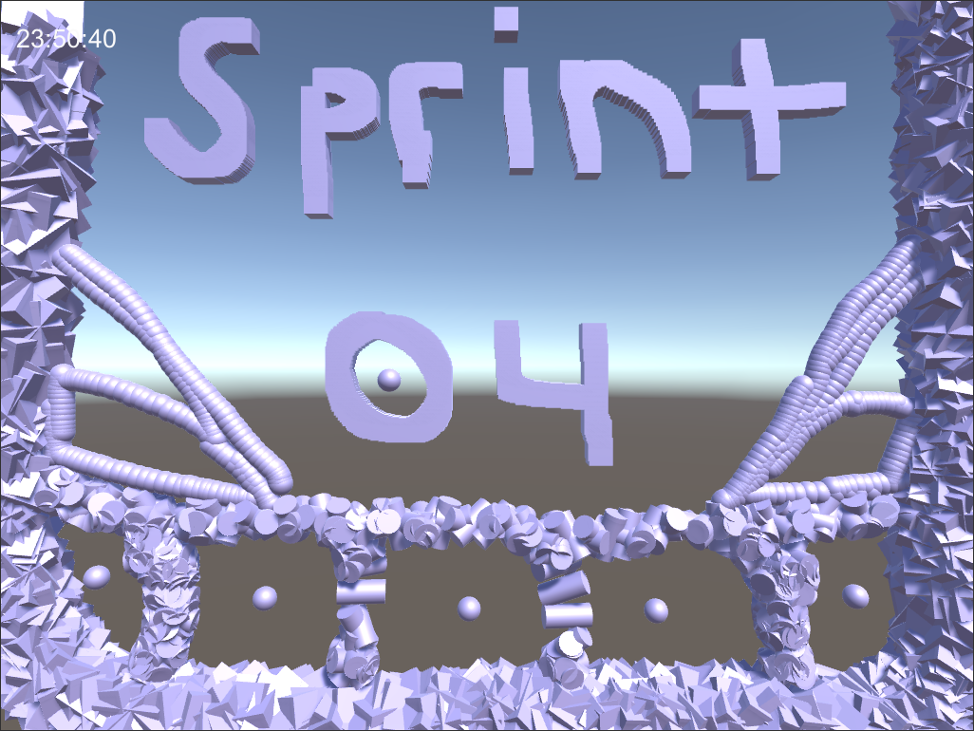
Summary: A painting tool that creates and deletes 3D objects with mouse clicks. Users can change the shape, animation, animation speed, color, size, glow, opacity, and distance of the objects they spawn. Features highlighted with red have real-time effects. Left Click: Deletes non-animated objects. (Click for single object; hold for continuous deletion). Interacts with UI and clock. Right Clic… If you enjoyed this game, see our list of games similar to Sprint 04 Project.
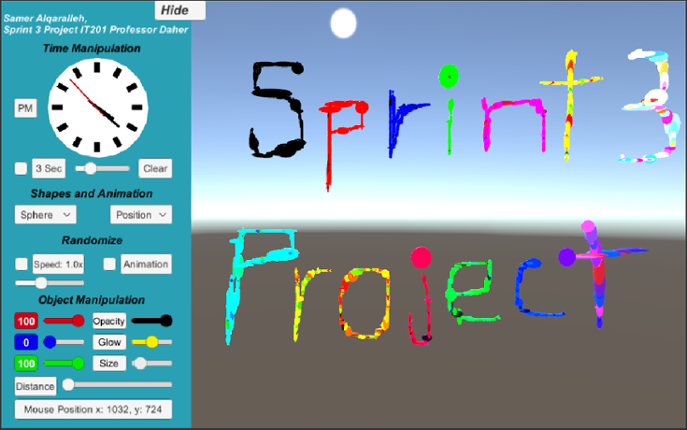
Summary: A painting tool that creates and deletes 3D objects with mouse clicks. Users can change the shape, animation, animation speed, color, size, glow, opacity, and distance of the objects they spawn. Left Click: Deletes non-animated objects. (Click for single object; hold for continuous deletion). Interacts with UI and clock. Right Click: Spawns objects. (Click for single object; hold for… If you enjoyed this game, see our list of games similar to Sprint 03 Project.
View Game
Jungle Survival is a first person exploration and survival game set in a dynamic jungle environment. Players navigate the terrain, collect and manage items through an intuitive inventory system, and interact with the world using real-time UI controls. The game features core survival mechanics such as health, hunger, and stamina, where players must eat to survive, manage energy while sprinting, and… If you enjoyed this game, see our list of games similar to Project 4.
View Game
- View Game
Brief Description: For my Unity Project 4 I combine all my projects into one here and apply updates based on the comments and notes that address any issues. Here are all the features in my range based shooter: Place your own targets using the right mouse button and the left mouse button to create projectiles that shoot towards a target. There is also a feature for a button that enables or disa… If you enjoyed this game, see our list of games similar to Joel Collado - IT201-450 - Project-4.
- View Game
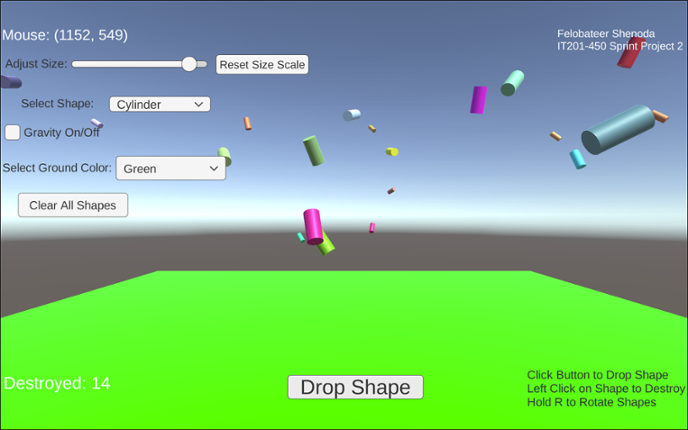
Project 1 Features: 1. Feature 1: Display Mouse Position Input: Mouse moving anywhere on the screen Process: The script reads mouse X and Y coordinates Output: Text updates live showing the mouse position on the screen 2. Feature 2: Spawn Shape on Button Click Input: User clicks the “Drop Shape” button Process: The script converts mouse screen position to wo… If you enjoyed this game, see our list of games similar to IT201_Project4_Felobateer_Shenoda.
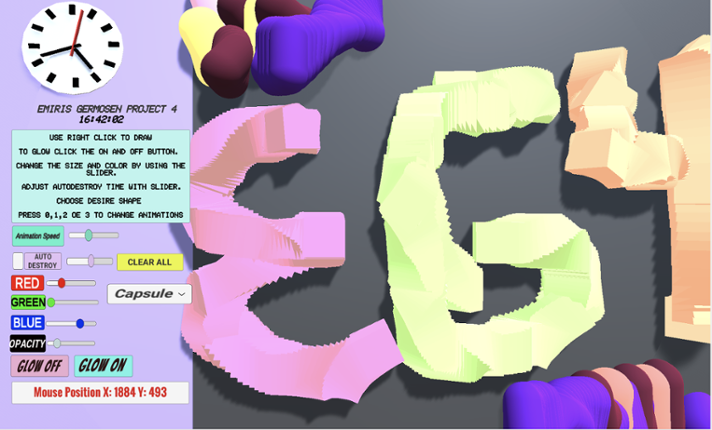
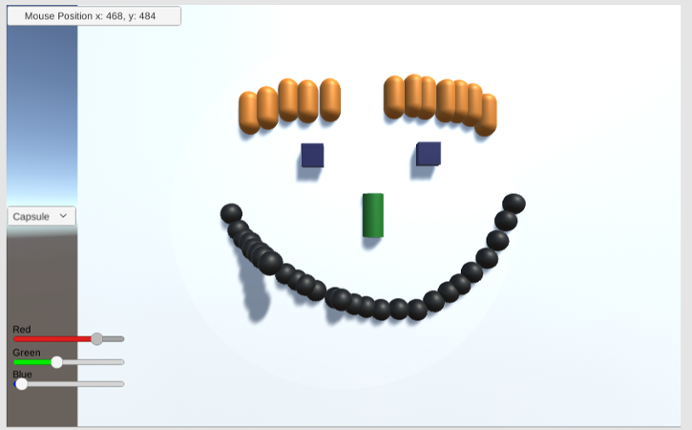
Game Description: This project allows the user to create a 3D object when right-clicking. When the user right clicks an object will get spawned. The user can change shapes between a Cube, Cylinder, Capsule, and an Alien (prefab). The user also can make the object transparency change, make the object bigger or smaller by changing its size, change colors via sliders and is also able to select how q… If you enjoyed this game, see our list of games similar to Project4_IT201_EmirisGermosen.
View Game
Description: This app is a basic Unity project that lets the user mess around with 3D boxes that spin. There are a few buttons and a slider that let you spawn different kinds of boxes, change how they spin, remove them, and even control how fast they rotate. The idea was just to get used to using UI elements and interacting with objects in Unity through C# scripts. Original Features: Featur… If you enjoyed this game, see our list of games similar to IT201_Sprint3_Shival_Panchal.
View Game
- 89%Game Brain ScoreMost mentioned positive aspects:gameplay, graphicsMost mentioned negative aspects:stability, grinding89% User Score 1,670 reviews
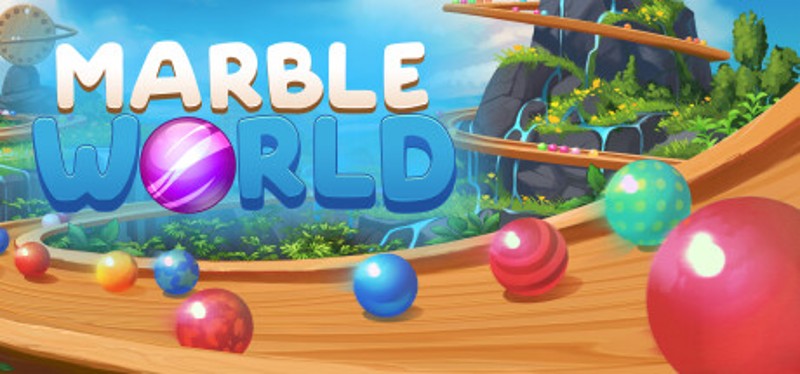
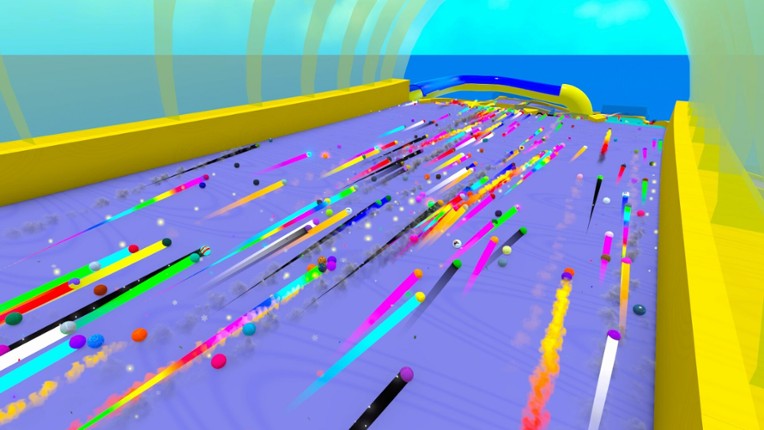
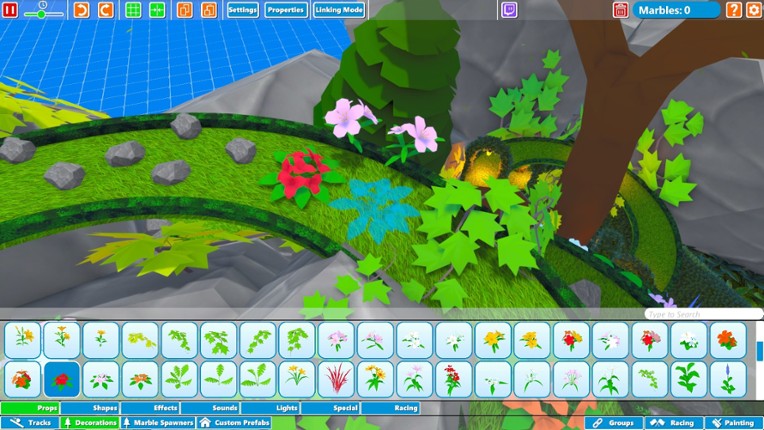
Create your own marble races, runs & machines! Decorate tracks & environments to your likings and fabricate unique experiences and share them with the world. Marble World is a 3D physics simulator sandbox with marbles! If you enjoyed this game, see our list of games similar to Marble World.
View Game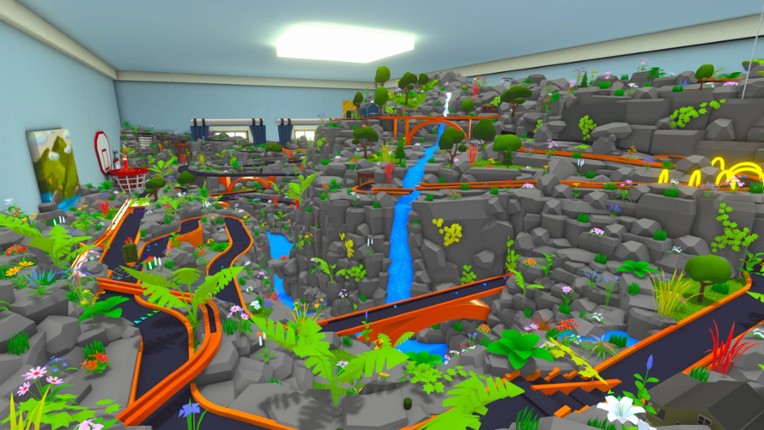
- View Game
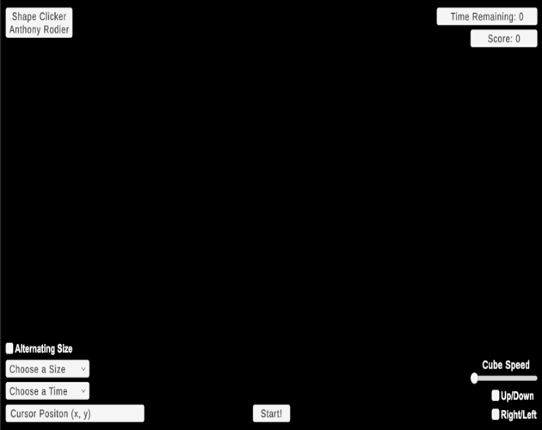
Brief Description: This iteration now includes setting time limits, adjusting target size, dynamic score tracking, and starting the game via a start button. It also retains animation-focused enhancements like choosing which animations to see via a dropdown, adjusting animation speed via slider, reversing animations, allowing for simultaneous animations, and toggling the visibility of UI elements f… If you enjoyed this game, see our list of games similar to IT201_Project04_Anthony_Rodier.
- 50%Game Brain Score50% User Score 1 reviews
Previous Features: Display Mouse Position: Input: Captures the mouse's X and Y position on the screen using Input.mousePosition. Process: Updates a UI Text element to reflect the current mouse position every frame. Output: The text updates in real-time, showing the user's mouse location on the lower-left corner of the screen. Create/Destroy 3D Objects: Input: Detects a left mouse cli… If you enjoyed this game, see our list of games similar to Rana Khan IT 201 Project 2.
View Game
- 26%Game Brain ScoreMost mentioned positive aspects:humorMost mentioned negative aspects:story, stability29% User Score 42 reviews
Want to learn Blender but don't know where to start? Start here. Built for complete beginners. If you already know Blender, this game is not for you. 3D Skills Start Here teaches your first steps in Blender through play, mini games, and puzzles. No tutorials to sit through. You learn by doing. If you already know what G, R, and S do, you're past what this game teaches. Backed by over 1,000 supp… If you enjoyed this game, see our list of games similar to 3D Skills Start Here.
View Game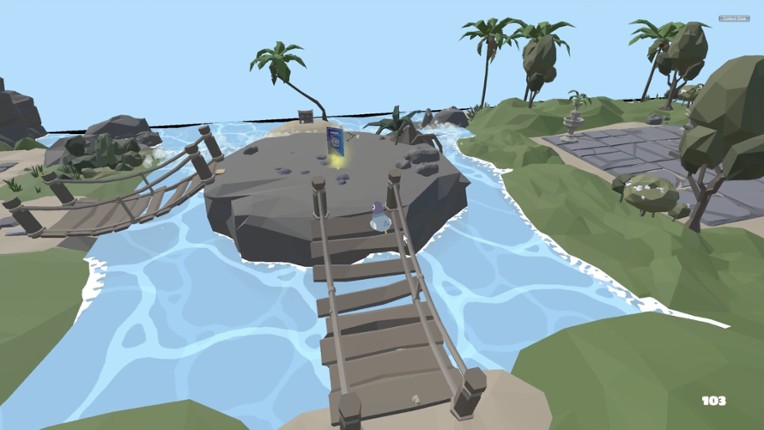
- 86%Game Brain ScoreMost mentioned positive aspects:graphics, gameplayMost mentioned negative aspects:stability, monetization86% User Score 4,614 reviews
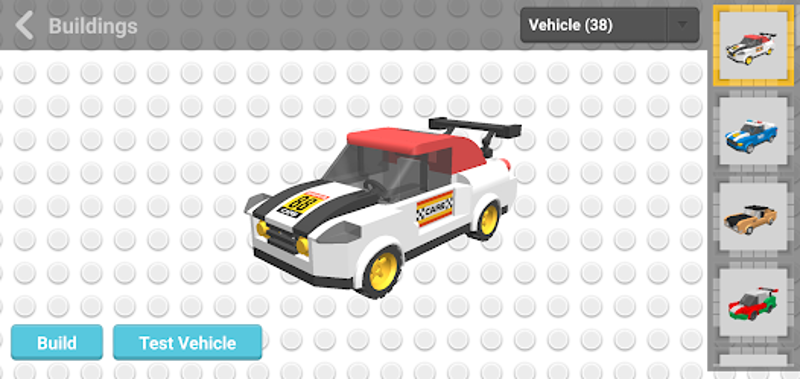
Draw Bricks is a fun 3D building game If you enjoyed this game, see our list of games similar to Draw Bricks.
View Game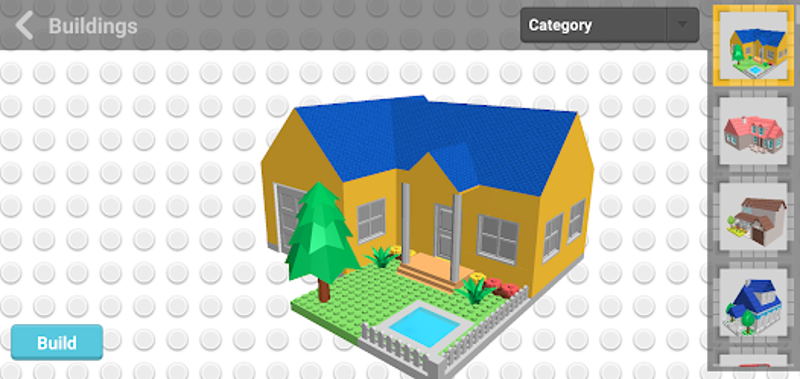
- 83%Game Brain ScoreMost mentioned positive aspects:graphics, musicMost mentioned negative aspects:stability, story83% User Score 1,278 reviews
In FlowScape you can create your own nature scene simply by painting. Choose from 20 landscapes and more than 300 models to create your own little paradise by painting trees, changing the sky, rotating the sun, adding sound effects and adjusting your camera for that perfect photo. If you enjoyed this game, see our list of games similar to FlowScape.
View Game
- View Game
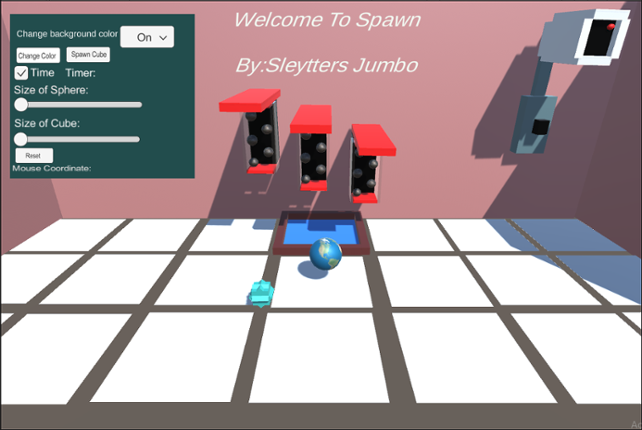
Spawn Green Ball This feature allows you to spawn green balls all over the floor or walls, anywhere you choose. To be able to spawn this gameObject you need to left-click on the mouse. You can do one click and spawn the object or you can hold left-click and spawn instantaneously. The input is left-clicking and the output is spawning a green ball. You can't spawn objects on the gray part of the flo… If you enjoyed this game, see our list of games similar to Welcome to Spawn 4.
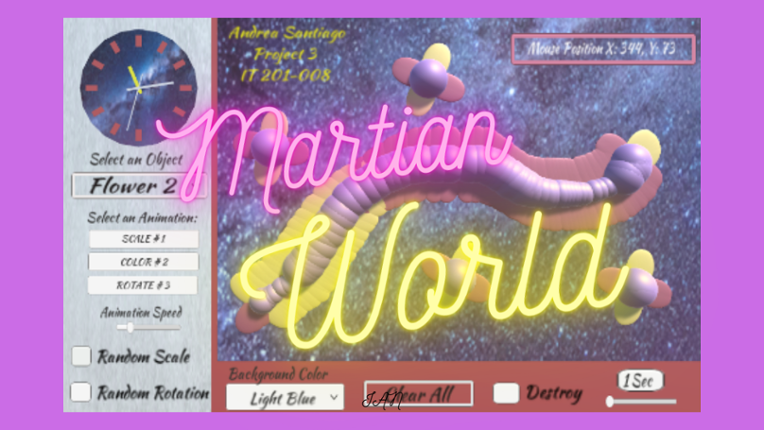
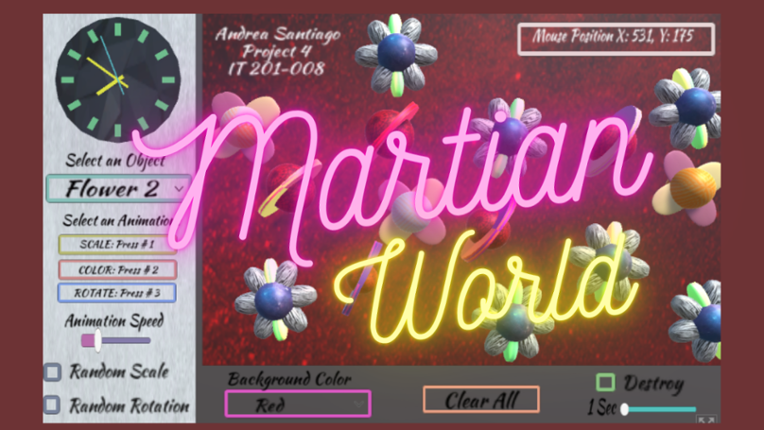
In this project, I created unique colorful 3D objects that can be drawn on the screen. The user is able to interact with the objects in different ways. To select the options use the left click and to draw the objects use the right click or drag. 1. Dropdown menu for objects- Selects the objects you want to draw on the screen. There are two extraterrestrial flowers, a planet, a spaceship and a … If you enjoyed this game, see our list of games similar to Martian World with Animations.
View Game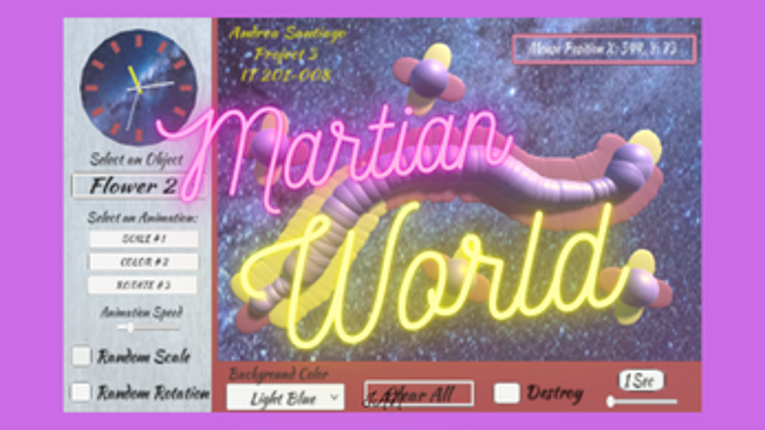
- View Game
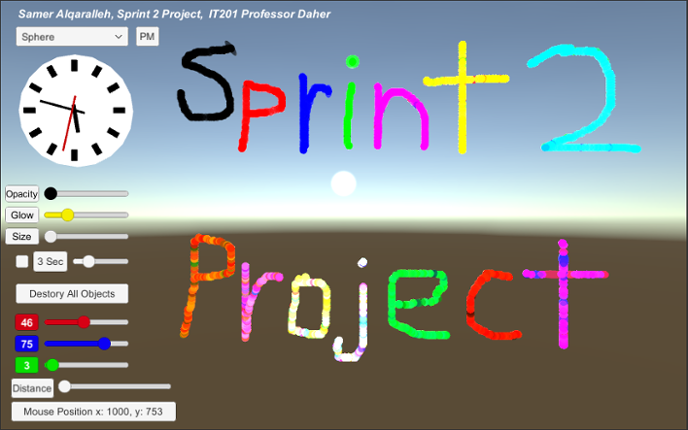
Left Click: Deletes objects. (Click for single object; hold for continuous deletion). Interacts with UI and clock. Right Click: Spawns objects. (Click for single object; hold for continuous spawning). Description: A painting tool that creates and deletes 3D objects with mouse clicks. Users can change the shape, color, size, glow, opacity, and distance of the objects they spawn. The drop dow… If you enjoyed this game, see our list of games similar to Sprint 02 Project.
- View Game
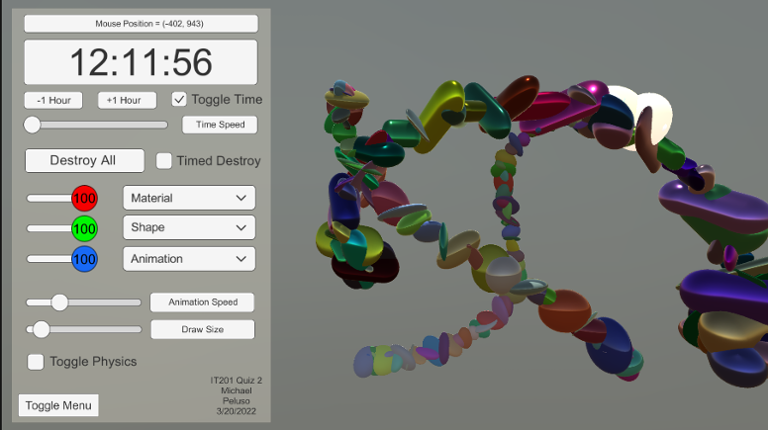
Description: I created a 3d painting tool that can create or destroy primitives using the left and right click respectively. The primitives are destroyed and created at the location of the mouse by reading mouse input and location. Users can find they have access to a large array of colors due to the individual RGB sliders. Users can also change shapes with a drop down menu. The options in the dro… If you enjoyed this game, see our list of games similar to IT201_Sprint04_Michael_Desousa.
- 46%Game Brain Score46% User Score 2 reviews
Hibotchi is an exciting blend of Tetris, Slay the Spire, and Diner Dash—a real-time cooking game with cards. If you're new here, I recommend starting with the tutorial (accessible from the "Choose Level" option). Gameplay Your objective is to fulfill the orders of your customers. To achieve this, you need to match the falling foods by strategically using the cards in your deck. Play cards from… If you enjoyed this game, see our list of games similar to Hibotchi.
View Game
21 View Game View Game
Feature 1: Display Mouse position Input: Mouse movement Process: keep the coordinate text on the mouse position and offset it for aesthetic and real-time update the coordinate as the mouse moves or doesn't move. Output: Text is displayed in the lower left corner showing X and Y of the mouse. Feature 2: Create Trees and Rocks by Left Mouse Click Input: Mouse Left Click Process… If you enjoyed this game, see our list of games similar to Pabal's Games | IT201-021 Project 4.
22 View Game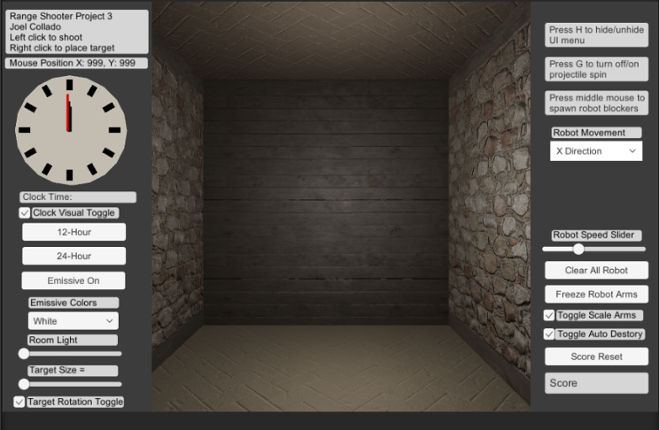 View Game
Brief Description: For my Unity Project 3 I continue my range based shooter where there is now the ability to hide the UI menu using H on the Keyboard. Also there is new mouse button input the middle mouse now spawns new animated robot prefabs that acts as guard for the targets. You can change their direction or stop their movement with the Dropdown menu. In addition, you can control their animati… If you enjoyed this game, see our list of games similar to Joel Collado - IT201-450 - Project-3.
- View Game
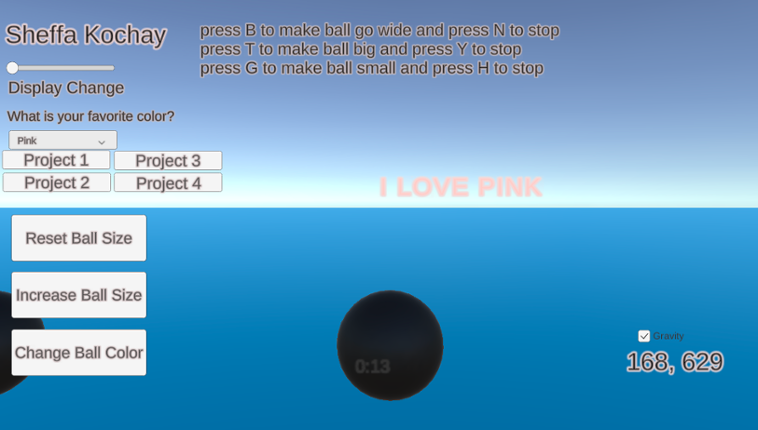
My application generates spheres on the screen when the user clicks the left mouse button within the scene. The user can manipulate the scene using both the left mouse button and on-screen UI buttons to adjust the spawned spheres. Additionally, certain keyboard buttons allow the user to trigger specific animations for the spheres. Additional features that I have implemented include a gravity toggl… If you enjoyed this game, see our list of games similar to IT 201_Sprint04_Sheffa_Kochay.
- View Game
For this project, I created a game called Shape Clicker. The user initiates the gameplay by clicking the "Start" button at the bottom of the screen. The objective of Shape Clicker is to click as many cubes as possible before the allotted time runs out. The previous iteration of this game only offered the player a display for the cursor position, a dropdown to change the time limit, a dropdown to a… If you enjoyed this game, see our list of games similar to IT201_Sprint2_Anthony_Rodier.
- View Game
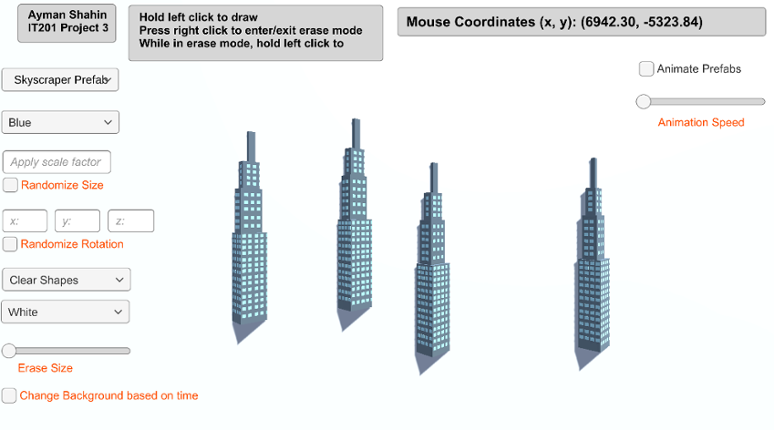
Feature 1: Display Mouse Position Input: Current mouse location Output: Text object in the top right of the screen that displays the user’s current mouse position. How is it different: This feature is mandatory, so it could not be made different from instructor’s. Feature 2: Create Game Object Input: Hold left click Output: The specified game object is spawned at the user’s current mouse posi… If you enjoyed this game, see our list of games similar to AymanShahin_IT201_Project4.
26 View Game
Project 1 Paint App I made a painting tool that creates cubes when the user clicks on the screen. The cube will be rotated on the x, y, and z axis using a series of sliders. The program also reads the There is also a dropdown for the user to change the color. 1. Display Mouse Position Input: Mouse placed within the vicinity of the screen Output: X and Y coordinates of the mouse are displayed 2… If you enjoyed this game, see our list of games similar to Patrick Pagfdatoon IT201 Project 4.
View Game27 View Game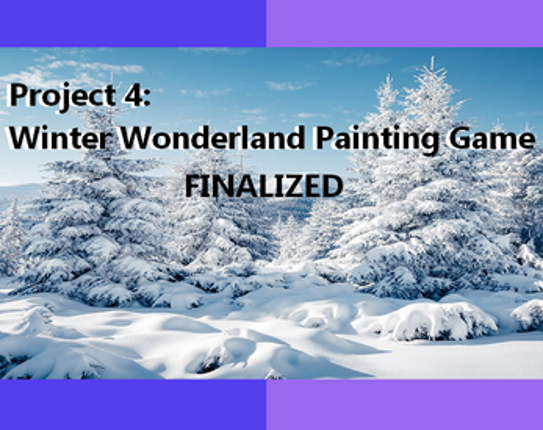
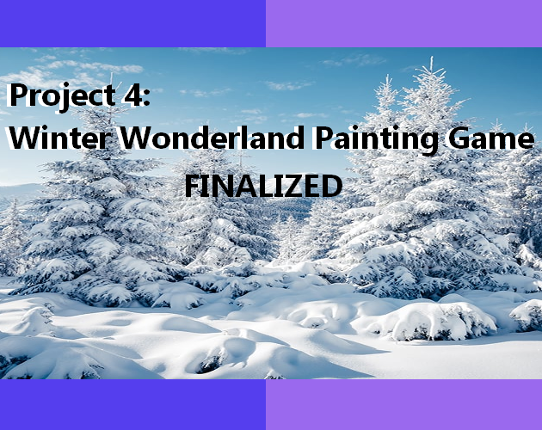
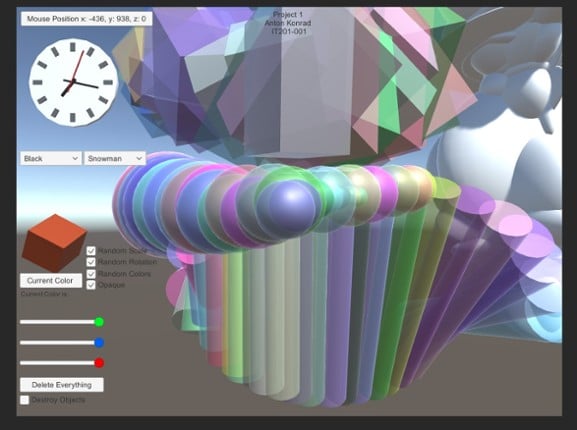
Brief Description: I created a winter wonderland painting program in which the user can choose between two 3D symbols (snowman and snowflake) and can swap between three backgrounds (frozen lake, winter terrain, and aurora borealis). The left mouse is used to click, the right mouse is used to drag. Mouse coordinates are displayed on the bottom left corner, and a clock is featured on the top left co… If you enjoyed this game, see our list of games similar to Kylie Monek - IT201-006 - Project 4.
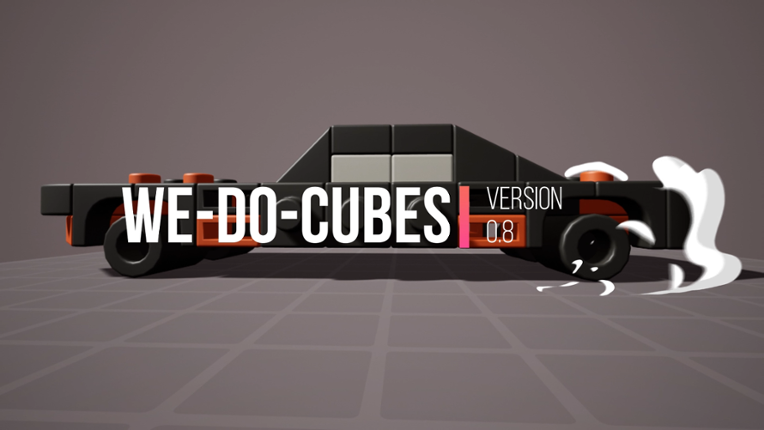
View Game• Last Update v0.9.0 -The game now comes with 50+ build samples. you will be able to immediately load them from the loading menu. -While the samples will take a place in your loading menu I have added an option to hide the game samples to easily find your saves. -The gallery now are much faster it will load the images while browsing them and it will clear them from the game memory when you clo… If you enjoyed this game, see our list of games similar to We-Do-Cubes.
View Game
The inspiration behind this project is a Galaxy, I created unique colorful 3D objects each having a unique design, and colors that fit perfectly with its theme. The user can interact with each object in the following ways: To select options use: the left click To draw the objects on screen use: the right click or drag right click. Press Letter M to show or hide the Menu. 1. Dropdown menu … If you enjoyed this game, see our list of games similar to Project 4_MartianWorld.
View Game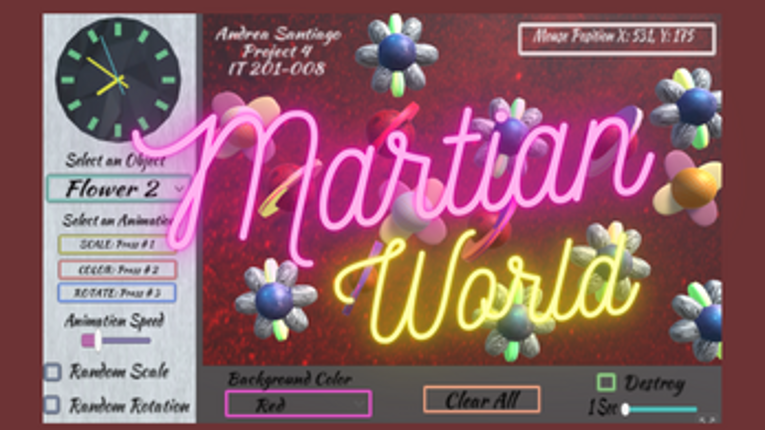
30 View Game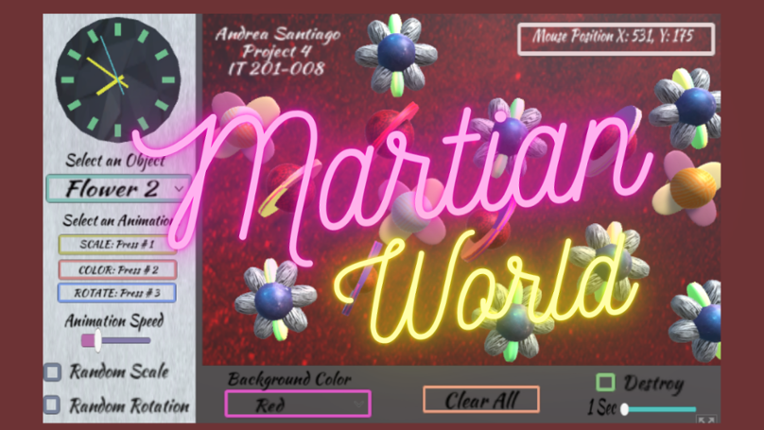 View Game
The inspiration to this project is a Galaxy, I created unique colorful 3D objects each having a unique design, colors that fit perfectly with its theme. The user can interact with each object in the following ways: To select options use: the left click To draw the objects on screen use: the right click or drag right click. Press Letter M to show or hide the Menu. 1. Dropdown menu for obj… If you enjoyed this game, see our list of games similar to Martian World With Animations Final.
- 83%Game Brain ScoreMost mentioned positive aspects:graphics, monetizationMost mentioned negative aspects:stability, story83% User Score 1,740 reviews
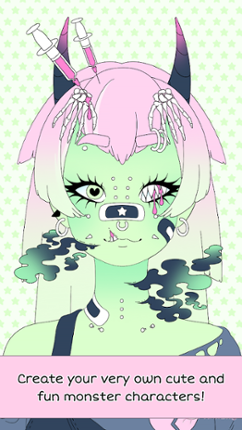
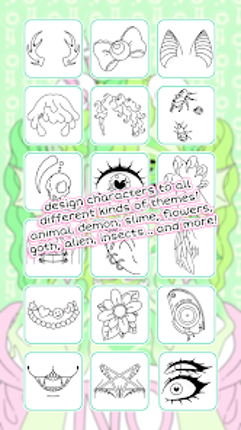
A fun and cute monster-themed character creator with 1000+ parts. If you enjoyed this game, see our list of games similar to Monster Girl Maker.
View Game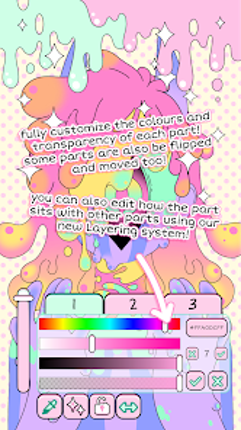
- View Game
How to Play: (Full Screen) Select factory building, you can see a production line to choose from, you can click the button spawn unit after some time. (Box)select our own tanks to issue orders to destroy enemy tanks. Tanks can slowly self-repair when losing health. Enemy tanks are marked red; ourIf you stay within the range of the relay station for more than 5 seconds, you can capture it to g… If you enjoyed this game, see our list of games similar to Battalion Assault.
- 49%Game Brain Score49% User Score 3 reviews
Graffiti 3D is a straightforward application with one purpose: enable you to doodle in 3d space with 3d meshes in colors/materials of your choice. An Oculus Rift and Leap Motion are recommended for the best experience.If you like Graffiti 3D, check out my other VR projects Superstruct (http://jscottk.itch.io/superstruct) and Triangulate (http://jscottk.itch.io/triangulate).A Hovercast (https://git… If you enjoyed this game, see our list of games similar to Graffiti 3D.
View Game
- 89%Game Brain ScoreMost mentioned positive aspects:graphics, musicMost mentioned negative aspects:stability, monetization89% User Score 9,999 reviews
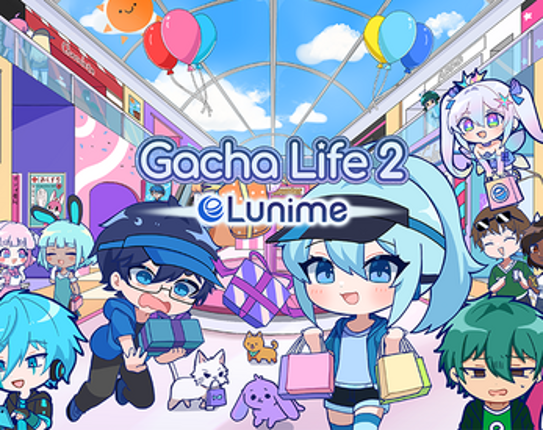
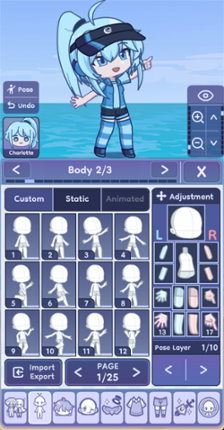
Create your own anime characters and dress them up in stylish fashion outfits! If you enjoyed this game, see our list of games similar to Gacha Life 2.
View Game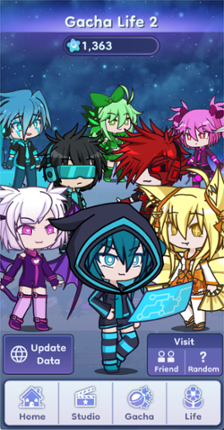
- 47%Game Brain ScoreMost mentioned positive aspects:music, atmosphereMost mentioned negative aspects:gameplay, graphics52% User Score 152 reviewsCritic Score 20%1 reviews
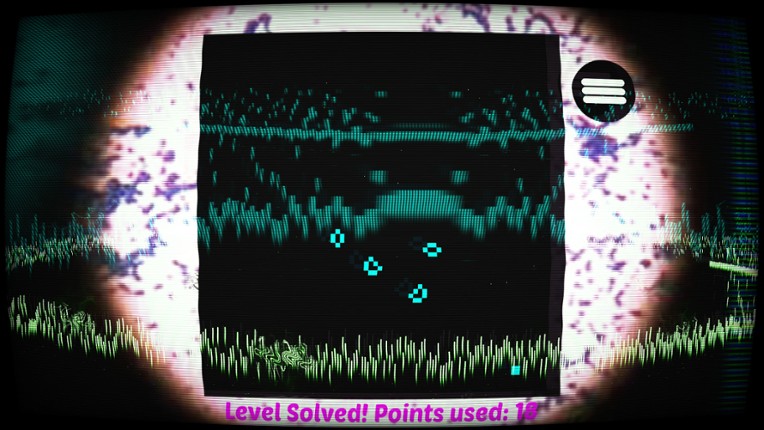
'Bacteria' - A relaxing puzzle game based on the rules of the cellular automaton ‘Life’ devised by John Horton Conway in 1970. If you enjoyed this game, see our list of games similar to Bacteria.
View Game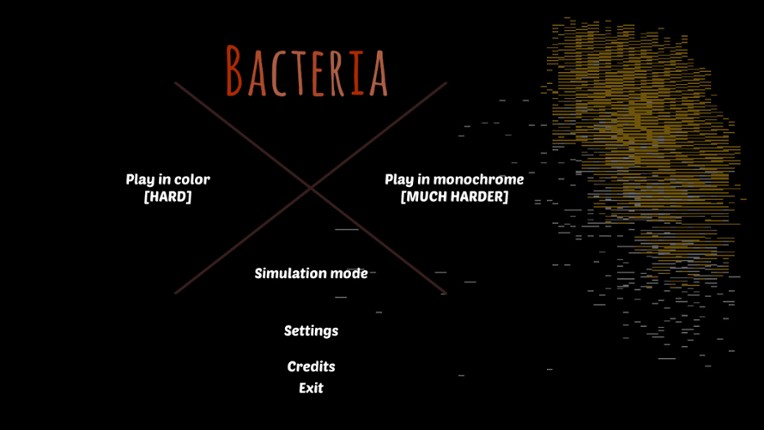
36 View Game View Game64%Game Brain ScoreMost mentioned positive aspects:music, emotionalMost mentioned negative aspects:stability, optimization64% User Score 75 reviews
Dry Erase is an infinite whiteboard in virtual reality. It's the perfect thinking environment, just you alone with your notes. And the best part is: you'll never run out of writing space. If you enjoyed this game, see our list of games similar to Dry Erase: Infinite VR Whiteboard.
- View Game
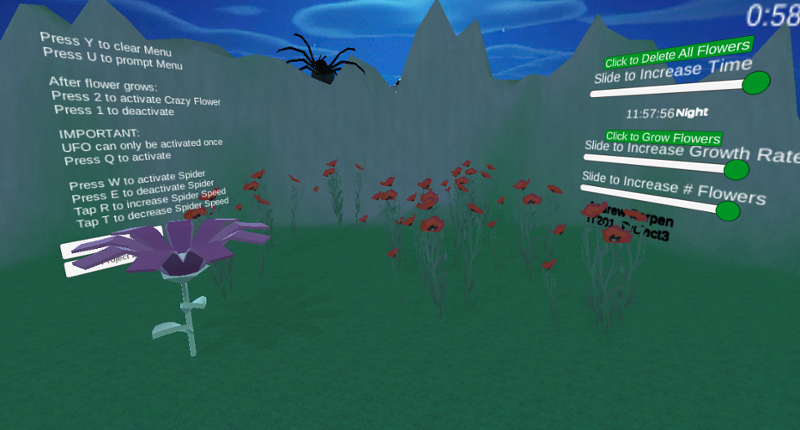
Users gets to experience the different stages of my application where in the first project you are able to spawn in certain flowers and furthermore from building on this project which lets users spawn in a range from 1 to 10 flowers and allow them to grow at a rate of their choice while they experience a day to evening to night cycle and control the speed of the time as well as destroy all flowers… If you enjoyed this game, see our list of games similar to IT201_Sprint04_Andrew_Carpen.
You may also like About the GameA hidden object game where you must find all the bunnies and carrots to complete each level.Key features:️ 15 Unique artworks ❓ 1500+ Hidden objects total 750+ Bunnies 750+ Carrots ∞ Unlimited hints if you get stuck ♻️ Restore a small number of bunnies / carrots to a painting so you can find them again! Music for each artwork (optional) Achievements ⌨️ Use… If you enjoyed this game, see our list of games similar to I commissioned some bunnies 10.
View Game
- View Game
New Features: Feature 1 – Gravity Toggle Input: Checkbox (Toggle UI element) Process: When the toggle is checked or unchecked, the script loops through all spawned shapes in the scene and sets their Rigidbody.useGravity to true or false. Output: Shapes immediately start falling with gravity or float in place, depending on toggle. Feature 2 – Clear All Shapes Button Input: Button clic… If you enjoyed this game, see our list of games similar to IT201_Sprint2_Felobateer_Shenoda.
40 View Game View Game
This project combines Project 1, 2, and 3 individually, and makes them all accessible via a main menu. This project also organizes all the files more appropriately per project, as all three projects were included in the Unity file. The primary fixes for this project were the flow diagrams submitted as part of the previous projects' deliverables. All features in Project 4 are as follows: 1. Destr… If you enjoyed this game, see our list of games similar to Daniel Maleski - IT201-H02 Project 04.
- View Game
Feature 1: Display Mouse position Input: Mouse location Process: Method is called Output: Text is displayed on the top left corner showing X and Y of the mouse. Feature 2: Create Objects Input: Mouse Click Process: Cue user to right click. Output: an object is drawn where the mouse is clicked.A string of objects are created if it's dragged. Feature 3: Change Color Input: D… If you enjoyed this game, see our list of games similar to Project 4.
- View Game
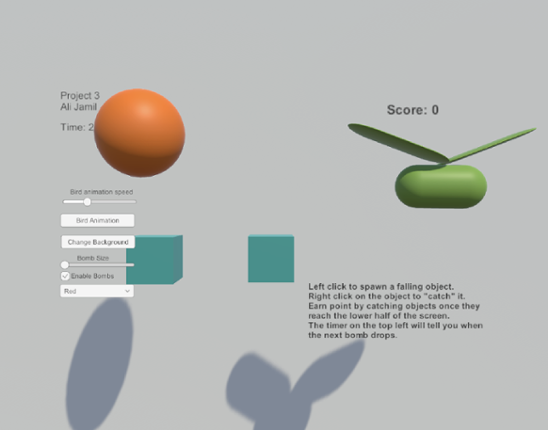
Feature 1: Displays Mouse Position Input: Mouse Location Output: There is text on the lower left side of the screen showing the X,Y position of the mouse. Process: Grab mouse coordinates, convert to string, set text object to string. Feature 2: Spawn falling objects Input: Mouse Left Click Output: A cube is spawned at the location of the left click which will then fall down the s… If you enjoyed this game, see our list of games similar to Ali Jamil-IT201-451-Project3.
- View Game
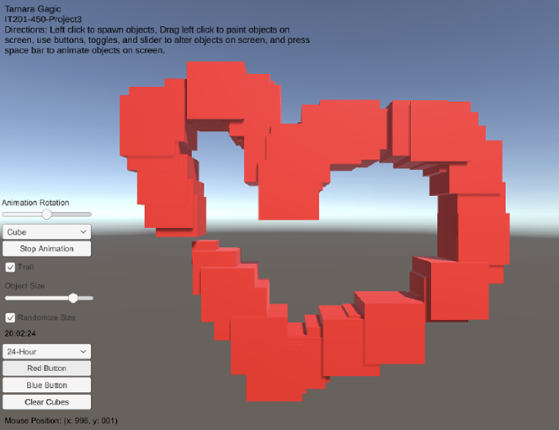
My project 3 builds upon my previous submissions and allows users to spawn and manipulate cubes. Upon launching the app, users are presented with a user-friendly interface that displays information such as the mouse's current position on the screen and a digital clock in the bottom right corner. Instructions for navigating and utilizing the app's features are placed in the top left corner to guide… If you enjoyed this game, see our list of games similar to Tamara Gagic-IT201-450-Project 3.
44 View Game View Game
Minor UI sortingProject 1 Features: Feature 1: Spawn Primitive Objects with the click of the mouse Feature 2: Displays the mouse cursor’s position on the screen Feature 3: Dropdown UI that allows for color selection of the Spawned Object Feature 4: Allows for the user to choose what shape to spawn Project 2 Features: Feature 1: Select Background Input: DropDown Output: Use th… If you enjoyed this game, see our list of games similar to Delmar Tenempaguay IT 201-451 Project 4.
Description: Create a painting tool by creating 3D primitives where the user clicks on the screen. It reads user input on the mouse and mouse location. It spawns 3D primitives and prefabs from user input and destroys 3D primitives after a set time. A color cube tracks the current colors being painted in real time, (Feature 1) rotates 360 degrees using animations, and a color button identifies what… If you enjoyed this game, see our list of games similar to ProjectSprint3.
View Game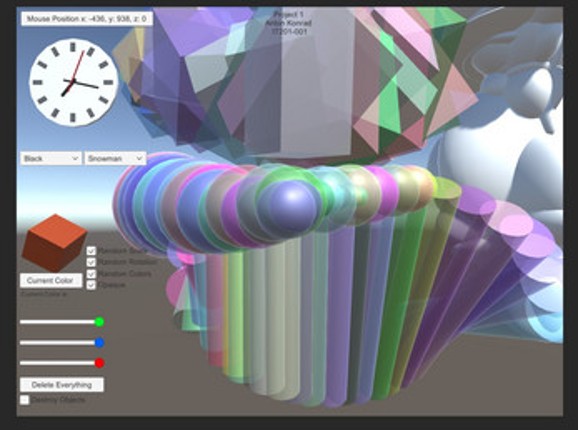
- View Game
3 Features 3 Prefabs with animations on them, they change by themselves such as spin -> bounce etc.Speed Slider to change the animation speed. (Only for 3 prefabs) .Menu animations, show/hide the menu on screen. (Press M key to hide/show the menu) Construct a painting application where the user clicks on the screen to build 3D primitives. It recognizes input validation from user to position of … If you enjoyed this game, see our list of games similar to Project 3.
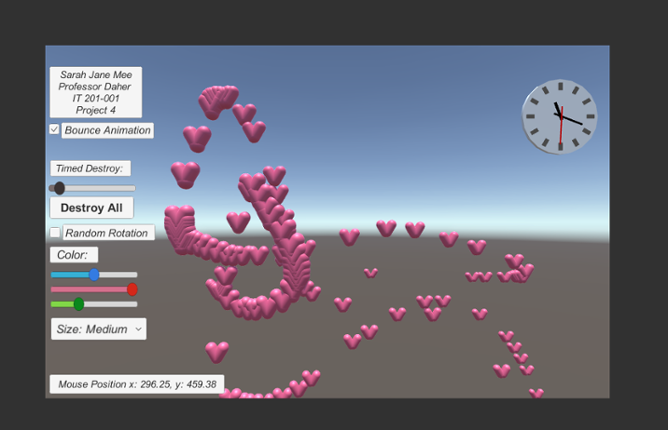
For this project, I built a user interface that allowed the user to paint 3D objects and change certain factors of the 3D objects they create. The users are able to change the color range and size of the 3D objects. Color range can be selected and changed from RGB slider. Size can be selected and changed from a drop down menu. In this program, the type of object the user is creating is a heart. Th… If you enjoyed this game, see our list of games similar to IT 201 Project 4 Sarah Jane Mee.
View Game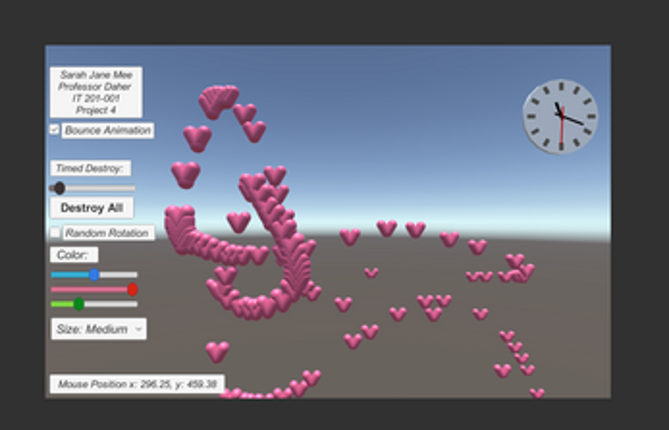
- View Game
Controls: Always run forward. Use the A or Left Arrow Key to move left and D or Right Arrow Key to move right in an infinitely generated straight line. Press the Spacebar to jump. Click the Left Mouse Button to fire. Press the Escape Key to pause while in-game. Devlog 9/23/2022Basic player and map createdPlayer automatically runs forward, can move left and right, and jumpPlayer can collide with th… If you enjoyed this game, see our list of games similar to Project Grinch.
49 View Game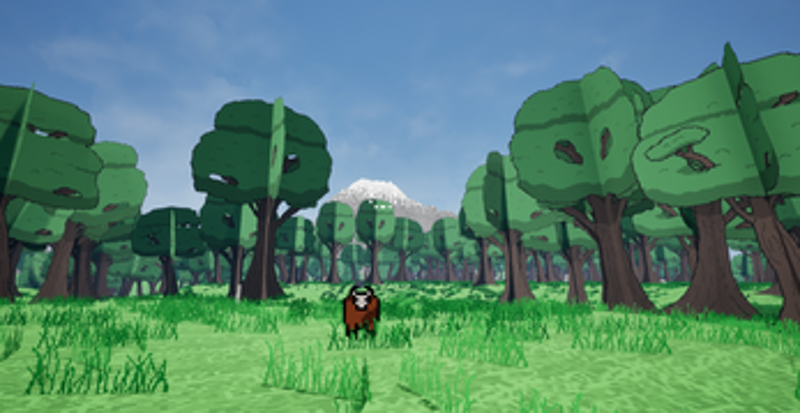
 50%Game Brain Score50% User Score 1 reviews
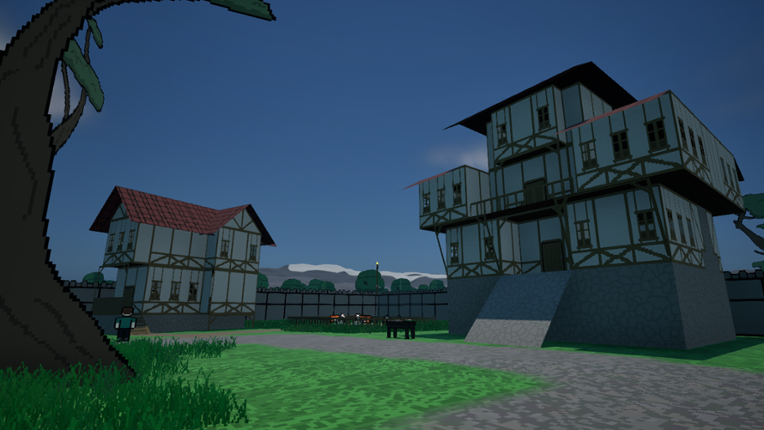
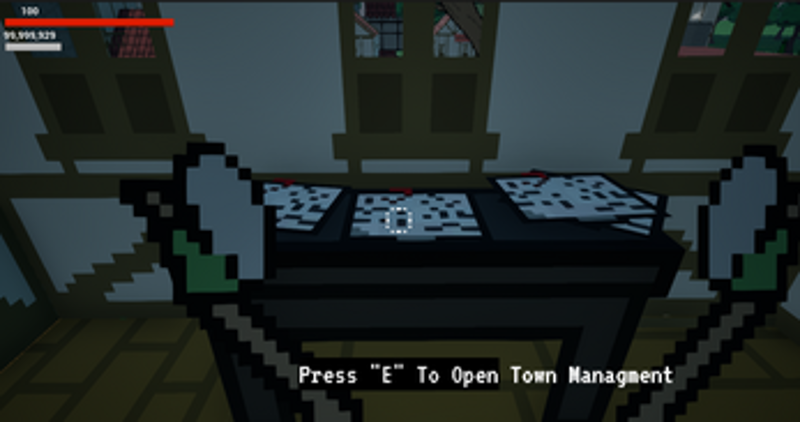
PNG RPG is an attempt to recreate that old Pixel Art RPG feel in a 3D explorable world, where you can build your own towns, explore dungeons, and travel a infinitely generated terrain. Inspired by the style of original final fantasys and the gameplay of Minecolonies my all-time favorite minecraft mod. The build system: PNG RPG puts control entirely in your hands. Unlike other survival-building … If you enjoyed this game, see our list of games similar to PNG RPG - Open World City Builder Survival ALPHA.
View Game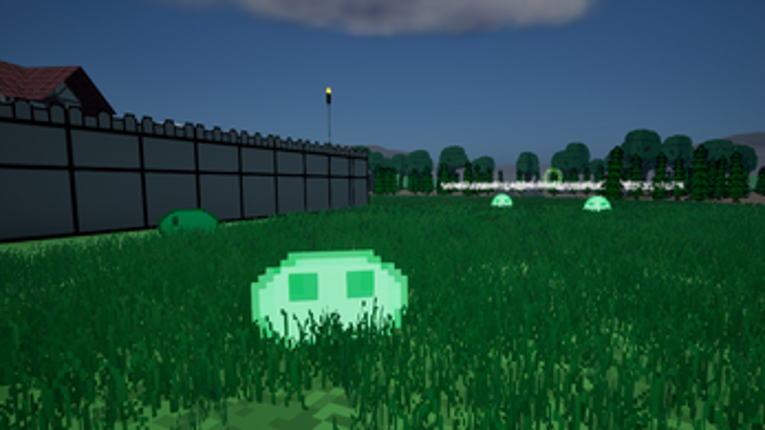
- View Game38%Game Brain ScoreMost mentioned positive aspects:story, musicMost mentioned negative aspects:gameplay, grinding62% User Score 13 reviews
Create and customize your very own Dragon Sanctuary! Reclaim a world lost to ancient corruption and restore it to life. Build, decorate, and upgrade your sanctuary as you cleanse the land and bring the last of the dragons home to hatch. If you enjoyed this game, see our list of games similar to Dragon Sprouts.


 View Game