

Games like Project 4_MartianWorld
Looking for games like Project 4_MartianWorld? Here are top action recommendations, selected from player-similarity data — start with Martian World With Animations Final, Martian World with Animations or Martian World Project 2.
- View Game
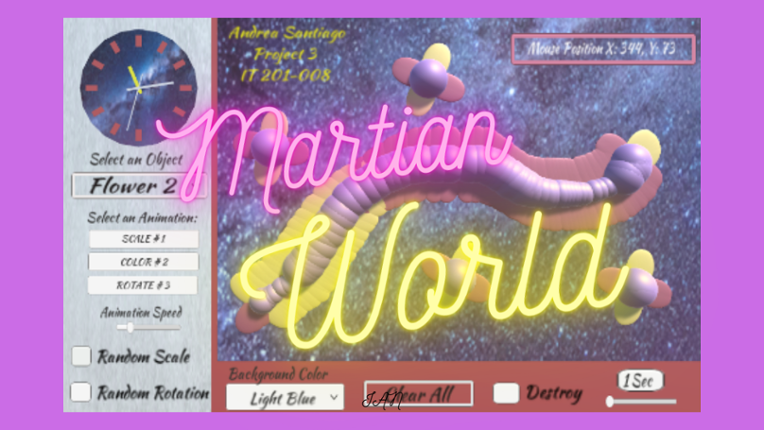
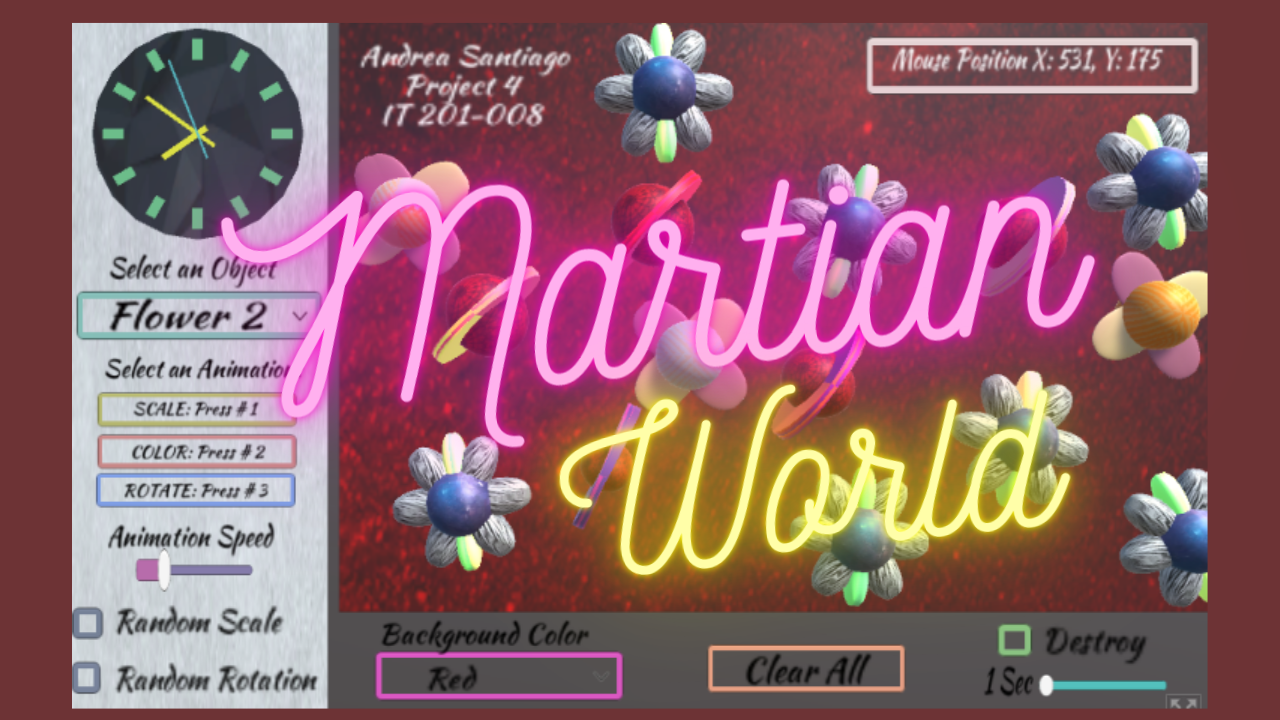
The inspiration to this project is a Galaxy, I created unique colorful 3D objects each having a unique design, colors that fit perfectly with its theme. The user can interact with each object in the following ways: To select options use: the left click To draw the objects on screen use: the right click or drag right click. Press Letter M to show or hide the Menu. 1. Dropdown menu for obj… If you enjoyed this game, see our list of games similar to Martian World With Animations Final.
In this project, I created unique colorful 3D objects that can be drawn on the screen. The user is able to interact with the objects in different ways. To select the options use the left click and to draw the objects use the right click or drag. 1. Dropdown menu for objects- Selects the objects you want to draw on the screen. There are two extraterrestrial flowers, a planet, a spaceship and a … If you enjoyed this game, see our list of games similar to Martian World with Animations.
View Game
- View Game
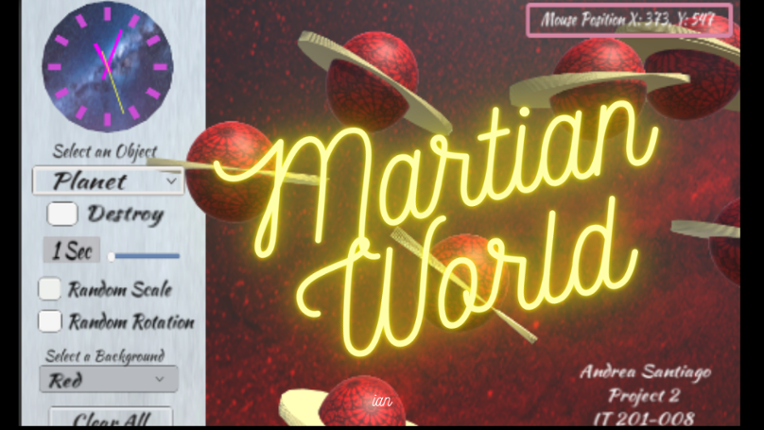
In this project, I created unique colorful 3D objects that can be drawn on the screen. The user is able to interact with the objects in different ways. To select the options use the left click and to draw the objects use the right click or drag. 1. Dropdown menu for objects- Selects the objects you want to draw on the screen. There are two extraterrestrial flowers, a planet, a spaceship and a ca… If you enjoyed this game, see our list of games similar to Martian World Project 2.
- View Game
Brief Description: For my Unity Project 4 I combine all my projects into one here and apply updates based on the comments and notes that address any issues. Here are all the features in my range based shooter: Place your own targets using the right mouse button and the left mouse button to create projectiles that shoot towards a target. There is also a feature for a button that enables or disa… If you enjoyed this game, see our list of games similar to Joel Collado - IT201-450 - Project-4.
- View Game
Fixes for this project: 1.) Made the Clock have user input using key input from keyboard. 2.) Organization was a little messy. So, I placed everything in sequence. 3.) Size of the clock was hard to read so I made it larger and changed to color for clarity. Old Features From Project 3: Feature 1: Animation Clip Swap What It Does: enables the user to alternate between an object's various ani… If you enjoyed this game, see our list of games similar to Rana Khan IT 201-001 Project 4.
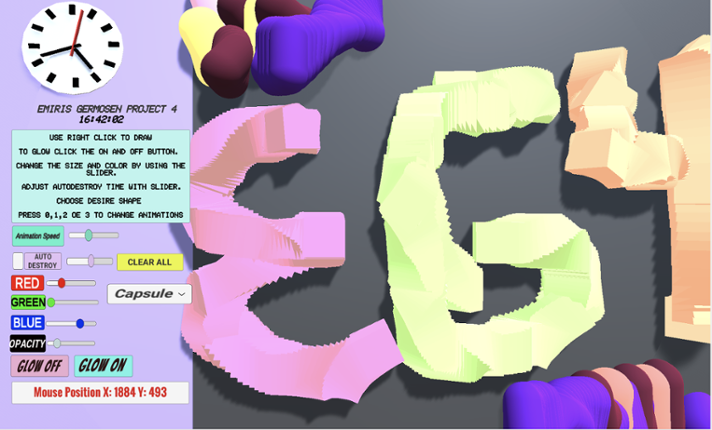
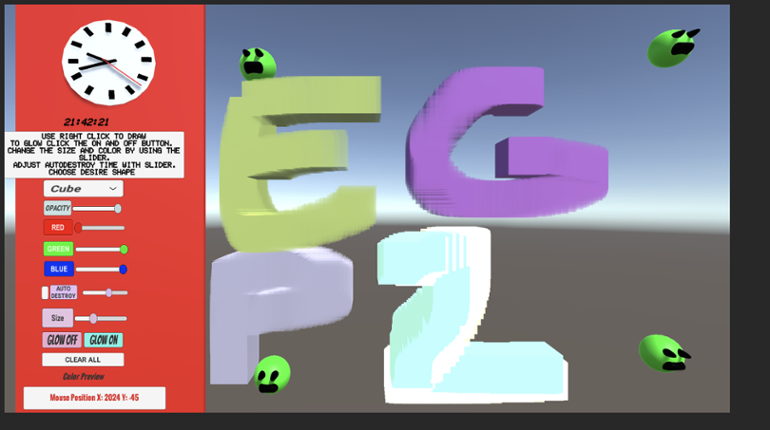
Game Description: This project allows the user to create a 3D object when right-clicking. When the user right clicks an object will get spawned. The user can change shapes between a Cube, Cylinder, Capsule, and an Alien (prefab). The user also can make the object transparency change, make the object bigger or smaller by changing its size, change colors via sliders and is also able to select how q… If you enjoyed this game, see our list of games similar to Project4_IT201_EmirisGermosen.
View Game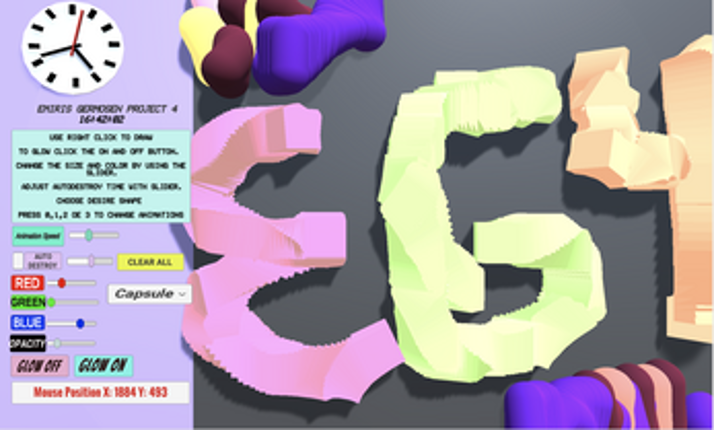
Description Draw on a 2D canvas with 3D shapes. Click or drag over the white canvas to begin spawning objects. These objects will spawn with random rotation, relative size, and color to give a more enjoyable experience. Configure several settings that allow you to change the appearance of you pen such as color, size, shape, and animation. Features Creating and Deleting Objects with the mouse:… If you enjoyed this game, see our list of games similar to IT Project 4.
View Game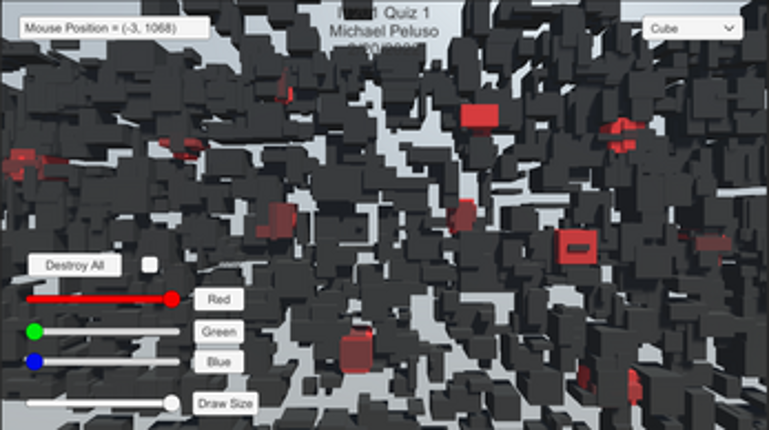
- View Game50%Game Brain Score50% User Score 1 reviews
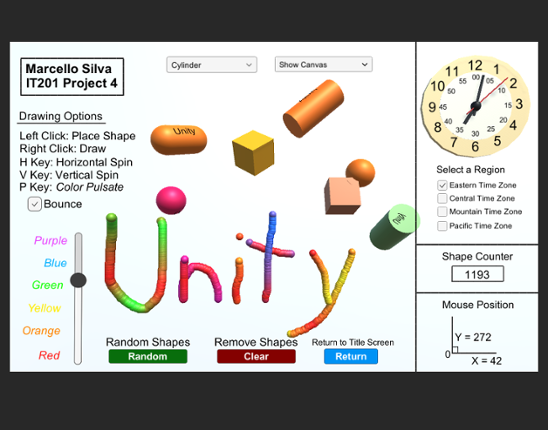
Labeled as Project 4, this is the finalized application of the ongoing drawing project I have developed for IT201 Information Design Techniques. You will open up the game to see a cover page with buttons that will direct you to every version of the game during it's building process, from the complete Project 4 game all the way to the first Project 1 game. Listed below are all the features include… If you enjoyed this game, see our list of games similar to Marcello Silva - IT201-450 - Project 4.
- View Game
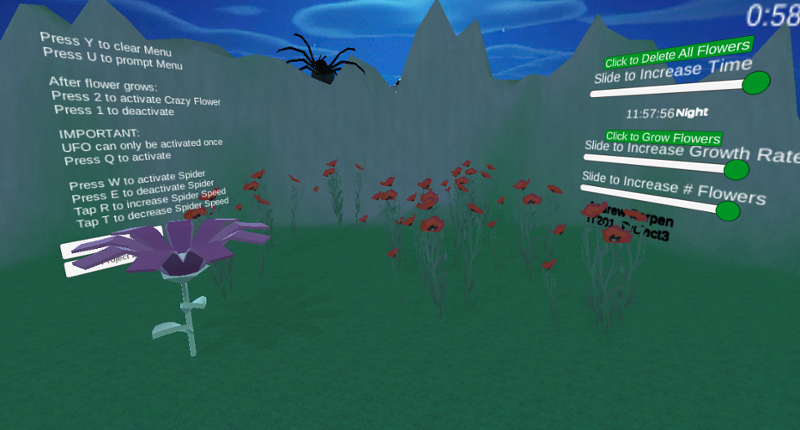
Users gets to experience the different stages of my application where in the first project you are able to spawn in certain flowers and furthermore from building on this project which lets users spawn in a range from 1 to 10 flowers and allow them to grow at a rate of their choice while they experience a day to evening to night cycle and control the speed of the time as well as destroy all flowers… If you enjoyed this game, see our list of games similar to IT201_Sprint04_Andrew_Carpen.
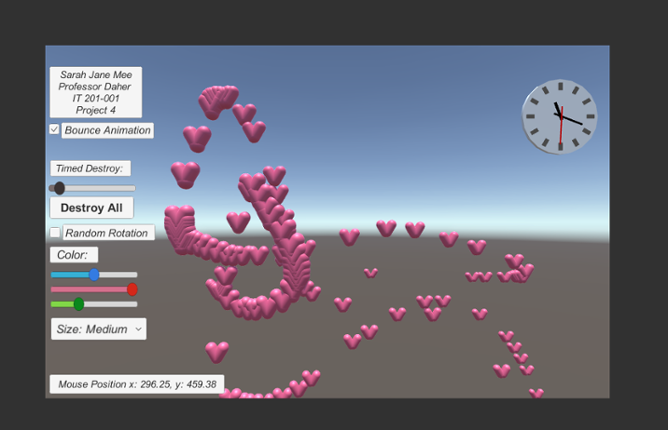
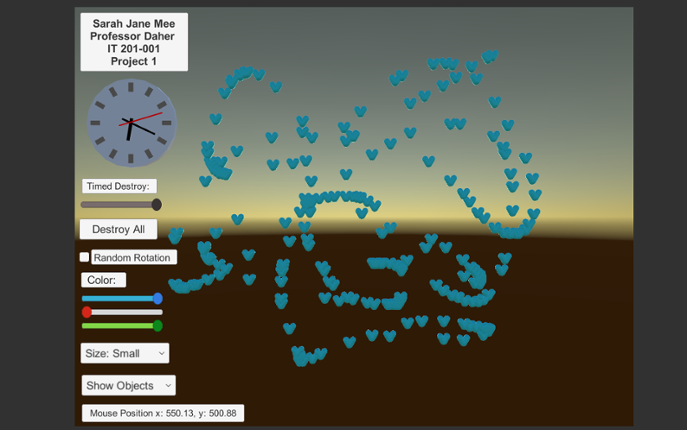
For this project, I built a user interface that allowed the user to paint 3D objects and change certain factors of the 3D objects they create. The users are able to change the color range and size of the 3D objects. Color range can be selected and changed from RGB slider. Size can be selected and changed from a drop down menu. In this program, the type of object the user is creating is a heart. Th… If you enjoyed this game, see our list of games similar to IT 201 Project 4 Sarah Jane Mee.
View Game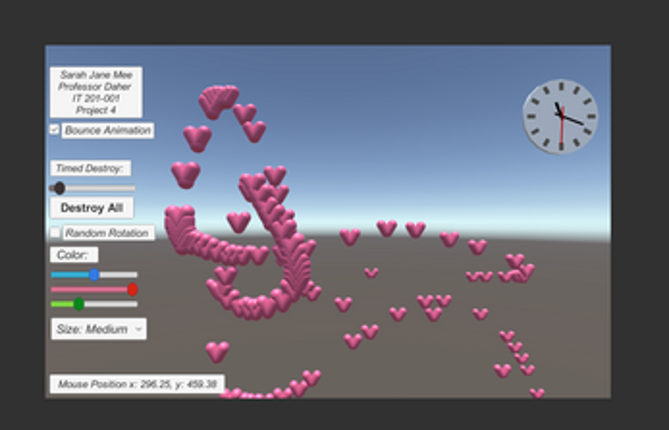
Description: This app is a basic Unity project that lets the user mess around with 3D boxes that spin. There are a few buttons and a slider that let you spawn different kinds of boxes, change how they spin, remove them, and even control how fast they rotate. The idea was just to get used to using UI elements and interacting with objects in Unity through C# scripts. Original Features: Featur… If you enjoyed this game, see our list of games similar to IT201_Sprint3_Shival_Panchal.
View Game
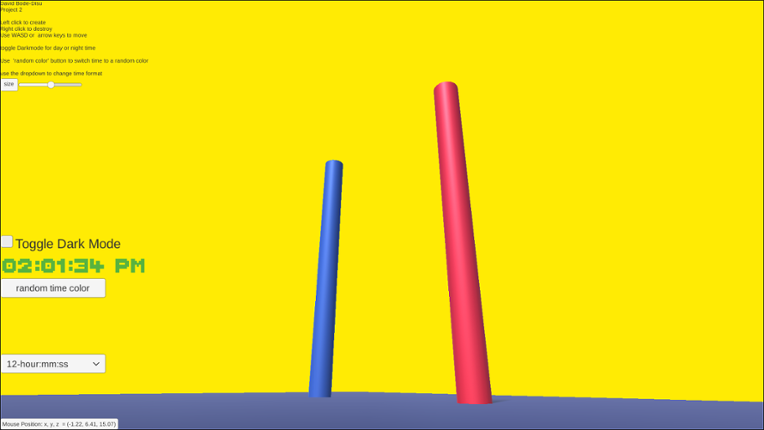
12 View GameView GameFeature 1: Display Mouse position Input: Mouse location Process: assign mouse X, Y, Z position to text object Output: Text is displayed in the lower left corner showing X, Y and Z of the mouse. Difference: This feature is different from class project because it shows the Z axis. Feature 2: Create & Destroy Objects Input: Mouse Left Click or Mouse Right Click Process: Raycast fro… If you enjoyed this game, see our list of games similar to IT201_Project3_David_BodeDisu.
- 84%Game Brain ScoreMost mentioned positive aspects:graphics, musicMost mentioned negative aspects:story, grinding86% User Score 179 reviewsCritic Score 75%1 reviews
Experience a relaxing atmosphere from the comfort of your cozy room by solving small 3D puzzles inside collectible gachapons, and find the original shape of things inspired by Rubik’s style. If you enjoyed this game, see our list of games similar to The Shape of Things.
View Game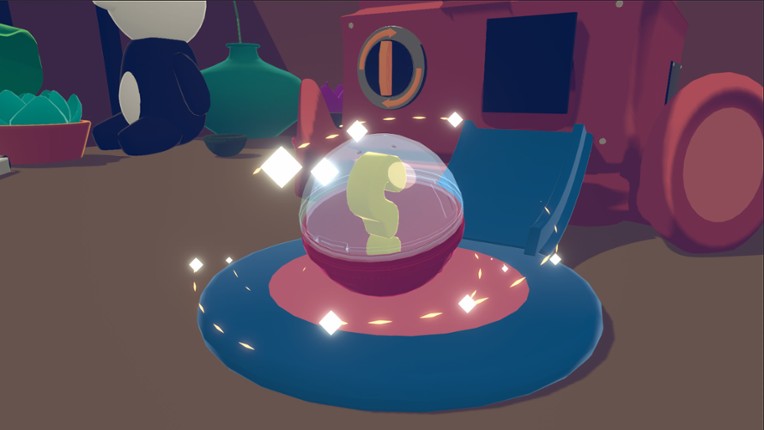
14 View Game View Game
Project 1 Features: 1. Feature 1: Display Mouse Position Input: Mouse moving anywhere on the screen Process: The script reads mouse X and Y coordinates Output: Text updates live showing the mouse position on the screen 2. Feature 2: Spawn Shape on Button Click Input: User clicks the “Drop Shape” button Process: The script converts mouse screen position to wo… If you enjoyed this game, see our list of games similar to IT201_Project4_Felobateer_Shenoda.
- View Game
Feature 1: Display Mouse position Input: Mouse location Process: Method is called Output: Text is displayed on the top left corner showing X and Y of the mouse. Feature 2: Create Objects Input: Mouse Click Process: Cue user to right click. Output: an object is drawn where the mouse is clicked.A string of objects are created if it's dragged. Feature 3: Change Color Input: D… If you enjoyed this game, see our list of games similar to Project 4.
- View Game
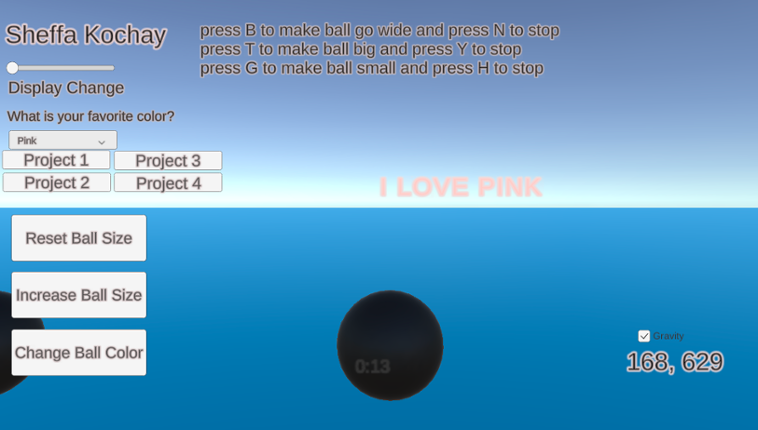
My application generates spheres on the screen when the user clicks the left mouse button within the scene. The user can manipulate the scene using both the left mouse button and on-screen UI buttons to adjust the spawned spheres. Additionally, certain keyboard buttons allow the user to trigger specific animations for the spheres. Additional features that I have implemented include a gravity toggl… If you enjoyed this game, see our list of games similar to IT 201_Sprint04_Sheffa_Kochay.
- View Game
Brief Description: This iteration now includes setting time limits, adjusting target size, dynamic score tracking, and starting the game via a start button. It also retains animation-focused enhancements like choosing which animations to see via a dropdown, adjusting animation speed via slider, reversing animations, allowing for simultaneous animations, and toggling the visibility of UI elements f… If you enjoyed this game, see our list of games similar to IT201_Project04_Anthony_Rodier.
18 View Game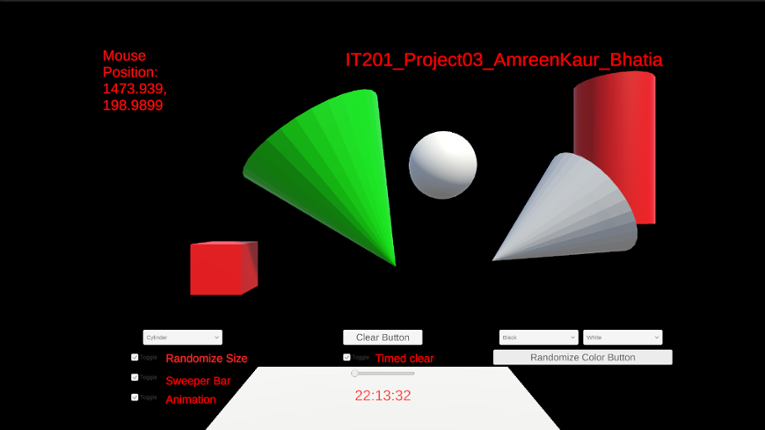 View Game
Uploading my project here again changed some text alignment on its own, it was all fine when I checked in unity.a) Feature 1:- Display Mouse Position Input: Mouse Location Output:- Text is displayed in the top left corner showing the X and Y coordinates of the mouse. Description:- On the top left corner of the screen there is a display which shows the x and y coordinate position of the mous… If you enjoyed this game, see our list of games similar to IT201_Project04_AmreenKaur_Bhatia.
- View Game
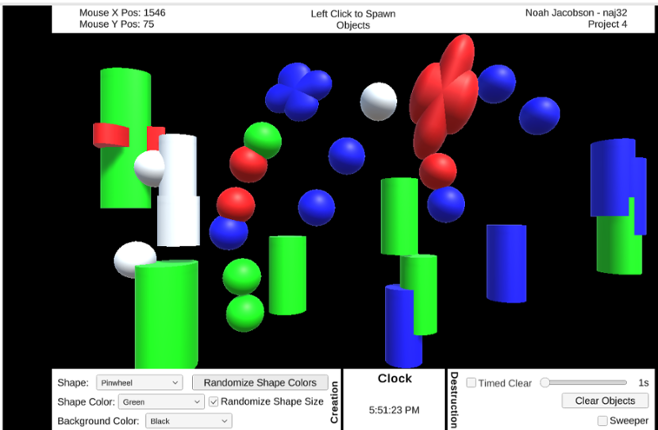
Features: Feature 1: GameObject creation with left mouse click. Input: Left mouse button Output: Created game objects Description: If the left mouse button is pressed while the cursor is in the black play area, an object is placed at the cursor’s current location. If the button is held, objects are repeatedly placed with a 100ms delay between them. This lets the user “draw” with objects. Feature 2… If you enjoyed this game, see our list of games similar to IT201 Project 4.
- View Game
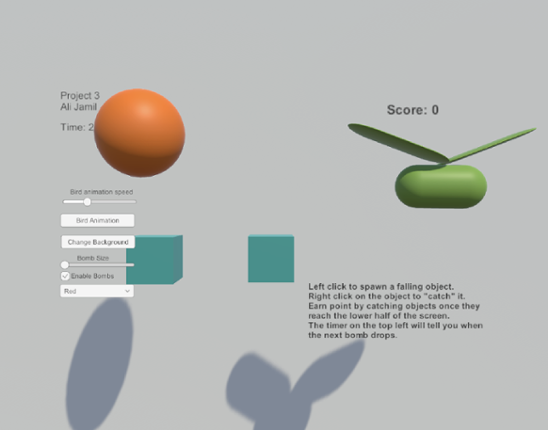
Feature 1: Displays Mouse Position Input: Mouse Location Output: There is text on the lower left side of the screen showing the X,Y position of the mouse. Process: Grab mouse coordinates, convert to string, set text object to string. Feature 2: Spawn falling objects Input: Mouse Left Click Output: A cube is spawned at the location of the left click which will then fall down the s… If you enjoyed this game, see our list of games similar to Ali Jamil-IT201-451-Project3.
21 View Game View Game
Feature 1: Display Mouse position Input: Mouse movement Process: keep the coordinate text on the mouse position and offset it for aesthetic and real-time update the coordinate as the mouse moves or doesn't move. Output: Text is displayed in the lower left corner showing X and Y of the mouse. Feature 2: Create Trees and Rocks by Left Mouse Click Input: Mouse Left Click Process… If you enjoyed this game, see our list of games similar to Pabal's Games | IT201-021 Project 4.
- View Game
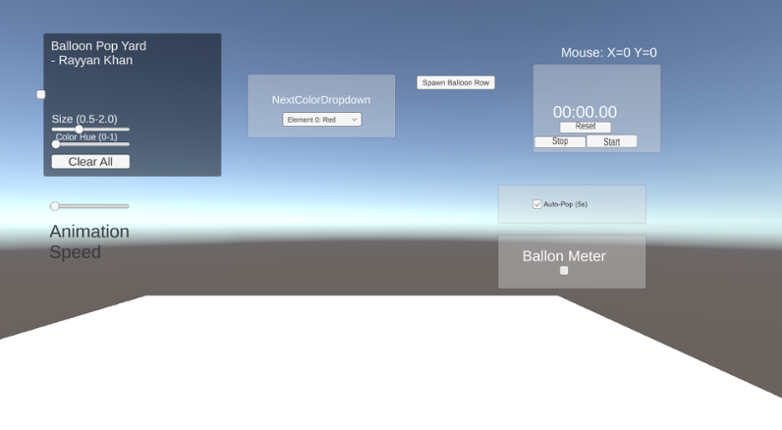
This is Rayyan Khan’s IT201 Project #4. No new features are included; this update focuses entirely on UI improvements, bug fixes, and internal refinements. Reorganized and adjusted the UI layout by repositioning buttons and controls to create a more stable, clean, and visually consistent interface in the foreground Improved overall UI spacing and alignment to make the layout feel more co… If you enjoyed this game, see our list of games similar to IT201-Project4-RayyanKhan.
23 View Game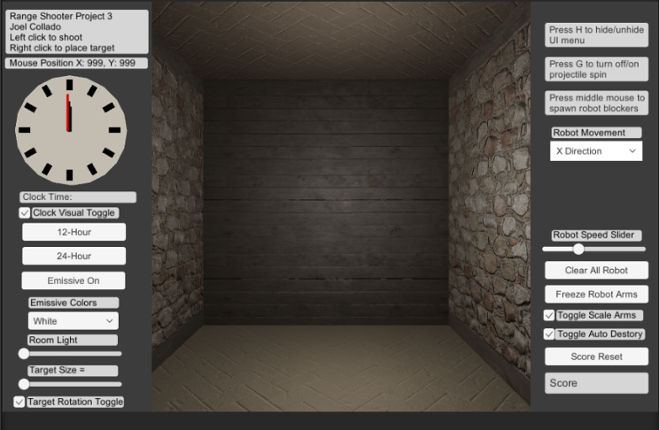 View Game
Brief Description: For my Unity Project 3 I continue my range based shooter where there is now the ability to hide the UI menu using H on the Keyboard. Also there is new mouse button input the middle mouse now spawns new animated robot prefabs that acts as guard for the targets. You can change their direction or stop their movement with the Dropdown menu. In addition, you can control their animati… If you enjoyed this game, see our list of games similar to Joel Collado - IT201-450 - Project-3.
- View Game
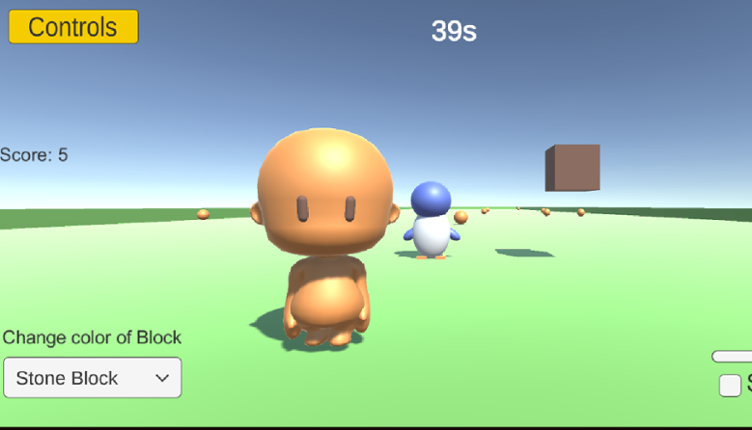
Simple Block Builder! In this project, you are able to see my previous project as they were, with the mistakes and wrong resolutions; but on Project 4 you are able to see everything fixed! Click on each button to take you to each project.Feature 1: Player movements Input: Press the keys ESDF and the space bar. Press on E - forward Press on D - back Press on S - left Press on F - r… If you enjoyed this game, see our list of games similar to Project 4 IT 201.
- View Game
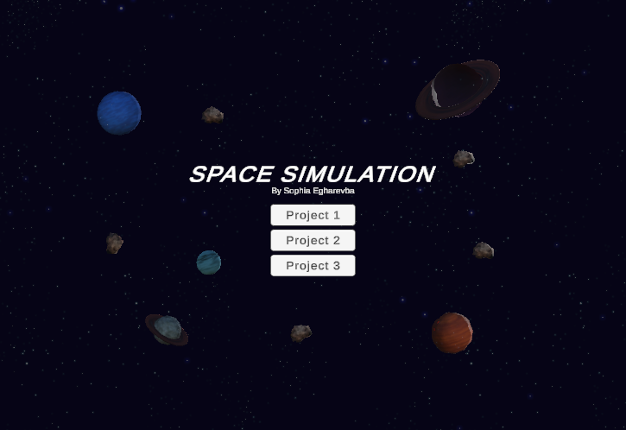
(Project 1)Features: Feature 1: Display Mouse Position Input: Mouse location Process: Capture the mouse's X and Y coordinates and display them on the screen. Output: Text showing the X and Y position of the mouse appears on the screen. Feature 2: Display Planet Mass When It's Clicked Input: Mouse click on a planet Process: Detect when a planet is clicked, and display the mass on the U… If you enjoyed this game, see our list of games similar to IT201_Sprint04_SophiaEgharevba.
- View Game
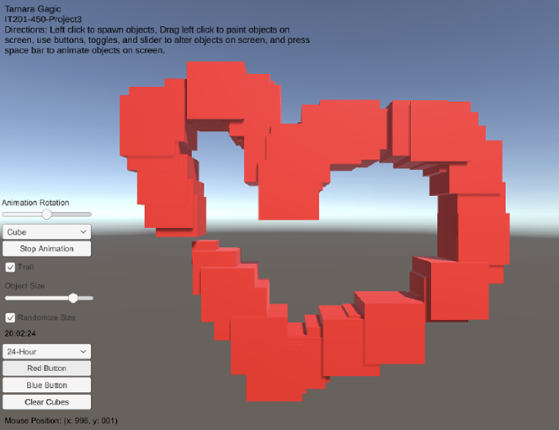
My project 3 builds upon my previous submissions and allows users to spawn and manipulate cubes. Upon launching the app, users are presented with a user-friendly interface that displays information such as the mouse's current position on the screen and a digital clock in the bottom right corner. Instructions for navigating and utilizing the app's features are placed in the top left corner to guide… If you enjoyed this game, see our list of games similar to Tamara Gagic-IT201-450-Project 3.
Feature 1: UI_Draw Title: UI_Draw: Interactive Drawing and Shape Creation Description: Allows users to create shapes with customized colors and materials and manage created objects within a Unity scene. Input: User interaction via mouse clicks Dropdown selections for color, shape, and material Slider adjustments for RGB values Button clicks for applying materials and clearing the scen… If you enjoyed this game, see our list of games similar to IT201_450_Sprint3 Anass Quaye.
View Game
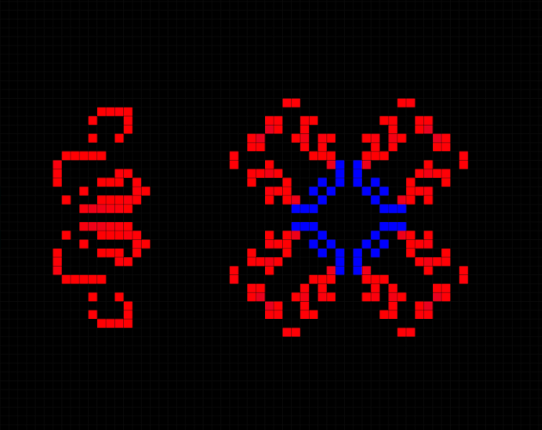
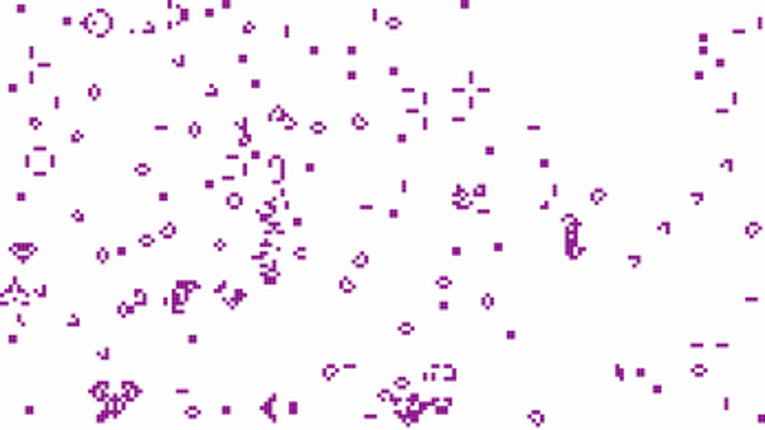
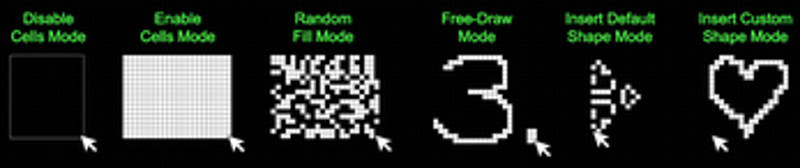
# Introduction Welcome to Game of (No) Life, which is just a fun little environment to play around with Conway's Game of Life. In a nutshell, it is a cellular automaton where cells on a grid live, die, or reproduce based on simple rules, simulating complex patterns and behaviors. These rules are: A live cell remains live in the next timestep if it has either 2 or 3 live neighbors in the current… If you enjoyed this game, see our list of games similar to Game of (No) Life.
View Game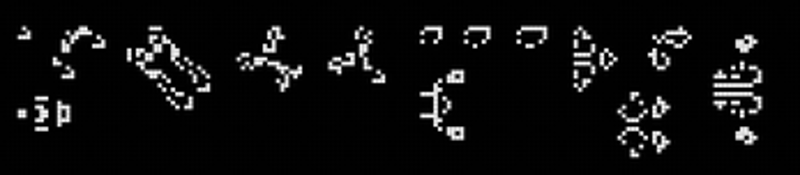
- View Game
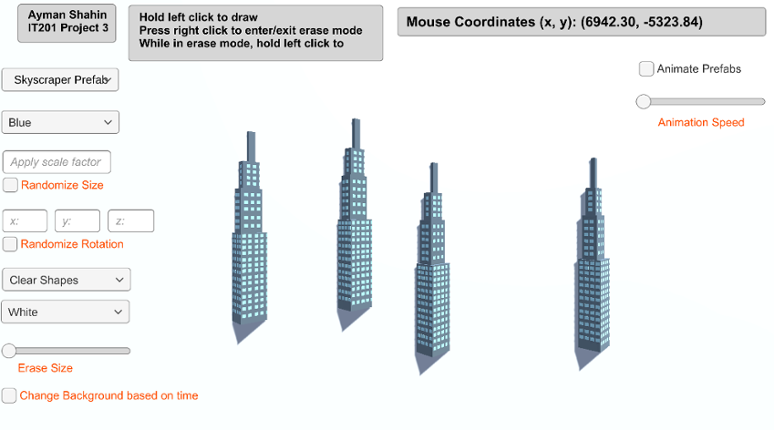
Feature 1: Display Mouse Position Input: Current mouse location Output: Text object in the top right of the screen that displays the user’s current mouse position. How is it different: This feature is mandatory, so it could not be made different from instructor’s. Feature 2: Create Game Object Input: Hold left click Output: The specified game object is spawned at the user’s current mouse posi… If you enjoyed this game, see our list of games similar to AymanShahin_IT201_Project4.
- View Game
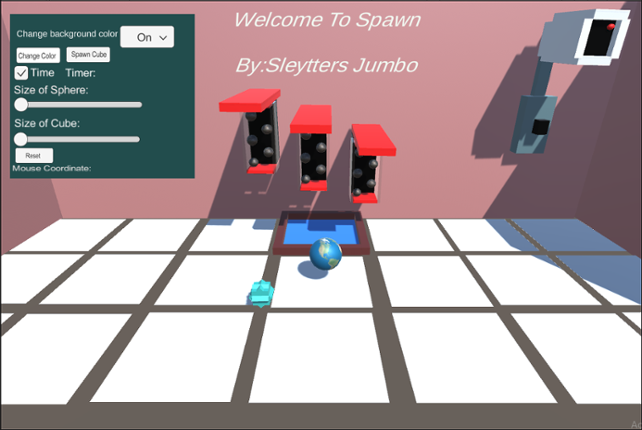
Spawn Green Ball This feature allows you to spawn green balls all over the floor or walls, anywhere you choose. To be able to spawn this gameObject you need to left-click on the mouse. You can do one click and spawn the object or you can hold left-click and spawn instantaneously. The input is left-clicking and the output is spawning a green ball. You can't spawn objects on the gray part of the flo… If you enjoyed this game, see our list of games similar to Welcome to Spawn 4.
- View Game
For my project, I built a user interface that allowed the user to paint 3D objects and change certain factors of the 3D objects they create. The users are able to change the color range and size of the 3D objects. Color range can be selected and changed from RGB slider. Size can be selected and changed from a drop down menu. In this program, the type of object the user is creating is a heart. The … If you enjoyed this game, see our list of games similar to IT 201 Project 2 Sarah Jane Mee.
Jungle Survival is a first person exploration and survival game set in a dynamic jungle environment. Players navigate the terrain, collect and manage items through an intuitive inventory system, and interact with the world using real-time UI controls. The game features core survival mechanics such as health, hunger, and stamina, where players must eat to survive, manage energy while sprinting, and… If you enjoyed this game, see our list of games similar to Project 4.
View Game
- 44%Game Brain ScoreMost mentioned positive aspects:music, replayabilityMost mentioned negative aspects:graphics, gameplay44% User Score 171 reviews
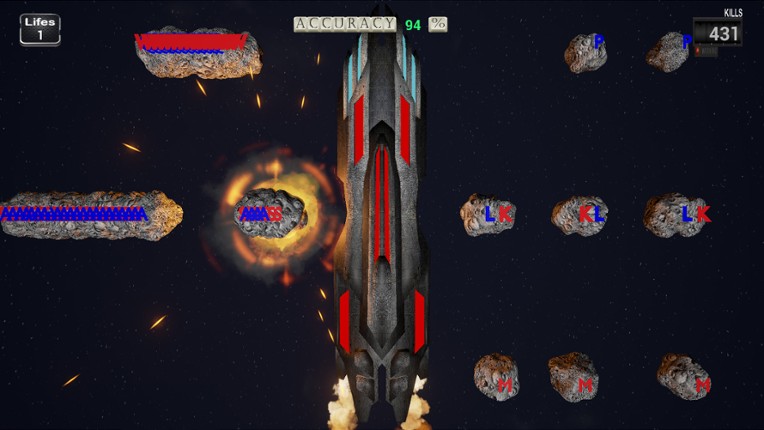
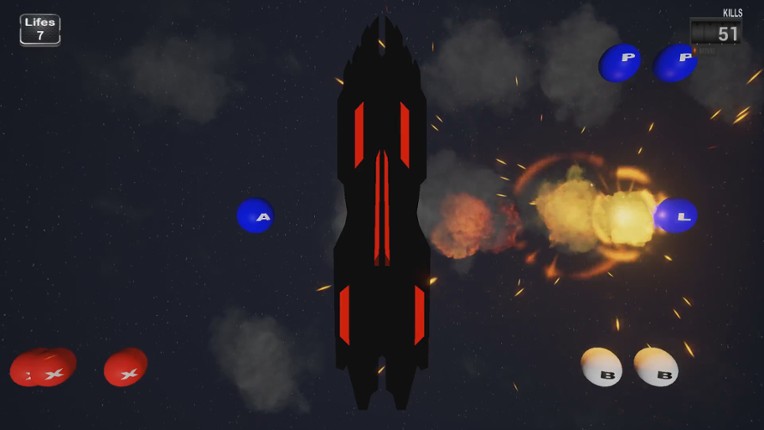
Keyboard Killers is not simple keyboard clicker game. In which you should kill meteors to save your starship and your friend dragon (^-^) . You should be very fast to able to complete the game. More then 500 apm on hardest levels !!! If you enjoyed this game, see our list of games similar to Keyboard Killers.
View Game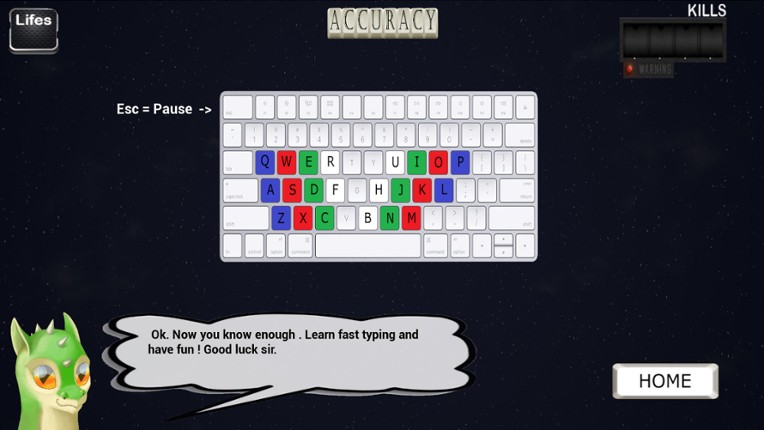
34 View Game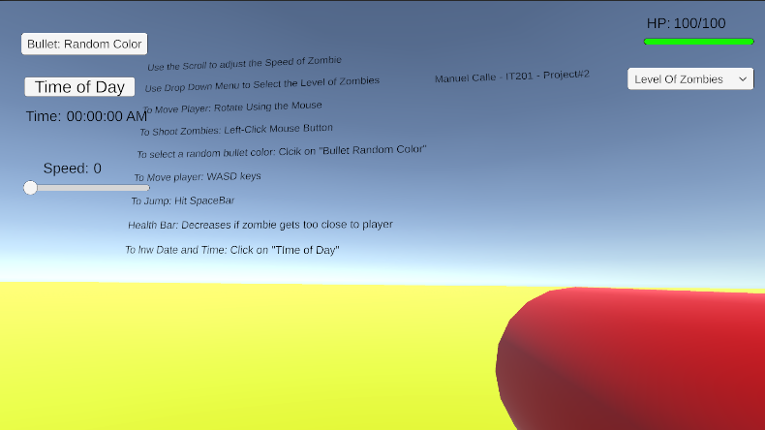 View Game
Project 1 Features: Feature 1: The Player Shoots from a Gun towards Zombies Input: Use the Left-Click Button to Shoot Bullets from Gun Process: When the Left-Click mouse button is shot, zombies will disappear. Using the conditional (if) statement to detect whether the button is pressed. If the bullet touches the zombie, both Game Objects are destroyed. Output: The bullet travels in a sin… If you enjoyed this game, see our list of games similar to Manuel Calle - Project 2 (Update).
- View Game
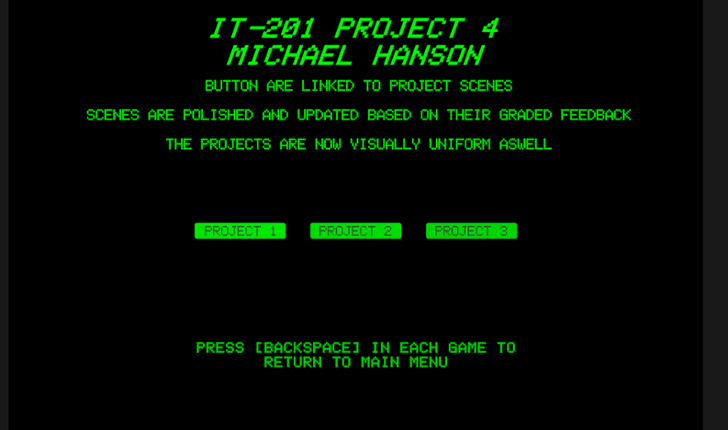
IT-201 PROJECT 4 MICHAEL HANSON POLISHED INTERACTIVE UNITY APPLICATIONS This project combines and polishes three previous Unity applications, addressing all instructor feedback with significant improvements and fixes. WHAT'S INCLUDED: ✓ Project 1: 3D Object Spawner (FIXED & ENHANCED) ✓ Project 2: Interactive Click-A-Cube (POLISHED) ✓ Project 3: Animation Demo (FIXED & ENHANCED) … If you enjoyed this game, see our list of games similar to IT 201 Project 4.
- View Game
Project 1 Features Feature 1: Target Spawning on Click Description: The user clicks anywhere on the game screen, and a 3D target object is spawned at the clicked location. Input: Mouse click Output: A 3D target object appears on the screen. Feature 2: Display Mouse Coordinates Description: Real-time X and Y mouse coordinates are continuously displayed in a designated area of the screen. Input: … If you enjoyed this game, see our list of games similar to IT201 Justin McCoy Project4.
37 View Game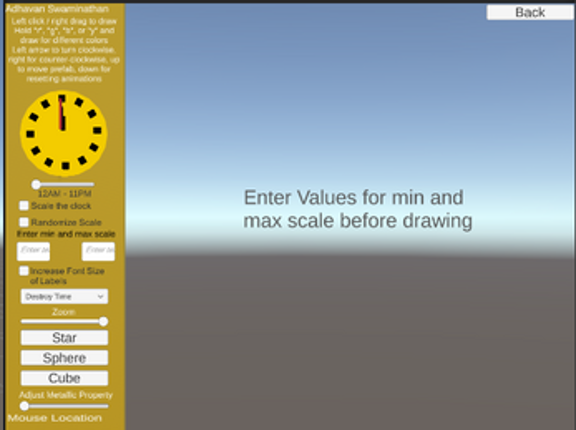
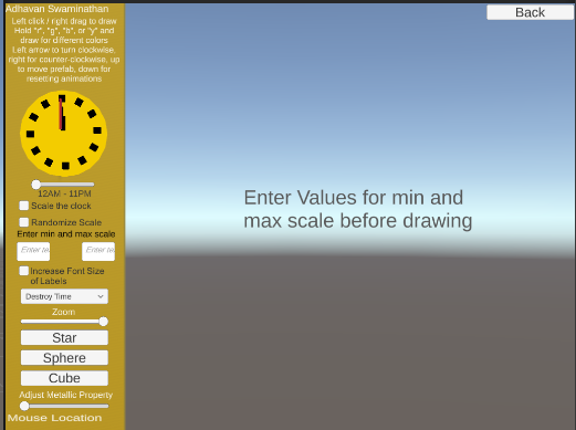
ALL Features: 12 features in total Feature 1: Display Mouse Location Description: Text label in the bottom left corner of the screen that shows the x and y location of the mouse Input: Mouse location Output: Text on the lower left corner of the screen shows the mouse’s X and Y location Feature 2: Create Object Description: Left-clicking or drag right-clicking the mouse will draw objects (usu… If you enjoyed this game, see our list of games similar to IT201_Sprint4_Adhavan_Swaminathan.
View Game- View Game77%Game Brain ScoreMost mentioned positive aspects:music, gameplayMost mentioned negative aspects:grinding, replayability77% User Score 1,086 reviews
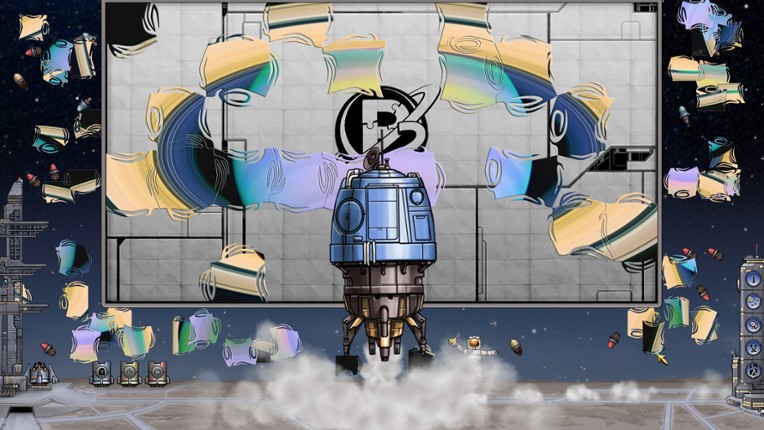
Pixel Puzzles: Japan combines traditional jigsaw puzzle style gameplay with light video-game interactivity. As you build puzzles your monk will gain higher consciousness states. The higher the level of your monks concentration the bigger the puzzle you can attempt. All hand drawn in a beautiful Japanese aesthetic, Pixel Puzzles: Japan is perfect for puzzlers and gamers alike. If you enjoyed this game, see our list of games similar to Pixel Puzzles: Japan.
- 87%Game Brain ScoreMost mentioned positive aspects:graphics, emotionalMost mentioned negative aspects:gameplay, music87% User Score 158 reviews
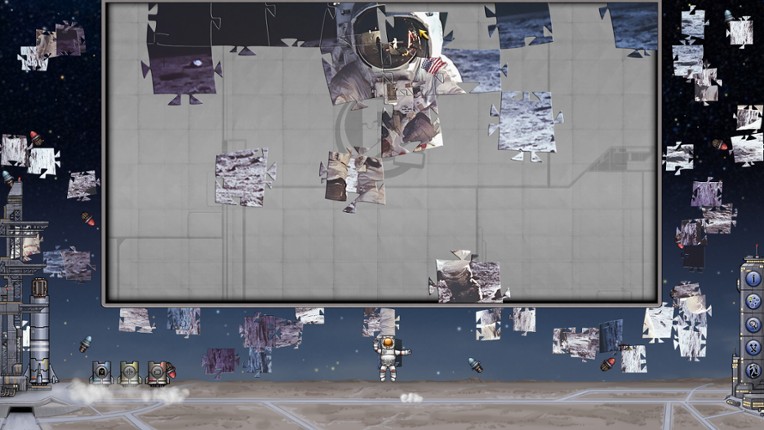
Pixel Puzzles 2: Space is a traditional style jigsaw puzzle game in a universal style, each piece uniquely shaped like no physical puzzle could be. If you enjoyed this game, see our list of games similar to Pixel Puzzles 2: Space.
View Game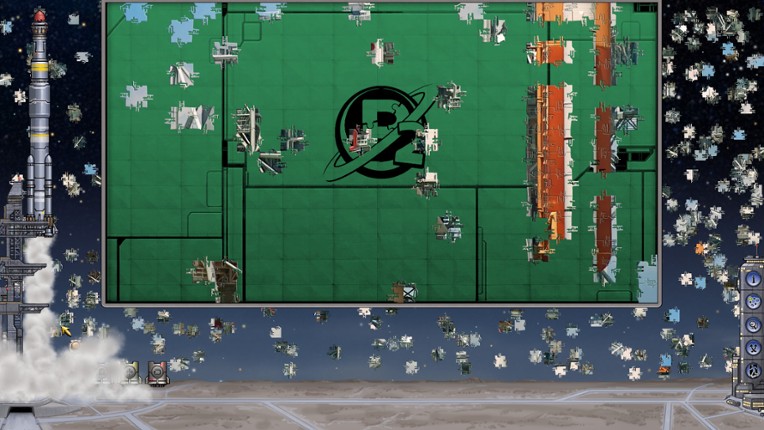
- 72%Game Brain ScoreMost mentioned positive aspects:music, gameplayMost mentioned negative aspects:optimization90% User Score 31 reviews
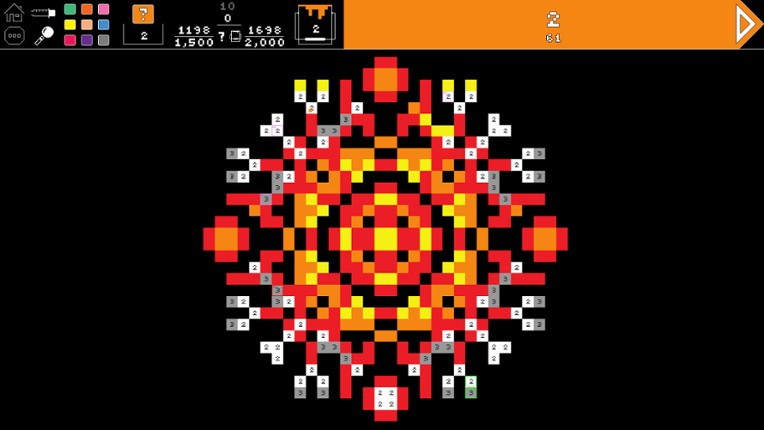
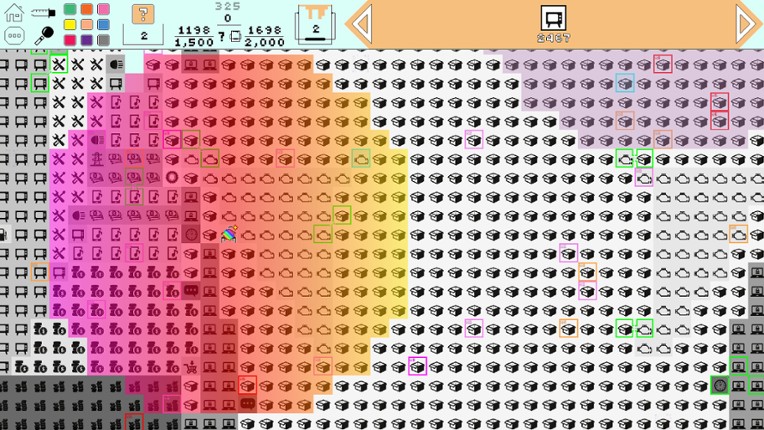
CHECK OUR NEW GAME About the Game Pixelarium is an evolved color by numbers game, where you can paint by numbers, letters or icons, with three game modes for different moods. Also, you can use Steam workshop to upload your own creations. Features: Three game modes! Relax Mode: Helps you relieve stress and anxiety in work and life. Competitive Mode: For fastest players. Game Mode: Make t… If you enjoyed this game, see our list of games similar to Pixelarium.
View Game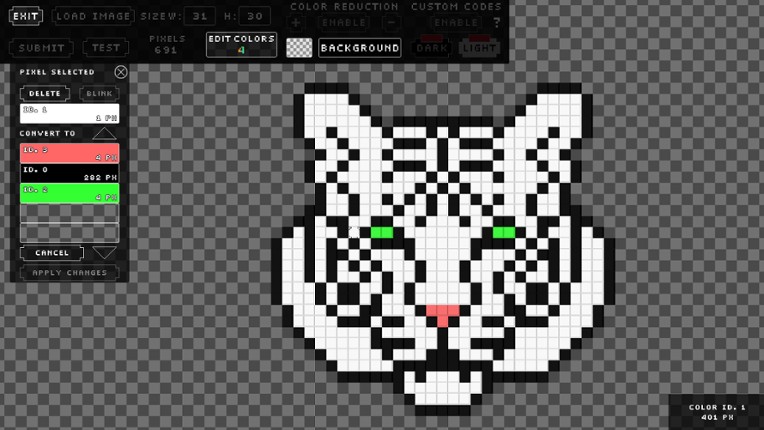
- View Game
Project 1 Features Feature 1: Spawn Prefabs at Mouse Click Description: Clicking on the pond spawns the currently selected prefab at the mouse position. Input: Mouse Left Click Output: A koi fish, lotus flower, or lily pad prefab appears at the clicked location. Feature 2: Display Mouse Position Description: The mouse’s X and Y coordinates are continuously displayed on screen. Input: Mous… If you enjoyed this game, see our list of games similar to IT 201 Project 4 Final.
- View Game
Feature 1: Display Mouse position Input: Mouse location Process: assign mouse X, Y, Z position to text object Output: Text is displayed in the lower left corner showing X, Y and Z of the mouse. Difference: This feature is different from class project because it shows the Z axis. Feature 2: Create & Destroy Objects Input: Mouse Left Click or Mouse Right Click Process: Raycast fro… If you enjoyed this game, see our list of games similar to IT201_Project2_David_BodeDisu.
43 View Game
Project 1 Paint App I made a painting tool that creates cubes when the user clicks on the screen. The cube will be rotated on the x, y, and z axis using a series of sliders. The program also reads the There is also a dropdown for the user to change the color. 1. Display Mouse Position Input: Mouse placed within the vicinity of the screen Output: X and Y coordinates of the mouse are displayed 2… If you enjoyed this game, see our list of games similar to Patrick Pagfdatoon IT201 Project 4.
View Game- View Game
This project is an amalgamation of the previous 3 sprints. It includes a main menu to switch between the 3 different projects.Below is the updated list of features:1. Feature 1: 3D Object Spawneri. Description: A GameObject is initialized to create a 3D primitive object in the shape of a capsule, depending on where the user right-clicks on the screen ii. Input: Th… If you enjoyed this game, see our list of games similar to IT201-006-Jasmin-Lim-Project4.
45 View Game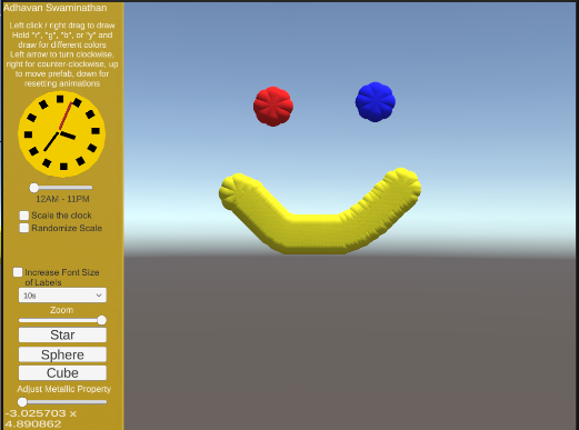 View Game
Text Description: This app is a painting app with different features that allow the user to interact with the UI and the painting features. Previously, the app allowed users to left click the mouse to draw once or drag the right button of the mouse to draw continuously, while also showing the location of the mouse on the screen. The objects would originally be destroyed after 3 seconds, but a … If you enjoyed this game, see our list of games similar to IT201_Sprint3_Adhavan_Swaminathan.
- View Game
This is the final version of my project for IT 201. I will include all the features and how they work. I cleaned up some of the UI and changed how the slider worked, making it a color slider, switching between red and blue variations. Sprint 1: 1. Spawn Objects: Input: User clicks anywhere on red board. Output: Object spawns. When the user uses the mouse and clicks with either the left or rig… If you enjoyed this game, see our list of games similar to Project 4- Final Project.
- View Game
Brief Description: This project allows the user to create a 3D object when right-clicking. When the user right clicks an object will get spawned. The user can change shapes between a Cube, Cylinder, Capsule, and an Alien (prefab). The user also can make the object transparency change, make the object bigger or smaller by changing its size, change colors via sliders and is also able to select how q… If you enjoyed this game, see our list of games similar to Project2_IT201_EmirisGermosen.
- View Game
Description (new underlined): This app allows users to “draw” using various shapes with their mouse. The user can press or hold the left mouse button to spawn in different objects. If they drag the mouse while holding the button, objects will be created following the movement of their cursor. There are settings dropdowns that the user can use to change the shape or color of the created objects. Th… If you enjoyed this game, see our list of games similar to IT201 Project 2.
- View Game
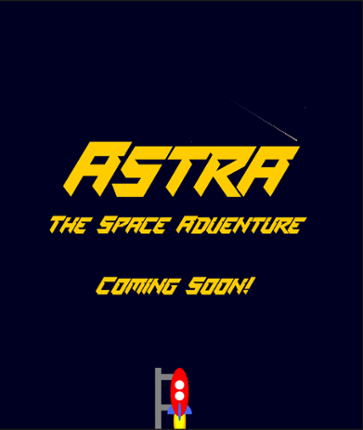
Welcome to Astra, the space adventure! Walkthrough of my Interactive Game Poster: Click on "Run Game" to begin the interactive experience.After clicking the "Run Game" button, the user will see a screen where the game poster element of my project is visible; it should read "Astra", "The Space Adventure" and "Coming Soon!" in three separate lines. There are animated twinkling stars and shooting… If you enjoyed this game, see our list of games similar to Astra The Space Adventure.
50 View Game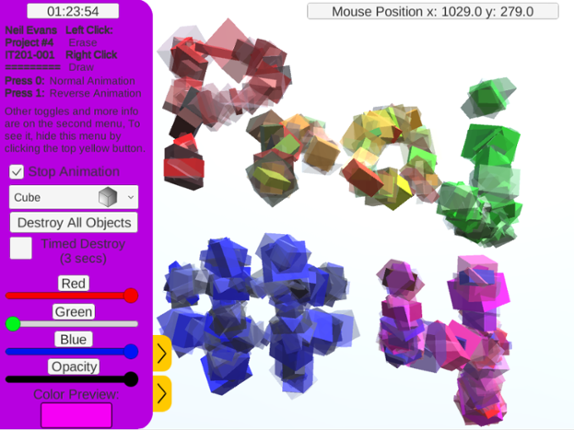 View Game
This is Neil's IT201 Project #4. No new features are included and this is just a bug fixes: Added backgrounds to the titles for the sliders Changed the size of the toggle box for Timed Destroy AND turned it off by default Fixed Squidward's name in the dropdown menu (removed Tentacles from name) Added the ability to change "Animation State" with keypad/numpad as it originally only worked with the… If you enjoyed this game, see our list of games similar to Neil Evans - IT 201-001 - Project 4.


 View Game