- September 6, 2021
- SDT Core
SVFI

Platforms


 Buy Now
About SVFI

SVFI is a single player action game. It was developed by SDT Core and was released on September 6, 2021. It received positive reviews from players.
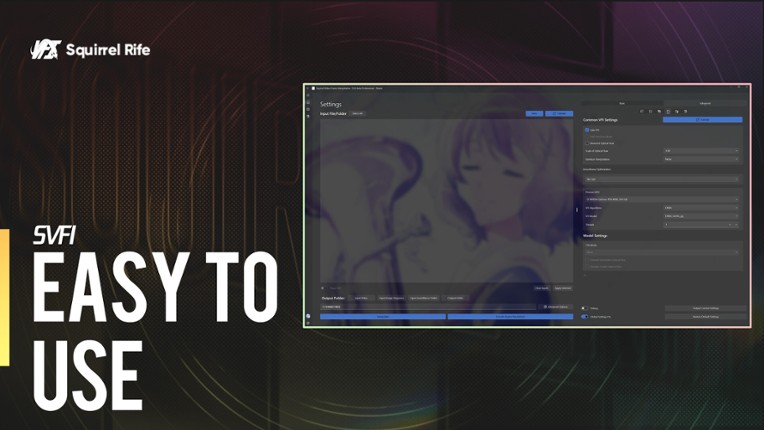
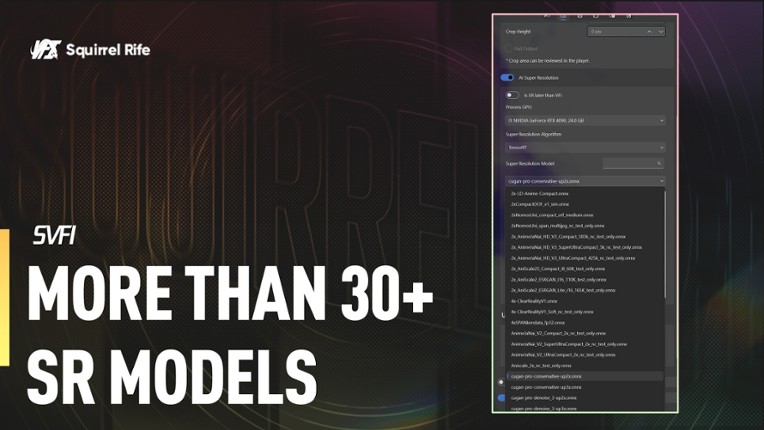
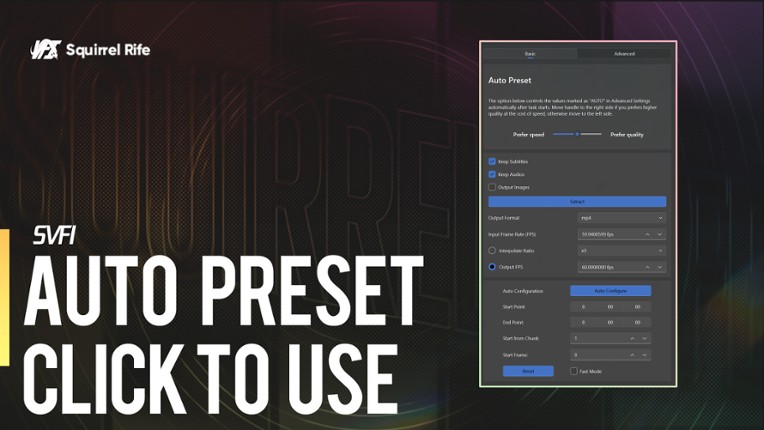
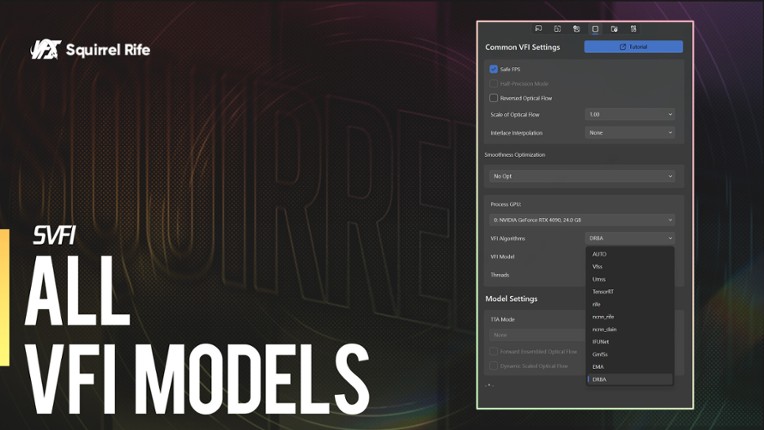
An AI software dedicated to high-performance optimization of anime footage.Exclusive anime optimization The self-developed AI frame interpolation algorithm (GMFSS) realizes high-quality frame interpolation for anime footage, easily upgrading low-frame-rate materials to high-frame-rate with fewer jelly impurities. The self-developed multiple duplicate frame removal algorithms can automatically …

Games Like SVFI
Looking for games like SVFI? Here are top action recommendations, selected from player-similarity data — start with Movavi Video Editor Plus 2020 Steam CD Key, VEGAS Movie Studio 13 Platinum - Steam Powered or Action! - Gameplay Recording and Streaming.











Reviews
- Produces high quality frame interpolation results, especially for anime and gacha-style content, with superior models like GMFSS delivering smooth and life-like video.
- Offers great customization options, GPU acceleration for fast processing, and supports very high resolution videos while maintaining HDR metadata intact.
- User-friendly interface with stylish design, good Steam integration including achievements and leaderboards, and continuous improvements with attentive developer support.

- Requires always-on internet connection with DRM that disables the software completely if offline or server verification fails, causing user inconvenience.
- Many advanced features and basic expected functions like batch processing presets or full task queue support are locked behind paid professional DLC, which can feel restrictive.
- Occasional bugs, such as parameter settings not always applying properly and suboptimal multi-GPU performance, as well as lack of some features like automatic looping for short clips.
optimization
3 mentions Positive Neutral NegativeUsers appreciate the software's strong performance, especially when using specific GPU and encoding settings, but suggest that further optimization could improve workload distribution and enhance performance with multiple CUDA GPUs. Overall, the software is impressive but has room for more efficient multi-GPU utilization.
“Very impressed with the performance of this software.”
“Now I would love for the developer to optimize the workload so performance truly increases when owning 2 CUDA GPUs.”
“Buy it to use gmfss exclusively; just choose gmfss_104, interpolate rate x3, output resolution 100%, encode quality 12, video codec AV1 8-bit, encoding preset: fast, tick hardware encoding and fast extraction, interpolation settings: tick, safe FPS on, scale of optical flow 1.00, interlace interpolation: none, smoothness optimization: no opt, gmfss 104 threads 1.”
“I would love for the developer to optimize the workload so performance actually increases when using 2 CUDA GPUs.”
“Buy it to use gmfss exclusively, don't spend much time experimenting. Recommended settings: gmfss_104 > interpolate rate x3 > output resolution 100% > encode quality 12 > video codec AV1 8-bit > encoding preset: fast > enable hardware encoding and fast extraction > interpolation settings enabled > safe FPS on > scale of optical flow 1.00 > interlace interpolation: none > smoothness optimization: no optimization > gmfss 104 > threads 1.”
“No other relevant negative comments on optimization.”


Buy SVFI


Videos

Frequently Asked Questions
SVFI is a action game.
SVFI is available on PC and Windows.
SVFI was released on September 6, 2021.
SVFI was developed by SDT Core.
SVFI has received positive reviews from players. Most players disliked SVFI for its optimization.
SVFI is a single player game.
Similar games include Movavi Video Editor Plus 2020 Steam CD Key, VEGAS Movie Studio 13 Platinum - Steam Powered, Action! - Gameplay Recording and Streaming, Movavi Video Suite 17 - Video Making Software - Video Editor, Video Converter, Screen Capture, and more, VEGAS Movie Studio 15 Platinum Steam Edition and others.