- October 16, 2024
- Louka Lemire
OVR Dynamic Resolution



Platforms



About OVR Dynamic Resolution

OVR Dynamic Resolution is a single player action game. It was developed by Louka Lemire and was released on October 16, 2024. It received positive reviews from players.
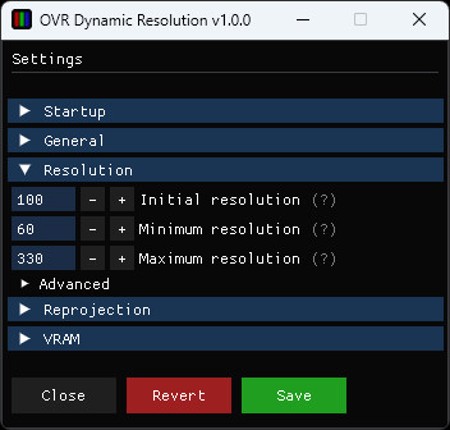
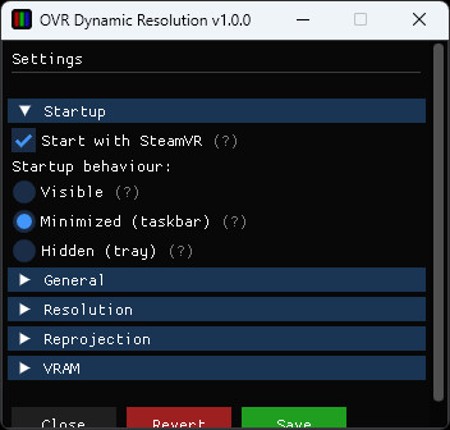
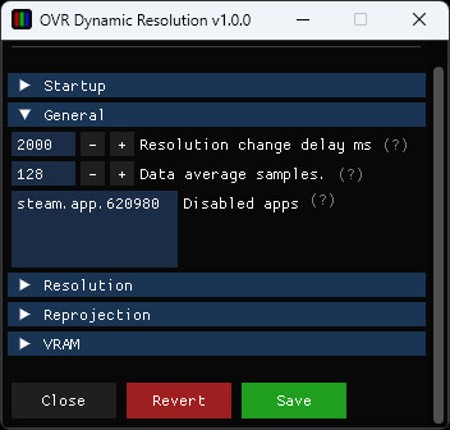
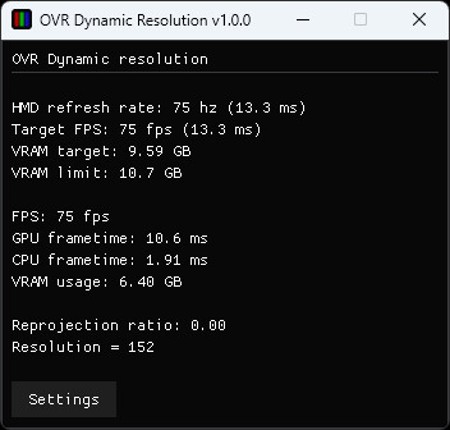
Lightweight OpenVR app to dynamically adjust your HMD's resolution depending on your GPU frametime, CPU frametime and VRAM. This allows you to always play at the maximum resolution your GPU can handle while hitting your target FPS. This is especially useful for games in which performance varies a lot such as VRChat. Features Make the most out of your GPU by maximizing resolution. Stabilize you…

Games Like OVR Dynamic Resolution
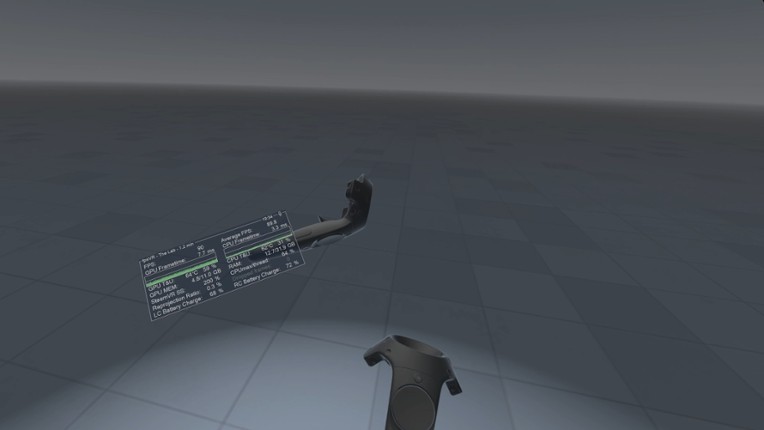
Looking for games like OVR Dynamic Resolution? Here are top action recommendations, selected from player-similarity data — start with CPUCores :: Maximize Your FPS, fpsVR or Lossless Scaling.










Reviews
- Effectively stabilizes VR performance by dynamically adjusting resolution based on hardware load, resulting in smoother gameplay and less frame drops.
- Lightweight and easy to use, requiring minimal setup while offering useful customization options for target framerate and resolution limits.
- Significantly improves experiences in VRChat and some VR games, especially for mid to low-end PCs, making VR more accessible and enjoyable.
- Can cause crashes, stutters, or black frames in some games and configurations, especially in high-population VRChat lobbies or with certain hardware setups.
- Not compatible with all VR titles; some games only detect resolution changes on launch, limiting its effectiveness and requiring manual tweaking.
- UI and settings can be confusing or hard to understand for some users, and features like preset saving or in-VR adjustment are missing.
optimization
26 mentions Positive Neutral NegativeOVR Dynamic Resolution effectively stabilizes VR performance by dynamically adjusting render resolution based on GPU load, reducing stutter and frame drops without significant user intervention. While it benefits games with fluctuating demand and lower-end hardware, some users report limited improvement when CPU bottlenecks occur or in certain setups. Overall, it is praised as a practical tool for maintaining visual clarity and smoother VR experiences, especially in demanding or poorly optimized titles.
“By automatically adjusting render resolution according to hardware performance metrics such as CPU and GPU frametimes, the software aims to strike a balance between visual clarity and smooth gameplay.”
“Instead of forcing users to manually lower settings whenever performance drops, OVR Dynamic Resolution reacts dynamically to changing conditions.”
“Right now I'm playing with this on the Arizona Sunshine remake, and I am blown away by how much I get a consistent clear image and performance boost; the clarity is so good I legitimately forget that I'm in a game sometimes and not seeing jaggies and consistent artifacting like I always do with this damn thing. Basically, all in all, this fixed all the problems I had with VR in the first place.”
“Doesn't check if it's a CPU bottleneck, causing my GPU to run at 70% usage while my CPU stays the same, while lowering my graphics without improving performance. Only use on games where you’re not going to have a CPU bottleneck.”
“Does nothing but decrease your resolution without making your performance any better.”
“Kind useless, barely affects performance.”


Buy OVR Dynamic Resolution


Videos

Frequently Asked Questions
OVR Dynamic Resolution is a action game. Common tags for OVR Dynamic Resolution include free to play and indie.
OVR Dynamic Resolution is available on PC, Virtual Reality and Windows.
OVR Dynamic Resolution was released on October 16, 2024.
OVR Dynamic Resolution was developed by Louka Lemire.
OVR Dynamic Resolution has received positive reviews from players. Most players liked OVR Dynamic Resolution for its story but disliked it for its optimization.
OVR Dynamic Resolution is a single player game.
Similar games include CPUCores :: Maximize Your FPS, fpsVR, Lossless Scaling, Dimmdrive :: Gaming Ramdrive @ 10,000+ MB/s, XSOverlay and others.