- November 14, 2014
- BrashMonkey
Spriter Pro


Platforms


 Buy Now
About Spriter Pro

Spriter Pro is a single player action game. It was developed by BrashMonkey and was released on November 14, 2014. It received mostly positive reviews from players.
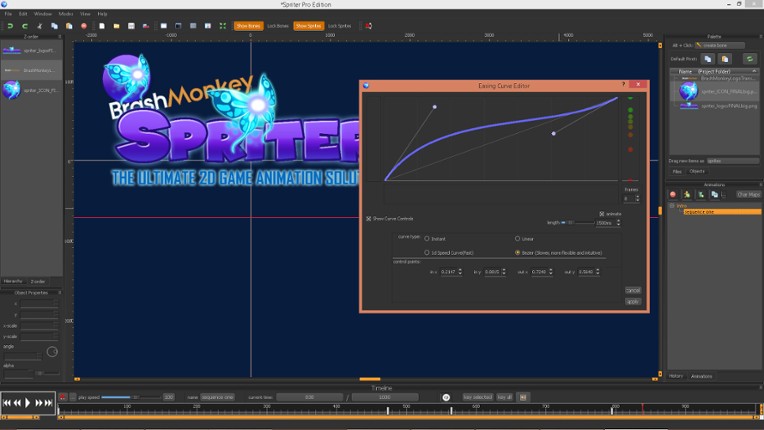
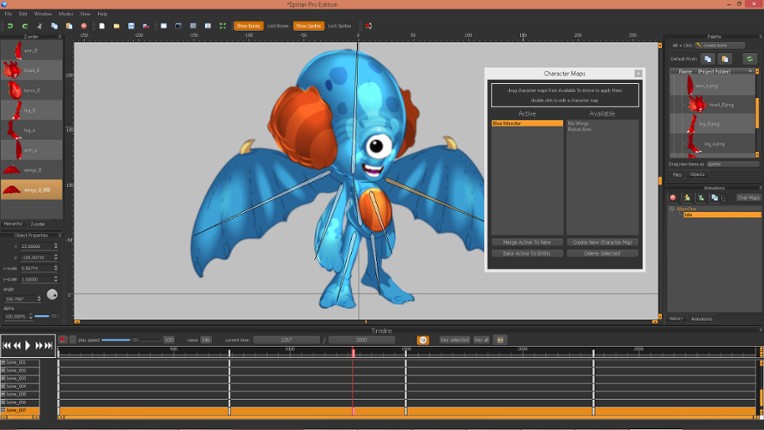
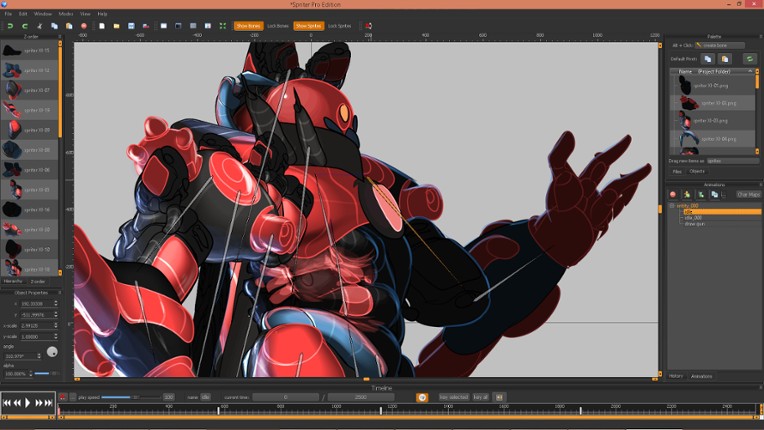
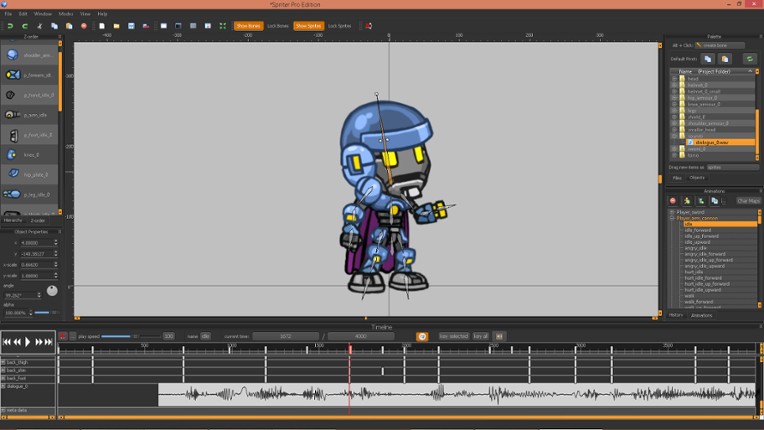
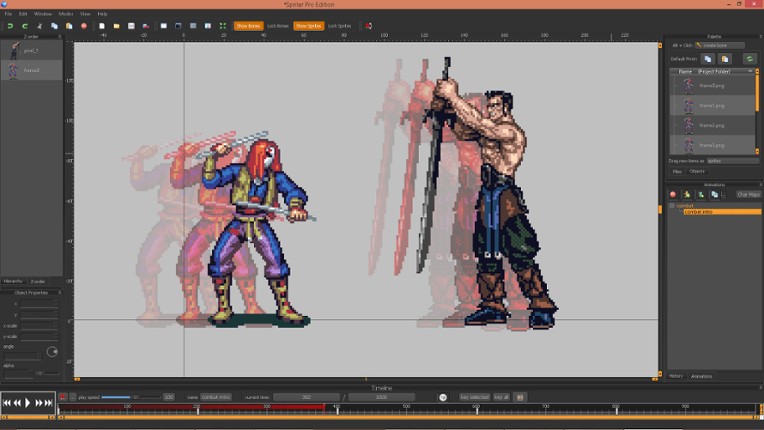
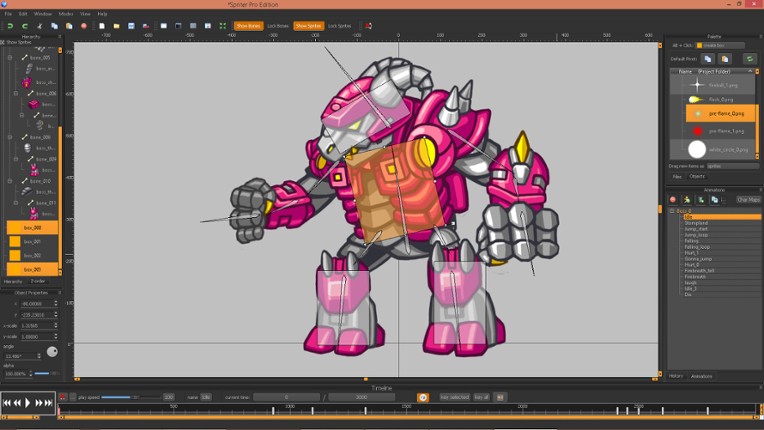
Spriter makes it easy for anyone, regardless of experience, to create 2D game animations using a technique called Modular Animation. Unlike traditional animation which requires each frame to be hand-drawn, Spriter animations are made of individual sprite pieces; these pieces can be rotated, transformed, and tweened along an animation timeline. This allows you to quickly create great looking anima…

Games Like Spriter Pro
Looking for games like Spriter Pro? Here are top action recommendations, selected from player-similarity data — start with Visual Novel Maker, Pixel Game Maker MV or Aseprite.






![[Unsupported] GameMaker Studio 2 Desktop Image](https://img.gamebrain.co/games/138/gamemaker_studio_2_desktop_yoyo_2017_15_xl.jpg)



Reviews
- User-friendly interface that is relatively easy to learn, especially for beginners and hobbyists, making 2D animation accessible.
- Efficient tool for creating modular sprite animations, saving time in game development with features like bones, IK, and tweening.
- Strong community support with numerous tutorials and active developer engagement, plus affordable price point compared to competitors.
- Frequent crashes and bugs severely impact usability; software can be unstable on multiple platforms, including Windows, macOS, and Linux.
- Lacks advanced features expected in modern animation software such as robust mesh deformation, reliable timeline editing, and effective undo/redo functionality.
- Clunky and unintuitive user interface with poor UX design; common tasks like multi-frame editing, copy/paste, and asset management are cumbersome or missing.
stability
23 mentions Positive Neutral NegativeThe app is frequently described as extremely buggy, with crashes, glitches, and frustrating issues like disappearing elements and unreliable features. While it shows potential and can be useful for basic or hobbyist use, its stability problems often hinder productivity and can lead to system crashes, making it unreliable for serious projects.
“It's extremely buggy with bones and sprites vanishing in the overview and constant infinite loops when renaming things.”
“Horribly buggy, unusable, can literally cause your mouse/trackpad to work incorrectly until you restart your computer when it crashes.”
“Buggy, unintuitive and frustrating; it does the job and is easy for basic use but I've never seen software that isn't able to remember a save path or number value, opens windows partially off screen, and so on—a complete UX disaster.”


Buy Spriter Pro


Videos

Frequently Asked Questions
Spriter Pro is a action game. Common tags for Spriter Pro include trading.
Spriter Pro is available on PC, Windows and Linux.
Spriter Pro was released on November 14, 2014.
Spriter Pro was developed by BrashMonkey.
Spriter Pro has received mostly positive reviews from players. Most players liked Spriter Pro for its optimization but disliked it for its stability.
Spriter Pro is a single player game.
Similar games include Visual Novel Maker, Pixel Game Maker MV, Aseprite, Dungeon Painter Studio, GameGuru Classic and others.