GizmoVR Video Player

GizmoVR Video Player Game Cover
59%Game Brain Score
stability, optimization
59% User Score Based on 232 reviews

Platforms

PCWindows
GizmoVR Video Player Game Cover

About

GizmoVR Video Player is a single player action game. It was developed by Gizmo VR LTD and was released on January 5, 2018. It received neutral reviews from players.

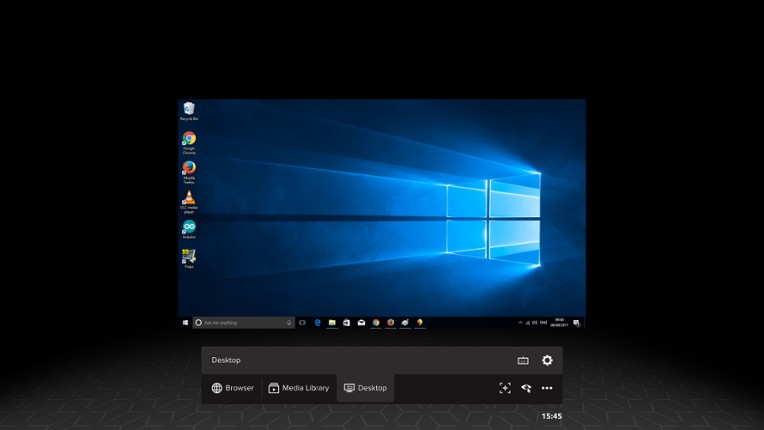
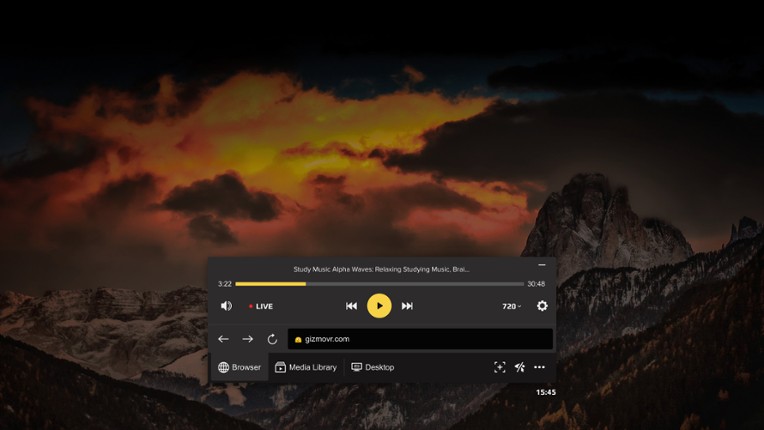
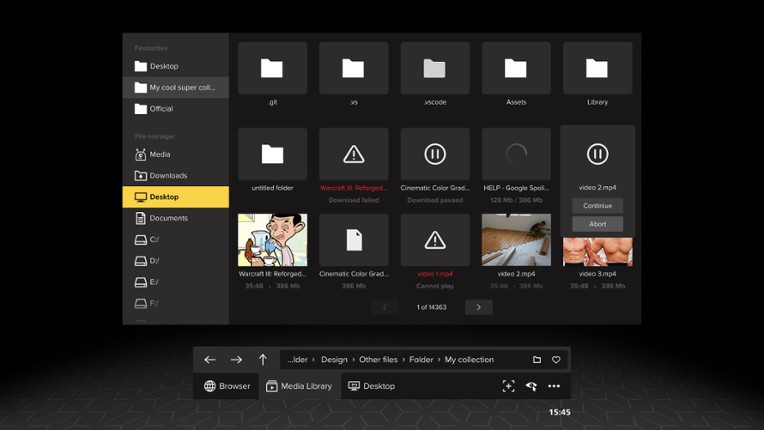
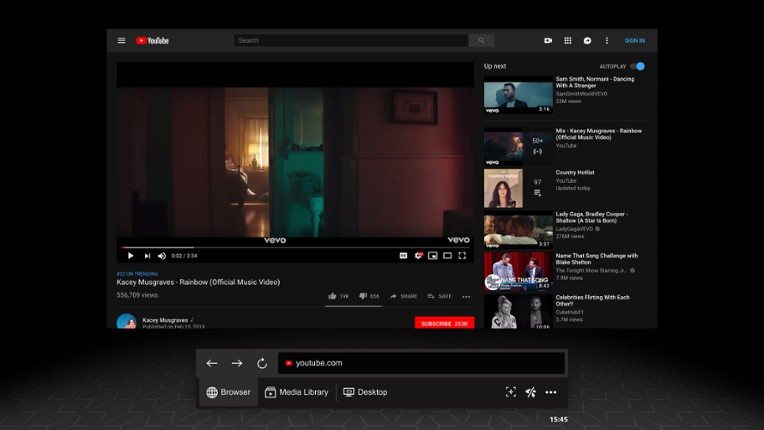
GizmoVR is a virtual reality media player. GizmoVR features: - Support of all stereo formats with side by side and over under frame packing - Media library with option to add selected folders into favorites - Automatic frame packing detection when files are run from local storage - One click start from browser - Virtual desktop - Integrated download manager - Flexible playback settings -…
Genres & Tags
Play Modes
Skip User Reviews

59%
Audience ScoreBased on 232 reviews
stability8 negative mentions

  • It's a free VR video player that works well for watching local videos and has a built-in web browser for streaming content.
  • The player automatically recognizes and adjusts the viewing settings for different types of VR videos, making it user-friendly.
  • It offers hands-free controls, allowing users to navigate the interface by simply looking at options, which can be convenient.
  • The app frequently crashes, has poor performance with buffering and stuttering, and struggles to play higher resolution videos.
  • The controls and user interface are clunky and unintuitive, often requiring users to rely on gaze-based navigation instead of standard VR controller inputs.
  • It has limited support for popular video formats and fails to properly play 360-degree videos from platforms like YouTube.
  • stability
    8 mentions Positive Neutral Negative

    The stability of the game is heavily criticized, with users reporting frequent freezing, lag, and audio glitches that hinder gameplay. While some users noted no crashes or major glitches, the overall experience is marred by significant performance issues, making it difficult to play effectively.

    • “Unbelievably slow and buggy; unless you are fully zoomed in and cross-eyed, the head perspective is complete garbage.”
    • “No matter what video you try to play, even on the official site that opens by default, it's extremely laggy and buggy and won't play properly.”
    • “The audio glitches in a loop, and the video is stuck with the endless loading wheel of doom no matter how long you wait.”
  • optimization
    4 mentions Positive Neutral Negative

    Users report significant issues with optimization, particularly with buffering and stuttering during playback, especially in 360 mode. While some experience good performance at lower resolutions, others struggle with high resolutions, indicating a need for better optimization across various settings and formats.

    • “It's almost definitely on my part, but I notice a big performance hit once I'm past about 3600p or so; otherwise, flawless playback.”
    • “Very good performance, but I have to force 4:3 and low resolution.”
    • “I didn't even try to see if I could get it to display properly; I tinkered with settings for a bit, but the buffering and stuttering were so bad I gave up pretty fast.”
    • “Not sure how people got this to work, but any video I try to watch in full 360 mode just doesn't work. It takes forever to load, and when something does load, it's a stuttering video that is not 360.”
    • “I notice a big performance hit once I'm past about 3600p or so; otherwise, playback is flawless.”
  • graphics
    2 mentions Positive Neutral Negative

    Users praise the graphics performance of this VR player, particularly for those with NVIDIA graphics cards, as it allows for mouse pointer control, enhancing usability. However, there are concerns regarding compatibility and performance issues for users with AMD graphics cards, such as the 6900 XT.

    • “If you own an AMD card like the 6900 XT graphics card, then I don't think this VR player is working properly.”
    • “If you own an NVIDIA graphics card, then in my opinion, this is the best VR player you can get since you can control the pointer with your mouse, unlike most other VR players that require you to use your VR controllers.”
  • monetization
    1 mentions Positive Neutral Negative

    Users express a desire for a paid version of the game that offers an improved experience without advertisements, indicating dissatisfaction with the current monetization model.

    • “I wish they would create a paid version that is better and free of advertisements.”
    • “The monetization strategy feels overly aggressive and detracts from the overall experience.”
    • “It's frustrating to see so many features locked behind a paywall, making it hard to enjoy the game fully.”
Skip Game Offers

Buy GizmoVR Video Player

Skip Videos

Videos

Skip Games Like GizmoVR Video Player

Games Like GizmoVR Video Player

DeoVR - VR Video Streaming Platform Image
PLAY'A VR  Video Player Image
Whirligig Media Player Image
Simple VR Video Player Image
HereSphere VR Video Player Image
Skip FAQs

Frequently Asked Questions

GizmoVR Video Player is a action game.

GizmoVR Video Player is available on PC and Windows.

GizmoVR Video Player was released on January 5, 2018.

GizmoVR Video Player was developed by Gizmo VR LTD.

GizmoVR Video Player has received neutral reviews from players. Most players disliked this game for its stability.

GizmoVR Video Player is a single player game.

Similar games include DeoVR - VR Video Streaming Platform, PLAY'A VR Video Player, Whirligig Media Player, Simple VR Video Player, HereSphere VR Video Player and others.