Looking for games like VCM_EventHighlighting? Here are top role playing recommendations, selected from player-similarity data — start with VCM_TermDescription, VCM_HelpWindow or VCM_SkillBar.
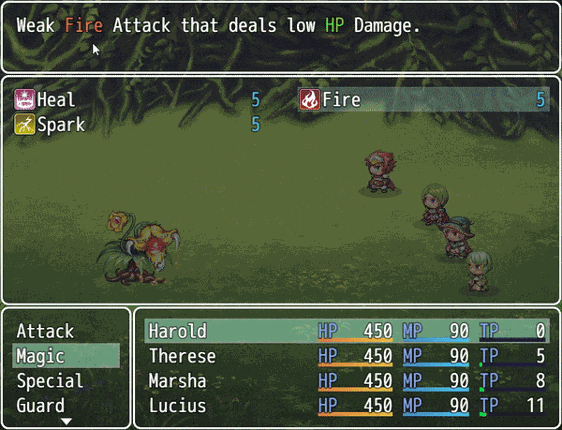
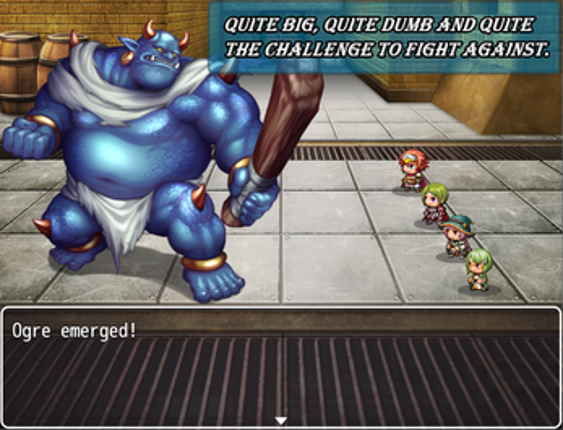
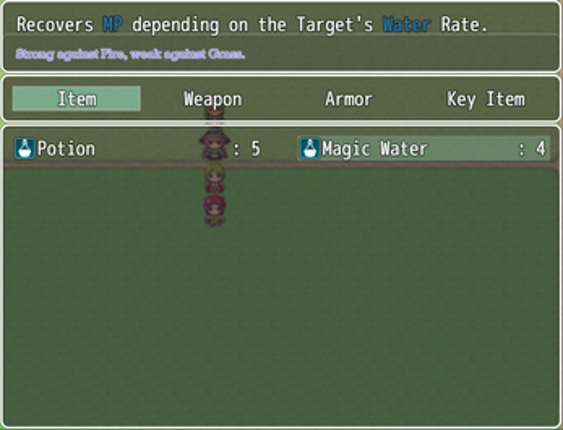
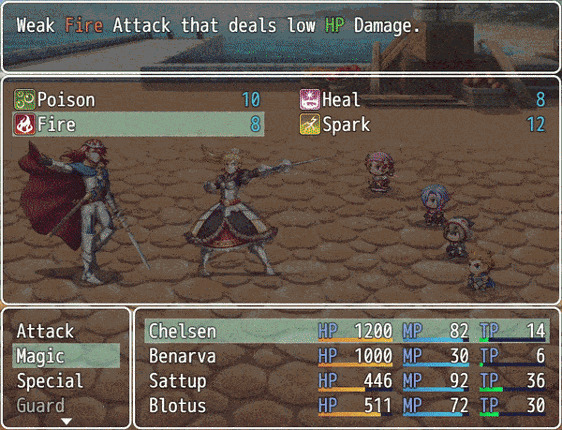
Introduction This plugin shows an extra Help Window when hovering over a parameter-specified term. This includes text in Help and Message Windows. Term Help Window is configurable. No longer supported by the author. Version -> 1.02 This plugin was tested only on RPG Maker MV Version 1.6.2. I cannot guarantee it works on lower versions. Terms of Use: Available for commercial and non-commercial useY… If you enjoyed this game, see our list of games similar to VCM_TermDescription.
Introduction No longer supported by the author. This plugin controls the Help Window in 40 possible Scenarios. This includes when it will appear and its Position, Text, Windowskin, Font Settings and Opacity. It also creates 26 new Text Codes from a to z, usable within the Help Window in all the aforementioned scenarios. The scenarios are: Title Help WindowMap Help WindowChoice List Help Window (Ma… If you enjoyed this game, see our list of games similar to VCM_HelpWindow.
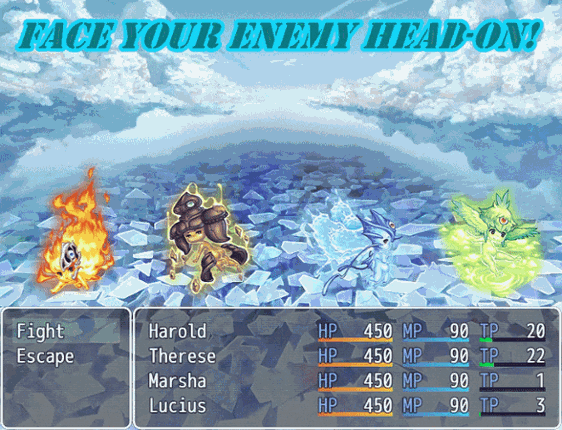
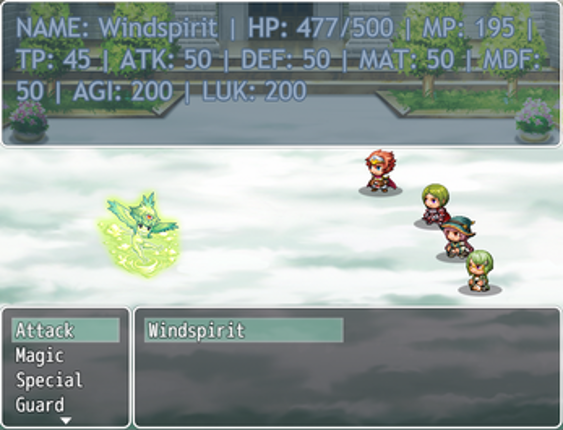
Introduction This plugin can show a Skill Bar in Map and Battle. Skill Bar objects may be activated with a keypress, left-click or hover + ok button. Each actor has its own Skill Bar. In Map, the Party leader Skill Bar is shown. It requires a placeholder skill for empty objects. Map Skill Bar and Battle Skill Bar are separated entities: changes in one of them will not necessarily carry over to the… If you enjoyed this game, see our list of games similar to VCM_SkillBar.
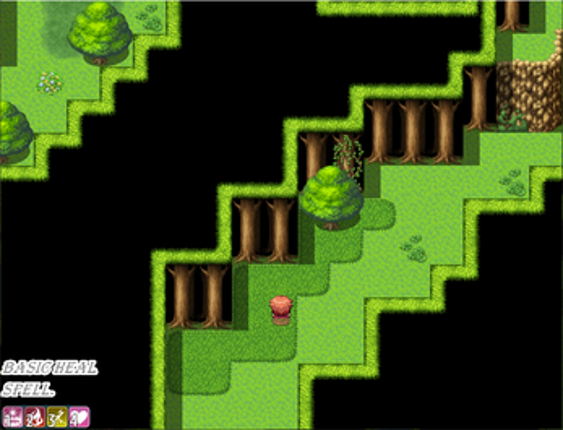
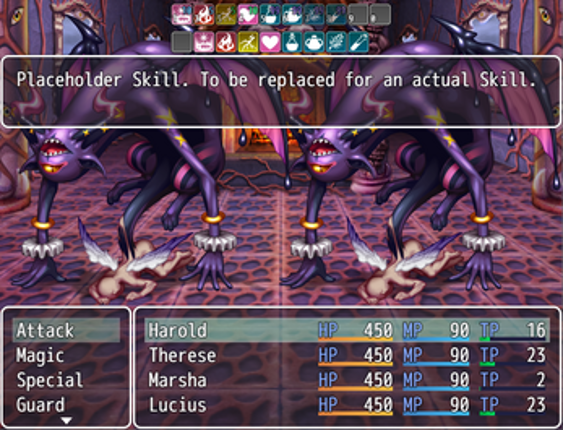
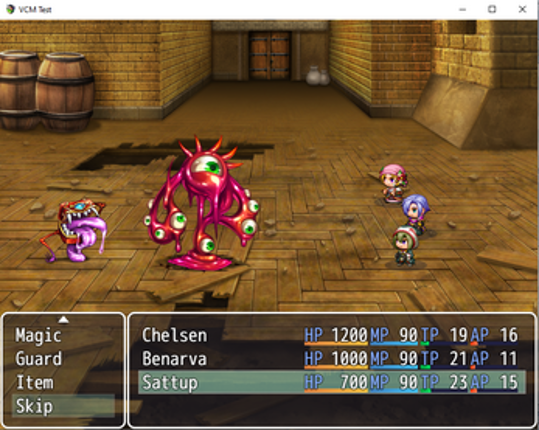
Introduction This plugin allows battlers to act multiple times in a single turn. Number of actions may be limited by an Action Points resource and/or a hard limit on number of actions per turn. Enemies' subsequent actions are decided after their last action in the turn. Adds a Skip Command that ends all actions of a battler in the current turn. Actions may be made instant and/or separated and acti… If you enjoyed this game, see our list of games similar to VCM_ActionPoints.
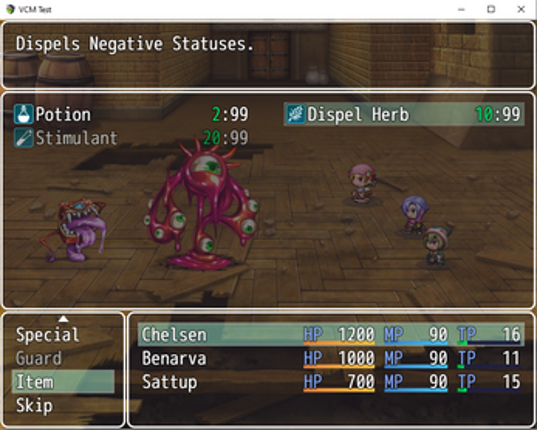
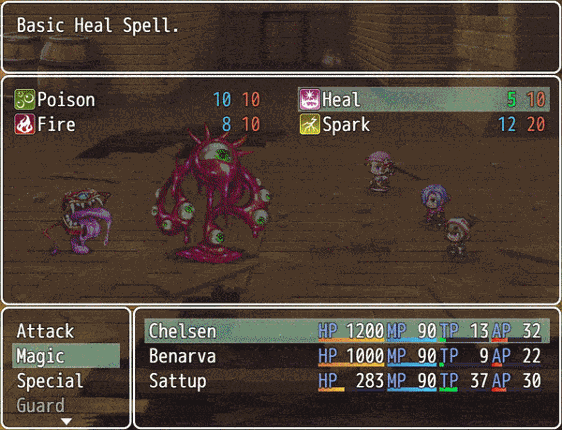
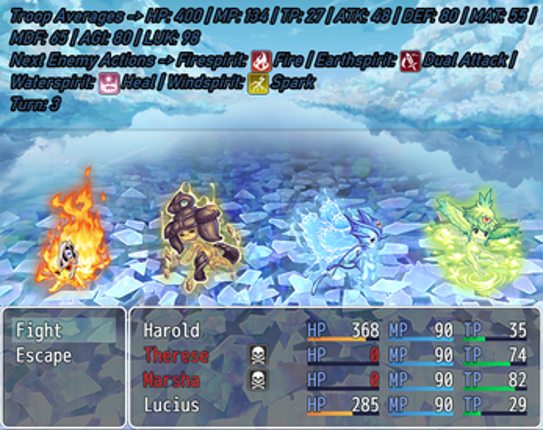
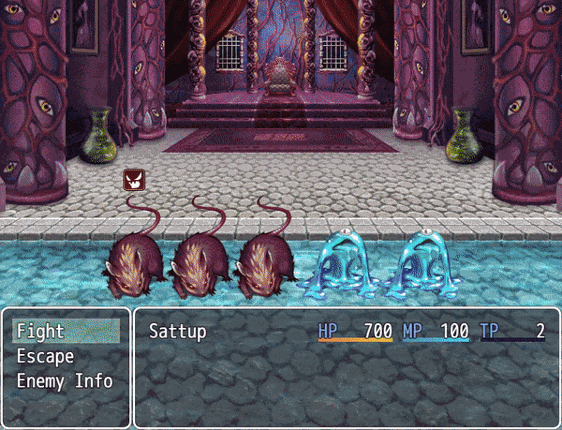
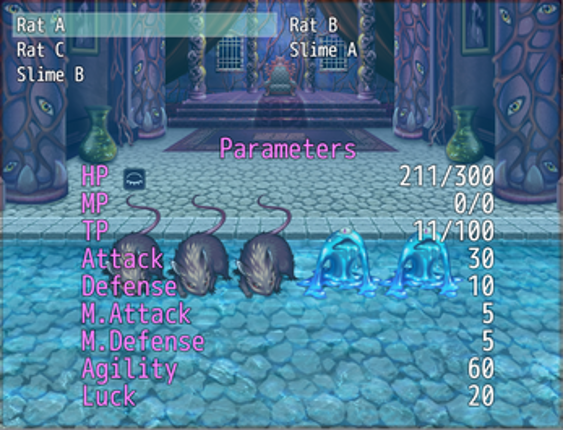
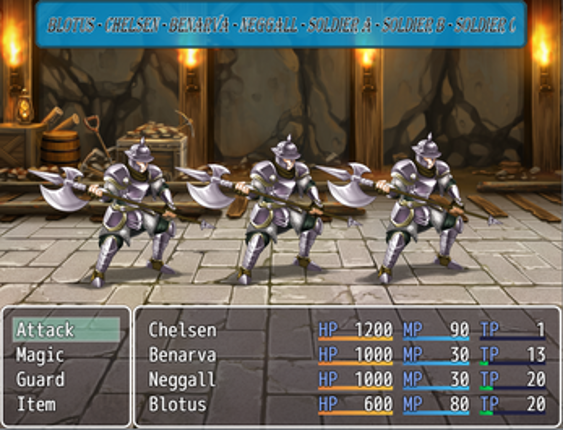
Introduction No longer supported by the author. This plugin allows the player to use a command that opens a window showing information about all enemies in battle. Command may be included in Party Command Window and/or Actor Command Window. Window and amount of information are both customizable. Information that may be shown include: - Description (text set by the user) - Parameters (HP, MP, TP, A… If you enjoyed this game, see our list of games similar to VCM_EnemyInfo.
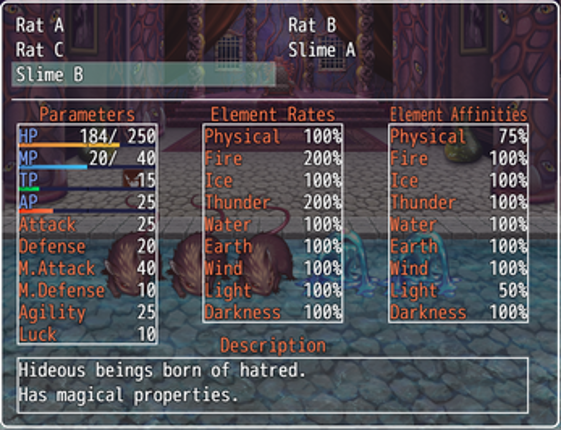
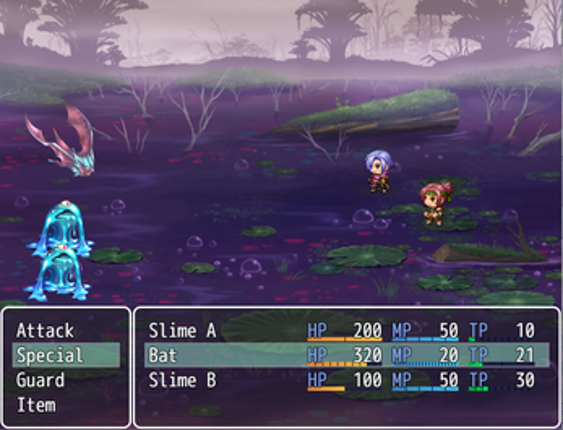
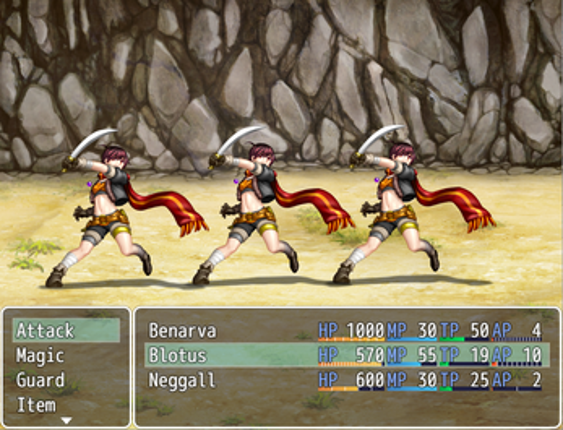
Introduction This plugin allows HP, MP, TP to be separated in several gauges. Those gauges may be set to limit the actor or enemy parameter's max increase and decrease in a single hit. This includes taking damage, being healed, regenerating, TP initialization, TP charge and skill costs. Number of gauges is set individually for each actor and enemy. If using the VCM_ActionPoints plugin, AP Gauges a… If you enjoyed this game, see our list of games similar to VCM_MultipleGauges.
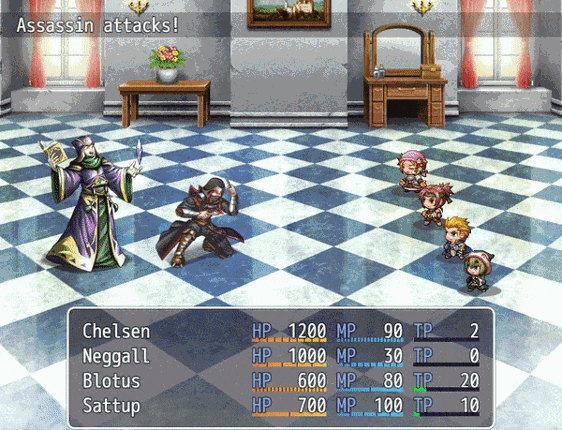
Introduction This plugin allows Map Spriteset and Battle Spriteset to be mirrored over the x axis, y axis or both. Player map direction and other sprites may be adjusted. All parameters values can be changed mid-game. No longer supported by the author. Version -> 1.01 This plugin was tested only on RPG Maker MV Version 1.6.2. I cannot guarantee it works on lower versions. Terms of Use: Available f… If you enjoyed this game, see our list of games similar to VCM_MirroredSpriteset.
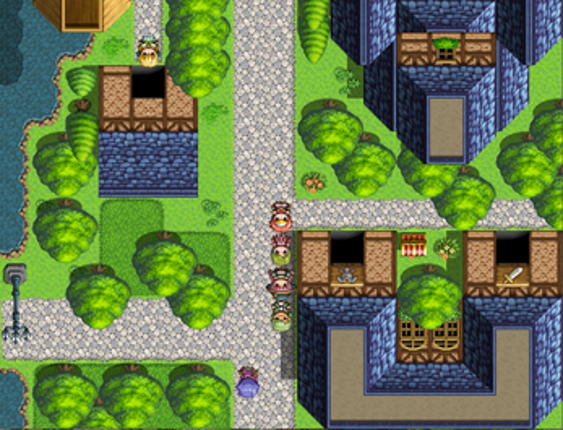
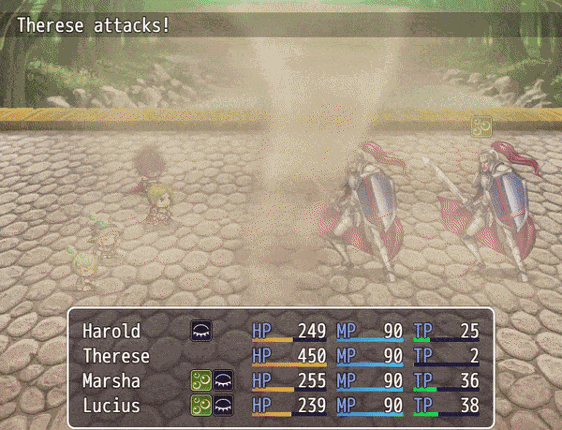
Introduction This plugin adds a Command that allows the player to save the game mid-battle. Savefile choice and command are configurable. No longer supported by the author. Version -> 1.04 This plugin was tested only on RPG Maker MV Version 1.6.2. I cannot guarantee it works on lower versions. Terms of Use: Available for commercial and non-commercial useYou may freely edit the codeYou are not allo… If you enjoyed this game, see our list of games similar to VCM_BattleSave.
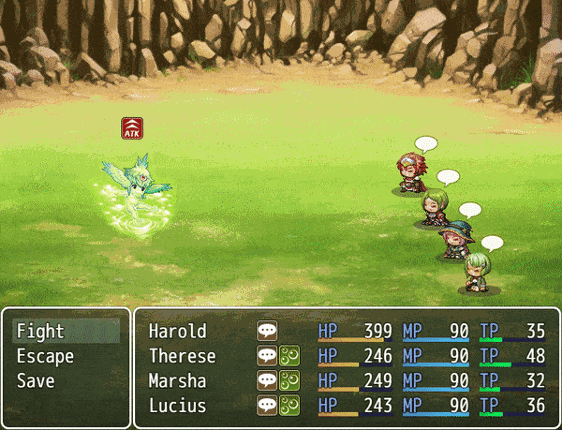
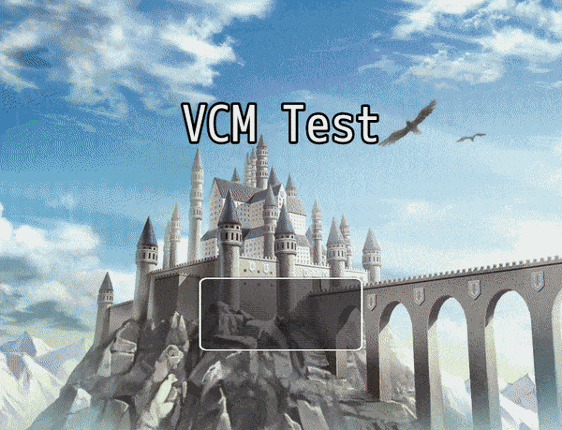
Introduction This plugin allows adding extra enemies to troops, possibly surpassing the hard limit of 8, and increase or decrease the maximum number of actors in battle. The position of all battlers is customizable, as well as the number of visible rows of the Battle Status, Battle Enemy, Party Command and Actor Command windows. No longer supported by the author. Version -> 1.01 This plugin was te… If you enjoyed this game, see our list of games similar to VCM_NumberBattlers.

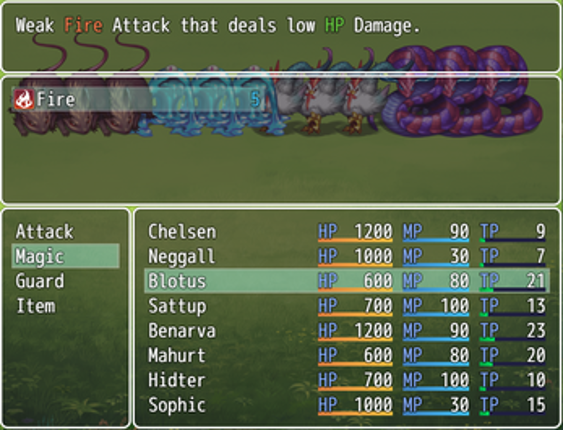
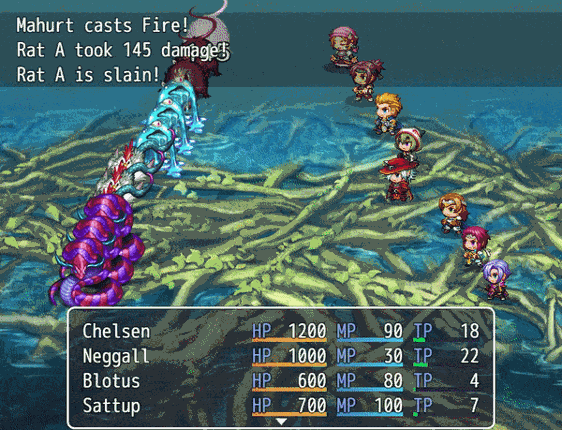
Introduction No longer supported by the author. This plugin adds a Command that allows the player to open the Main Menu mid-battle. Commands are configurable. Does not affect Main Menu out of battle. This may open several possibilities to the player in a battle, such as: Using Items and Skills without spending a turn (provided their respective 'Occasion' is 'Always' or 'Menu Screen')Changing Equip… If you enjoyed this game, see our list of games similar to VCM_BattleMainMenu.
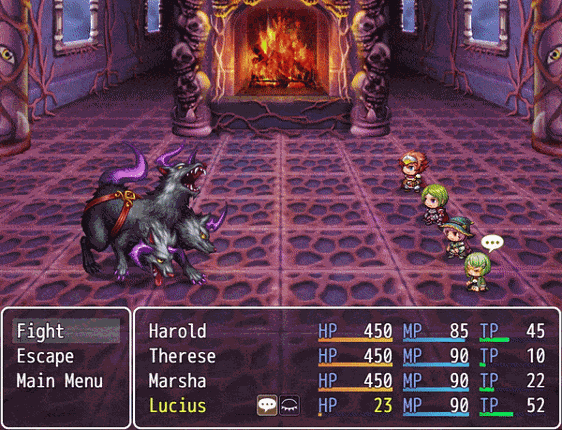
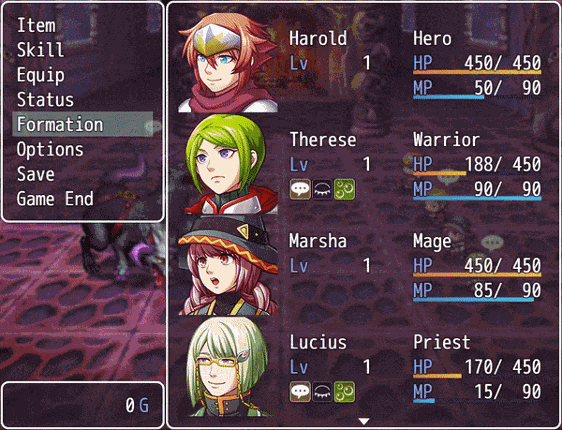
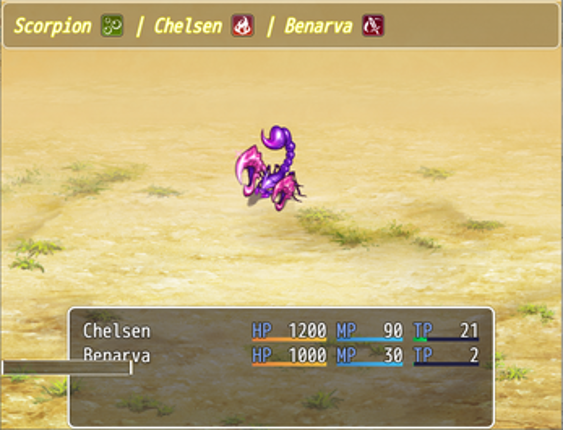
Introduction This plugin offers an option to add HP, MP and/or TP Gauges to enemies listed in Battle Enemy Window. If using the VCM_ActionPoints plugin, AP Gauges are also supported. Number of columns and positioning of names may be changed too. No longer supported by the author. Version -> 1.01 This plugin was tested only on RPG Maker MV Version 1.6.2. I cannot guarantee it works on lower version… If you enjoyed this game, see our list of games similar to VCM_EnemyGauges.
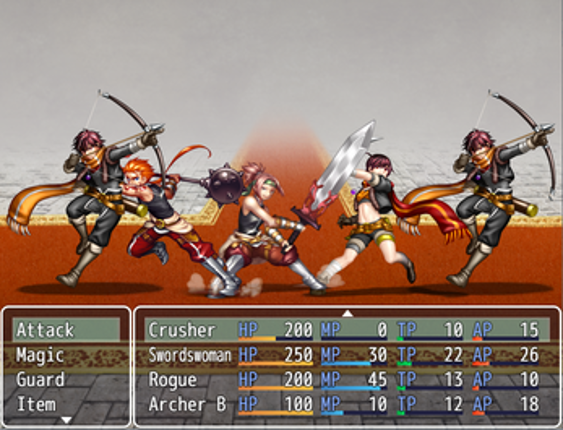
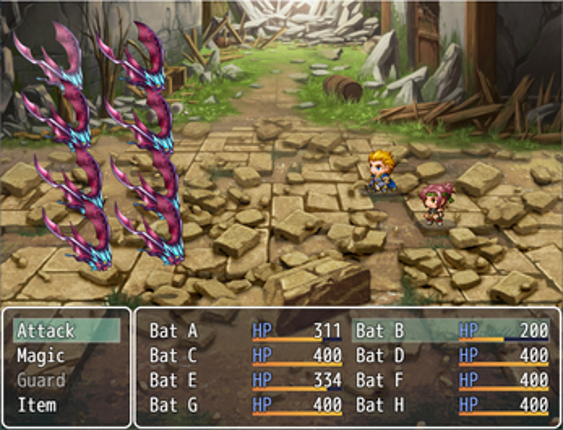
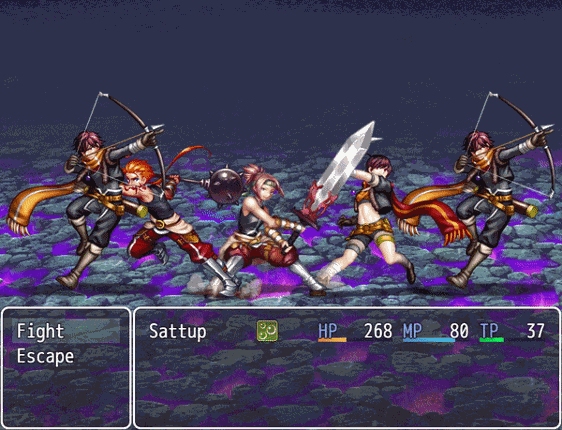
Introduction This plugin shows a Help Window when the mouse is over the Sprite State Icons. Icons aren't changed while you do so. Clicking them will force the icon change. Allows Actors to have them, like enemies do. Help Window and Sprite State Icons are configurable. Buffs/Debuffs are included. This plugin does not affects other State Icons. No longer supported by the author. Version -> 1.03 Thi… If you enjoyed this game, see our list of games similar to VCM_StateDescription.
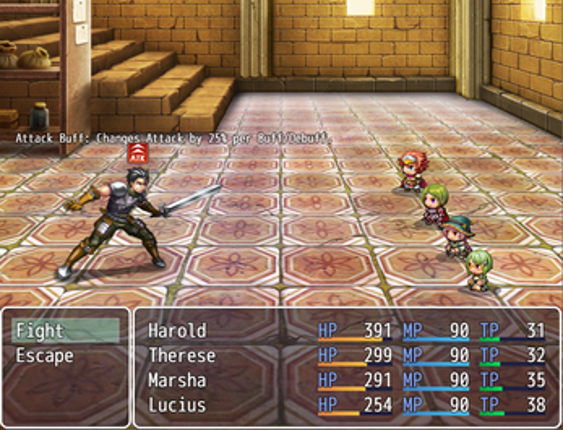
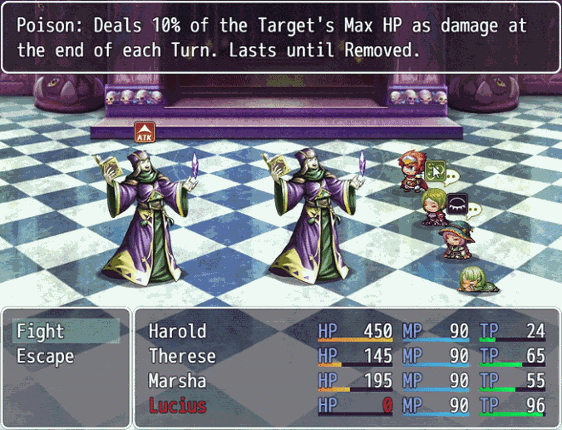
Introduction Battle Action Sequences are lots of fun to watch. But for all players alike, seeing the same long-drawn out Battle Action Sequences for the hundredth time will get old. This plugin gives players the ability to fast forward or skip entire Battle Action Sequeneces altogether and show that you, as a game developer, respects the player's time and decision on how they wish to play you… If you enjoyed this game, see our list of games similar to Action Sequence Fast Forward/Skip Plugin for RPG Maker MV.


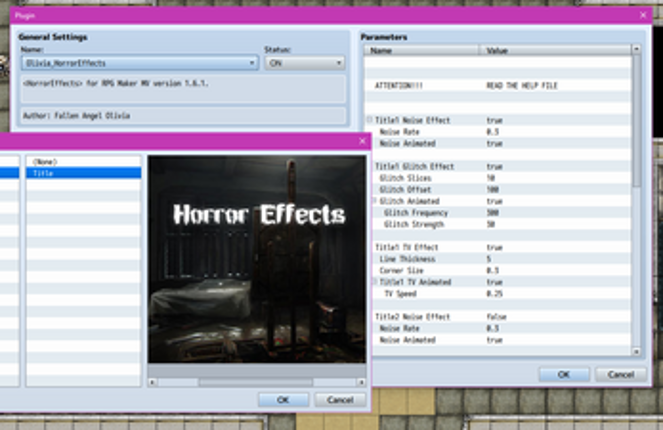
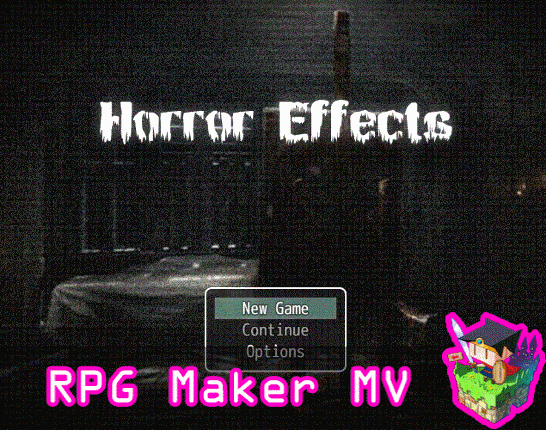
This is a RPG Maker MV plugin that will allow you to add visual horror effects to your game's title screen, maps, events, pictures, battle, etc. You can turn on individual effects at a time or multiple simultaneously. The effects include a noise effect, a glitch effect, and a TV effect, which is commonly seen used in most horror films. Now, you can use these effects in RPG Maker MV, too! Be warned… If you enjoyed this game, see our list of games similar to Horror Effects plugin for RPG Maker MV.
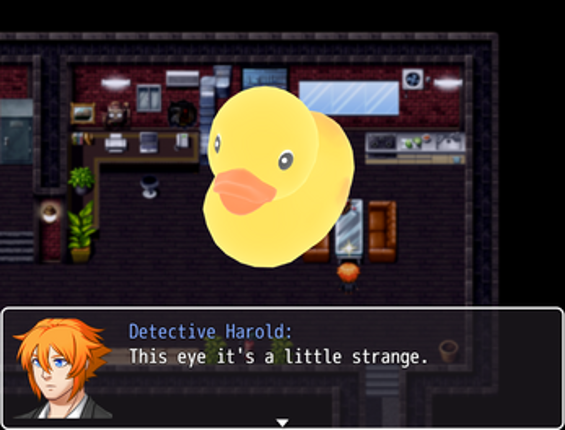
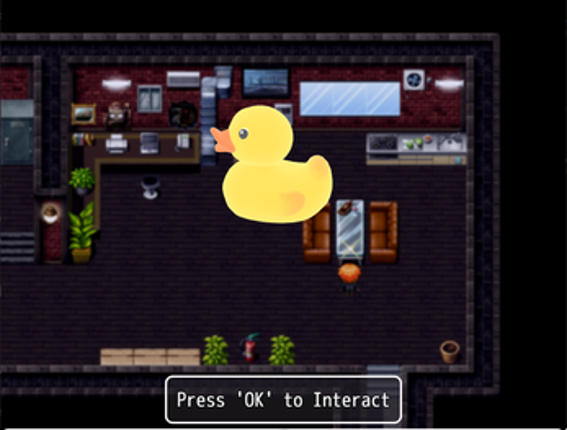
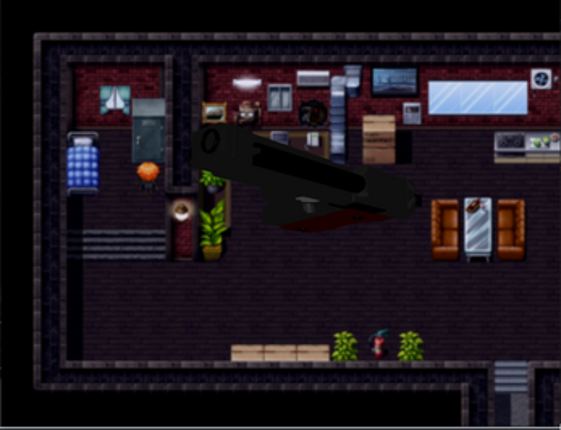
Render the 3D Model of your items, exploiting the power of Babylon JS. GENERAL 3D Object Examination is an amazing plugin powered by Babylon JS 3D Engine that allows to render a specific game scene for rendering 3D Models, rotate around them and assigning events on specific camera directions and angles. The use of this plugin is recommended for expert users. Due the particular nature of the code,… If you enjoyed this game, see our list of games similar to 3D Objects Examination - for RPG MAKER MV.
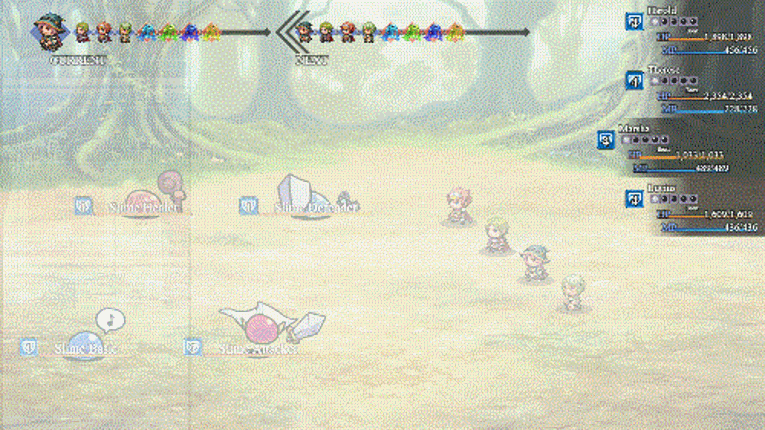
Introduction This plugin adds a window that shows order of actions in a turn in battle. Can show chosen actions that weren't performed yet. Action Order Window may be hidden during the acting phase. Formula for the order of actions may be customized (overrides the one from VCM_ActionPoints plugin, if being used). Action Order Window is customizable. No longer supported by the author. Version -> 1… If you enjoyed this game, see our list of games similar to VCM_ActionOrder.
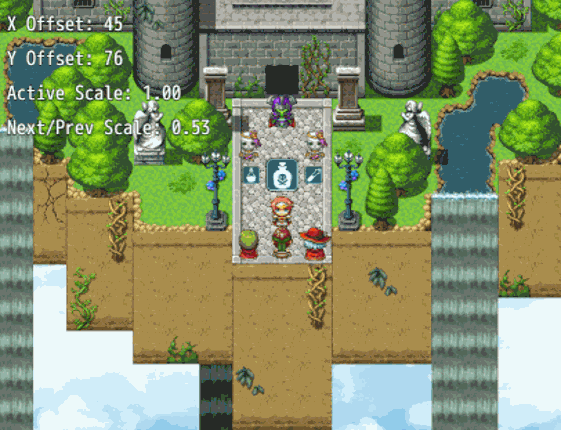
Ritter Active Item System Plugin Toggle through and use items on the game map! Designed for use in Action Battle Systems like Chrono Engine. Press a button to toggle backward and/or forward through active items and press a button to use it! Set up your items in the database as you normally do, giving them all effects you desire including executing a common event on item use! Includes everything yo… If you enjoyed this game, see our list of games similar to Ritter Active Item System (RPG Maker MZ).
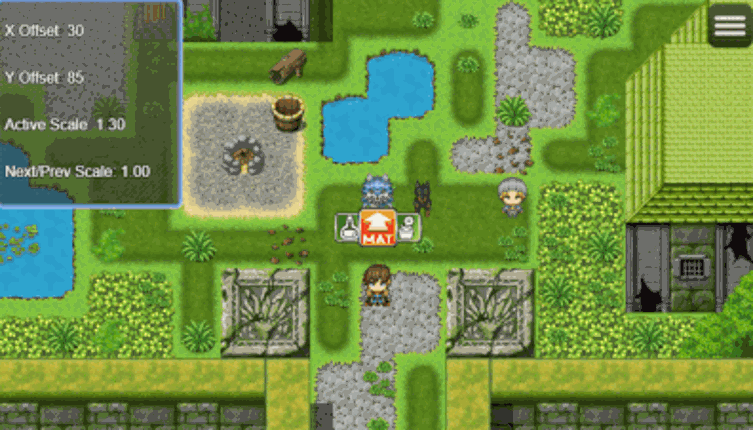
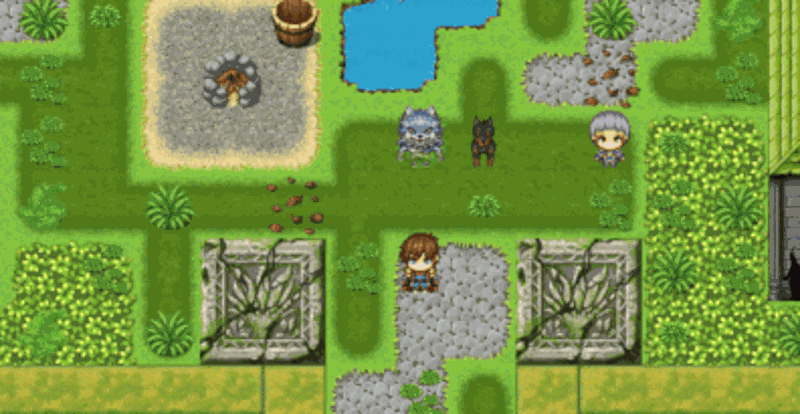
Introduction The plugin enables the ability to attach Dragonbones armatures to characterson the map to use as map sprites and animate them through plugin commands ormovement Script Calls. Dragonbones map sprites can (optional) have uniqueanimations for standing idle, walking, dashing, jumping, and/or climbing aswell as (also optional) unique animations for each direction. This is an extension plug… If you enjoyed this game, see our list of games similar to Dragonbones Map Sprites plugin for RPG Maker MV.
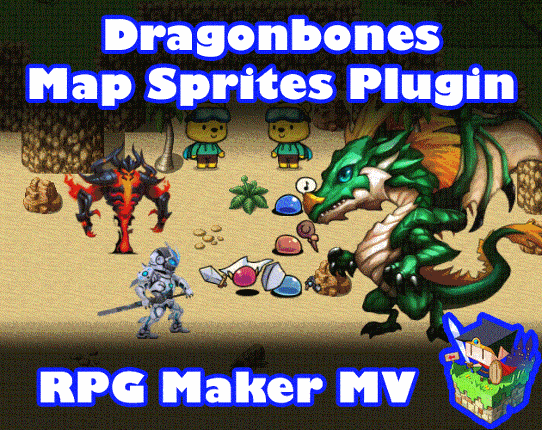

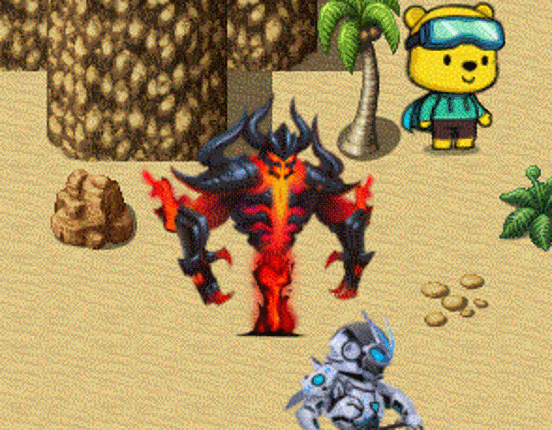
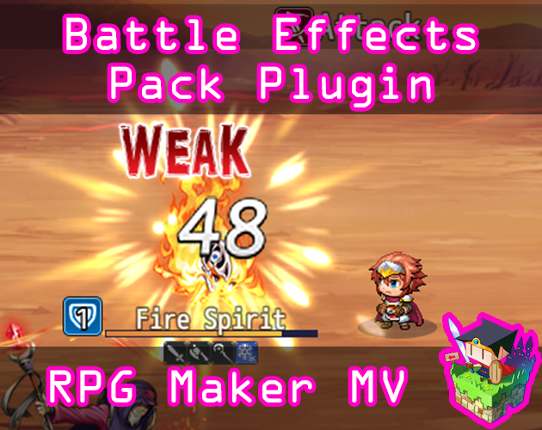
Note: This plugin is a part of the OctoPack Battler plugin set. Please keep in mind if you purchase this plugin, it will not deduct the price from the OctoPack Battler Sample Project if you wish to buy it later. This is a RPG Maker MV plugin that adds many new features to battle. These new features include colored damage popups and two new popups: Weak and Break, buff and debuff turn stacking, b… If you enjoyed this game, see our list of games similar to Battle Effects Pack 1 plugin for RPG Maker MV.


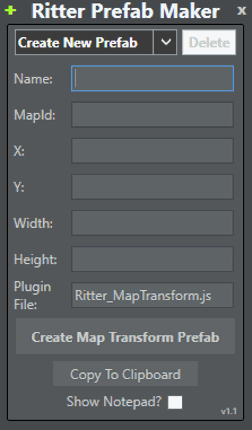
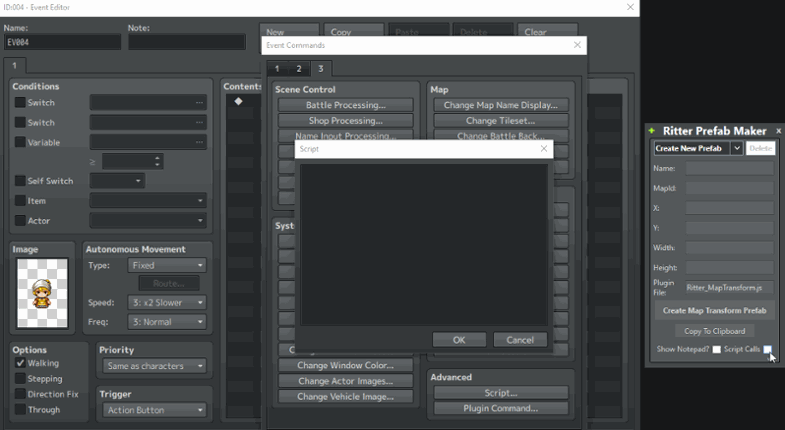
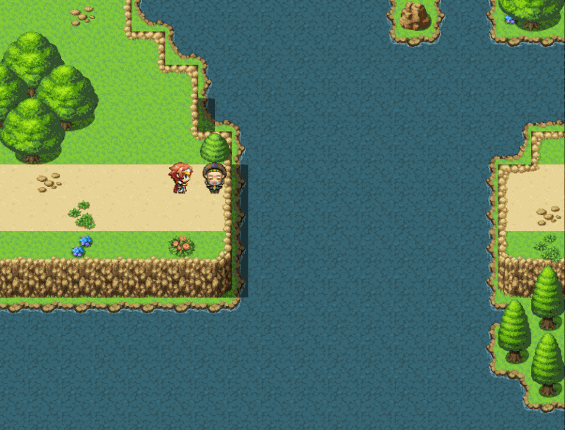
Transform your maps on demand! Unlock the power to change your map tiles on the fly! Map Transform plugin allows you to easily change the tile data on your map! Effortlessly transform your map tiles! Map Transform Features: Change every layer of a tile, including regionId and shadows! Easily swap out a tiles data with a tile data from another map! Swap out an area of tiles with tiles from anot… If you enjoyed this game, see our list of games similar to Ritter Map Transform (RPG Maker MV).
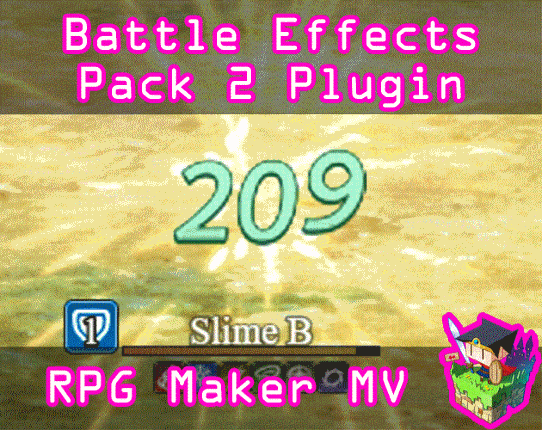
Note: This plugin is a part of the OctoPack Battler plugin set. Please keep in mind if you purchase this plugin, it will not deduct the price from the OctoPack Battler Sample Project if you wish to buy it later. This is a RPG Maker MV plugin that adds more features to battle. These new features include a new critical hit flash coloration because the previous one is a slight red glow that is easy… If you enjoyed this game, see our list of games similar to Battle Effects Pack 2 plugin for RPG Maker MV.
SpokenWord is a plugin for RPG Maker MV that allows you to easily include text-to-speech in your projects using plugin commands, script, and/or message control characters. SpokenWord is offered free for use in your hobby and/or commercial projects (see Terms for full conditions) but if you like the plugin please consider throwing me a buck or two and help me in my own game project. Anything help… If you enjoyed this game, see our list of games similar to SpokenWord: A Text-to-Speech plugin for RPG Maker MV.


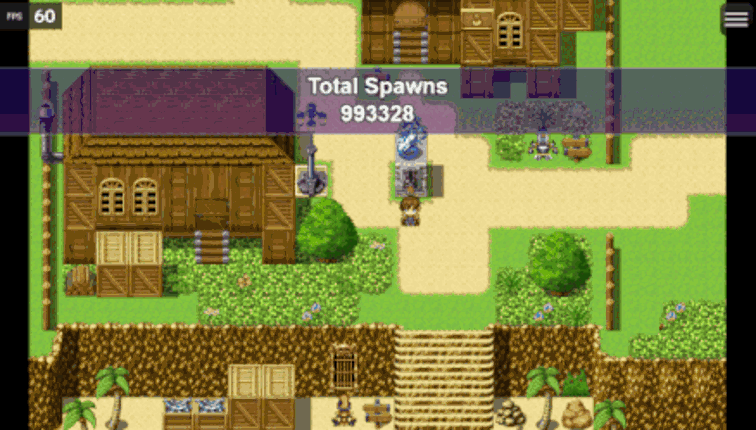
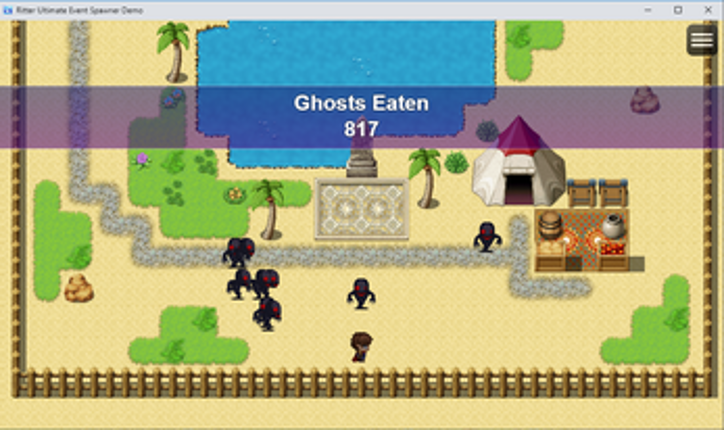
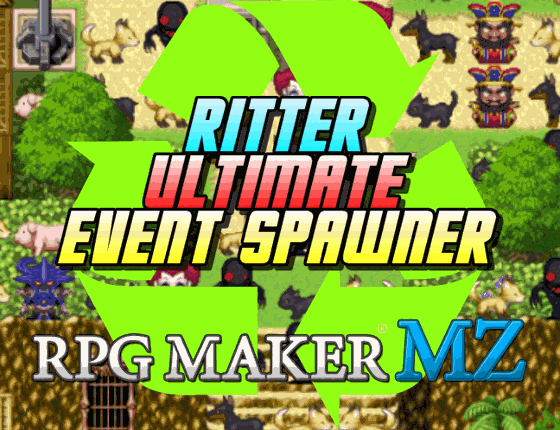
Event Spawner which recycles unspawned events! This event spawner is unlike other publicly available spawners in that it will automatically recycle unspawned events before spawning a new event. This greatly(completely if used properly) decreases performance loss over time due to event clutter. Tested up to 500,000+ spawns and unspawns with zero performance loss, this spawner should never encounter… If you enjoyed this game, see our list of games similar to Ritter Ultimate Event Spawner (RPG Maker MZ).
This is a RPG Maker MV plugin that will add social media buttons onto your title screen that can be clicked and taken to desired URLs. You can add as many or remove as many buttons as you want and have them go to custom URLs of your liking. You can also position these buttons anywhere on the screen with provided coordinates, too. Sample Project Includes The sample project download for this will in… If you enjoyed this game, see our list of games similar to Social Media Buttons plugin for RPG Maker MV.


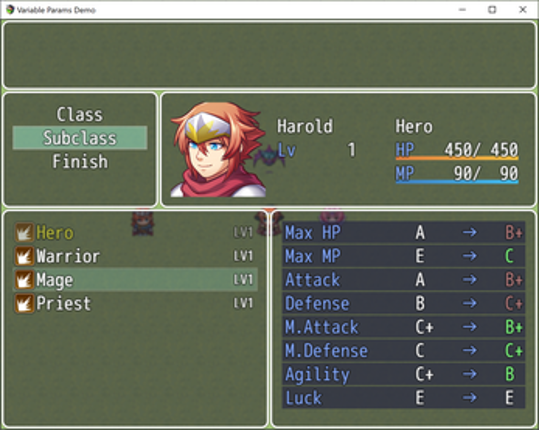
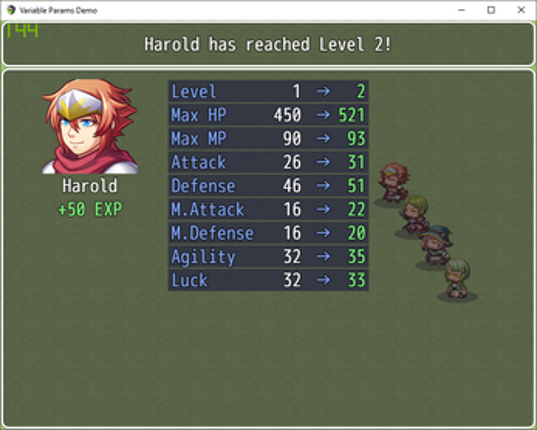
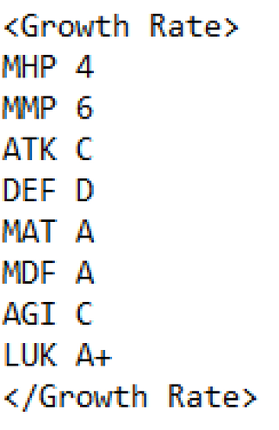
Description: This plugin adds two degrees of randomness to parameters gained when actors level up in your project. The first level of randomness is facilitated via 'Growth Ranks' which are set via note tags on your actor classes. These ranks range from F rank, all the way to S rank spanning a total of 10 different ranks. Whenever an actor levels up, the growth rank of their current class is used … If you enjoyed this game, see our list of games similar to MV - Variable Level Params.
Name: The Nova Lighting PluginCollab: Dairnon and the Killer GinVersion 1.3.0MV Version tested on 1.6.2Requires Pixi 4.7.1, included in downloadGame Folder -> JS -> Libs -> Replace your Pixie with the 4.7.1 version if lower. It'll run primarily on the GPU, minus cpu for minor things like animations.Supported:- Multiplied ambient light setting by default (Nova Lighting) - Designed to share the same… If you enjoyed this game, see our list of games similar to MV Nova Lighting Plugin.
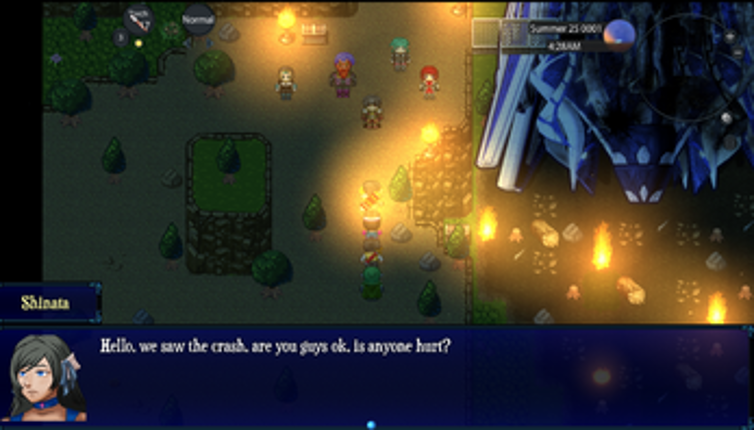
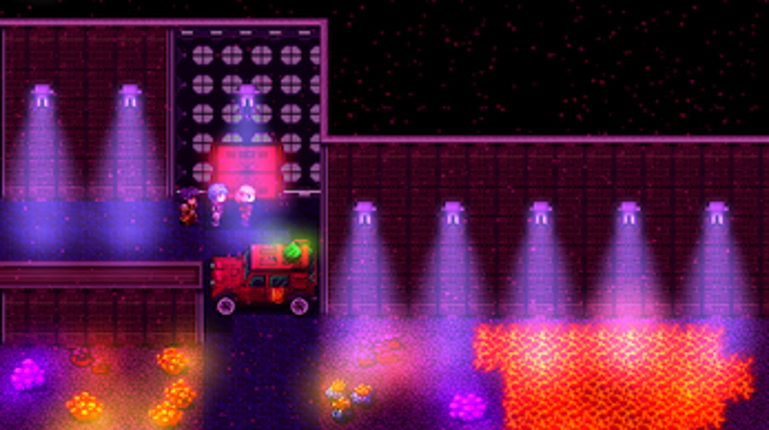
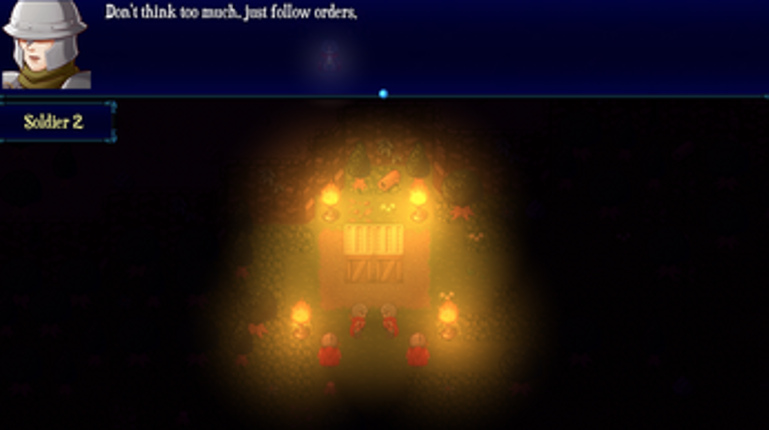
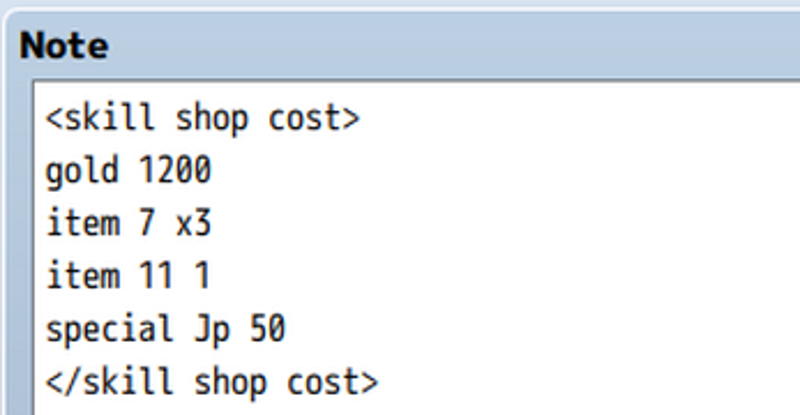
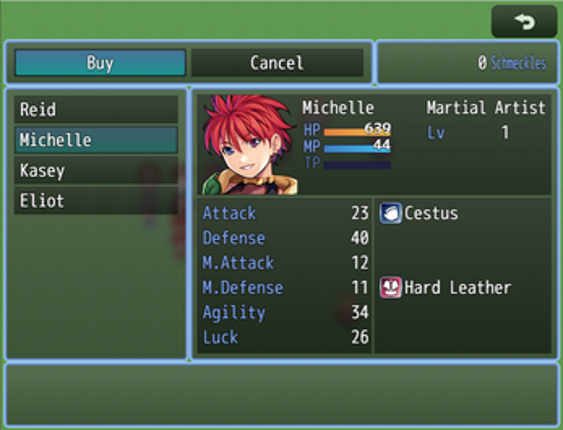
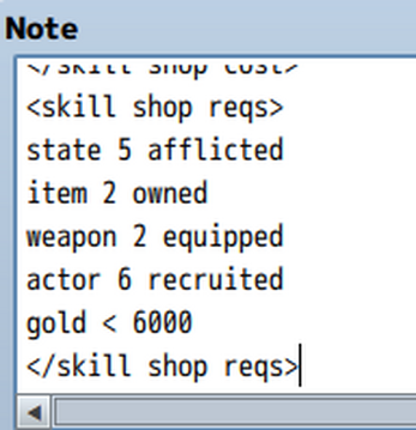
Ramza's Skill Shop Currently only for RPGMaker MZ (MV Version coming soon!) Overview: Skill shop is a plugin which does exactly what it says on the tin - allows you to make a shop that sells skills to the player. It has support for multiple shops (basically limitless shops, in fact), each with their own available skills, and stock values for those skills. Each actor has a list of skills that they … If you enjoyed this game, see our list of games similar to MZ - Skill Shop.
Introduction This RPG Maker MV plugin lets you add action cutins display actor and enemy faces in a cutout box with speedlines going through the back. It can be used inside and outside of battle provided that you use the right notetags and/or script calls with them. It can be used to put emphasis on which actor or enemy is currently performing an action or it can be solely used for very stron… If you enjoyed this game, see our list of games similar to Action Cutin plugin for RPG Maker MV.
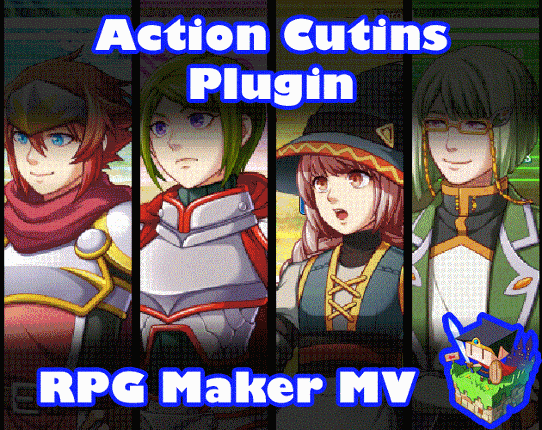
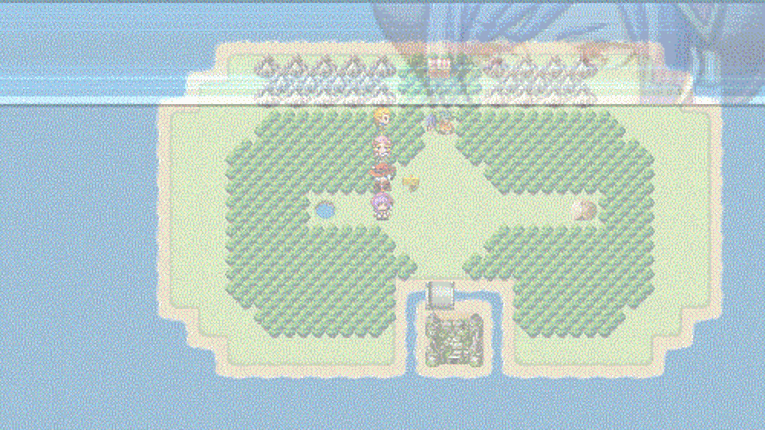
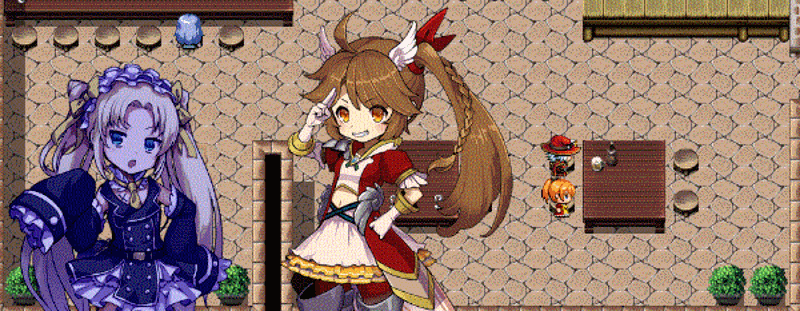
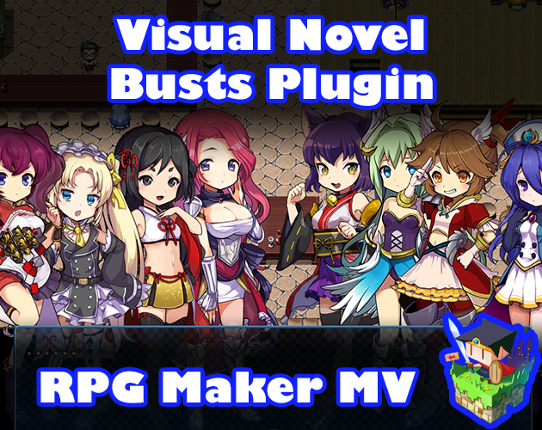
Introduction This plugin adds bust support to RPG Maker MV's message system. You can control all bust functions from either the Show Text event command itself or through Script Calls. This plugin supports one bust on the Message Window and ten other busts on the screen behind it. Busts can move, fade in and out, change opacity, slide in and out, mirror themselves, change scale, and have … If you enjoyed this game, see our list of games similar to Visual Novel Busts plugin for RPG Maker MV.


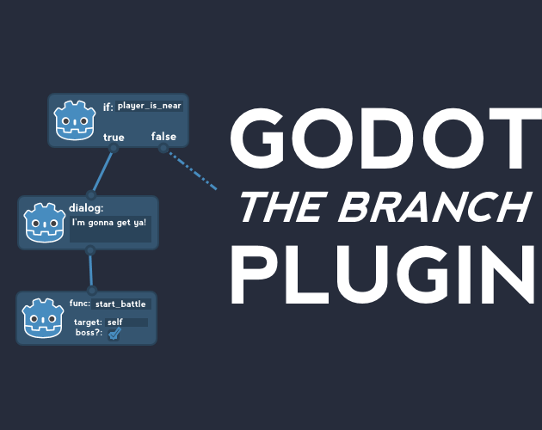
Dialog Trees, Decision Trees, Behavior Trees, Pine Trees... one plugin for all of the above. Use Cases The Branch Plugin is largely made for building general-purpose trees for workflows such as cutscene scripts, NPC/enemy decision making, dialog, and so on. If your primary goal is to build dialog systems, this plugin is probably overengineered for your use case, and also underengineered, as… If you enjoyed this game, see our list of games similar to Godot "The Branch" Plugin.
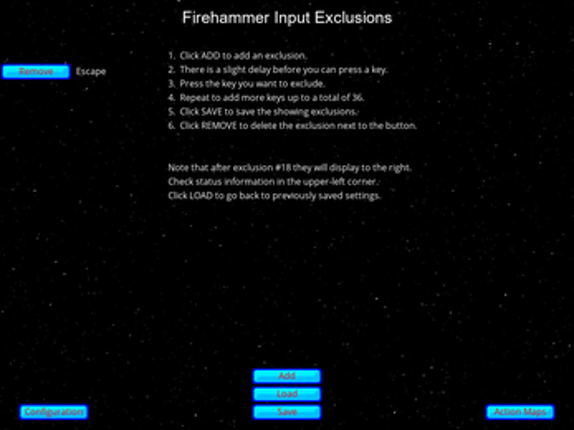
Firehammer Input 3.1 is here! Firehammer Input is your new way to manage your game's inputs. Under the hood it uses GML functions and so supports all the input devices currently supported in Gamemaker: Studio. But it then adds on easy to use custom input options, letting your game's players choose their own inputs with ease. They can choose keyboard keys, mouse buttons, or any inputs on… If you enjoyed this game, see our list of games similar to Firehammer Input.
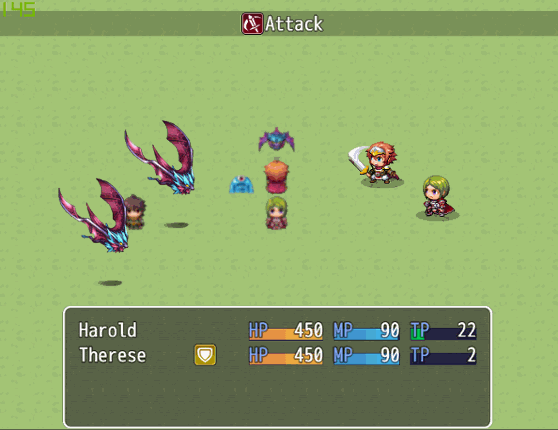
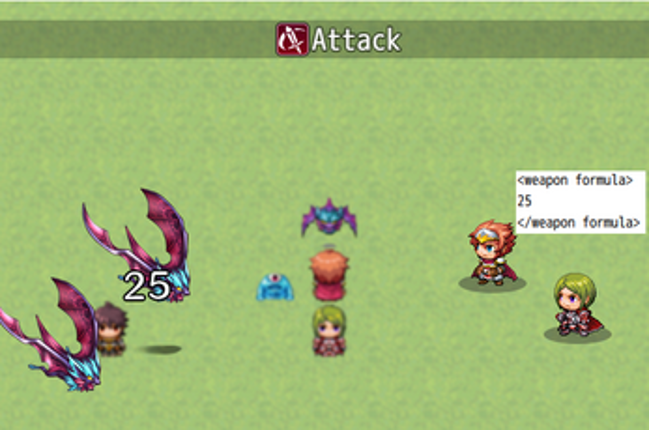
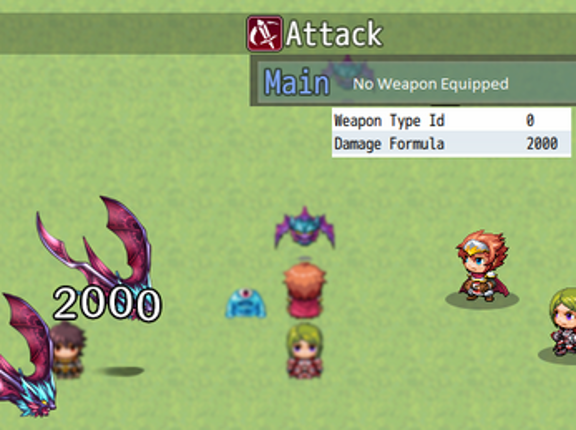
Ramza's Weapon Attack Formulas plugin This is a fairly simple plug and play plugin that makes one major change to the way the battle engine for RMMV works, and has a few little things you can tweak to your liking as well. This plugin allows you to override the damage formula for the default attack skill, as well as other skills that you tag specifically using a note tag. You override the damage fo… If you enjoyed this game, see our list of games similar to MV/MZ Weapon Attack Formulas.
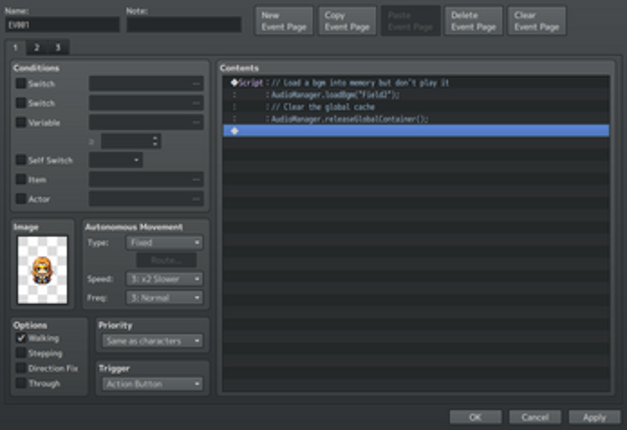
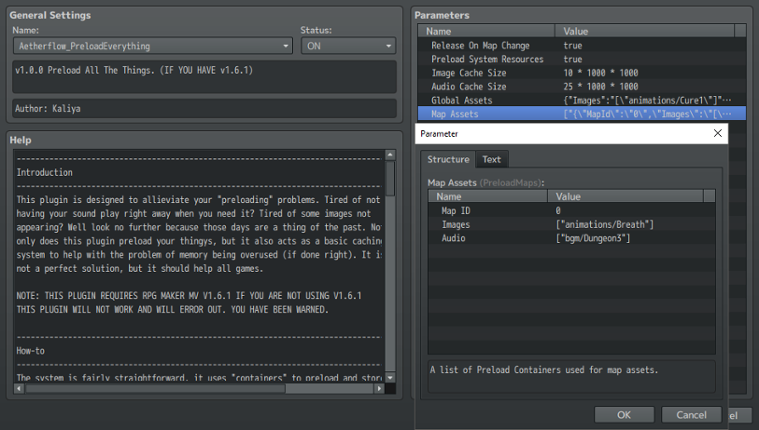
This is a RPG Maker MV plugin that is designed to add a preloader and caching system to your game. Are you tired of having your sound not play right away? Are you tired of some images not appearing when they should, because they're still loading? Well this plugin is for you! It is designed to allow the developer to selectively preload certain things globally, or when the player loads a map, or on … If you enjoyed this game, see our list of games similar to Aetherflow Preload Everything.
Introduction This plugin adds a real time system to your game. Assigned variableswill automatically update based on values detected from the game client'sNodeJS Date function. This effectively gives you the ability to createevents that trigger off real time changes as long as you set up thevariables and switches to do so. Setup Instructions 1. Open up the Plugin Parameters.2. Assign all the … If you enjoyed this game, see our list of games similar to Real Time System plugin for RPG Maker MV.


Introduction This plugin adds new Action Sequences to Yanfly's Battle Engine Core (so make sure you have that plugin and the Action Sequence Packs installed) to add a couple of new effects such as balloons, move adjustments, easings, projectiles, and if you have Olivia's Battle Impact plugin, the special impact effects, too! This plugin is made compatible with Olivia's Battle Impact plugin: … If you enjoyed this game, see our list of games similar to Action Sequence Impact plugin for RPG Maker MV.


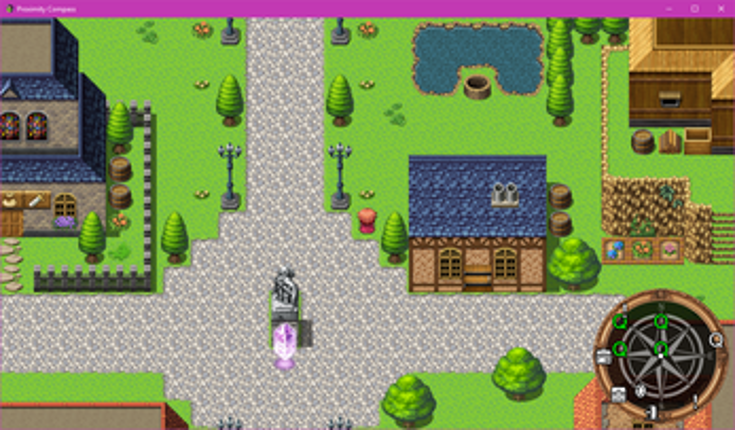
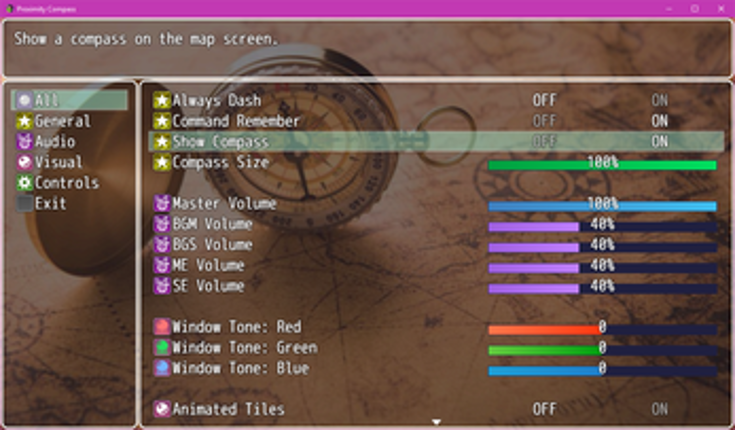
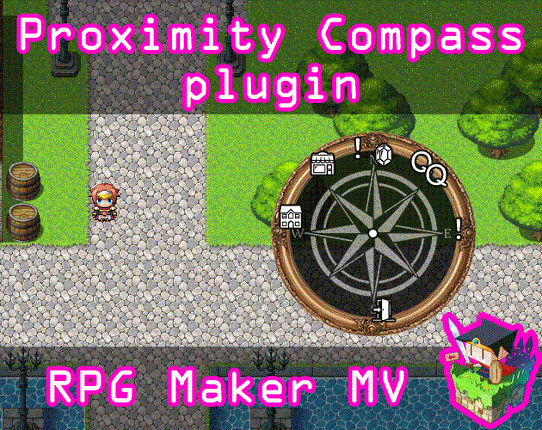
This is a RPG Maker MV plugin that adds a compass to the map screen, marking the position of nearby events and the directions of far away events. Events are represented by icons from the icon set. This can be used to help the player locate objectives, points of interests, NPCs, and more. Sample Project Includes The sample project download for this will include the following: The main plugin itsel… If you enjoyed this game, see our list of games similar to Proximity Compass plugin for RPG Maker MV.
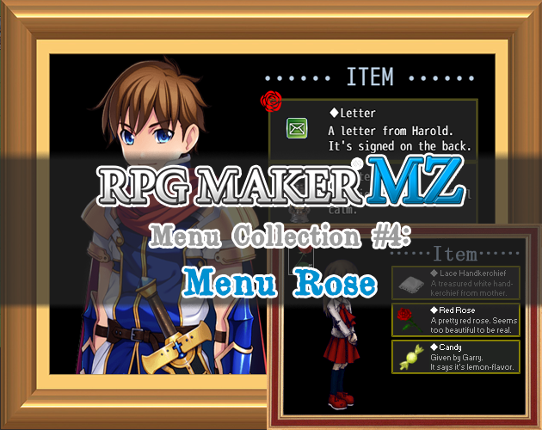
GENERAL "Rose" is the fourth release for the Menu Collection for Rpg Maker MZ. This menu is highly inpired to the one you can see in the game "IB". Specifically, this menu is highly suggested for one-actor Rpg Maker game like horrors and similar. Differently from the original menu, Rose has some additional features that could make your menu more interactive. FEATURES Customizable menu images for… If you enjoyed this game, see our list of games similar to Rose Menu - For Rpg Maker MZ.
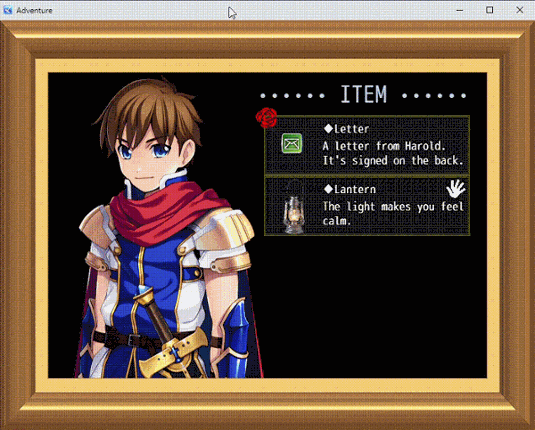
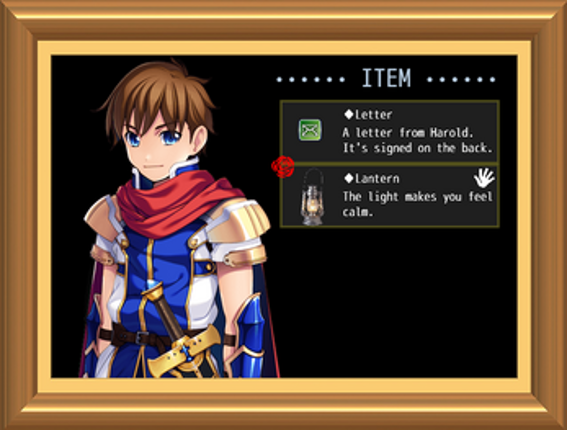
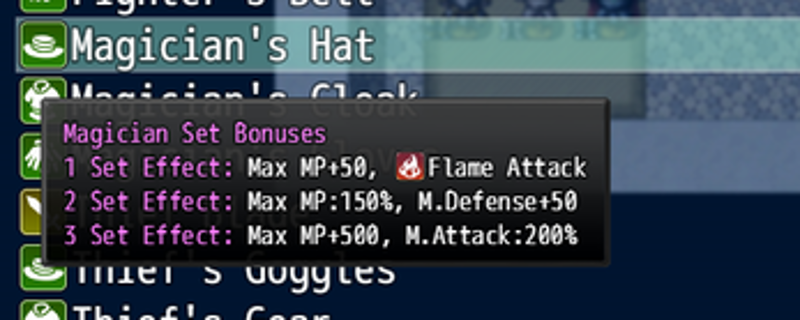
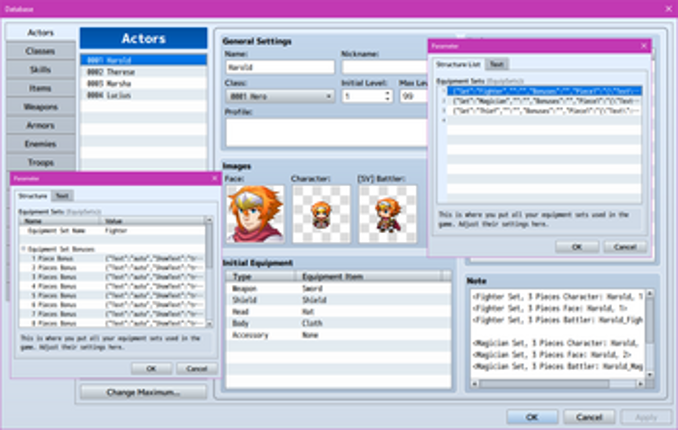
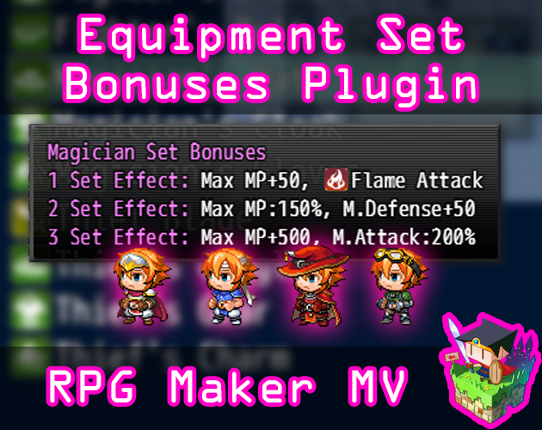
This is a RPG Maker MV plugin that allows you to set equipment to be a part of various sets. When multiple pieces of the set are equipped, (for example: Fireproof Shield, Fireproof Hat, Fireproof Vest), then bonuses are applied. Bonuses can be applied at different stages, too, depending on how many set pieces are being currently equipped. The art (sprite, face, battler) for an actor can also chang… If you enjoyed this game, see our list of games similar to Equipment Set Bonuses plugin for RPG Maker MV.
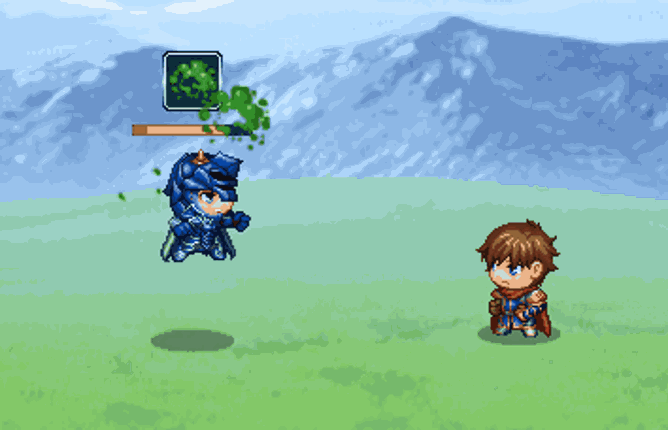
Use your shield to block, now available for RPGMaker MZ! Using this plugin, actors and enemies alike can wield their shields defensively to block incoming damage from blockable attacks. The amount blocked is configurable, and the exact effect of a block can be configured as well. By default, a successful block reduces incoming damage by x%, and then subtracts y from the remaining amount. Then a bl… If you enjoyed this game, see our list of games similar to MZ - Shield Block.
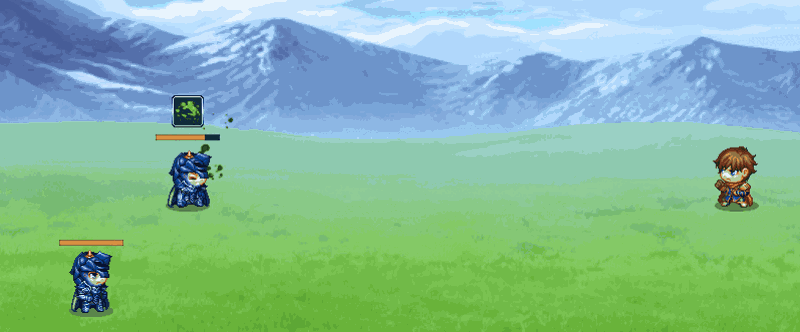
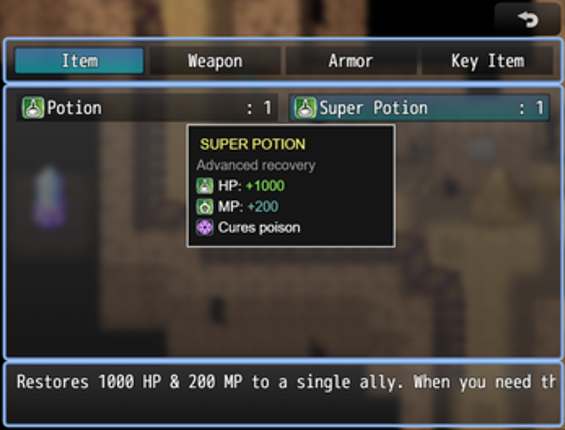
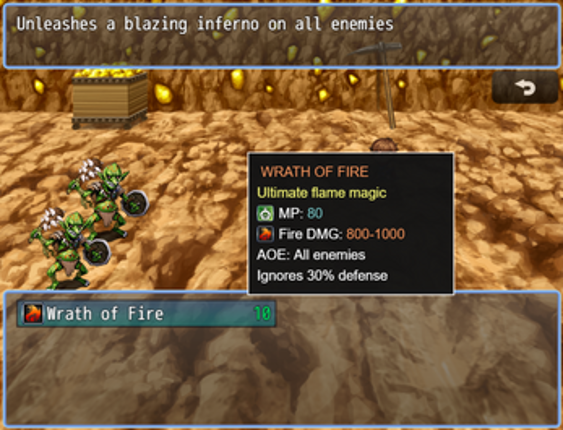
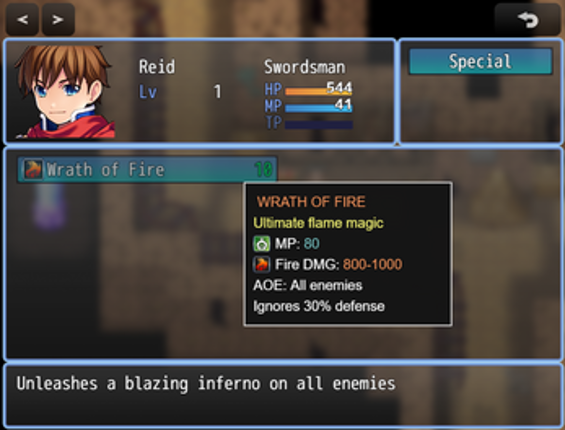
TooltipSystem - Professional Sprite-Based Tooltip System LC_TooltipSystem v1.0.5 is a complete, professional tooltip system for RPG Maker MZ that displays rich, formatted tooltips when hovering over items, skills, weapons, and armors in both menus and battle scenes. Built using a sprite-based rendering system, it eliminates flickering and provides smooth, customizable tooltips with support for co… If you enjoyed this game, see our list of games similar to [LC]TooltipSystem - Sprite-Based Tooltip System.
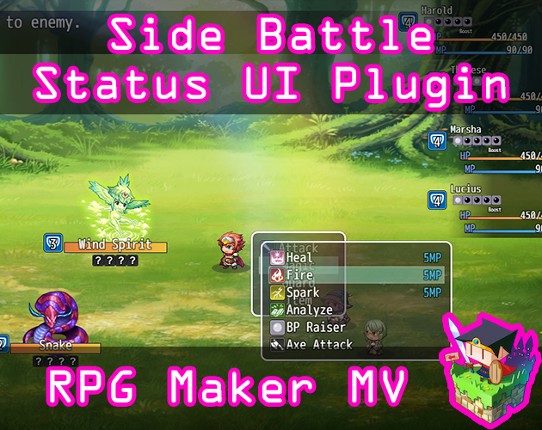
Note: This plugin is a part of the OctoPack Battler plugin set. Please keep in mind if you purchase this plugin, it will not deduct the price from the OctoPack Battler Sample Project if you wish to buy it later. This is a RPG Maker MV plugin that changes the UI of the battle system to something more minimalistic. The menus are placed towards the player's party to let the player focus their atten… If you enjoyed this game, see our list of games similar to Side Battle Status UI plugin for RPG Maker MV.


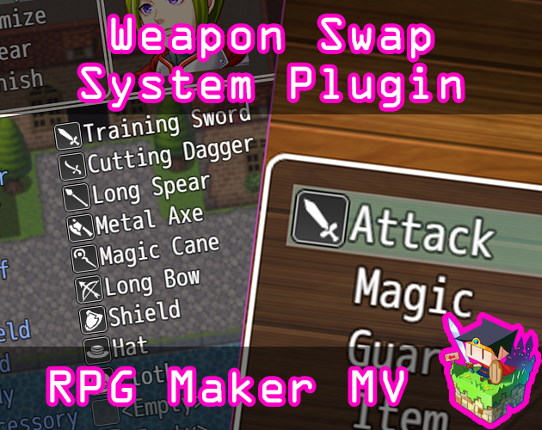
Note: This plugin is a part of the OctoPack Battler plugin set. Please keep in mind if you purchase this plugin, it will not deduct the price from the OctoPack Battler Sample Project if you wish to buy it later. This is a RPG Maker MV plugin that will give your game's actors the function to swap weapons in the middle of the fight. Up to one of each weapon type can be equipped at a time and they … If you enjoyed this game, see our list of games similar to Weapon Swap System plugin for RPG Maker MV.


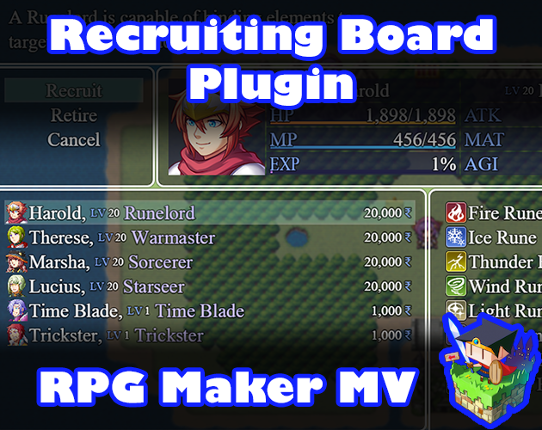
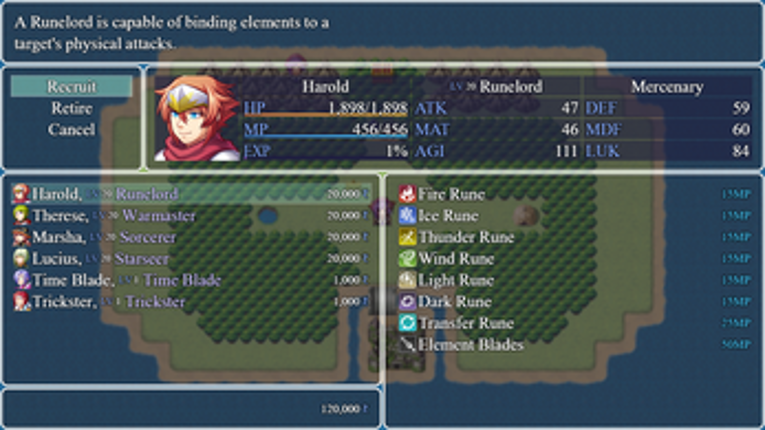
Introduction This is a RPG Maker MV plugin that lets you create a recruiting boardfor actors. Actors can be hired to enter your team at a cost and can beretired for some of the deposit back. The recruiting board will be made intoan in-game scene which displays a list of the actors you can recruit, theircurrent stats, and a list of available skills. Plugin Parameters This plugin has pl… If you enjoyed this game, see our list of games similar to Recruiting Board plugin for RPG Maker MV.
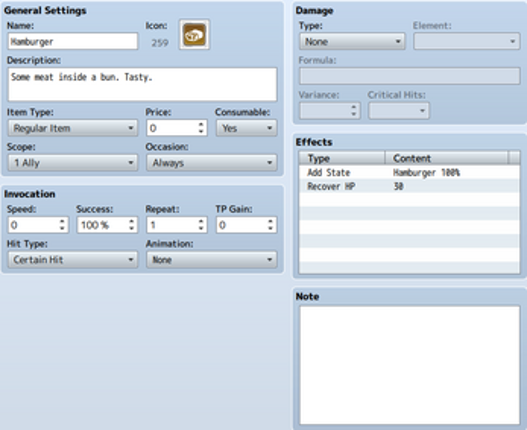
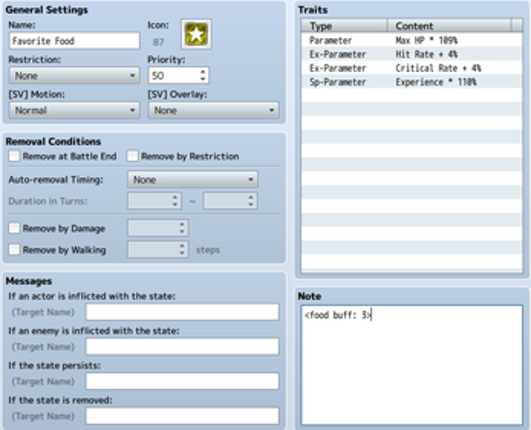
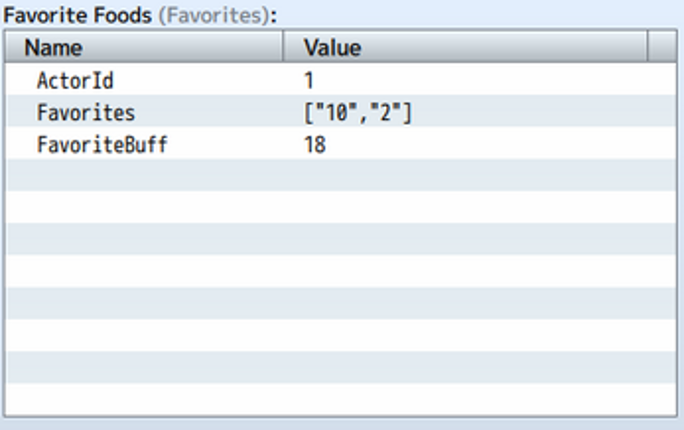
Ever notice how there are basically two kinds of states in default RPGMaker? The kind that goes away after a set number of turns, and the kind that stay forever (or until cured). This plugin adds a third type of state - the food buff, which expires after a set number of battles. Special states tagged with the note tag and that don't have an expiry turns value set will instead, disappear harmlessly… If you enjoyed this game, see our list of games similar to MV/MZ - Food Buffs.
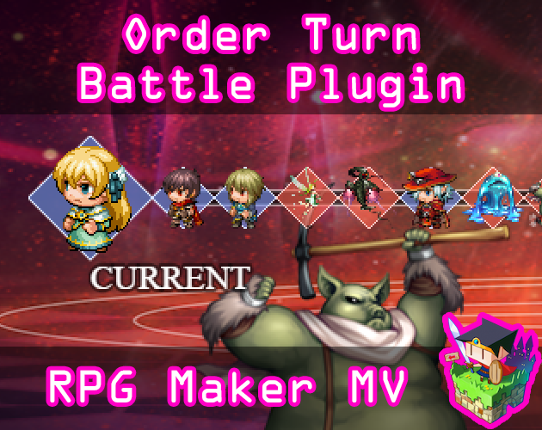
Note: This plugin is a part of the OctoPack Battler plugin set. Please keep in mind if you purchase this plugin, it will not deduct the price from the OctoPack Battler Sample Project if you wish to buy it later. This is a RPG Maker MV plugin that changes the battle system to have a turn order system where battlers act immediately after inputting actions. It is called Order Turn Battle (OTB). The… If you enjoyed this game, see our list of games similar to Order Turn Battle System plugin for RPG Maker MV.


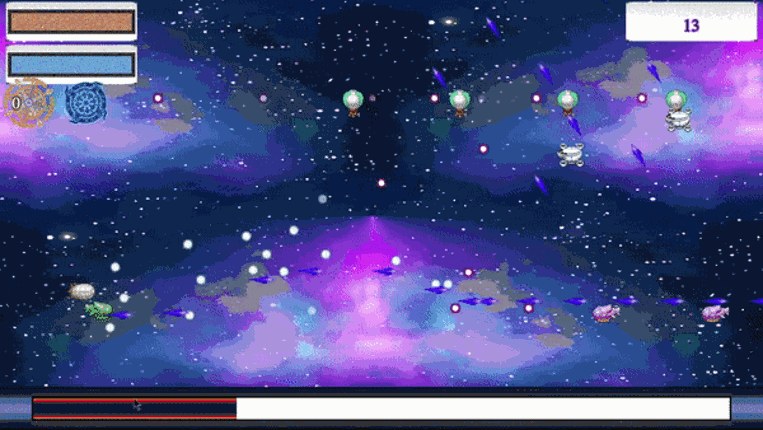
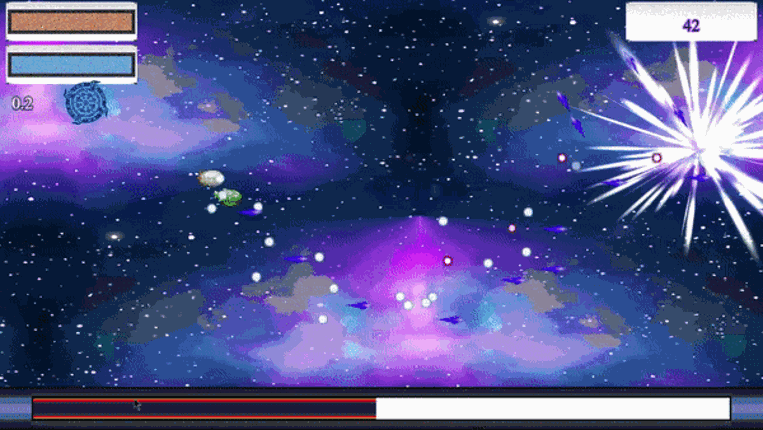
Star Shooter is a divergence from your typical RPG Maker RPG scene yet at the same time marries nicely with most modern RPG games which have a flight scene tacked on here and there. Star shooter is a rather complex plugin (especially for MV users as the plugin command feature is really lacking) but at the same time, once you get it, it's rather easy to setup. First off, the features: Top-down and … If you enjoyed this game, see our list of games similar to RPG Maker MV/MZ: Bullet Hell Maker.
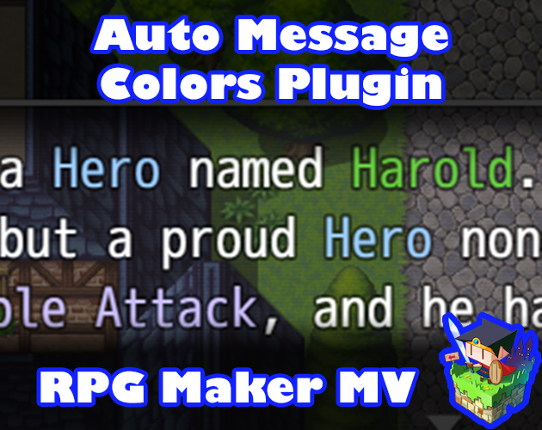
Introduction This plugin automatically causes the messages that can use text codes to automatically color keywords to depict importance so you don't have to manually type in \c[3]Important\c[0] every time you want to draw attention to something. This helps those who want to make their keywords consistent throughout their game as well as makes it easier to simply offload text into RPG Maker MV with… If you enjoyed this game, see our list of games similar to Automatic Message Colors Plugin for RPG Maker MV.


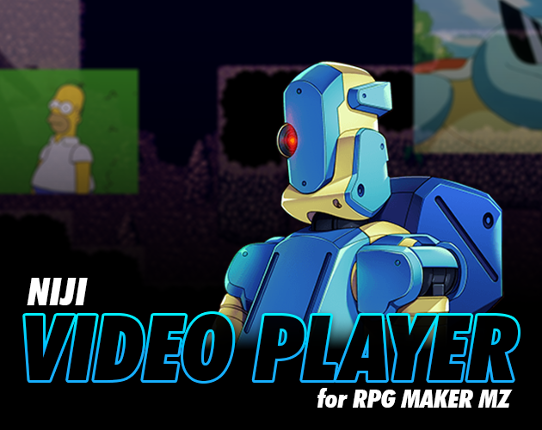
This RPG Maker MZ plugin adds the ability to display Gifs (as webm) and Videos anywhere on the current scene. Ever wanted to display videos in a specific location on the scene? Now you can with Niji's Video Player Plugin. Features: Preload videos in memory for usage later Play, pause, loop, resume, and stop videos independently Move, scale, and change video opacity Apply animati… If you enjoyed this game, see our list of games similar to Video Player Plugin for RPG Maker MZ.
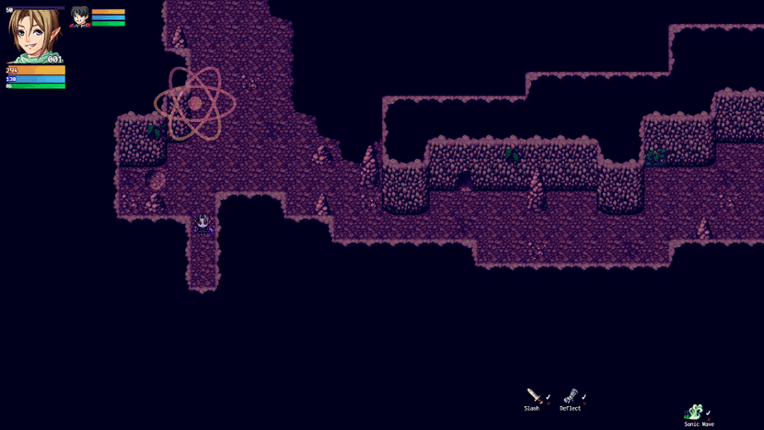
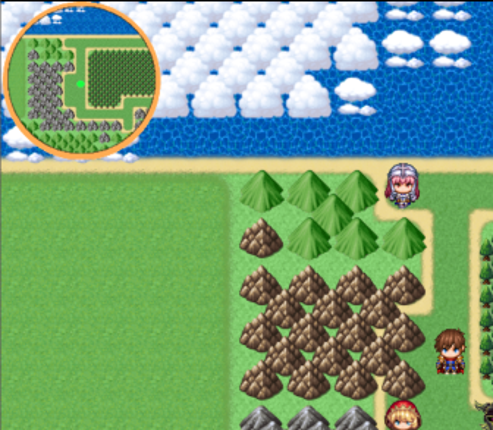
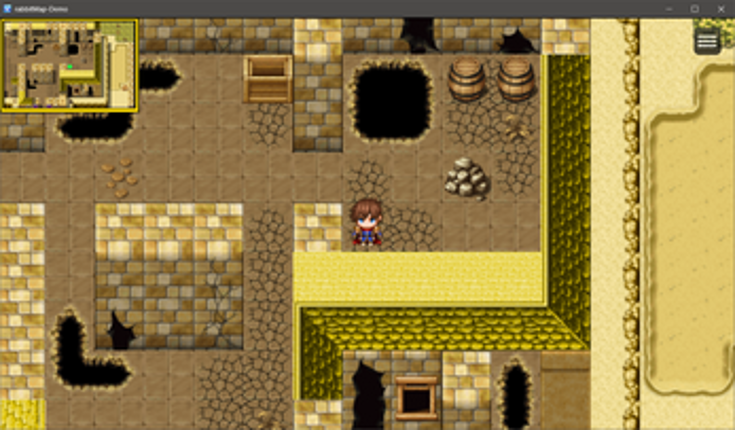
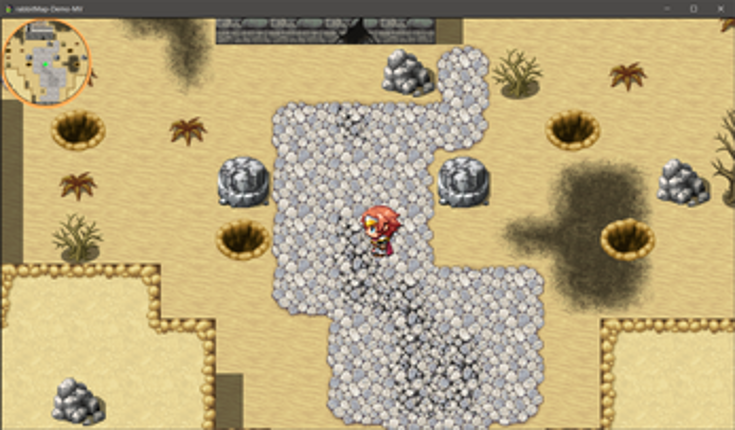
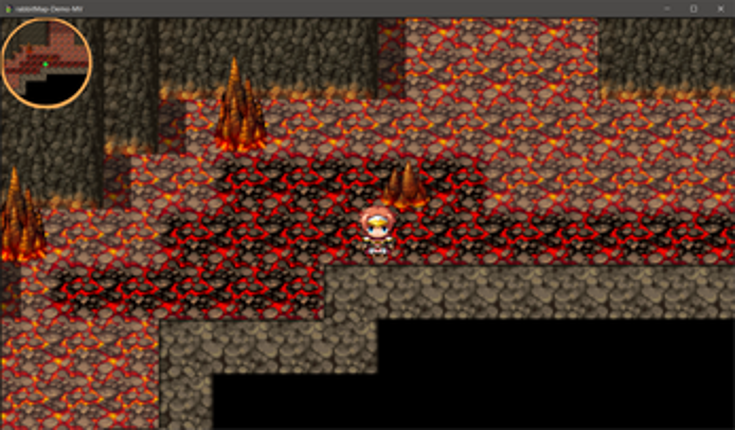
Please note, rabbitMap development is currently...stalled. I've not updated it in a while, and am unlikely to do so in the future. So, if it does what you want...SUPER. Download the heck out of it. Just don't give me money or have any expectations of actual support. rabbitMap gives you a customizable mini map based on your images. By using a mask file, it limits the viewable map to the shape of th… If you enjoyed this game, see our list of games similar to rabbitMap - MiniMap.
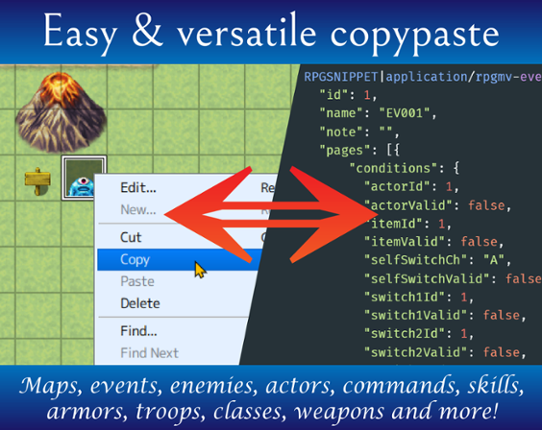
This is a workflow enhancement for RPG Maker MV, enabling seamless data exchange with other applications through the clipboard. Supported data copied in RPG Maker is automatically translated into RPGSNIPPET text that can be pasted elsewhere, and supported snippets found in copied Unicode text are automatically made available to RPG Maker. As snippets can contain arbitrary executable code (through … If you enjoyed this game, see our list of games similar to Clipboard Helper for RPG Maker MV.

 View Game






![[LC]TooltipSystem - Sprite-Based Tooltip System Image](https://img.gamebrain.co/games/856/tooltipsystem_sprite_based_tooltip_system_last_call_2025_1_xl.png)