- April 14, 2020
- OVRAS Team
- 295h median play time
OVR Advanced Settings


Platforms


 Buy Now
About OVR Advanced Settings

OVR Advanced Settings is a single player action game. It was developed by OVRAS Team and was released on April 14, 2020. It received very positive reviews from players.
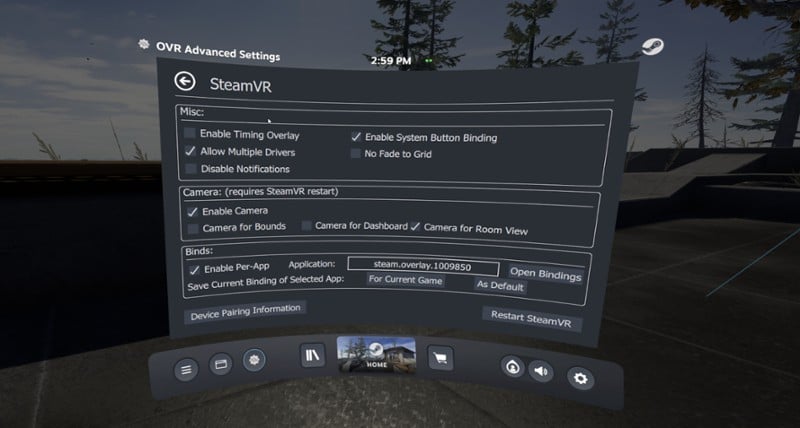
Features Space Drag: The ability to virtually move yourself in VR based upon your hand position Space Turn: The ability to virtually turn yourself based on your controller orientation Fix Floor: Ability to quickly set your floor height by placing your controller on the ground Push-To-Talk/Push-To-Mute: ability to un-mute/mute your mic on a button press Universal Snap/Smooth Turn: Add sna…

Games Like OVR Advanced Settings
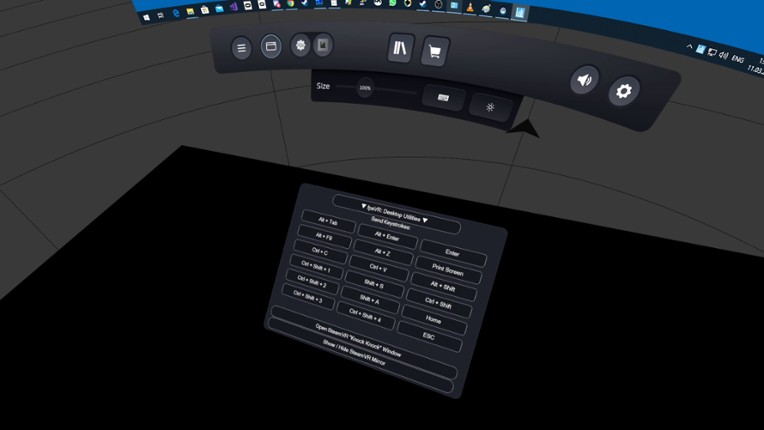
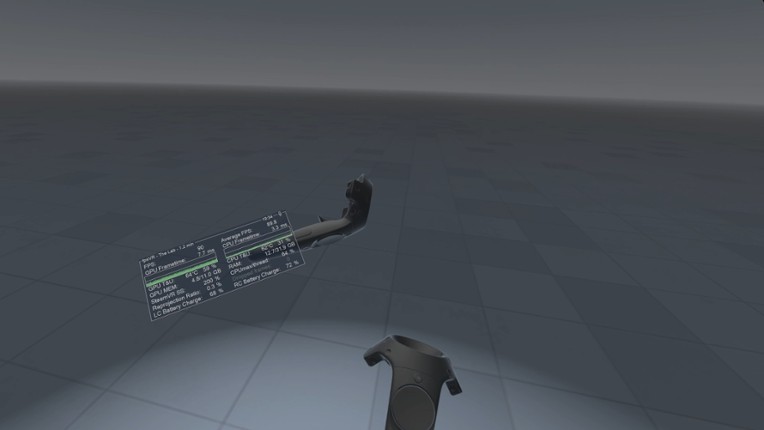
Looking for games like OVR Advanced Settings? Here are top action recommendations, selected from player-similarity data — start with Standable: Full Body Estimation, XSOverlay or fpsVR.







Reviews
- Highly useful tool providing extensive control over VR settings and playspace adjustments, significantly improving comfort and usability in VR games.
- The playspace mover/space drag feature is a standout, allowing players to reposition their in-game character regardless of physical space constraints, essential for VRChat and other social VR titles.
- Free availability on Github makes it accessible to everyone, with the Steam version offering convenience and support for developers.
- Intuitive interface and lots of customization options such as bindings, floor height fixes, audio controls, and push-to-talk enhance VR experience and flexibility.
- Stable and lightweight with minimal performance impact, bringing advanced features not offered by default SteamVR.
- Recommended for all VR users, particularly those with full body tracking or small play areas, to solve common tracking and calibration issues.
- The switch from a free to a paid model on Steam caused backlash, as many users feel the cost is unjustified given the software was free for years and little new features were added.
- Some users experience bugs, crashes, or functionality loss after updates, including issues with keybindings and play space mover not working properly.
- Complexity and steep learning curve can be intimidating for new users without tutorials, and some find the UI outdated and non-user-friendly.
- Certain features can interfere with other VR apps or cause performance hiccups, and compatibility issues exist on non-Windows platforms like Linux.
- The Steam overlay as the sole method for changing settings can be unreliable or confusing, leading to usability concerns.
- Some users criticize the developer's handling of monetization and community relations, mentioning perceived greed and poor communication.
humor
34 mentions Positive Neutral NegativeThe humor aspect is largely appreciated for enabling funny and playful moments in VR, such as flying, glitch fixes, and amusing antics in social games like VRChat and Rec Room. Users find it entertaining to create humorous skits or use the tool for comical advantages, though some find certain behaviors annoying. Overall, it adds a lighthearted and fun element to VR gameplay.
“Great app for funny bits and skits in VRChat.”
“Good for making funny moments in VR like flying away or fixing your height in games when it breaks or glitches out.”
“I use this regularly in Rec Room, and it is very handy and funny.”


Buy OVR Advanced Settings


Play Times

Videos

Frequently Asked Questions
OVR Advanced Settings is a action game. Common tags for OVR Advanced Settings include indie.
OVR Advanced Settings is available on PC, Virtual Reality, Windows and Linux.
On average players spend around 415 hours playing OVR Advanced Settings.
OVR Advanced Settings was released on April 14, 2020.
OVR Advanced Settings was developed by OVRAS Team.
OVR Advanced Settings has received very positive reviews from players. Most players liked OVR Advanced Settings for its humor but disliked it for its optimization.
OVR Advanced Settings is a single player game.
Similar games include Standable: Full Body Estimation, XSOverlay, fpsVR, Desktop+, OVRdrop and others.