MangaKa Game Cover

About MangaKa

MangaKa is a single player city builder game with fantasy and anime themes. It was developed by Pek Harn and was released on April 27, 2023. It received mostly positive reviews from players.

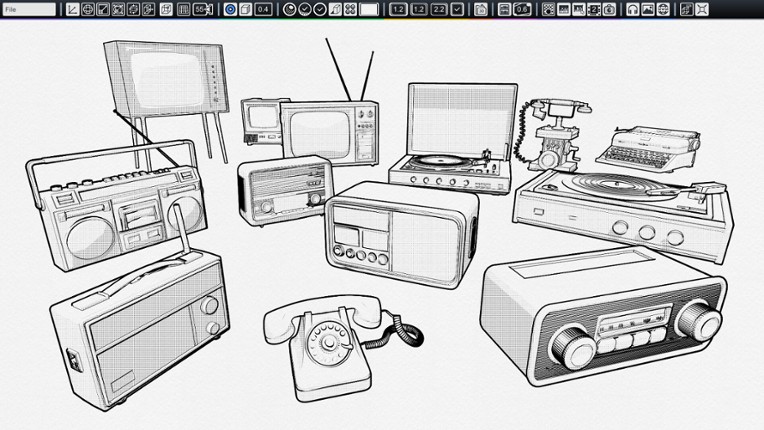
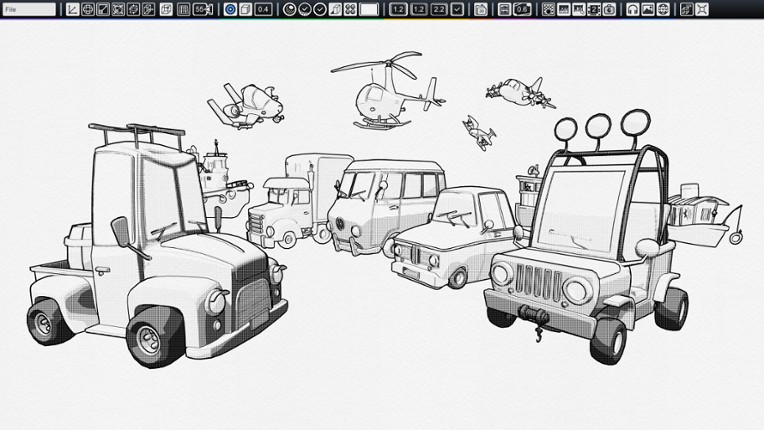
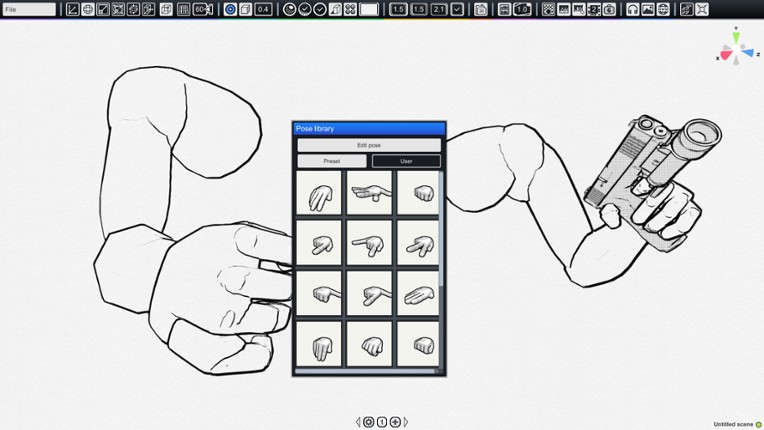
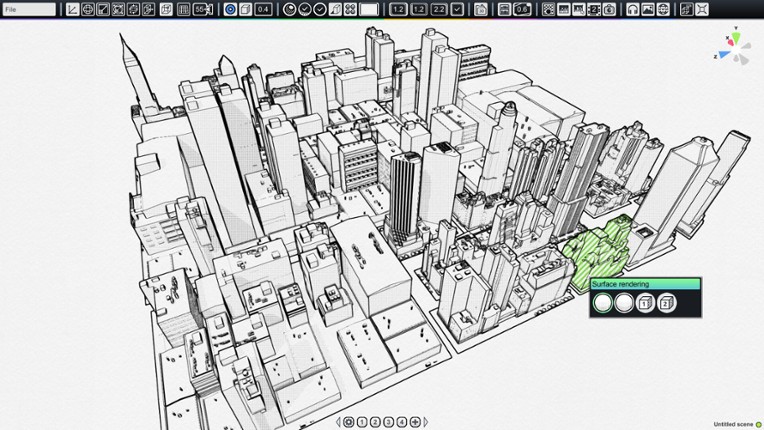
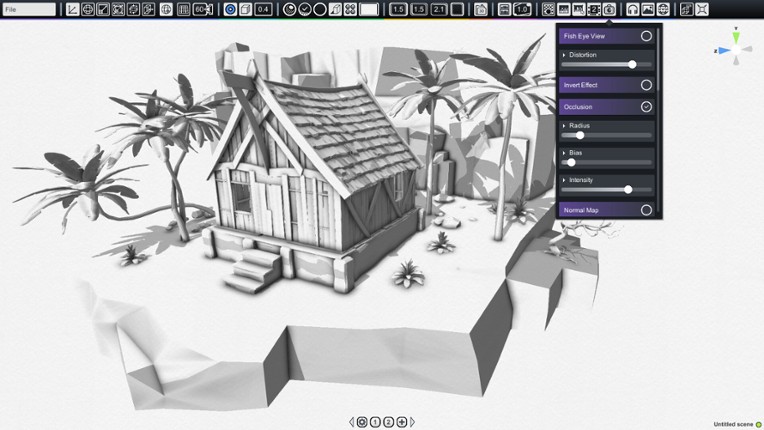
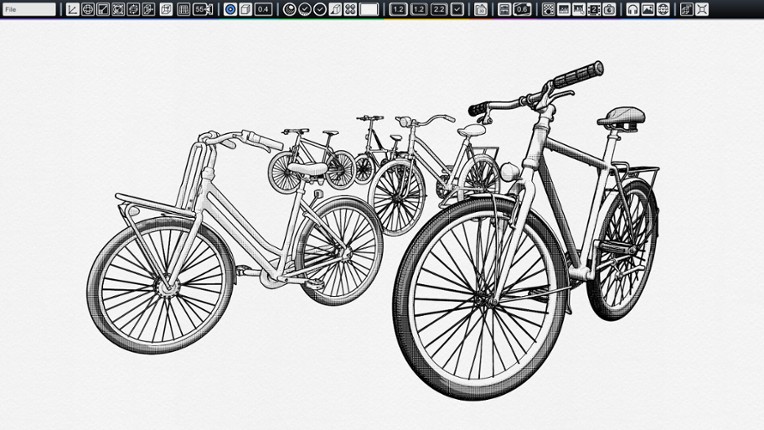
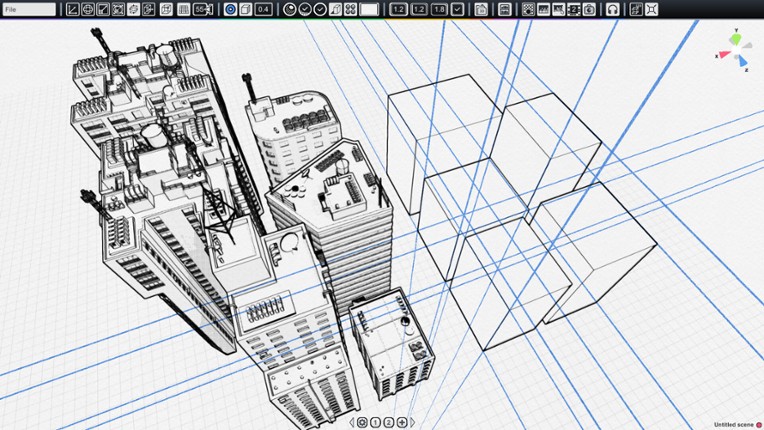
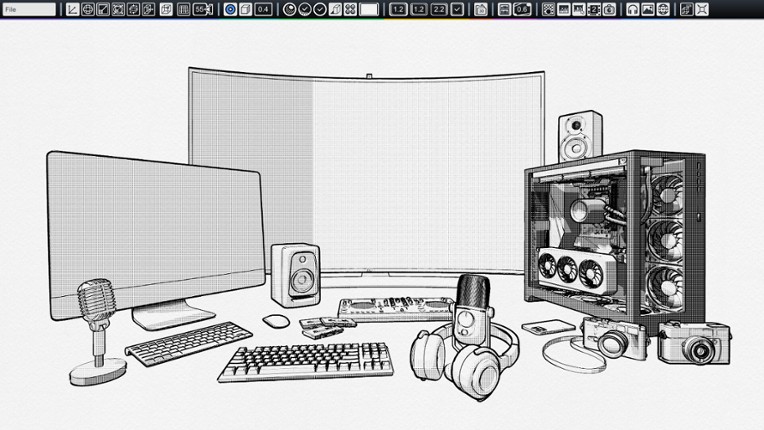
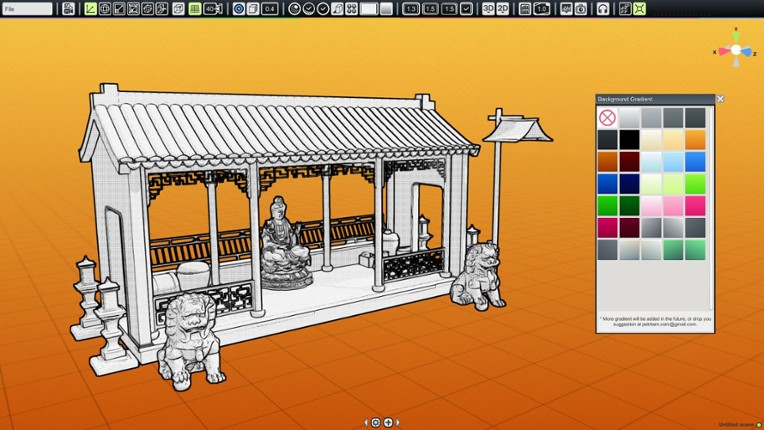
MangaKa is a tool that helps artists who uses line art in their work, be it as a reference, guidelines, or even as final renders, to help them save time in production and speed up workflow! (All rendered images can be used for commercial purposes, such as comics, illustration, storyboards and more.) You can find the complete content list here: The base software includes the following libraries…

Skip Games Like MangaKa

Games Like MangaKa

Looking for games like MangaKa? Here are top city builder recommendations with a fantasy and anime focus, selected from player-similarity data — start with Easy Pose, Home Design 3D or FlowScape.

Easy Pose Image
Games like Easy Pose
Home Design 3D Image
Games like Home Design 3D
FlowScape Image
Games like FlowScape
Black Ink Image
Games like Black Ink
Shapelab Image
Games like Shapelab
TyranoBuilder Visual Novel Studio Image
Games like TyranoBuilder Visual Novel Studio
Axis Game Factory's AGFPRO v3 Image
Games like Axis Game Factory's AGFPRO v3
Manga Maker Comipo Image
Games like Manga Maker Comipo
Dungeon Painter Studio Image
Games like Dungeon Painter Studio
Canvas of Kings Image
Games like Canvas of Kings
Skip User Reviews

Reviews

64%Audience ScoreBased on 92 reviews
story3 positive mentions
stability2 negative mentions

  • MangaKa offers a specialized 3D environment that helps manga artists, comic creators, and illustrators quickly set up scenes with reusable assets like buildings, furniture, and human mannequins, improving workflow and saving time.
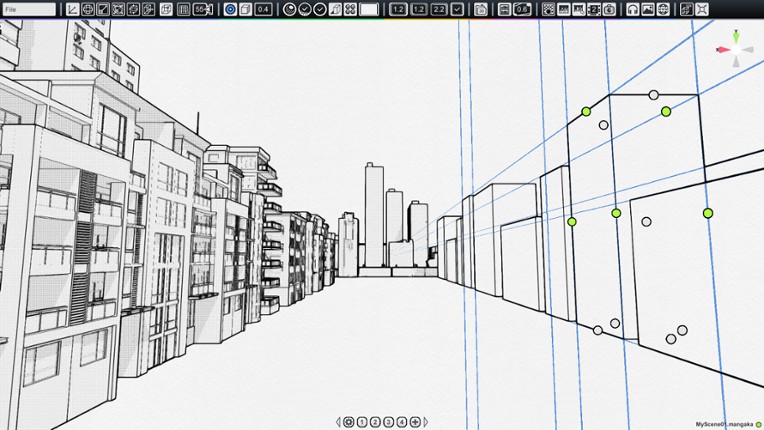
  • The software features helpful perspective tools, camera controls, and character posing options, providing useful references for line art and manga-style work, suitable for beginners and professionals.
  • Many users praise its value as a drawing aid especially for creating backgrounds and storyboarding; the interface is considered manageable with some learning, and the developer is responsive and actively updating the app.
  • Most important features such as 3D/2D model importing, advanced posing controls, and useful asset libraries are locked behind expensive DLCs, which many find exploitative and detrimental to the core experience.
  • The UI and controls can be confusing, unintuitive, and clunky, particularly posing characters and managing scenes; some users report glitches, crashes, and lack of basic functions like undo or custom keybinds.
  • The base program is viewed by many as incomplete or a 'demo,' with minimal assets included, limited customization, poor camera controls, and slow performance; support resources and tutorials are scarce or difficult to find.
  • graphics

    16 mentions Positive Neutral Negative
    19% positive mentions, 62% neutral mentions, 19% negative mentions

    The graphics feature offers clean, line-art style renders ideal for manga and comic artwork, with versatile preview angles and easy scaling or rotation of assets. While it supports useful tools like line quality adjustments and text insertion, it lacks some standard graphic commands and advanced settings. Users appreciate the straightforward workflow and available 2D object libraries, though resizing exported images can cause pixelation issues in browsers.

    • “Whether creating intimate conversations or large-scale action sequences, users can preview compositions from virtually any angle before committing them to the final artwork.”
    • “The resulting line-art style renders serve as excellent references that can either be traced or redrawn according to each artist's personal style, making the workflow suitable for both beginners and experienced professionals.”
    • “The generated images emphasize clean outlines and simplified forms that translate naturally into manga and comic artwork.”
    • “There are some typical requirements you need for 2D/3D graphics tools: copy (Ctrl+C), paste (Ctrl+V), click/shift click for selecting, and in most cases something like G for grouping objects; these commands did not work.”
    • “When you try to use the graphics for websites, you have to keep in mind that all shades and 'colors' are rendered as 'lines' and thus as 'pixels'.”
    • “If you try to resize such an image as JPG or PNG graphic in a browser, you will notice those famous moiré effects.”
  • optimization

    7 mentions Positive Neutral Negative
    43% positive mentions, 14% neutral mentions, 43% negative mentions

    The application generally runs smoothly with no need for a GPU, making it efficient for CPU use. However, users report significant lag and poor optimization in specific areas like raycasting, especially when selecting humanoid models, which impacts overall performance. Improvements in these areas are hoped for in future updates.

    • “This is an application that runs smoothly and is exactly as advertised.”
    • “Honestly, I tried the free demo about 3 years ago on Microsoft apps and it was a big mess, but I wanted to try the full version to complete my manga workflow, hoping it would have better CPU performance. You don't need a GPU for the full version, which is awesome; once the full version was released, I got it on sale for Christmas a month ago.”
    • “Well, the raycast performance issue is definitely not a small problem.”
    • “Poor selection raycasting performance - clicking on a humanoid has a noticeable lag compared to a primitive, and dragging to select multiple entities slows down to a crawl if one entity is a humanoid.”
    • “The raycast performance issue is definitely not a small problem.”
    • “Hope to improve next time, especially regarding performance, as it is quite lagging.”
  • story

    7 mentions Positive Neutral Negative
    43% positive mentions, 57% neutral mentions, 0% negative mentions

    The story aspect is enhanced by Mangaka's tools that assist in building detailed backgrounds, environments, and storyboarding, resulting in clearer storytelling and improved creative workflow. It is especially valuable for manga artists and comic creators who want to visualize their narratives with customizable settings and assets.

    • “My main recommendation is to get this if you have a project in mind and can think of ways to use it, maybe with AI and other tools like Nano Banana you can illustrate your manga using your own characters (2D or 3D) and different angles of key places you make with Mangaka, then put together a whole page with the ambiance for your story.”
    • “My storytelling has been a lot more clear since I started building my backgrounds.”
    • “It really helps with things like backgrounds and storyboarding in general.”
  • music

    4 mentions Positive Neutral Negative
    75% positive mentions, -25% neutral mentions, 50% negative mentions

    The music in the app is described as peaceful and relaxing, enhancing the creative experience without being intrusive. It contributes to a calm atmosphere while using the app's various features.

    • “Peaceful background music helps the user relax while creating their artwork.”
    • “Other features include peaceful background music to help you relax, alongside various design tools and adjustable settings.”
    • “Background music adds a relaxing atmosphere to the app.”
    • “- also has some other features that I'm not really sure why, like a minigame clone of '2048' and background music.”
    • “-music inclusion.”
  • gameplay

    2 mentions Positive Neutral Negative
    100% positive mentions, 0% neutral mentions, 0% negative mentions

    The gameplay features a one-time purchase with permanent upgrade options, allowing players to customize content without yearly renewals. While some may find the default features limited, users appreciate the flexibility to expand the game at their own pace and control its complexity.

    • “First, it has a one-time purchase and buy-forever upgrade mechanic, which I love. You will not need to renew this yearly, which is far better. Some people might find features lacking out of the box, but once purchased you own the upgraded features permanently. This means you choose how much content you're installing and how bloated the application becomes.”
    • “Start with the base program and get a feel for its mechanics and quirks.”
  • stability

    2 mentions Positive Neutral Negative
    0% positive mentions, 0% neutral mentions, 100% negative mentions

    The game's stability is currently hindered by bugs and clunky mechanics, making smooth performance and character posing difficult. Users hope future updates will enhance these aspects.

    • “In reality, it's buggy, stiff, clunky, and you'll never achieve anything remotely as smooth as what's shown.”
    • “Posing characters is pretty hard though, and kind of buggy, so I hope in a future update they improve on that feature!”
  • monetization

    1 mentions Positive Neutral Negative
    0% positive mentions, 0% neutral mentions, 100% negative mentions

    The monetization is criticized for having expensive microtransactions, which may negatively impact the overall player experience.

    • “Expensive microtransactions.”
Skip Game Offers

Buy MangaKa

Skip Videos

Videos

Skip FAQs

Frequently Asked Questions

MangaKa is a city builder game with fantasy and anime themes. Common tags for MangaKa include beautiful, 3D, 2d, educational, relaxing and others.

MangaKa is available on PC, Mac OS and Windows.

MangaKa was released on April 27, 2023.

MangaKa was developed by Pek Harn.

MangaKa has received mostly positive reviews from players. Most players liked MangaKa for its story but disliked it for its graphics.

MangaKa is a single player game.

Similar games include Easy Pose, Home Design 3D, FlowScape, Black Ink, Shapelab and others.