iVRy Driver for SteamVR

67%Game Brain Score
optimization, humor
story, stability
67% User Score Based on 448 reviews

Platforms

PCWindows

About

iVRy Driver for SteamVR is a single player action game. It was developed by Mediator Software and was released on January 22, 2019. It received mostly positive reviews from players.

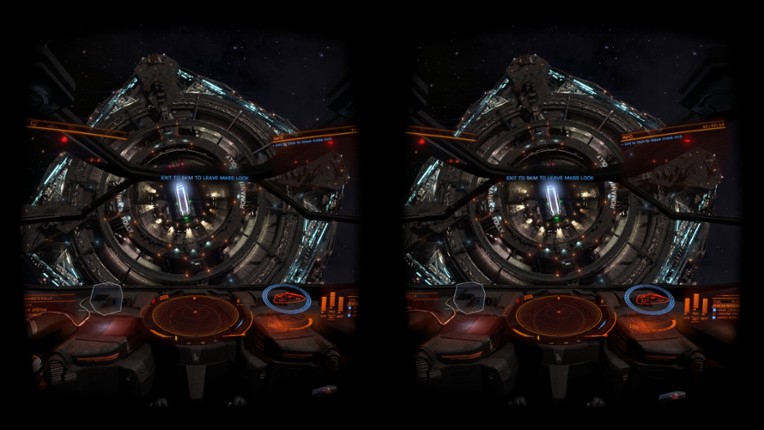
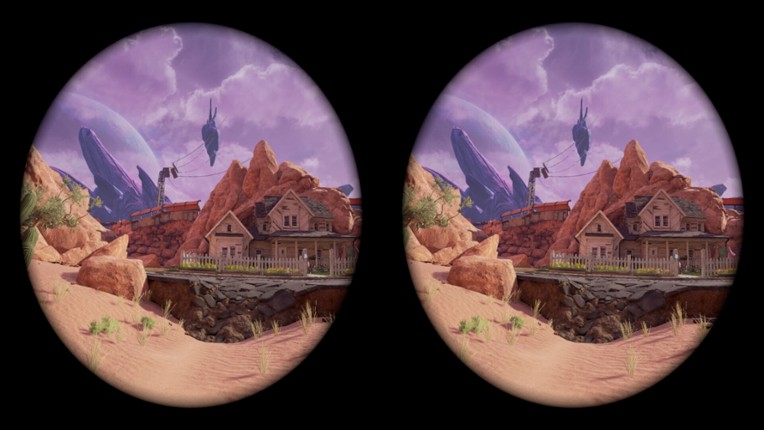
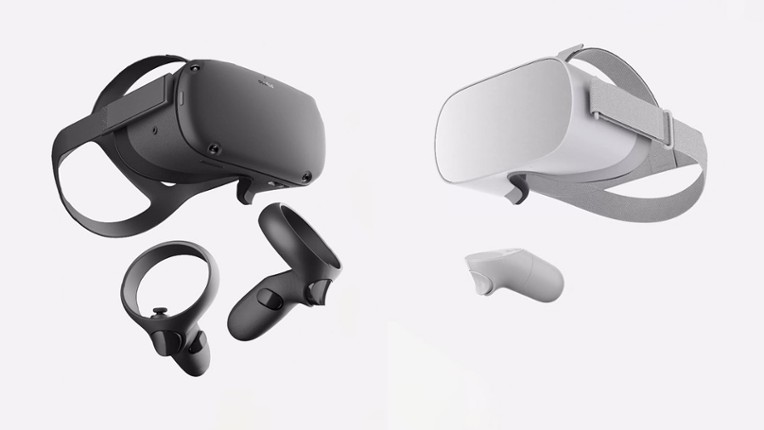
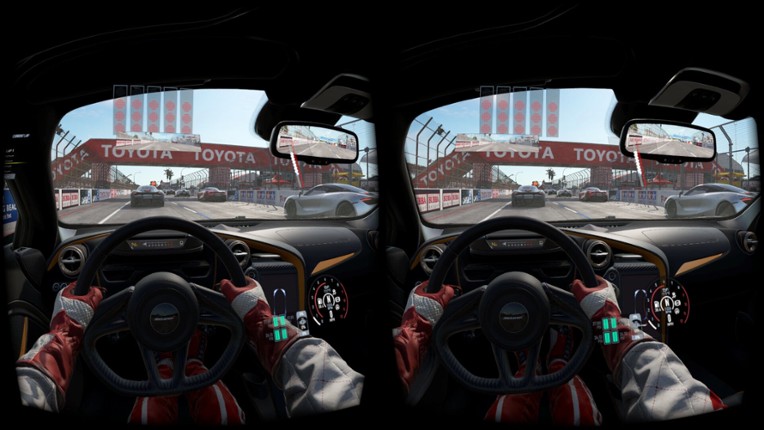
iVRy Driver for SteamVR allows you to use your mobile device or Samsung GearVR, Oculus Go/Quest/Quest 2 headset with SteamVR. This version has all the features of the Premium edition, but with reduced color saturation after 5 minutes of use. Upgrade to Premium edition via Google Play, Apple App stores, or Steam for unlimited use. Android/iOS Mobile Device or Samsung GearVR, Oculus Go/Quest/Quest 2 headset compatibility.

Genres & Tags
Play Modes
Skip User Reviews

67%
Audience ScoreBased on 448 reviews
optimization4 positive mentions
story3 negative mentions

  • iVRy Driver for SteamVR provides a smooth and immersive experience, making it a great entry point for budget VR users.
  • The setup process is straightforward for those familiar with VR, and the developer offers good support through community forums.
  • It allows users to utilize their existing PSVR headsets on PC, providing access to a wider range of VR games at a lower cost compared to traditional VR setups.
  • Many users experience significant issues with setup and connectivity, often leading to frustration and a feeling of being scammed.
  • The software lacks comprehensive documentation and troubleshooting resources, making it difficult for less tech-savvy users to resolve issues.
  • There are frequent reports of bugs, crashes, and performance inconsistencies, particularly with controller compatibility and tracking accuracy.
  • story
    26 mentions Positive Neutral Negative

    The reviews primarily focus on technical issues and compatibility challenges with various VR headsets, particularly the Meta Quest 2 and PSVR. Users express frustration over the inability to run certain games and the overall experience, often suggesting alternatives like the Quest 2 for better performance. While there is hope for improvements, many reviewers hesitate to recommend the current setup due to ongoing problems.

    • “Using this for my phone to use it as a 3DOF headset works fine, but for the Quest, it's just awful.”
    • “So I hold out hopes, but until issues that others are facing are fixed, I just don't see myself recommending them this + a PSVR where they can just get a better experience with a Quest for the same price point.”
    • “Chances are you're using this because it's cheap and PSVRs aren't super hard to come by for a good price; I'd personally get something like the Quest 2 with a third-party link cable to be more cost-efficient or a Rift S.”
  • optimization
    10 mentions Positive Neutral Negative

    Overall, users report that the optimization of the game is generally good, with smooth performance and easy setup, particularly over wired USB connections. However, some players note that fine-tuning is necessary to achieve optimal performance.

    • “Runs smoothly, thanks.”
    • “However, it needs some fine-tuning for optimal performance.”
    • “I still have some testing to do but so far the performance is fine and everything seems to run nicely.”
    • “Easy to set up, works flawlessly over Wi-Fi and wired USB connection (via iTunes, I recommend this method, as you can really enhance the performance and quality settings).”
  • stability
    8 mentions Positive Neutral Negative

    Users report significant stability issues with the software, including instances where it has caused their systems to freeze or become unresponsive, leading to drastic measures like reinstalling Windows. Additionally, there is a lack of accessible troubleshooting resources, making it challenging for users to resolve these problems independently.

    • “This software bricked my PSVR2 PlayStation app; it freezes my computer, and now I have to reinstall Windows to get rid of it.”
    • “I had nothing but troubleshooting trying to make it work with my Gear VR.”
    • “Also, some kind of guidelines or troubleshooting outside of the Steam platform would be nice; it's really difficult to gather info diving into discussion boards.”
  • graphics
    2 mentions Positive Neutral Negative

    Users note that connecting the PSVR to an NVIDIA GTX 1660 Ti graphics card via HDMI and USB ports is straightforward, indicating compatibility and ease of setup. However, specific feedback on the visual quality or performance of the graphics in games is not provided.

  • humor
    2 mentions Positive Neutral Negative

    The humor in the reviews is subtle and self-deprecating, with users playfully acknowledging their less powerful hardware while suggesting that those with better graphics cards might find the situation amusing. Overall, the tone reflects a light-hearted camaraderie among gamers navigating technical limitations.

Skip Game Offers

Buy iVRy Driver for SteamVR

Skip Videos

Videos

Skip Games Like iVRy Driver for SteamVR

Games Like iVRy Driver for SteamVR

VirtualHere For Steam Link ImageVirtualHere For Steam Link ImageVirtualHere For Steam Link Image
fpsVR ImagefpsVR ImagefpsVR Image
DashPanel Image
DSX Image
Skip FAQs

Frequently Asked Questions

iVRy Driver for SteamVR is a action game.

iVRy Driver for SteamVR is available on PC and Windows.

iVRy Driver for SteamVR was released on January 22, 2019.

iVRy Driver for SteamVR was developed by Mediator Software.

iVRy Driver for SteamVR has received mostly positive reviews from players. Most players liked this game for its optimization but disliked it for its story.

iVRy Driver for SteamVR is a single player game.

Similar games include VirtualHere For Steam Link, fpsVR, Oculus Rift, DashPanel, DSX and others.