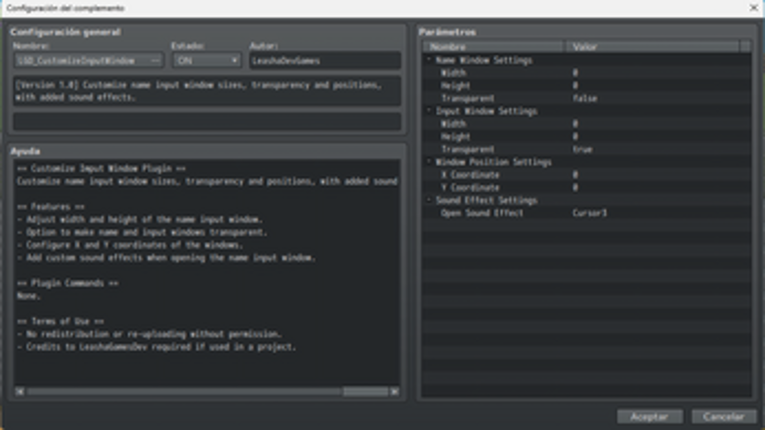
Looking for games like Custom Imput Window For RPG Maker MZ? Here are top role playing recommendations, selected from player-similarity data — start with Customize Imput Window For RPG Maker MZ, VCM_HelpWindow or Fixer Toolkit – Window & Layout Manager.
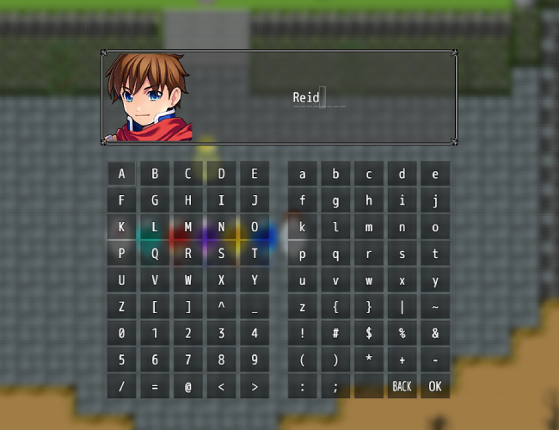
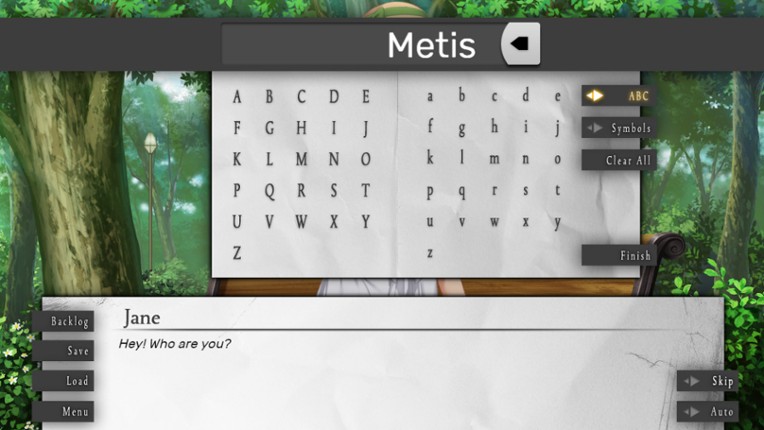
The Customize Input Window Plugin empowers RPG Maker MZ developers with the ability to finely adjust the appearance and behavior of name input windows within their games. This versatile tool allows for comprehensive customization, enabling developers to tailor the size, position, transparency, and sound effects. Key features: -Adjust width and height of the name input window. -Option to make name … If you enjoyed this game, see our list of games similar to Customize Imput Window For RPG Maker MZ.
Introduction No longer supported by the author. This plugin controls the Help Window in 40 possible Scenarios. This includes when it will appear and its Position, Text, Windowskin, Font Settings and Opacity. It also creates 26 new Text Codes from a to z, usable within the Help Window in all the aforementioned scenarios. The scenarios are: Title Help WindowMap Help WindowChoice List Help Window (Ma… If you enjoyed this game, see our list of games similar to VCM_HelpWindow.
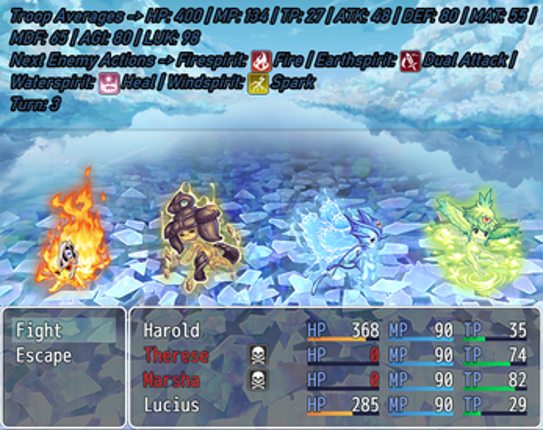
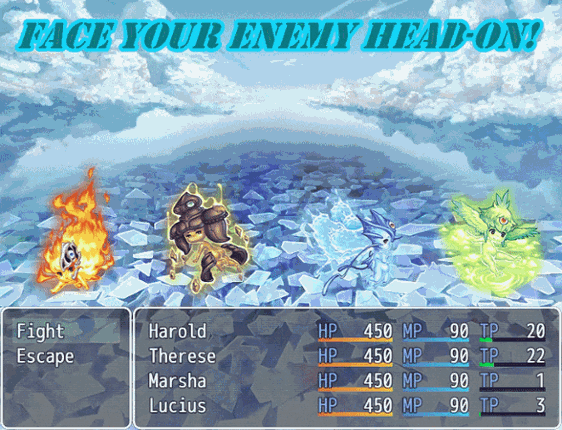
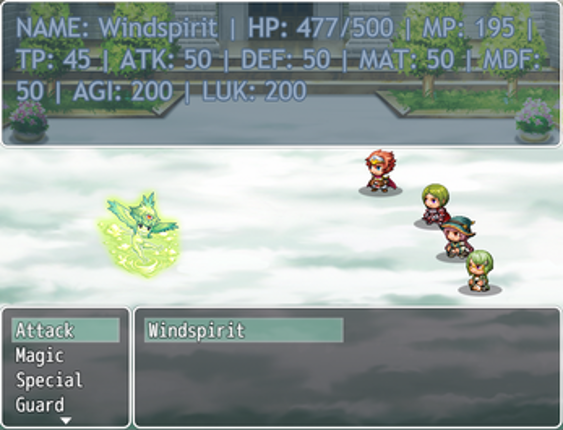
Task Fixer (Record/Play) Powerful automation. (Keyboard, Mouse, Windows) Record and Replay: Record mouse clicks, movements, keyboard inputs, and window focus events. Intelligent Execution: Tasks are played back reliably, waiting for the target application to become active or visible before execution. Task List: Recorded tasks are automatically appended to your task list. ⌨️ Advanced Key Map… If you enjoyed this game, see our list of games similar to Fixer Toolkit – Window & Layout Manager.


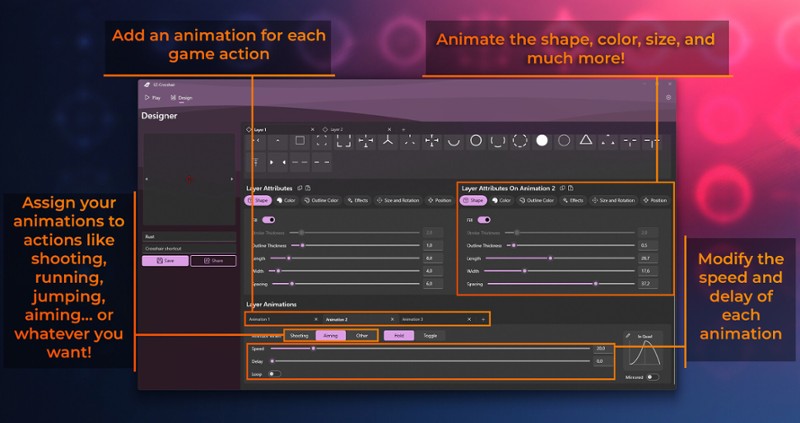
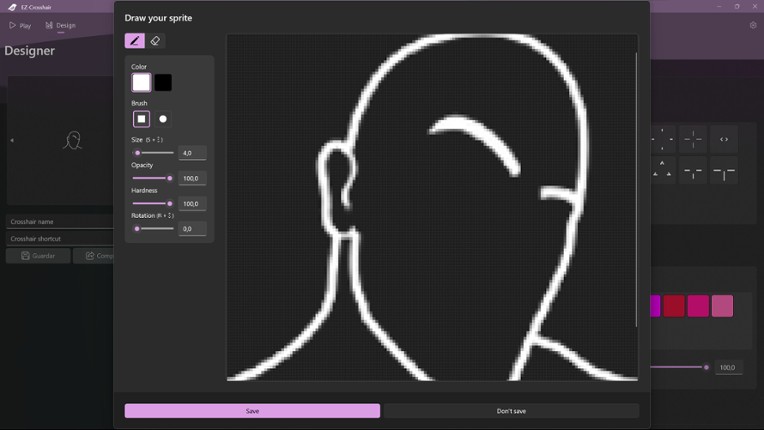
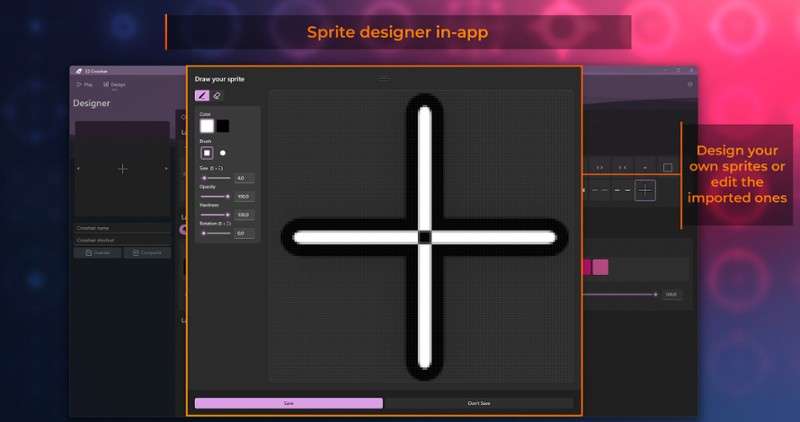
EZ-Crosshair is a user-friendly application designed to enhance your gaming experience. It provides a customizable crosshair overlay, allowing players to tailor their crosshair to suit their preferences. With a simple and intuitive interface, EZ-Crosshair ensures a seamless and personalized gaming environment. Elevate your accuracy and gameplay with this essential tool. Create, save, and share c… If you enjoyed this game, see our list of games similar to EZ-Crosshair.
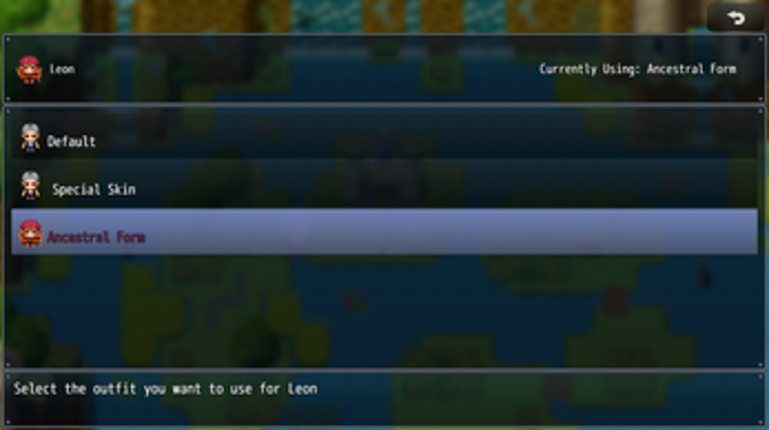
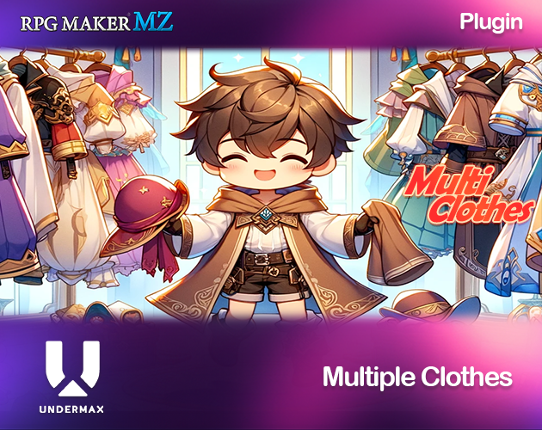
Introducing MultiClothes Plugin for RPG Maker MZ! Customize Your Characters with Ease Take your character customization to new heights with our MultiClothes plugin for RPG Maker MZ. Tailor-made for the discerning game developer, this powerful tool empowers you to create and manage outfits for your characters effortlessly. ✨ Features: ✨ ✨ Seamless Outfit Changes: Swap outfits for your charac… If you enjoyed this game, see our list of games similar to RPG MAKER MZ Plugin: Multi Clothes.
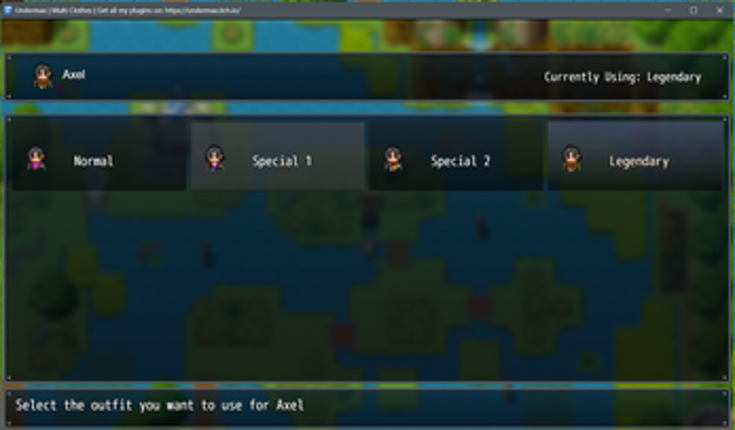
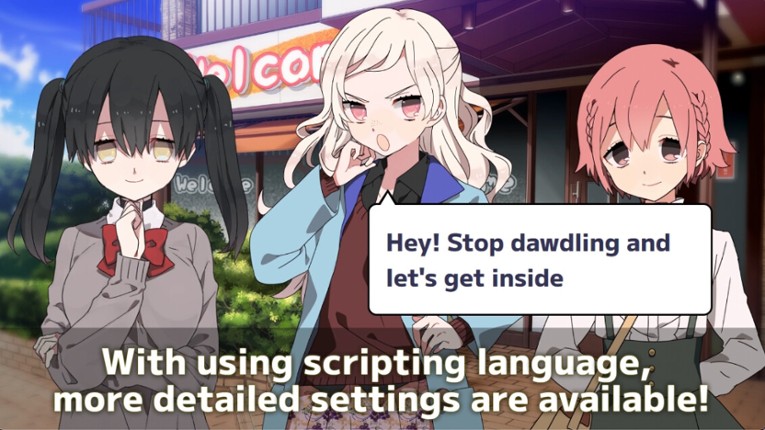
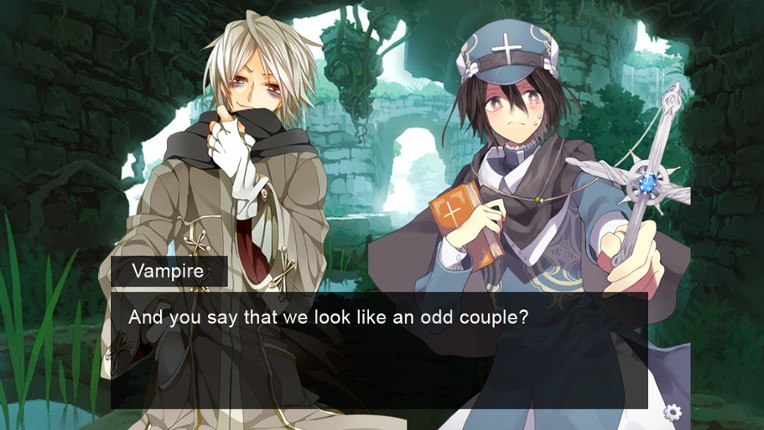
Easily and quickly make your own multi-platform visual novels with TyranoBuilder, even if you know nothing about game programming or scripting! Bring your creativity to reality with our suite of drag-and-drop tools, plus scripting language for advanced users. Games made with TyranoBuilder can be easily exported to Windows, Mac, browsers, or converted* for iOS and Android smart devices, then sol… If you enjoyed this game, see our list of games similar to TyranoBuilder Visual Novel Studio.
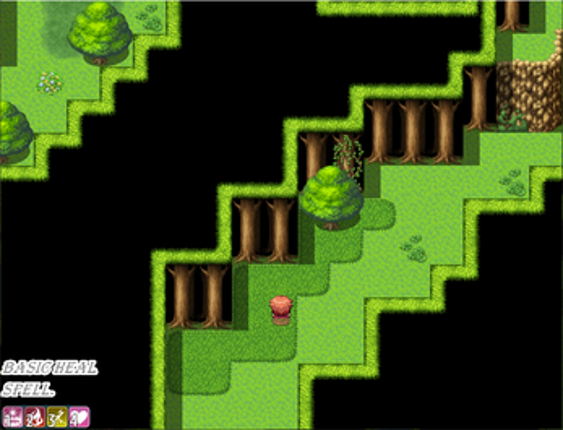
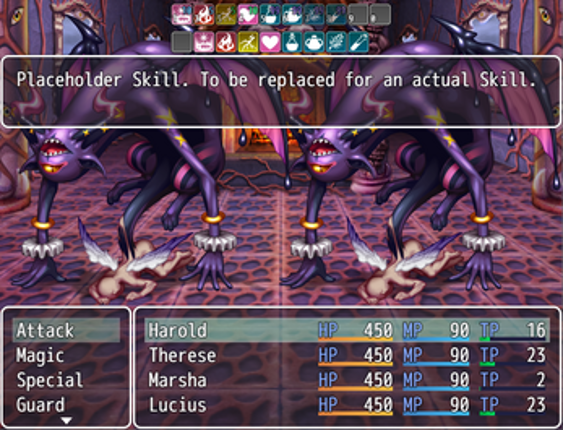
Introduction This plugin can show a Skill Bar in Map and Battle. Skill Bar objects may be activated with a keypress, left-click or hover + ok button. Each actor has its own Skill Bar. In Map, the Party leader Skill Bar is shown. It requires a placeholder skill for empty objects. Map Skill Bar and Battle Skill Bar are separated entities: changes in one of them will not necessarily carry over to the… If you enjoyed this game, see our list of games similar to VCM_SkillBar.
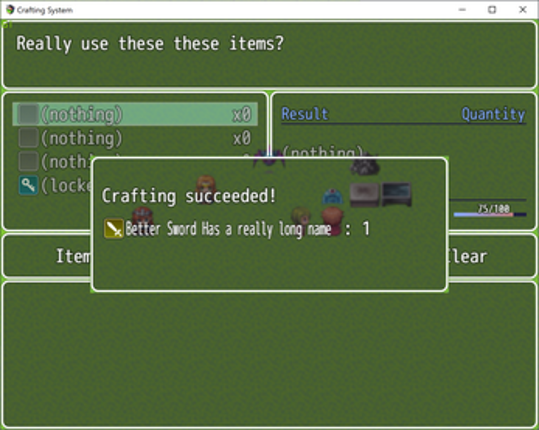
Extend your RPG Maker MV project with the Crafting System plugin. Looking for the same thing, but for RMMZ? Say no more fam. I gotchu. Featuring: Ingredient based recipe system. Players build items from individual ingredient items, rather than select a recipe from a listDeveloper defined crafting categories split the system into multiple modes, no more cooking at the blacksmith anvil.Variable reci… If you enjoyed this game, see our list of games similar to MV - Crafting System.
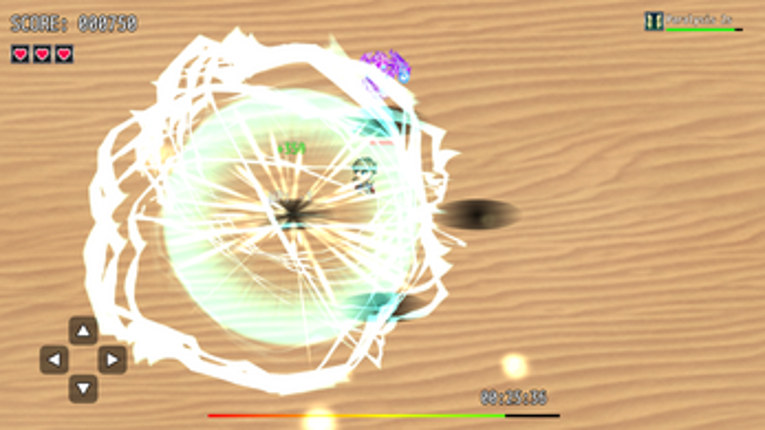
Whack A Monster MinigameHello! Thank you very much for your interest in our plugin:Whack A Monster Minigame.Before we continue, we would like to remind you that all of our plugins work within the environment: RPG Maker MZ ↔ PC Windows ↔ NWJSIf you use other platforms or devices, we cannot guarantee correct operation because unfortunately we have no way to test them. Please keep this in mind befo… If you enjoyed this game, see our list of games similar to RPG MAKER MZ Plugin: Whack a Monster Minigame.
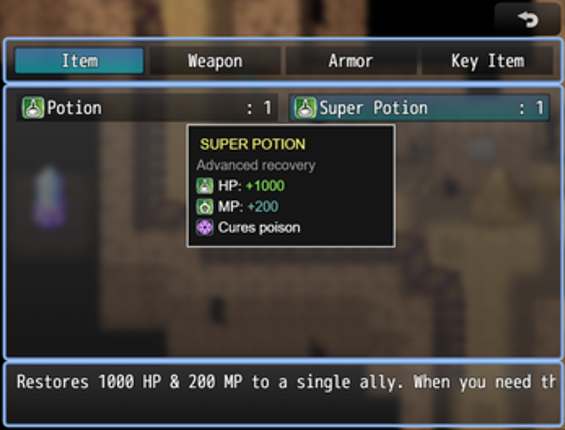
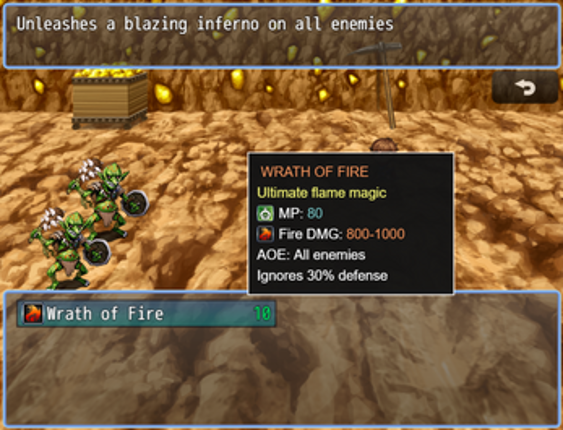
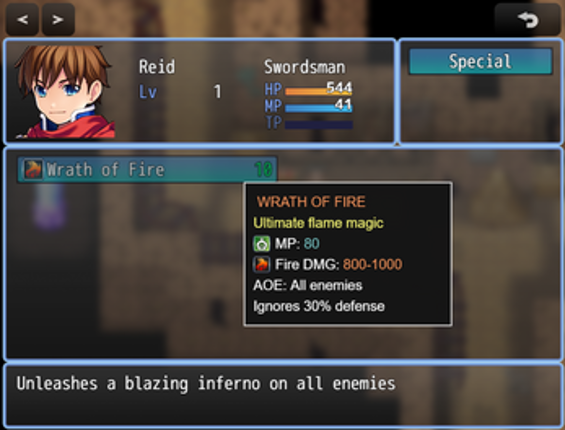
TooltipSystem - Professional Sprite-Based Tooltip System LC_TooltipSystem v1.0.5 is a complete, professional tooltip system for RPG Maker MZ that displays rich, formatted tooltips when hovering over items, skills, weapons, and armors in both menus and battle scenes. Built using a sprite-based rendering system, it eliminates flickering and provides smooth, customizable tooltips with support for co… If you enjoyed this game, see our list of games similar to [LC]TooltipSystem - Sprite-Based Tooltip System.
Introduction This RPG Maker MV plugin lets you add action cutins display actor and enemy faces in a cutout box with speedlines going through the back. It can be used inside and outside of battle provided that you use the right notetags and/or script calls with them. It can be used to put emphasis on which actor or enemy is currently performing an action or it can be solely used for very stron… If you enjoyed this game, see our list of games similar to Action Cutin plugin for RPG Maker MV.
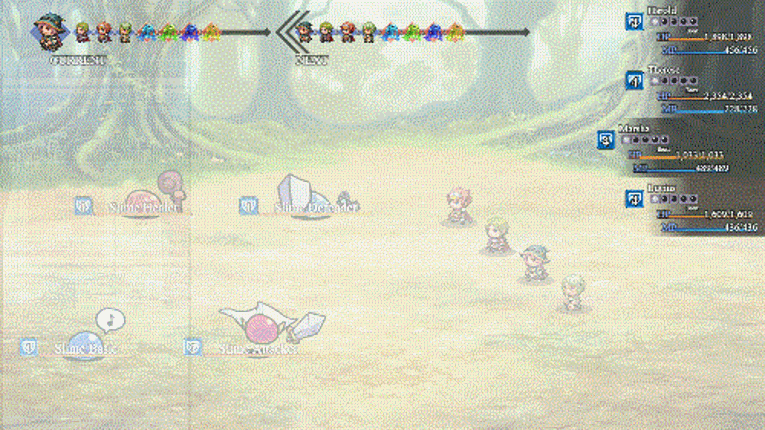
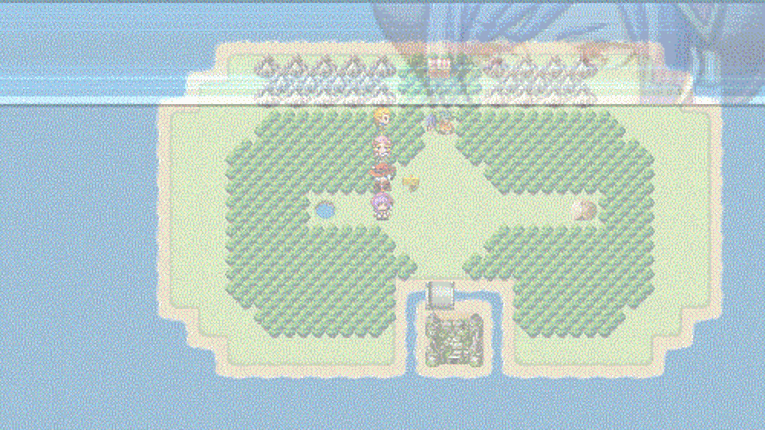
UNLEASH YOUR PASSION FOR RETRO RPGs For the first time ever, RPG Maker 2003 is officially available in English! This legendary game development engine is both highly affordable and easy to use, and it remains one of the most popular RPG Maker installments to date. It is the first engine in the series to employ a sideview battle system similar to the classic RPGs of the early-to-mid 90s. If you ha… If you enjoyed this game, see our list of games similar to RPG Maker 2003.
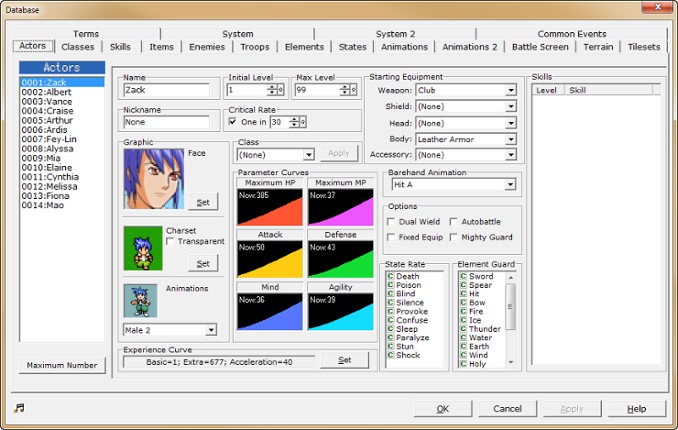
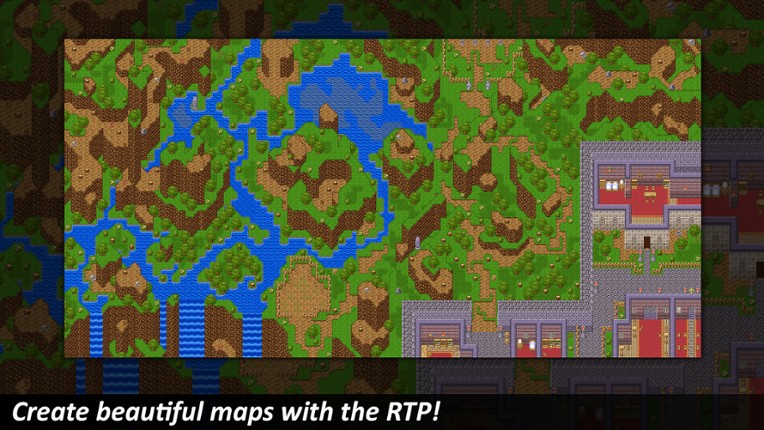
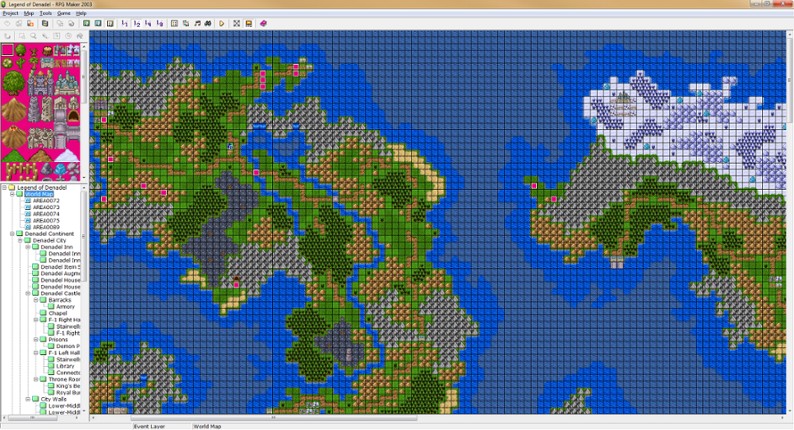
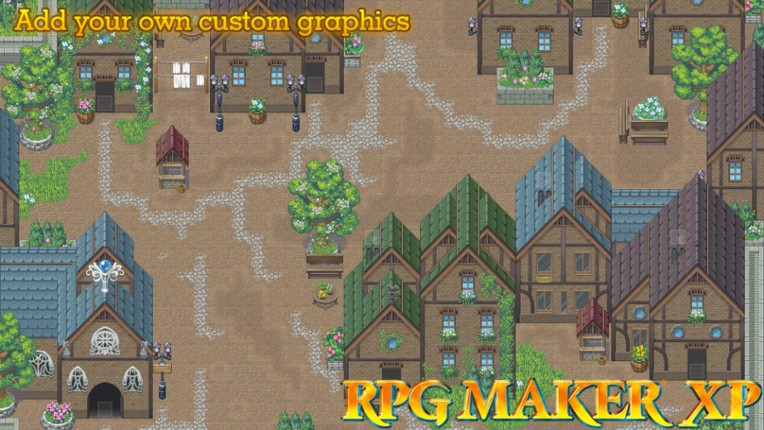
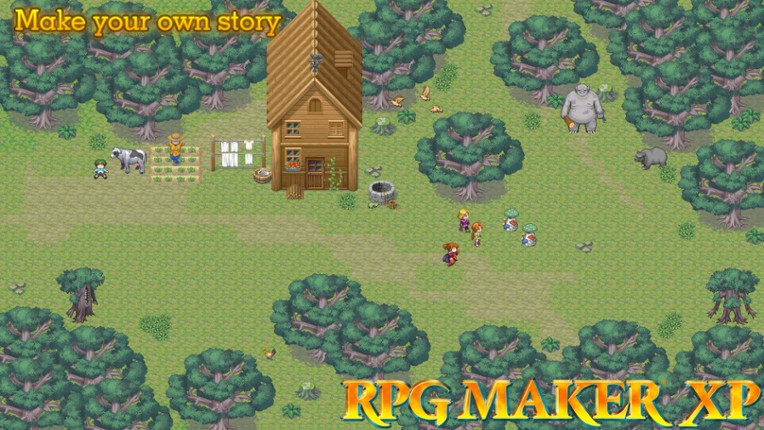
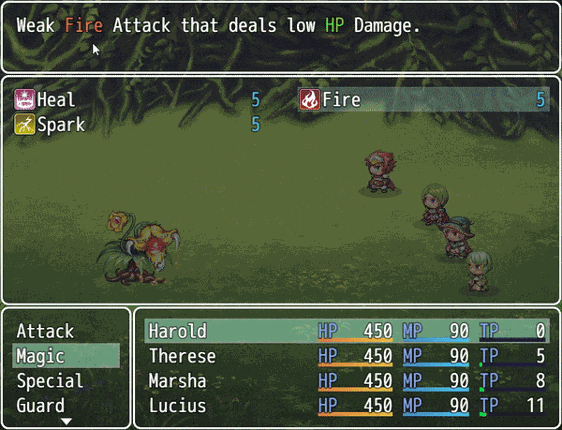
RPG MAKER lets you create an original role-playing game without any prior specialized knowledge or training. RPG MAKER XP is full of the functions you've been asking for, including game data encryption and a scripting feature that lets you change the very heart of the RPG MAKER engine. By improving the operating environment, the program can now provide support for a full-colour display and greatl… If you enjoyed this game, see our list of games similar to RPG Maker XP.
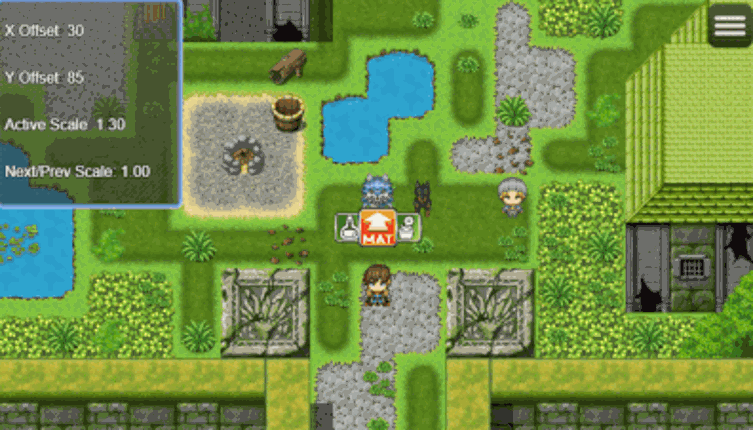
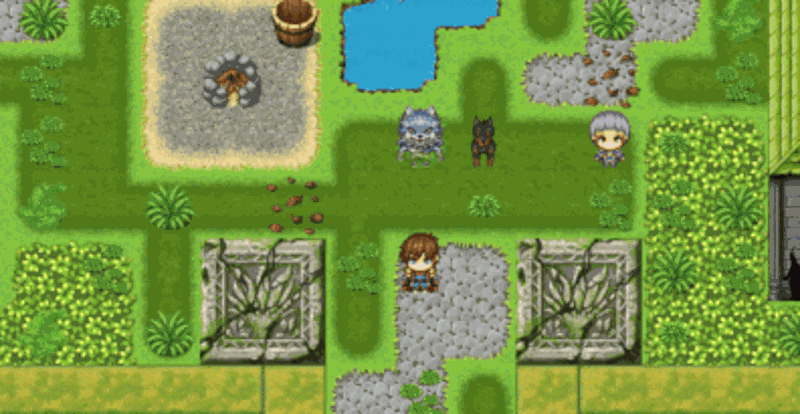
Transform your RPG Maker MZ maps with realistic depth perception using automatic character scaling based on screen position. What is PICO_DepthScale? PICO_DepthScale creates the illusion of depth in your 2D maps by automatically scaling character sprites based on their vertical position on screen. Characters at the top of the screen appear smaller (farther away), while those at the bottom appe… If you enjoyed this game, see our list of games similar to [MZ] Depth Scale.
Introduction This plugin shows an extra Help Window when hovering over a parameter-specified term. This includes text in Help and Message Windows. Term Help Window is configurable. No longer supported by the author. Version -> 1.02 This plugin was tested only on RPG Maker MV Version 1.6.2. I cannot guarantee it works on lower versions. Terms of Use: Available for commercial and non-commercial useY… If you enjoyed this game, see our list of games similar to VCM_TermDescription.
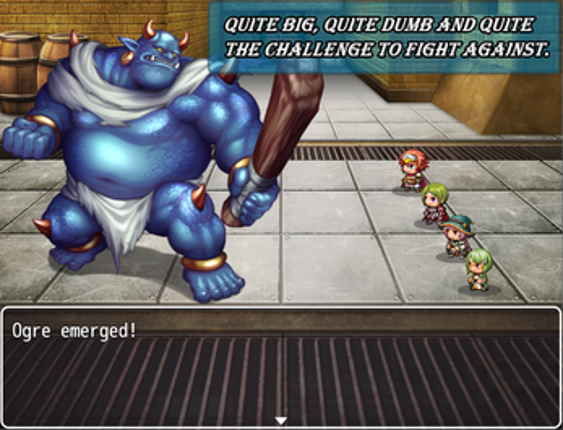
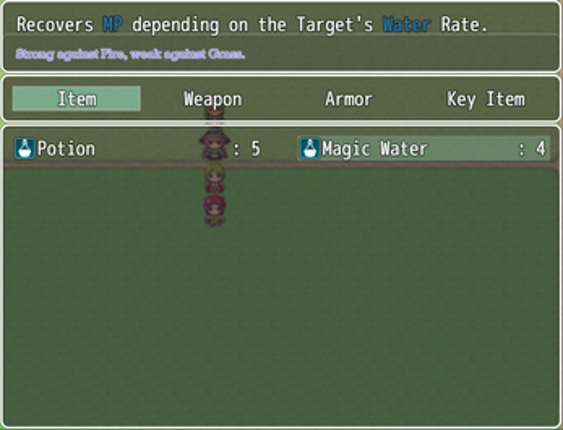
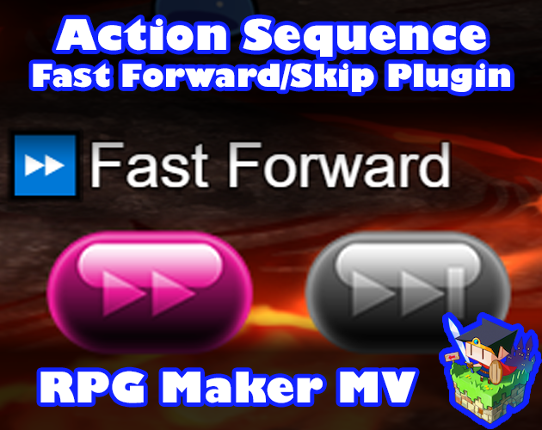
Introduction Battle Action Sequences are lots of fun to watch. But for all players alike, seeing the same long-drawn out Battle Action Sequences for the hundredth time will get old. This plugin gives players the ability to fast forward or skip entire Battle Action Sequeneces altogether and show that you, as a game developer, respects the player's time and decision on how they wish to play you… If you enjoyed this game, see our list of games similar to Action Sequence Fast Forward/Skip Plugin for RPG Maker MV.


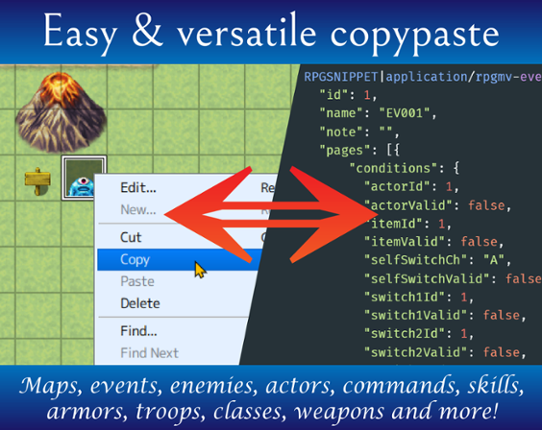
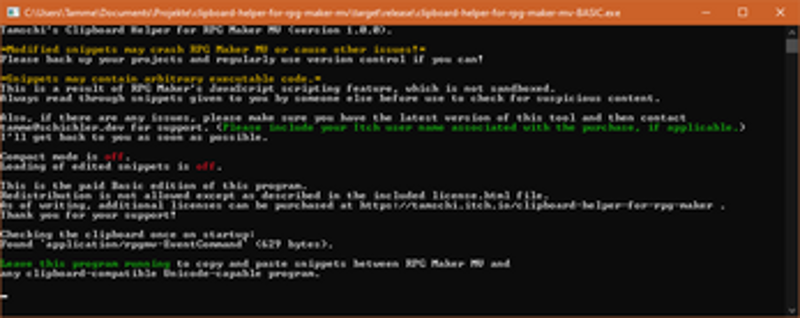
This is a workflow enhancement for RPG Maker MV, enabling seamless data exchange with other applications through the clipboard. Supported data copied in RPG Maker is automatically translated into RPGSNIPPET text that can be pasted elsewhere, and supported snippets found in copied Unicode text are automatically made available to RPG Maker. As snippets can contain arbitrary executable code (through … If you enjoyed this game, see our list of games similar to Clipboard Helper for RPG Maker MV.
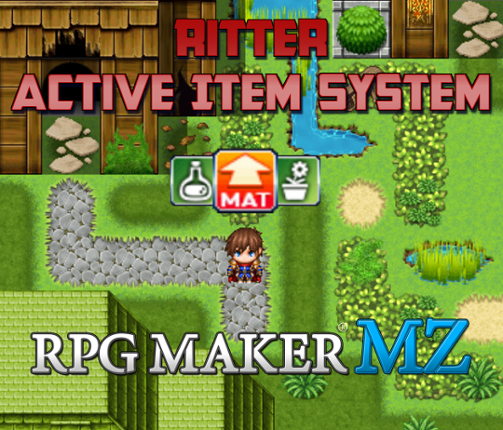
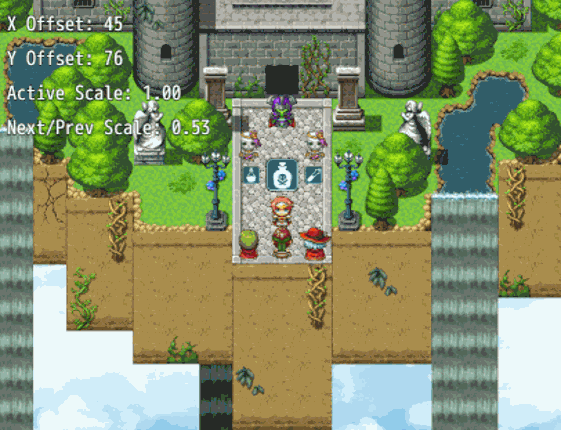
Ritter Active Item System Plugin Toggle through and use items on the game map! Designed for use in Action Battle Systems like Chrono Engine. Press a button to toggle backward and/or forward through active items and press a button to use it! Set up your items in the database as you normally do, giving them all effects you desire including executing a common event on item use! Includes everything yo… If you enjoyed this game, see our list of games similar to Ritter Active Item System (RPG Maker MZ).
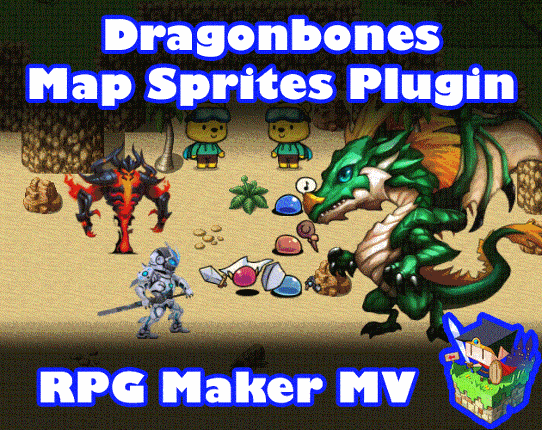
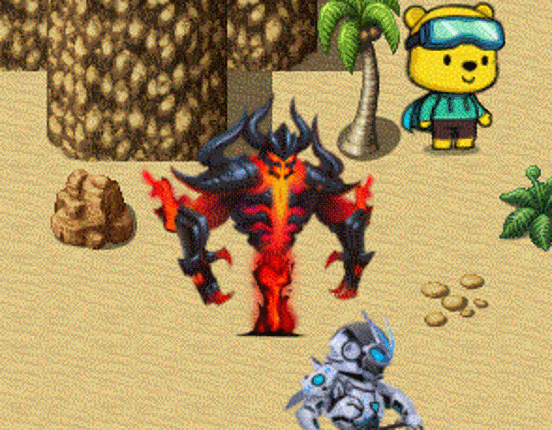
Introduction The plugin enables the ability to attach Dragonbones armatures to characterson the map to use as map sprites and animate them through plugin commands ormovement Script Calls. Dragonbones map sprites can (optional) have uniqueanimations for standing idle, walking, dashing, jumping, and/or climbing aswell as (also optional) unique animations for each direction. This is an extension plug… If you enjoyed this game, see our list of games similar to Dragonbones Map Sprites plugin for RPG Maker MV.

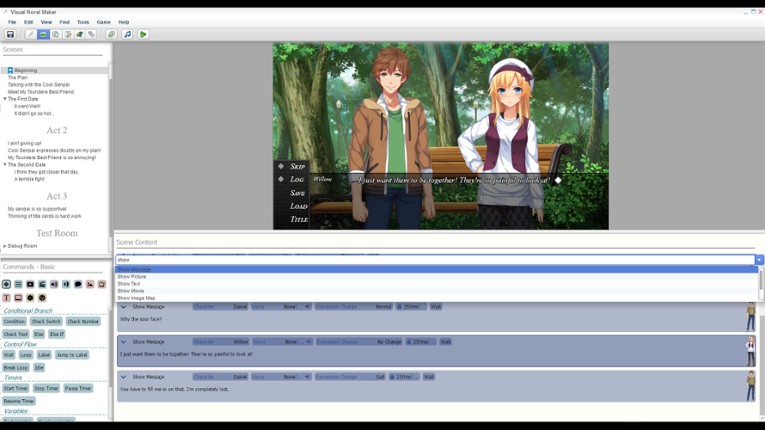
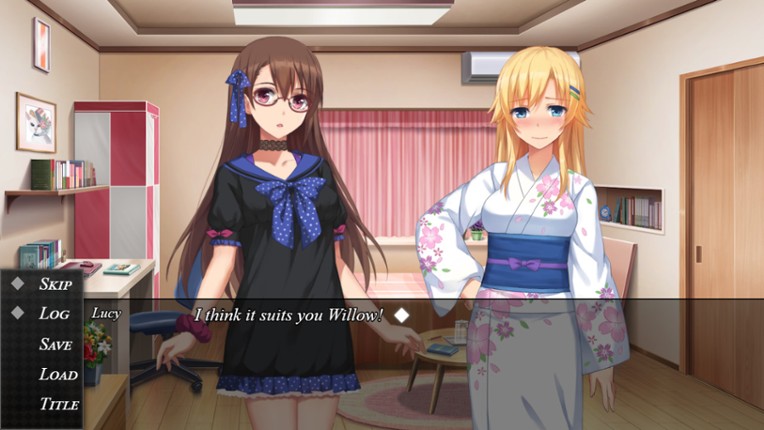
Your opinion matters !Please let us know what you thought of Visual Novel Maker. Survey here : About the SoftwareVisualize, Create, Share. Degica is pleased to announce their latest installment to the 'Maker' series of game development tools, Visual Novel Maker. A revolutionary new tool for Visual Novel Creation aimed towards aspiring artists and writers to bring their stories to life. Visual… If you enjoyed this game, see our list of games similar to Visual Novel Maker.
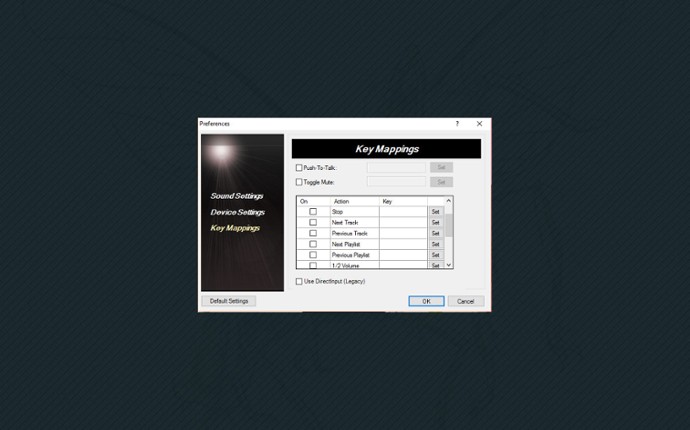
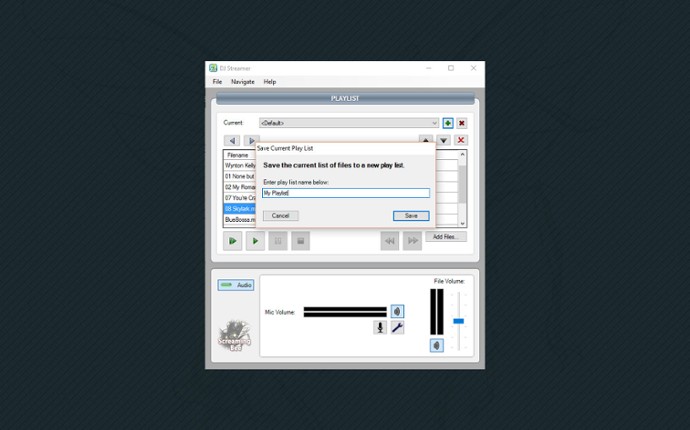
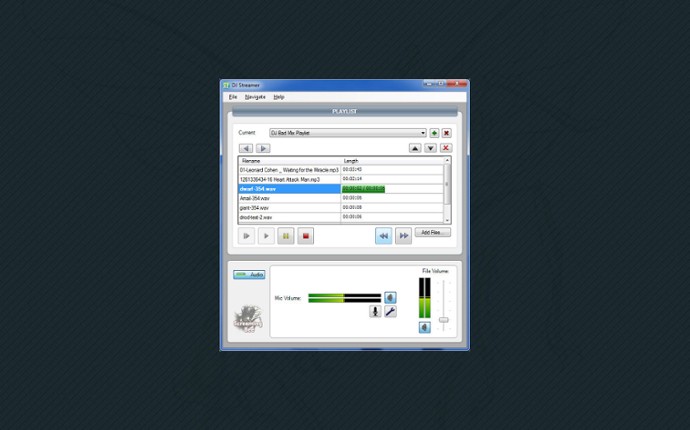
The DJ Streamer plays your audio files out to other programs with a virtual microphone. You can now quickly create a play list from existing files on your computer to broadcast to others. Many popular file formats are supported, such as wave, ogg, windows media and MP3. Files can be paused, stopped, skipped, and the order of the play list changed. The DJ Streamer also works alongside MorphVOX t… If you enjoyed this game, see our list of games similar to DJ Streamer.
A simple, experimental Nintendo Switch emulator Ryujinx is an open-source Nintendo Switch emulator created by gdkchan and written in C#. This emulator aims at providing excellent accuracy and performance, a user-friendly interface, and consistent builds. which means im not the original owner/ creator of this project! i do not claim any ownership of this software, nor do i claim that you should pir… If you enjoyed this game, see our list of games similar to Ryujinx UNOFFICIAL ITCH PORT.
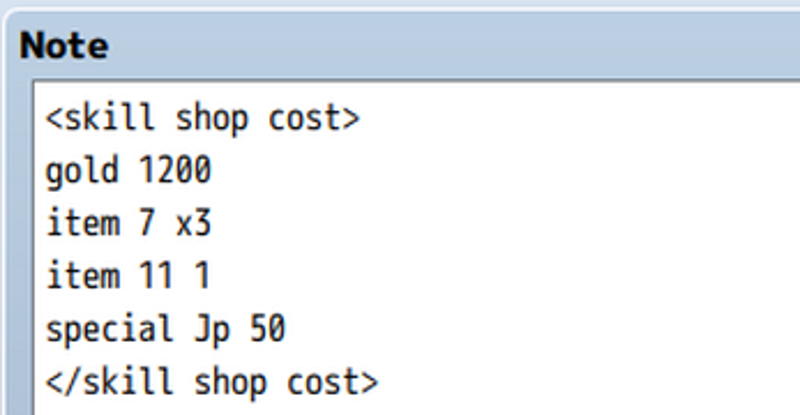
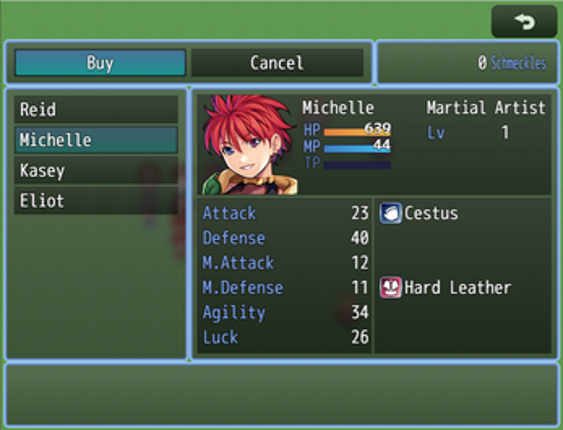
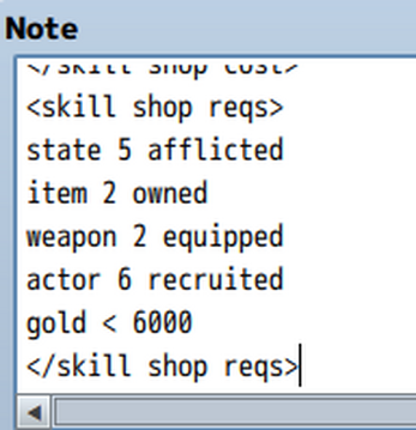
Ramza's Skill Shop Currently only for RPGMaker MZ (MV Version coming soon!) Overview: Skill shop is a plugin which does exactly what it says on the tin - allows you to make a shop that sells skills to the player. It has support for multiple shops (basically limitless shops, in fact), each with their own available skills, and stock values for those skills. Each actor has a list of skills that they … If you enjoyed this game, see our list of games similar to MZ - Skill Shop.
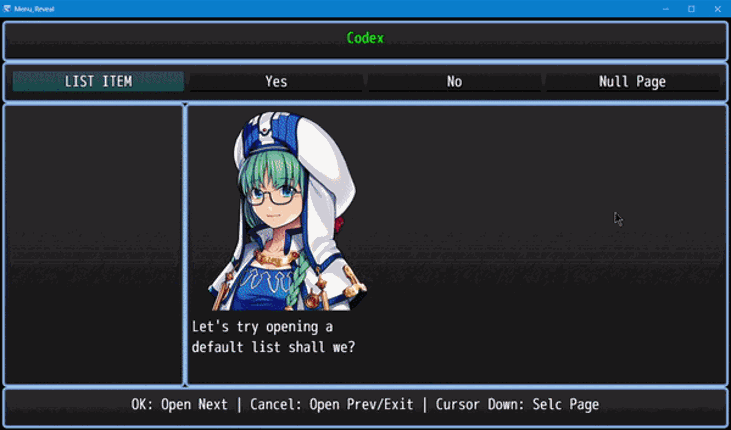
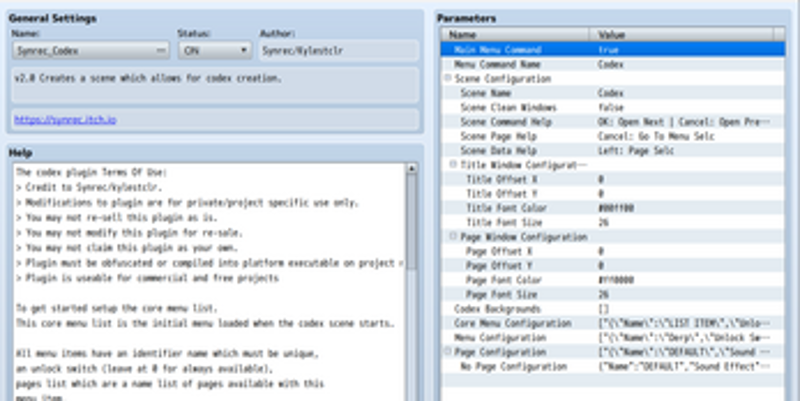
This plugin allows you to create an infinite dictionary with theoretically limitless menus and pages. Features: Scrolling data pagesNested menu setupUnlimited TilingSprite Backgroundsetup with hideable default window framesUnlockable menus and pages with plugin command or game switchesPictures (with custom dimensions, can even use part of an image)Page BGM, play music when a certain page is displ… If you enjoyed this game, see our list of games similar to RPG Maker MZ: Book Maker.
Fast DS emulator offers a drastic improvement in performance. Smooth and FAST. If you enjoyed this game, see our list of games similar to Fast DS Emulator For Android.

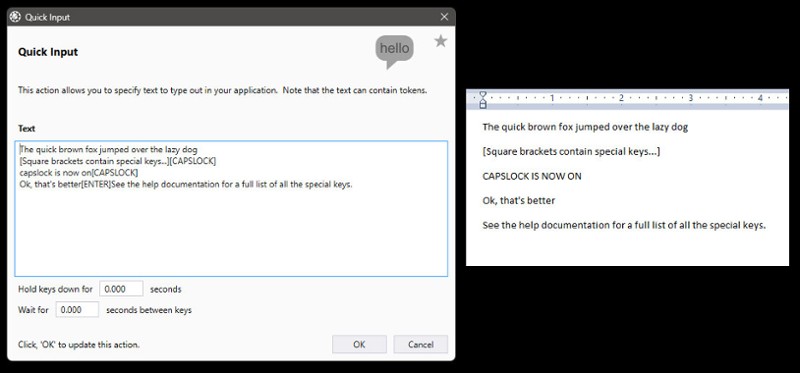
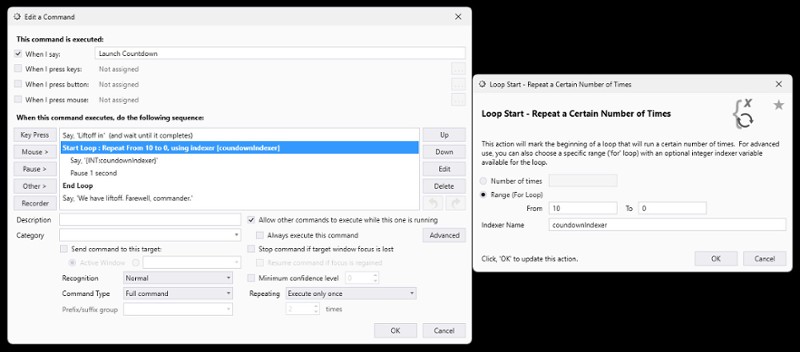
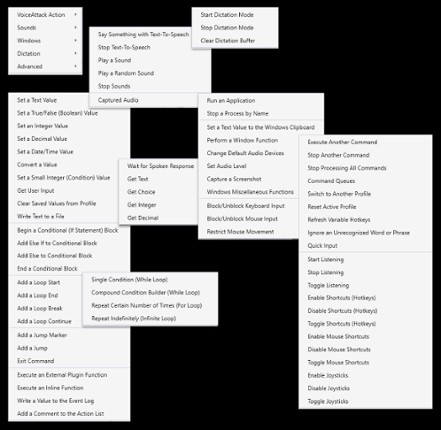
VoiceAttack is the premier voice control and macro creation system for your Windows games and applications. Take a look at just a few elements from VoiceAttack's substantial set of features:Control Your Games and simulators With Your VoiceAdd your voice as an extra controller with voice commands that YOU create. Give specific instructions to your space freighter, your race pit crew, your 'mech o… If you enjoyed this game, see our list of games similar to VoiceAttack.
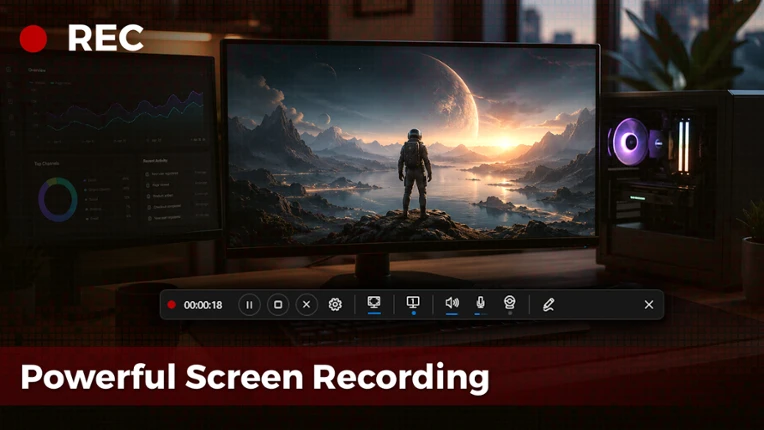
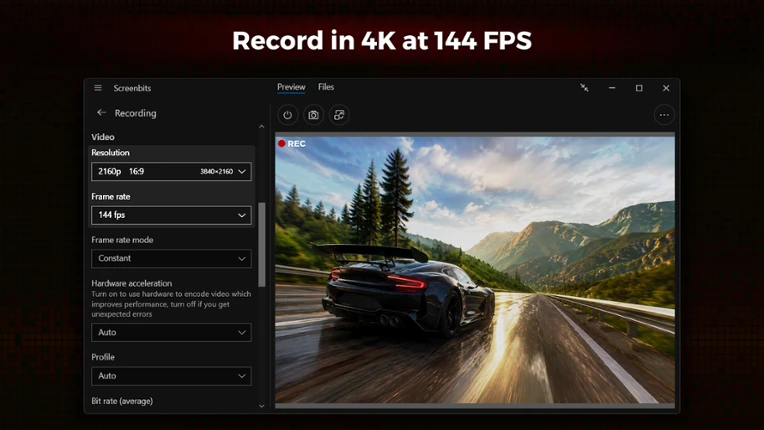
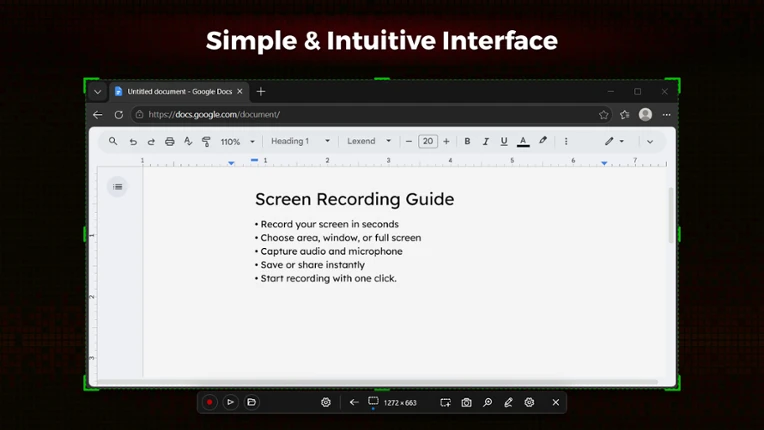
Screenbits — Powerful Screen Recording Fast, flexible, and easy-to-use screen recorder for gameplay, tutorials, product demos, and more. Record your screen, system audio, microphone, and camera in high-quality HD or 4K with smooth performance. High-Performance Video Recording • MP4 (H.264/HEVC/AAC) output • Up to 4K resolution and 144 FPS* • Adjustable resolution, frame rate, and qualit… If you enjoyed this game, see our list of games similar to Screenbits - Screen Recorder.
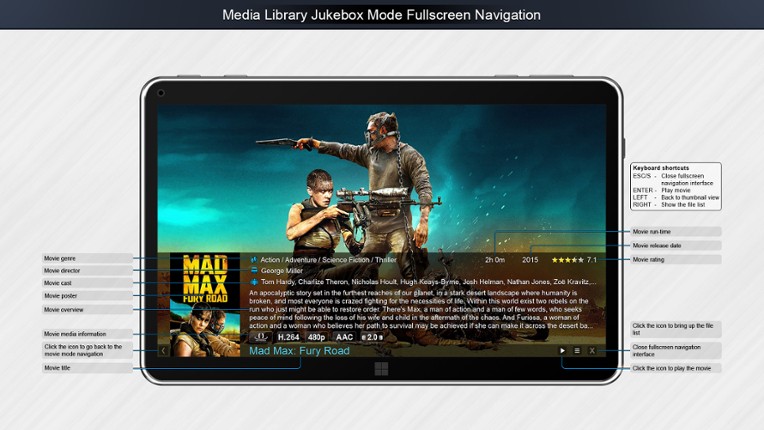
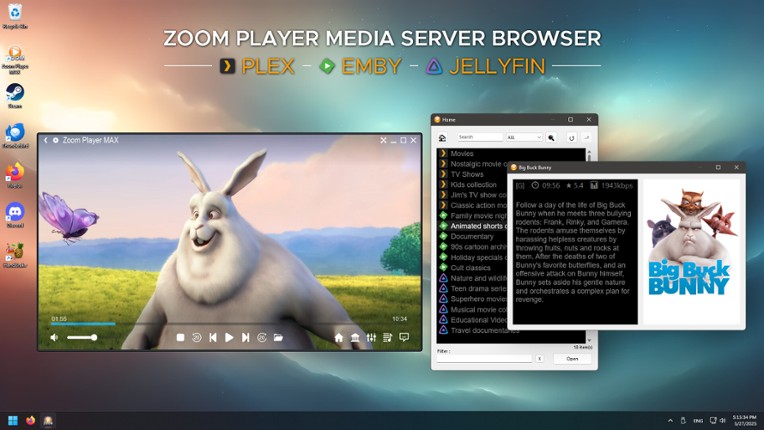
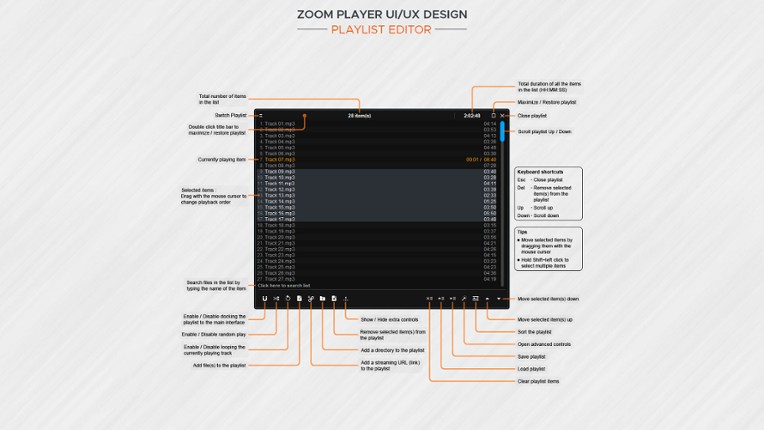
Zoom Player is a Powerful, Flexible and Highly Customizable Media Player and Media Center software for the Windows PC platform. Using our Smart Play technology, more media formats play with less hassle, improved stability and greater performance. Zoom Player's fullscreen navigation interface is based on a simple 5-Key system (up/down/left/right/select). The 5-key system is suitable for easy access… If you enjoyed this game, see our list of games similar to Zoom Player.
With Portrait Wizard you can easily create good looking character portraits. Portrait Wizard is a tool you use to puzzle together a portrait with a wide selection of highquality parts, to create hand-drawn like portraits. You will be able to manipulate the parts in various ways, so the variations are endless. Color, size(also x/y), brightness, angle, and more can be changed, depending on … If you enjoyed this game, see our list of games similar to Portrait Wizard.
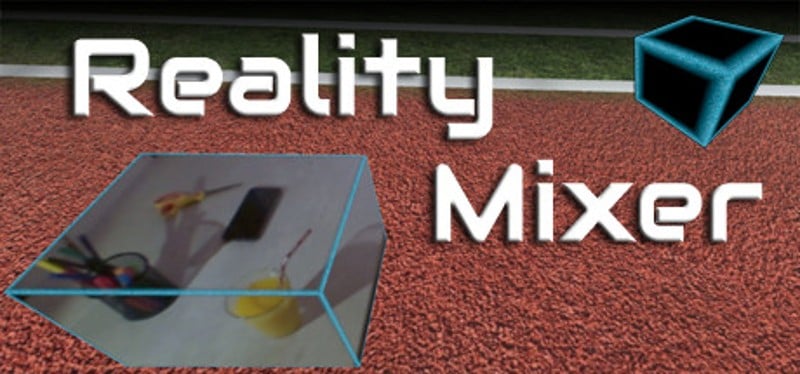
Reality Mixer lets you bring real objects into VR. It uses the cameras on the headset to show a real object and its surroundings in the current VR environment. It can be used at the same time as other VR software and games. Think of objects like keyboard & mouse, a racing wheel, HOTAS, a clock on the wall, a drink on your desk, a phone, a tablet, a chair, etc. Also larger real objects can be … If you enjoyed this game, see our list of games similar to Reality Mixer - Mixed Reality for VR headsets.
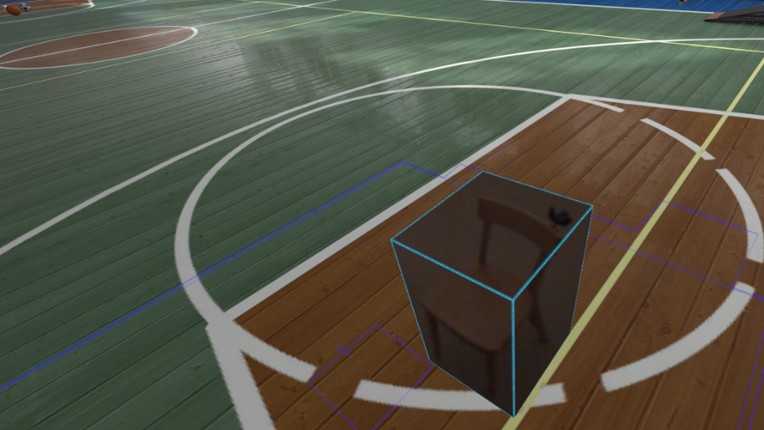
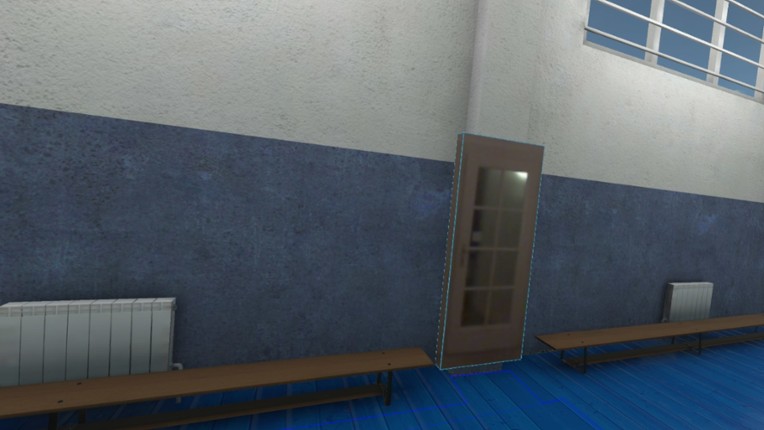
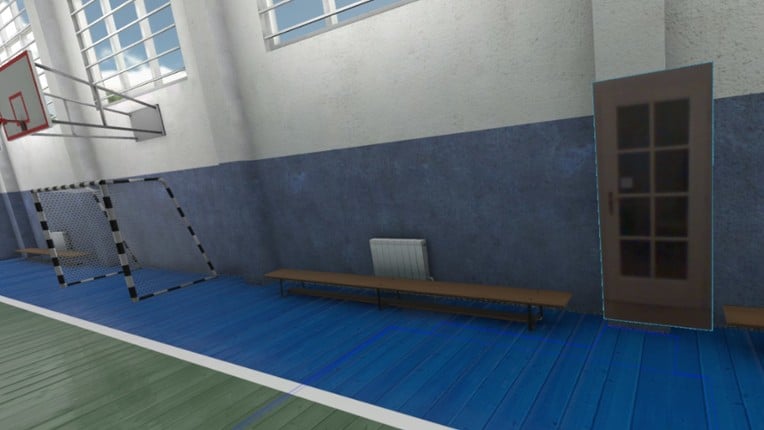
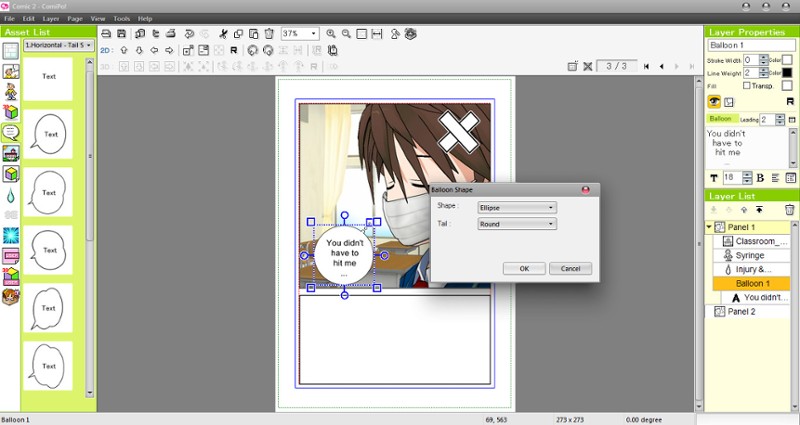
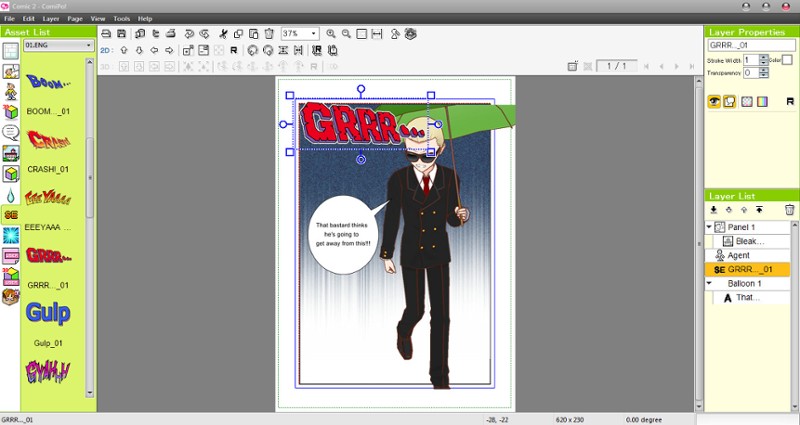
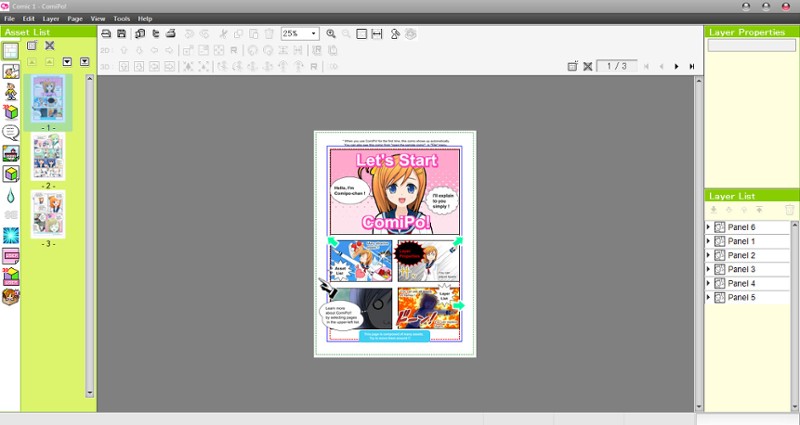
Make your own manga with ComiPo! The next gen manga software! ComiPo! is a revolutionary software application that allows anyone to quickly make short comics and manga. Users can easily create their own unique stories and situations simply by choosing one of the 3D characters included with ComiPo! and one of the preset pose. The program also offers over 100 unique body poses and facial expression… If you enjoyed this game, see our list of games similar to Manga Maker Comipo.
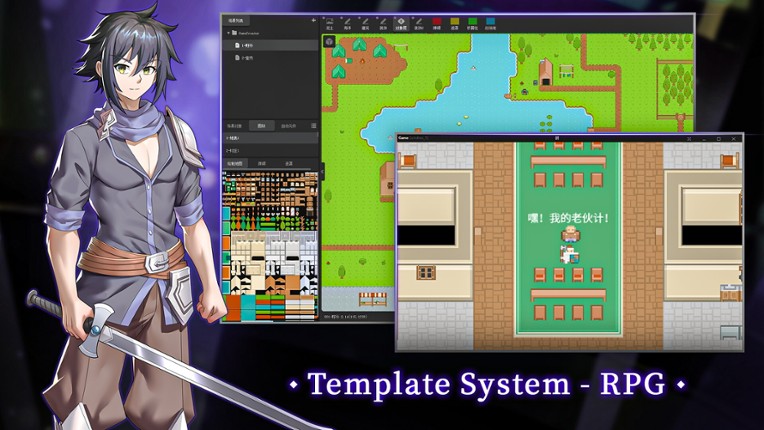
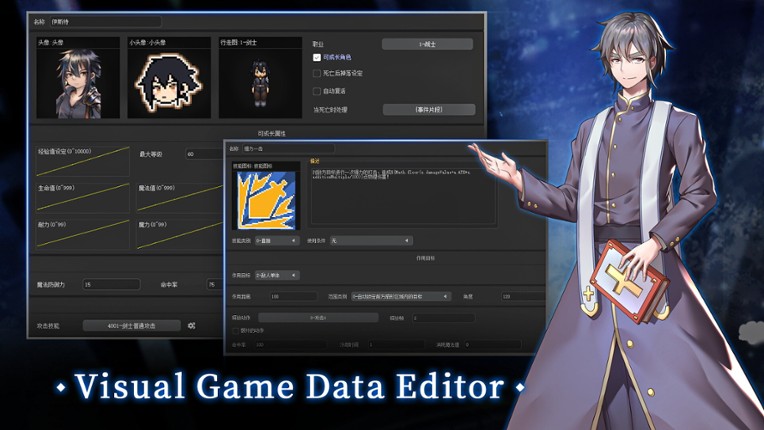
IntroGameCreator is an all-in-one game development engine that focuses on providing a fully visualized approach to create 2D games without programming. It supports publishing to PC, mobile, and website. In the meantime, we also provide a platform that serves as a hub for the distribution of both commercial and free games, as well as the sale of assets, plugins, and templates by the development co… If you enjoyed this game, see our list of games similar to GameCreator.
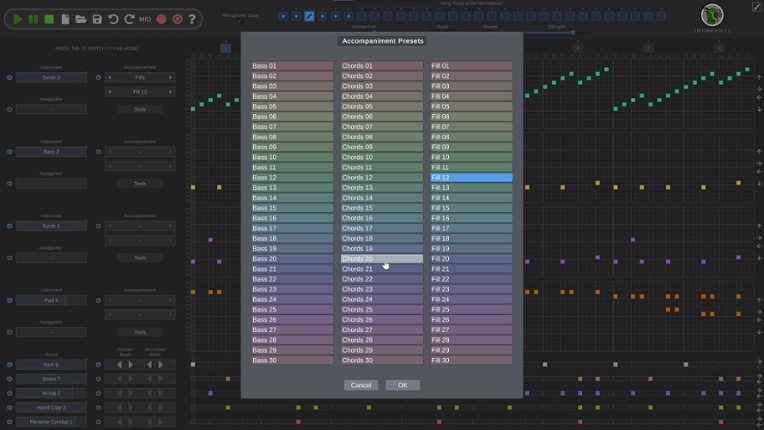
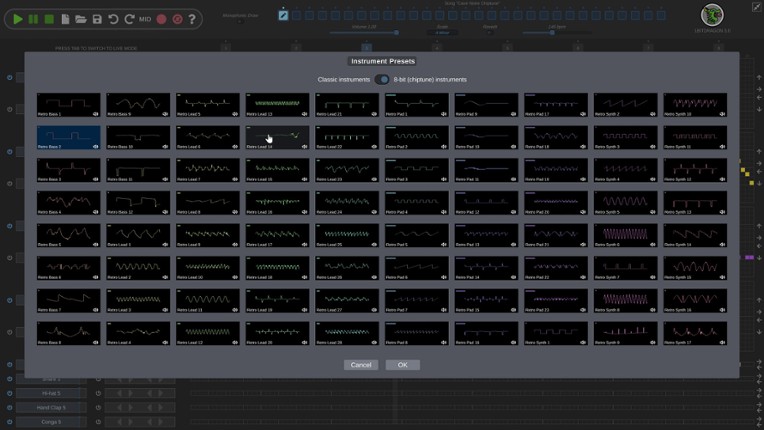
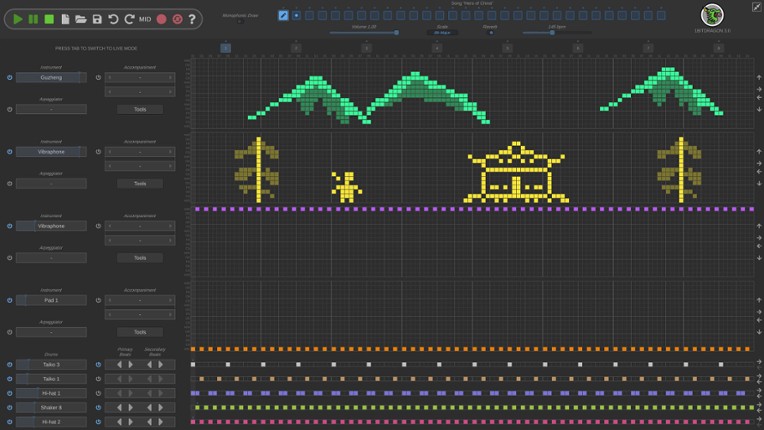
Ever wanted to get into music making but find mainstream music software too complicated? Doodle some shapes on the piano roll and the dragon will do its thing. You don’t need to know music in order to make something that sounds good. There are 223 instruments and 275 drum samples so you can make a ton of music across a bunch of genres without having to get outside of 1BITDRAGON.Features 223 hi… If you enjoyed this game, see our list of games similar to 1BITDRAGON.
Create stunning animated Windows mouse cursors for your PC with CursorFX! Easily apply skins, shadows, motion trails, and sounds, customize your own, or choose from one of several unique cursors already installed. Apply Right from install, CursorFX has several high quality cursor options to choose from! Pick a premade cursor from the preview list and click “apply.” Your new cursor is ready to go,… If you enjoyed this game, see our list of games similar to CursorFX.

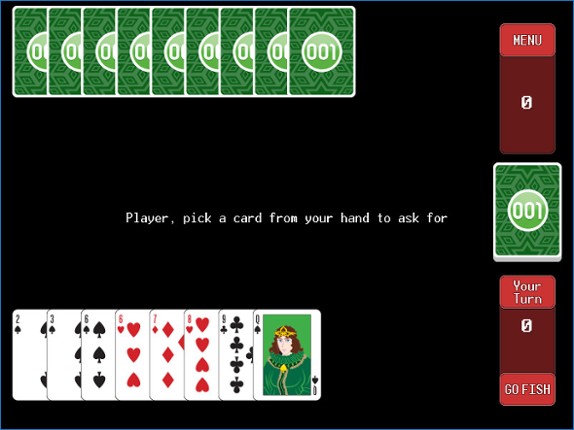
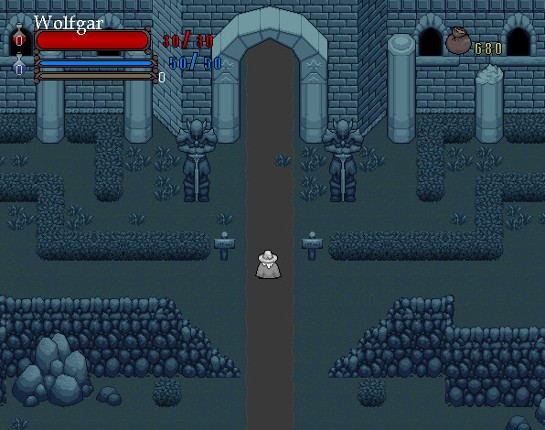
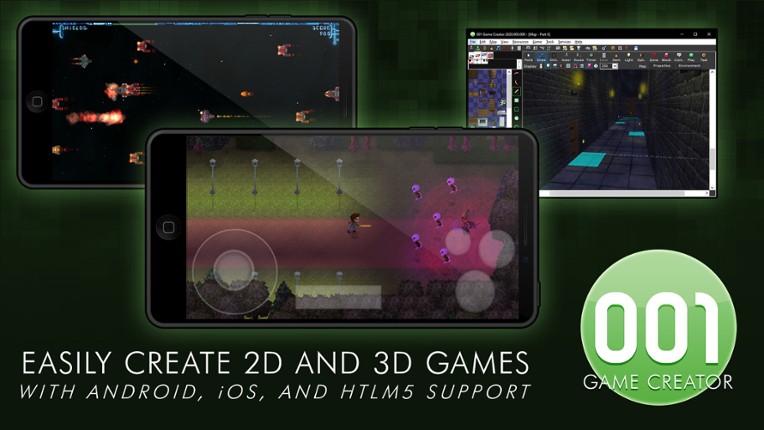
Create games without limits001 Game Creator prides itself on offering users a diverse set of tools and features to create any type of game you can think of: PC, Steam, Android/iOS (native), HTML5 with multi-finger gestures and network testing Online Multiplayer/LAN/Networking (supports both TCP and UDP) Multiple layer map editor with parallax canvases 2D/3D camera system with 7.1 3D HD audio Split… If you enjoyed this game, see our list of games similar to 001 Game Creator.
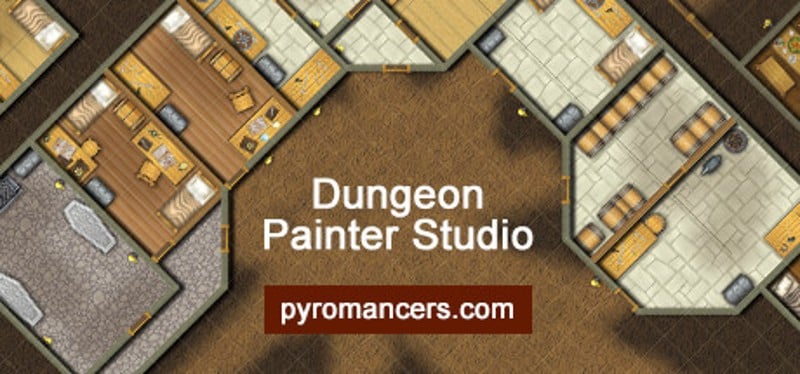
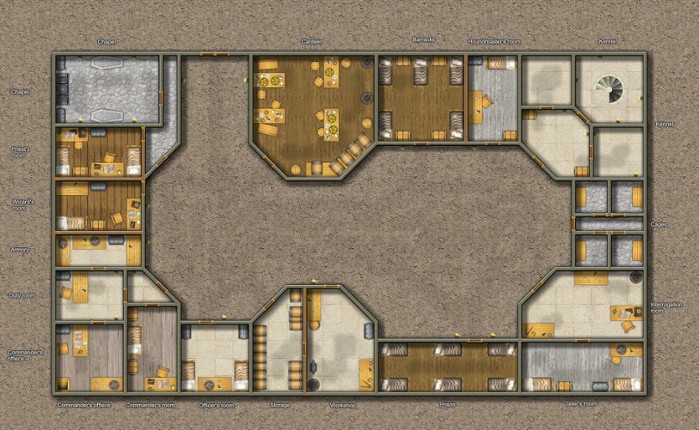
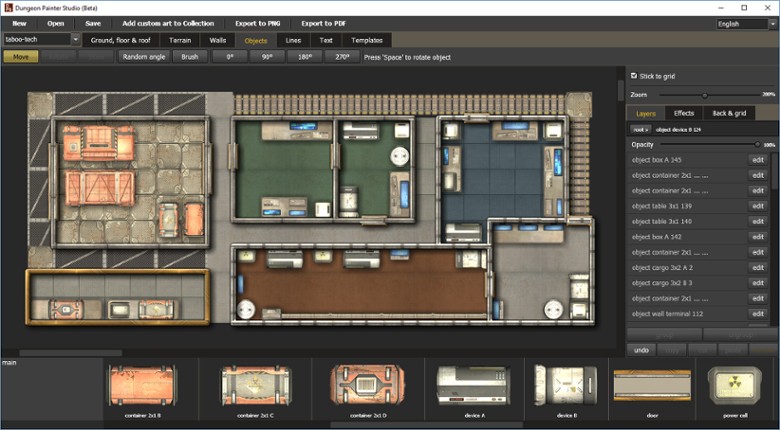
Dungeon Painter Studio is a powerful encounter map design tool, with a lot of features: Layers and groups Easy import of custom art Export to multipage pdf for print 1 inch, 1.5 inch & 1 cm grids Square and hex grid types Filters (Drop Shadow, Glow, Bevel, Tint...) All objects are editable Terrain brush tool Responsive interface Sketchs import one click D20 random generator dungeons import If you enjoyed this game, see our list of games similar to Dungeon Painter Studio.
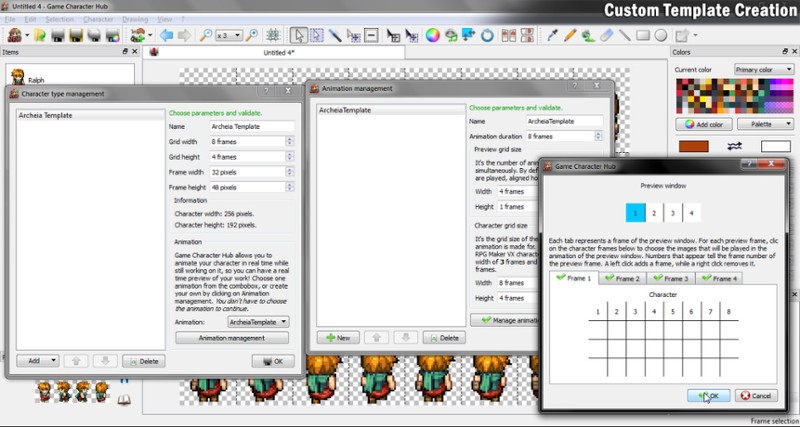
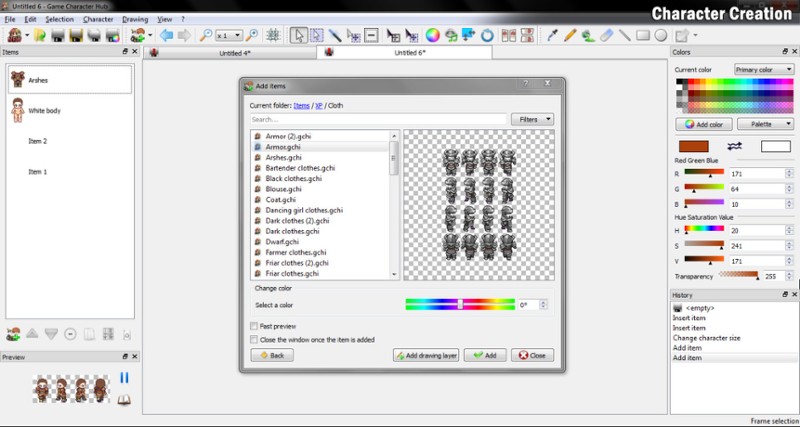
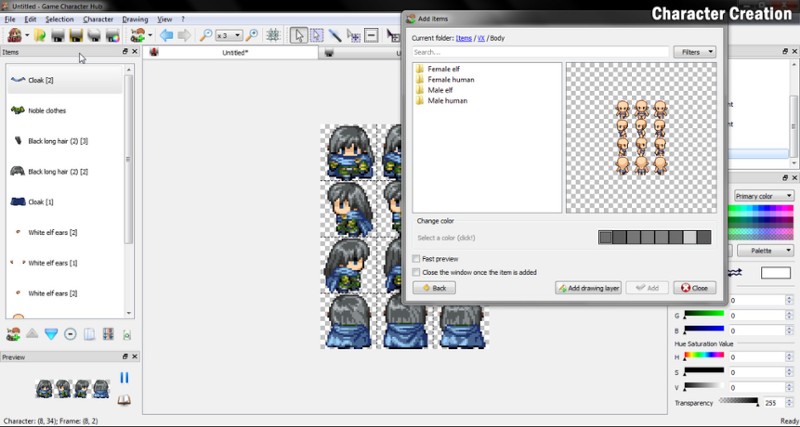
Game Character Hub is the ultimate program for creating and editing 2D game assets. It provides a built-in generator for character and tileset creation. While the program was made to be compatible with RPG Maker XP, VX and VX Ace, the elements found in the program should work with other 2D game engines as well. RPG Maker assets are for RPG Maker use only.Key Features With Game Character Hub, you … If you enjoyed this game, see our list of games similar to Game Character Hub.
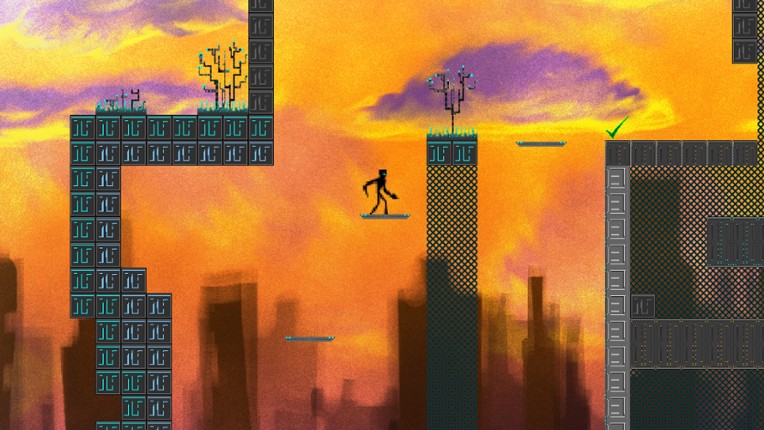
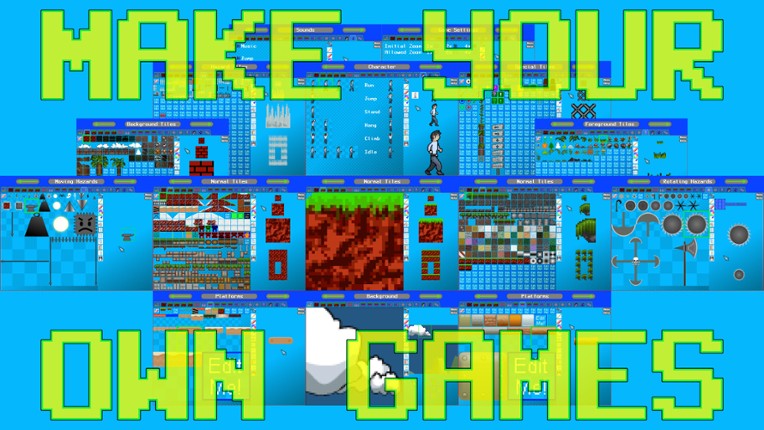
Platfinity™, fast & easy game creation! Create your own platform games, quick & easy! Move to play, click to edit. One click export to sell or share your games! Multiple Tile layers, Platform, Moving and Rotating Hazard objects. Create your own graphics with the built in painting tools or import graphics from the disk. Use the Retrofilter to double or quadruple pixels to give your cr… If you enjoyed this game, see our list of games similar to Platfinity™.

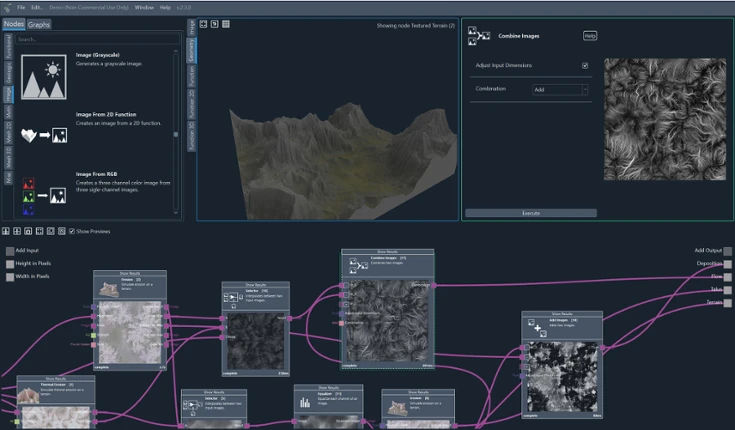
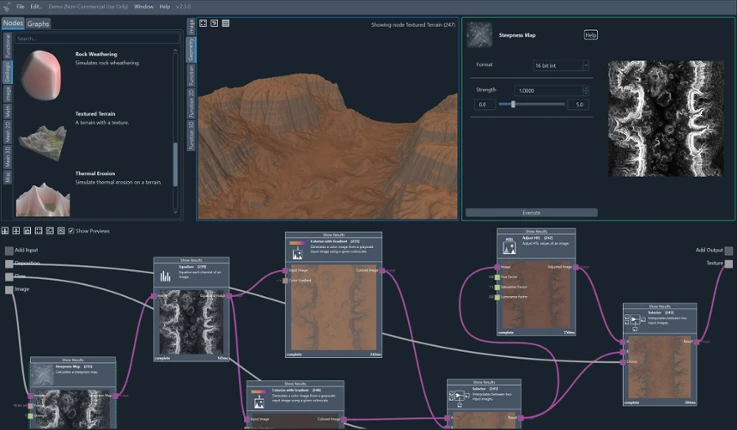
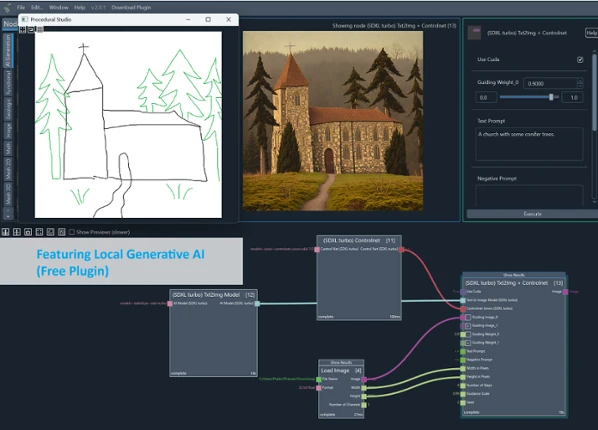
Procedural StudioCreate realistic terrains, images, and 3D objects, using Procedural Studio's powerful node editor. Every project begins with a blank canvas where intricate node-graphs can be constructed to guide the entire workflow. This structure provides endless flexibility, allowing adjustments to any part of the process whenever needed. Forget about irreversible changes and embrace the abilit… If you enjoyed this game, see our list of games similar to Procedural Studio.
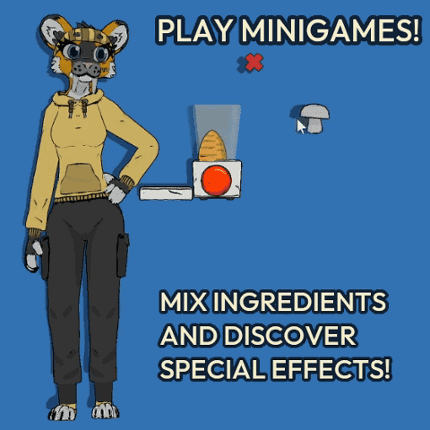
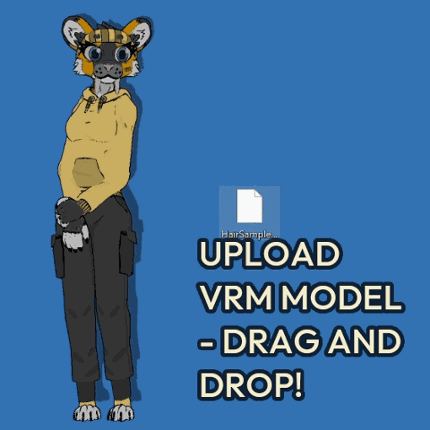
Upload your own custom models (.vrm format), pet, feed, switch and color outfits, play minigames, do self care exercises and more! Upload your favorite VRM model and see if it works! Go to the bottom of the page to download it! Demo available for both Linux and Windows! Dotami-vrm is a virtual pet game with self care exercises, minigames and many fun ways to interact with your buddy! Feed … If you enjoyed this game, see our list of games similar to Dotami-vrm.

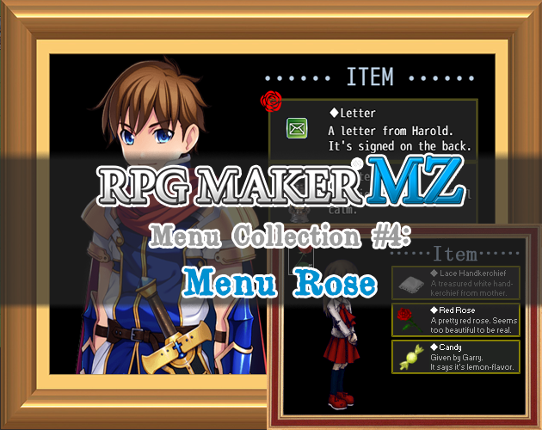
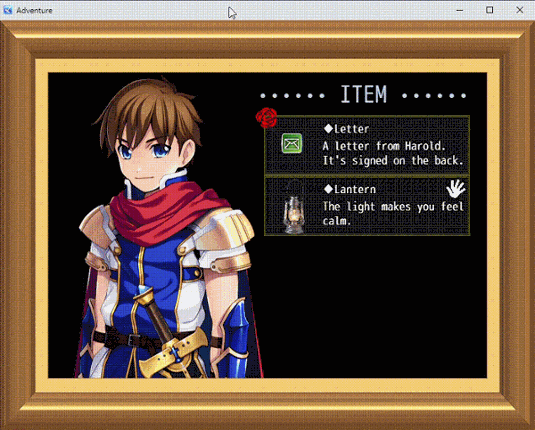
GENERAL "Rose" is the fourth release for the Menu Collection for Rpg Maker MZ. This menu is highly inpired to the one you can see in the game "IB". Specifically, this menu is highly suggested for one-actor Rpg Maker game like horrors and similar. Differently from the original menu, Rose has some additional features that could make your menu more interactive. FEATURES Customizable menu images for… If you enjoyed this game, see our list of games similar to Rose Menu - For Rpg Maker MZ.
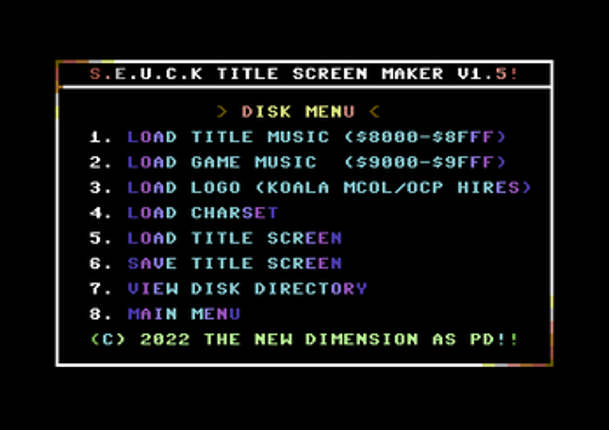
Are you a creative Commodore 64 user who likes to make games using the Shoot Em Up Construction Kit (SEUCK) or Sideways Scrolling SEUCK. Are you bored with the old front end, provided? Do you want to make your presentation stand out but you cannot code? Transform this: into this: The New Dimension is very proud to present to you the SEUCK Title Screen Maker. A fun tool which can help you make c… If you enjoyed this game, see our list of games similar to SEUCK Title Screen Maker V1.5+ [Commodore 64].
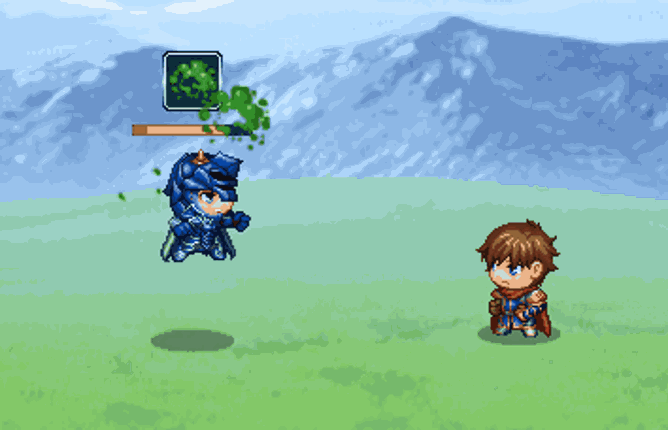
Use your shield to block, now available for RPGMaker MZ! Using this plugin, actors and enemies alike can wield their shields defensively to block incoming damage from blockable attacks. The amount blocked is configurable, and the exact effect of a block can be configured as well. By default, a successful block reduces incoming damage by x%, and then subtracts y from the remaining amount. Then a bl… If you enjoyed this game, see our list of games similar to MZ - Shield Block.
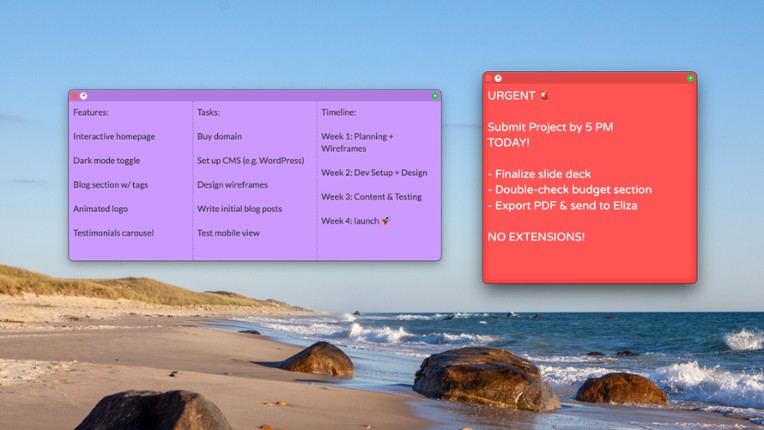
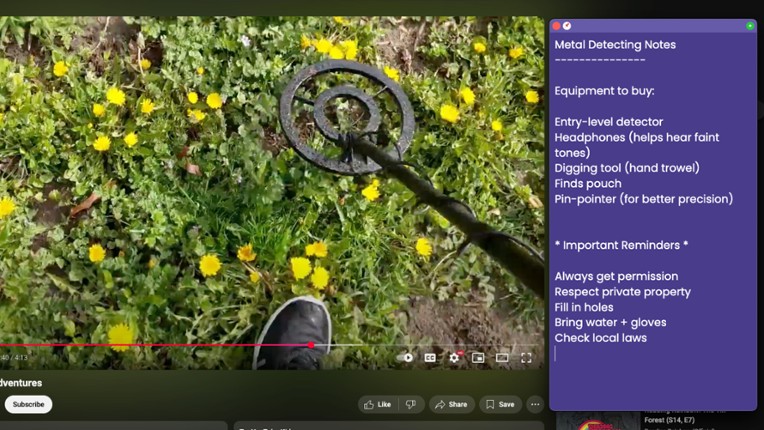
Plain Text Sticky Notes is a lightweight yet powerful sticky notes application for your desktop that focuses on simplicity and flexibility. Keep your thoughts, tasks, and reminders organized without the bloat of complex note-taking apps—or the mess of copied formatting. Why Plain Text MattersUnlike many sticky note or note-taking apps that carry over unwanted styles, fonts, and formatting when yo… If you enjoyed this game, see our list of games similar to Plain Text Sticky Notes.
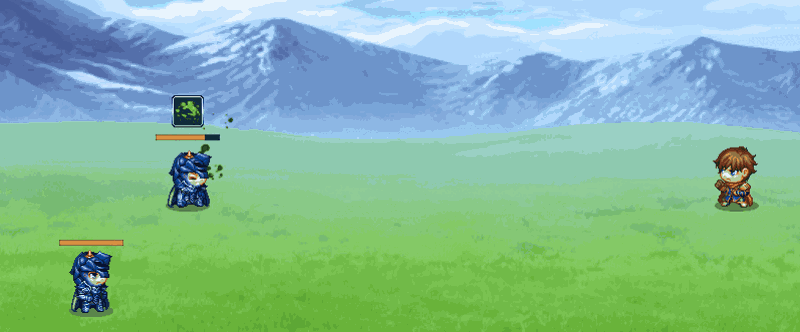
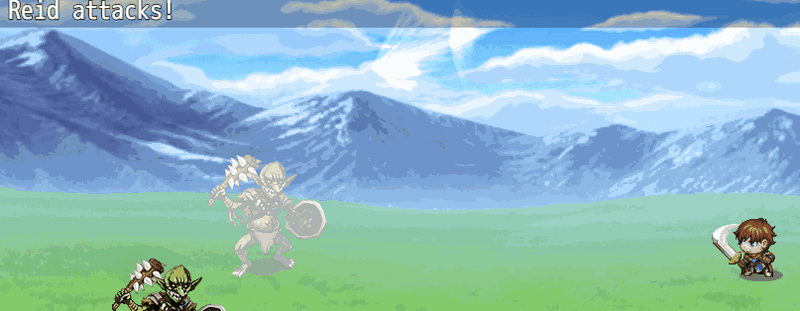
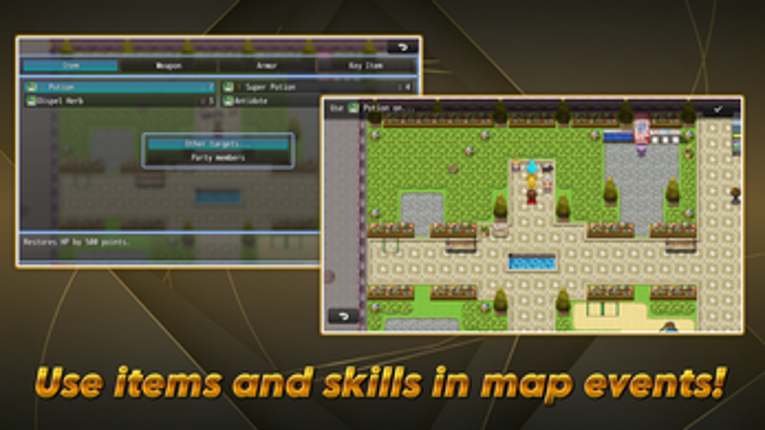
Extended TargetHello! Thank you very much for your interest in our plugin:Extended Target.Before we continue, we would like to remind you that all of our plugins work within the environment: RPG Maker MZ ↔ PC Windows ↔ NWJSIf you use other platforms or devices, we cannot guarantee correct operation because unfortunately we have no way to test them. Please keep this in mind before proceeding.Belo… If you enjoyed this game, see our list of games similar to RPG MAKER MZ Plugin: Extended Target.
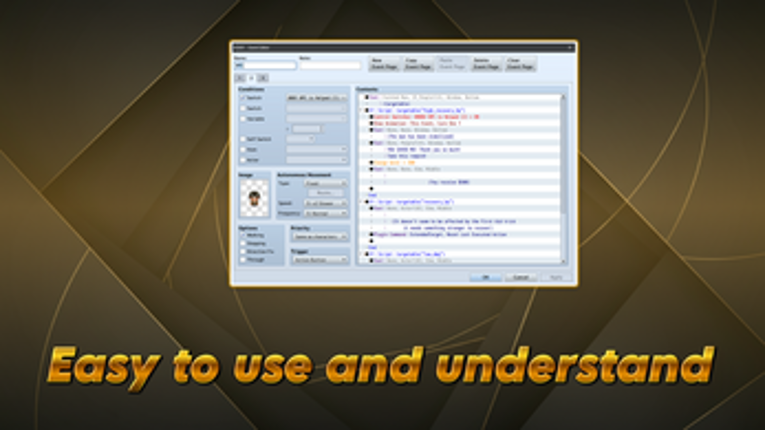
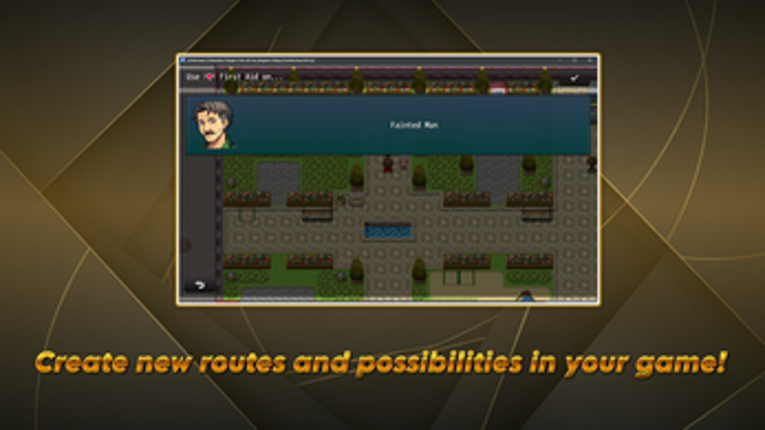
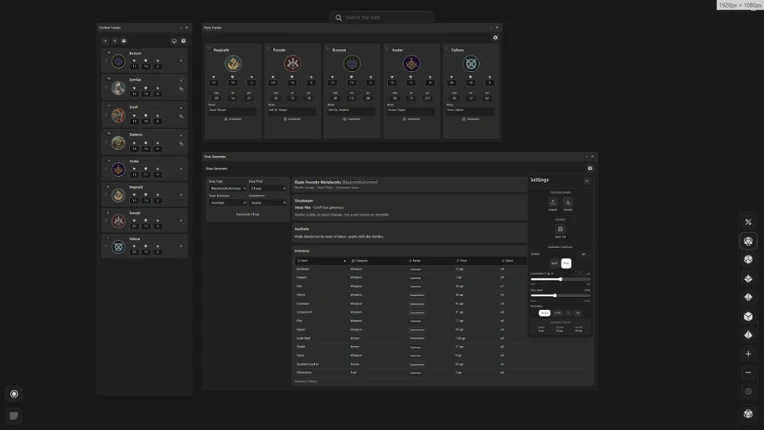
MITHOS is a modular, system-agnostic digital toolkit designed to stay out of your way so you can focus on what's important: Telling stories with your friends. Built by a DM for DMs, MITHOS replaces the cluttered experience of running games through multiple browser tabs and cloud-dependent subscriptions with a light-weight, locally-stored dashboard. Total Creative FreedomUnlike platforms that lo… If you enjoyed this game, see our list of games similar to MITHOS: Game Master's TTRPG Toolkit.
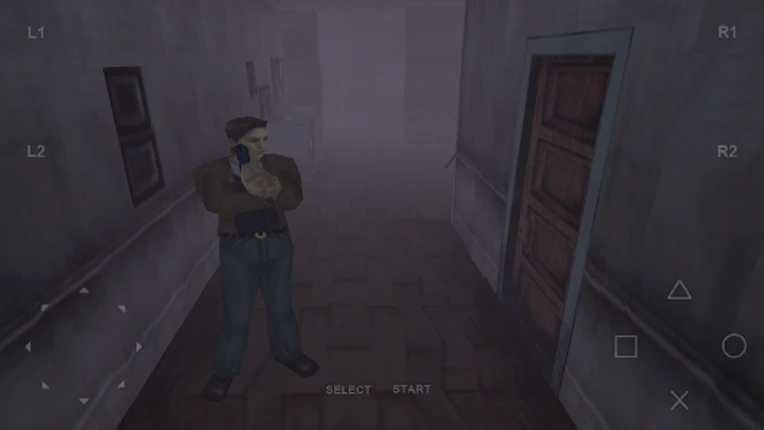
FPse : The best and smoothest PSone Emulator available now!! If you enjoyed this game, see our list of games similar to FPse for Android devices.
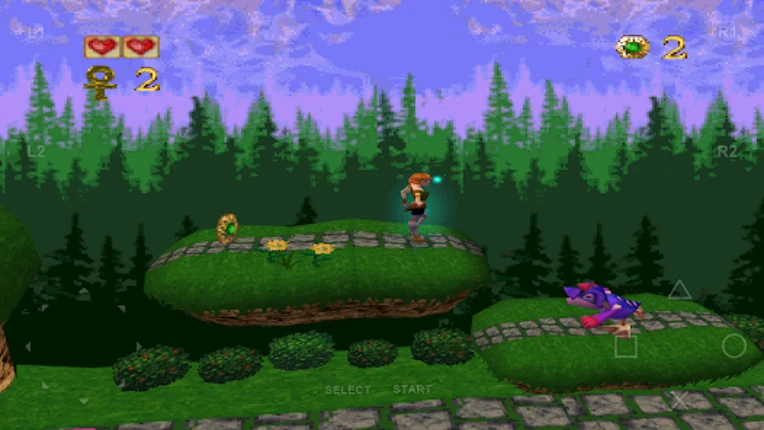
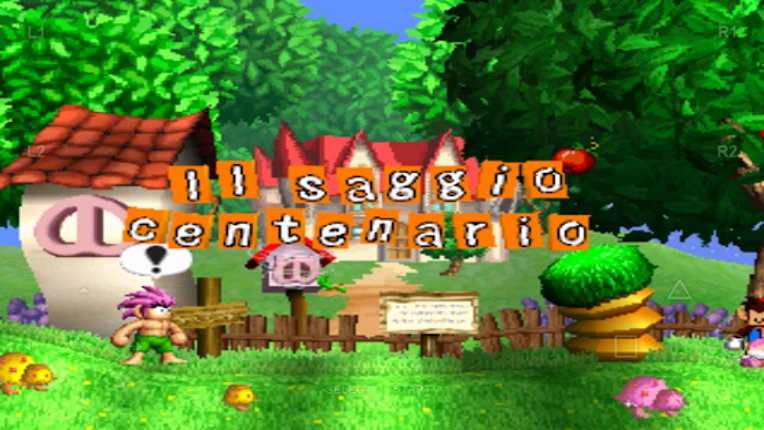
8bit handheld emulator for Android If you enjoyed this game, see our list of games similar to Pizza Boy C Basic.

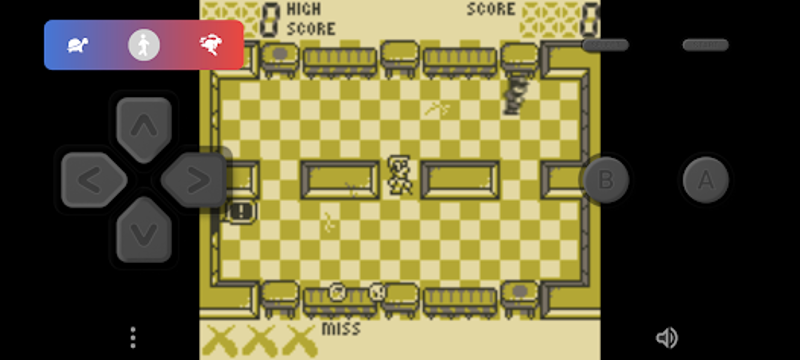
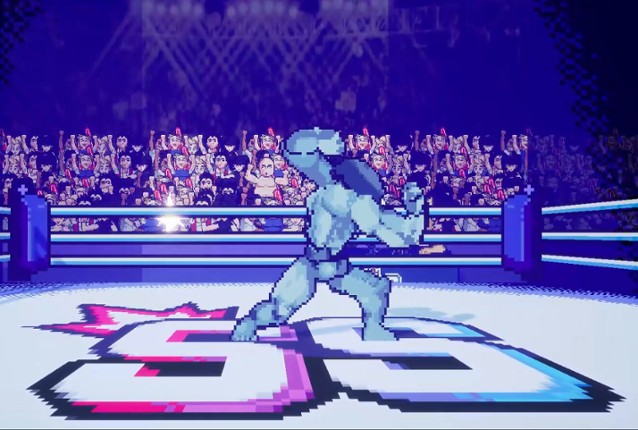
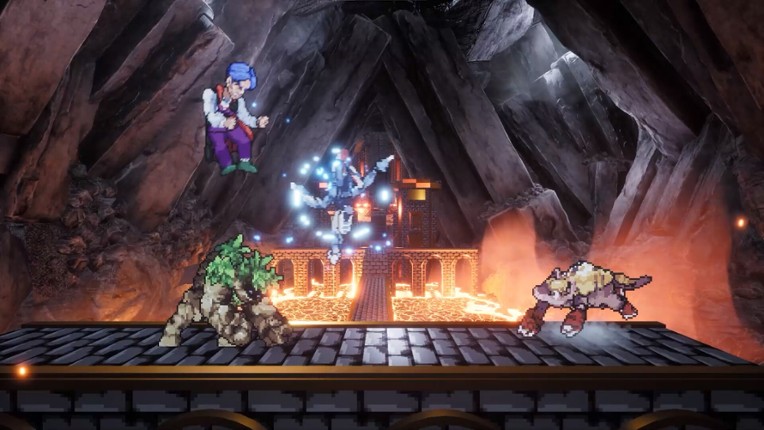
Smack Studio is a sandbox platform fighting game with built-in creation tools for characters and stages. If you enjoyed this game, see our list of games similar to Smack Studio.
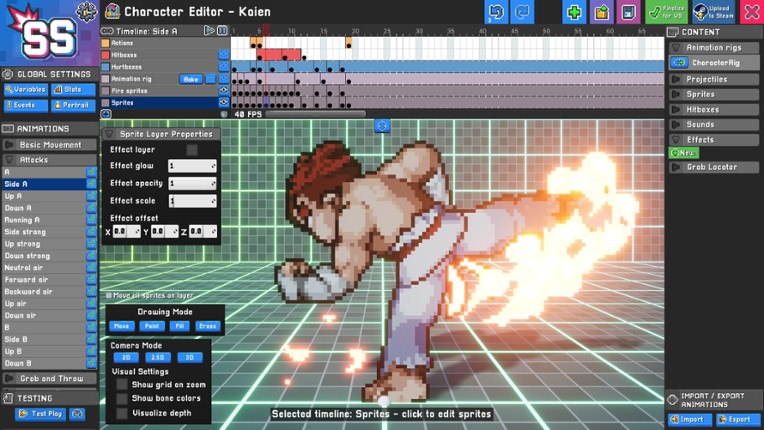
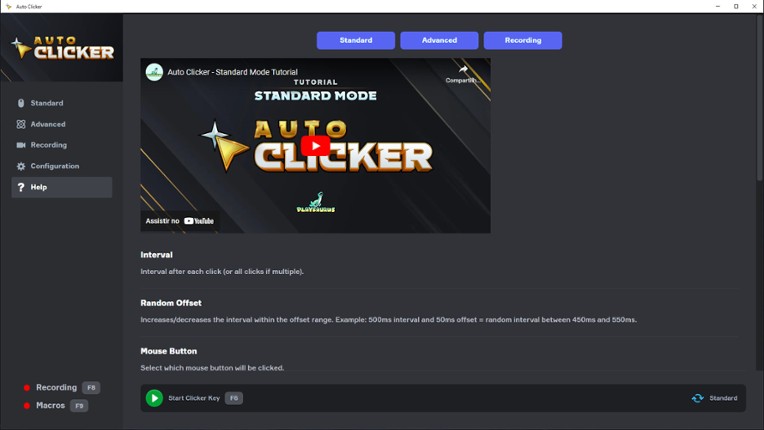
Automate your clicks with Playsaurus's trusted Auto Clicker on Steam. Auto Clicker can automate clicks and other inputs in Steam games, standalone PC titles, Windows apps, and even web games. Standard ModeStart with Standard Mode if you need a simple auto clicker that’s quick to set up: Configure intervals between clicks, including random offsets Choose your mouse button type: left, right, … If you enjoyed this game, see our list of games similar to Auto Clicker.


 View Game






![[LC]TooltipSystem - Sprite-Based Tooltip System Image](https://img.gamebrain.co/games/856/tooltipsystem_sprite_based_tooltip_system_last_call_2025_1_xl.png)
![[MZ] Depth Scale Image](https://img.gamebrain.co/games/970/depth_scale_picopico_2025_1_xl.png)